


Froala WYSIWYG HTML Editor is one of the most powerful JavaScript rich text editors ever.
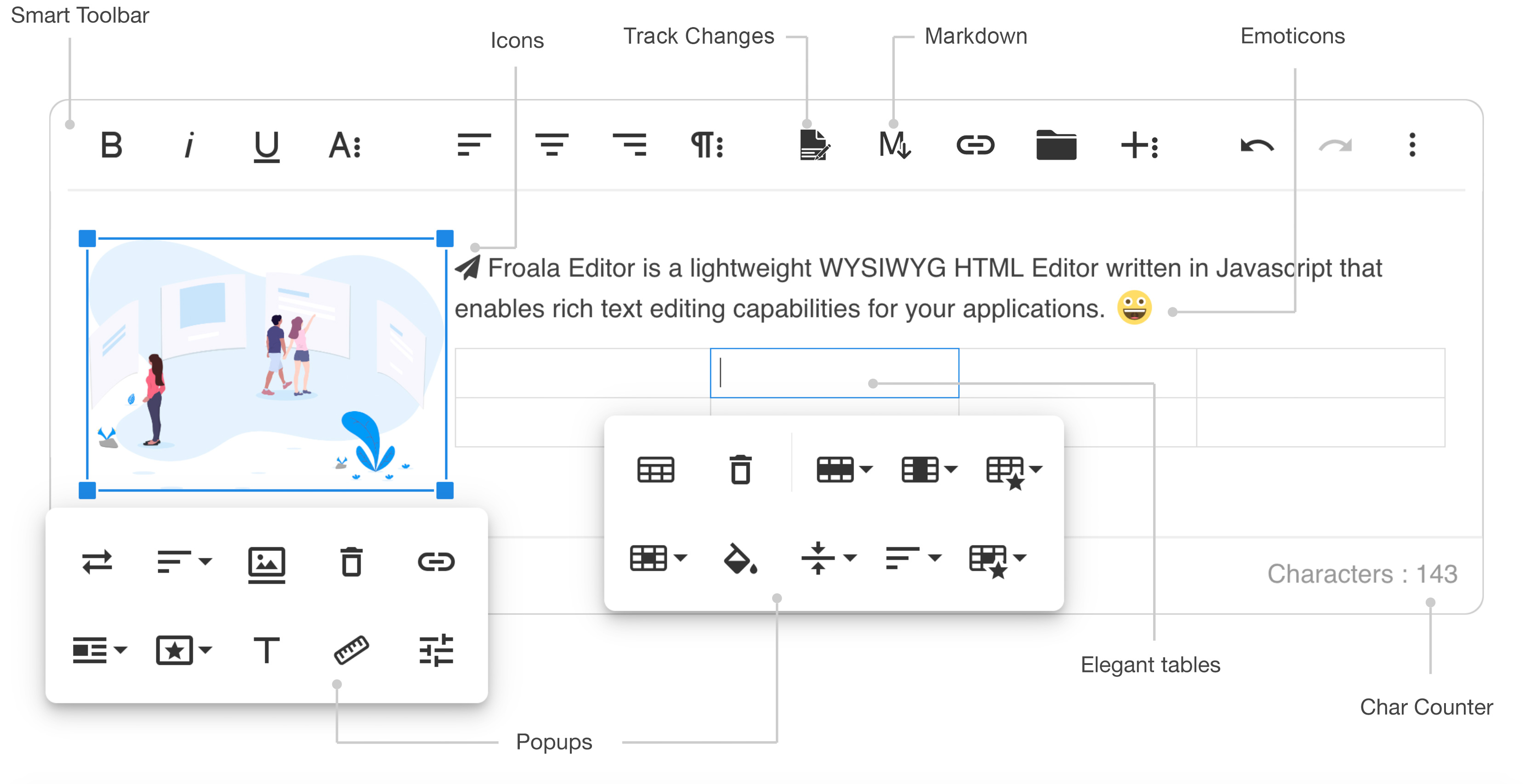
- Slim - only add the plugins that you need (30+ official plugins)
- Client frameworks integrations
- Server side SDKs for PHP, Node.JS, .NET, Java, and Python
- Code is well commented
- Online documentation up to date
- Simple to extend - the plugins are all well commented and simple to use as a basis for your own plugins
- Well maintained - frequent releases
- Great support - Help Center
- Awesome new features
- Basic demo: https://www.froala.com/wysiwyg-editor
- Inline demo: https://www.froala.com/wysiwyg-editor/inline
- Full list: https://www.froala.com/wysiwyg-editor/examples
npm install froala-editor
bower install froala-wysiwyg-editor
Using Froala Editor from CDN is the easiest way to install it and we recommend using the jsDeliver CDN as it mirrors the NPM package.
<!-- Include Editor style. --><linkhref="https://cdn.jsdelivr.net/npm/froala-editor@latest/css/froala_editor.pkgd.min.css" rel="stylesheet" type="text/css" /><!-- Create a tag that we will use as the editable area. --><!-- You can use a div tag as well. --><textarea></textarea><!-- Include Editor JS files. --><scripttype="text/javascript" src="https://cdn.jsdelivr.net/npm/froala-editor@latest/js/froala_editor.pkgd.min.js"></script><!-- Initialize the editor. --><script>newFroalaEditor('textarea');</script>Froala Editor is compatible with AMD module loaders such as RequireJS. The following example shows how to load it along with the Algin plugin from CDN using RequireJS.
<html><head><!-- Load CSS files. --><linkrel="stylesheet" type="text/css" href="https://cdn.jsdelivr.net/npm/froala-editor@latest/css/froala_editor.css"><scriptsrc="require.js"></script><script>require.config({packages: [{name: 'froala-editor',main: 'js/froala_editor.min'}],paths: {// Change this to your server if you do not wish to use our CDN.'froala-editor': 'https://cdn.jsdelivr.net/npm/froala-editor@latest'}});</script><style>body {
text-align: center;
}
div#editor {
width:81%;
margin: auto;
text-align: left;
}
.ss {
background-color: red;
}
</style></head><body><divid="editor"><divid='edit' style='margin-top:30px;'></div></div><script>require(['froala-editor','froala-editor/js/plugins/align.min'],function(FroalaEditor){newFroalaEditor('#edit')});</script></body></html>Froala Editor is using an UMD module pattern, as a result it has support for CommonJS. The following examples presumes you are using npm to install froala-editor, see Download and install FroalaEditor for more details.
varFroalaEditor=require('froala-editor');// Load a plugin.require('froala-editor/js/plugins/align.min');// Initialize editor.newFroalaEditor('#edit');Since Froala Editor supports ES6 (ESM - ECMAScript modules) and UMD (AMD, CommonJS), it can be also loaded as a module with the use of transpilers. E.g. Babel, Typescript. The following examples presumes you are using npm to install froala-editor, see Download and install FroalaEditor for more details.
importFroalaEditorfrom'froala-editor'// Load a plugin.import'froala-editor/js/plugins/align.min.js'// Initialize editor.newFroalaEditor('#edit')For more details on customizing the editor, please check the editor documentation.
- Angular JS: https://github.com/froala/angular-froala
- Angular 2: https://github.com/froala/angular2-froala-wysiwyg
- Aurelia: https://github.com/froala/aurelia-froala-editor
- CakePHP: https://github.com/froala/wysiwyg-cake
- Craft 2 CMS: https://github.com/froala/Craft-Froala-WYSIWYG
- Craft 3 CMS: https://github.com/froala/Craft-3-Froala-WYSIWYG
- Django: https://github.com/froala/django-froala-editor
- Ember: https://github.com/froala/ember-froala-editor
- Knockout: https://github.com/froala/knockout-froala
- Meteor: https://github.com/froala/meteor-froala
- Ruby on Rails: https://github.com/froala/wysiwyg-rails
- React JS: https://github.com/froala/react-froala-wysiwyg/
- Reactive: https://github.com/froala/froala-reactive
- Symfony: https://github.com/froala/KMSFroalaEditorBundle
- Vue JS: https://github.com/froala/vue-froala-wysiwyg/
- Yii2: https://github.com/froala/yii2-froala-editor
- Wordpress: https://github.com/froala/wordpress-froala-wysiwyg
At present, we officially aim to support the last two versions of the following browsers:
- Chrome
- Edge
- Firefox
- Safari
- Opera
- Internet Explorer 11
- Safari iOS
- Chrome, Firefox and Default Browser Android
- Demo: www.froala.com/wysiwyg-editor
- Download Page: www.froala.com/wysiwyg-editor/download
- Documentation: froala.com/wysiwyg-editor/docs
- License Agreement: www.froala.com/wysiwyg-editor/terms
- Support: wysiwyg-editor.froala.help
- Roadmap & Feature Requests: https://wysiwyg-editor-roadmap.froala.com
- Issues Repo guidelines
We use GitHub Issues as the official bug tracker for the Froala WYSIWYG HTML Editor. Here are some advices for our users that want to report an issue:
- Make sure that you are using the latest version of the Froala WYSIWYG Editor. The issue that you are about to report may be already fixed in the latest master branch version: https://github.com/froala/froala-wysiwyg/tree/master/js.
- Providing us reproducible steps for the issue will shorten the time it takes for it to be fixed. A JSFiddle is always welcomed, and you can start from this basic one.
- Some issues may be browser specific, so specifying in what browser you encountered the issue might help.
If you have questions or need help integrating the editor please contact us instead of opening an issue.
In order to use the Froala Editor you have to purchase one of the following licenses according to your needs. You can find more about that on our website on the pricing plan page.