

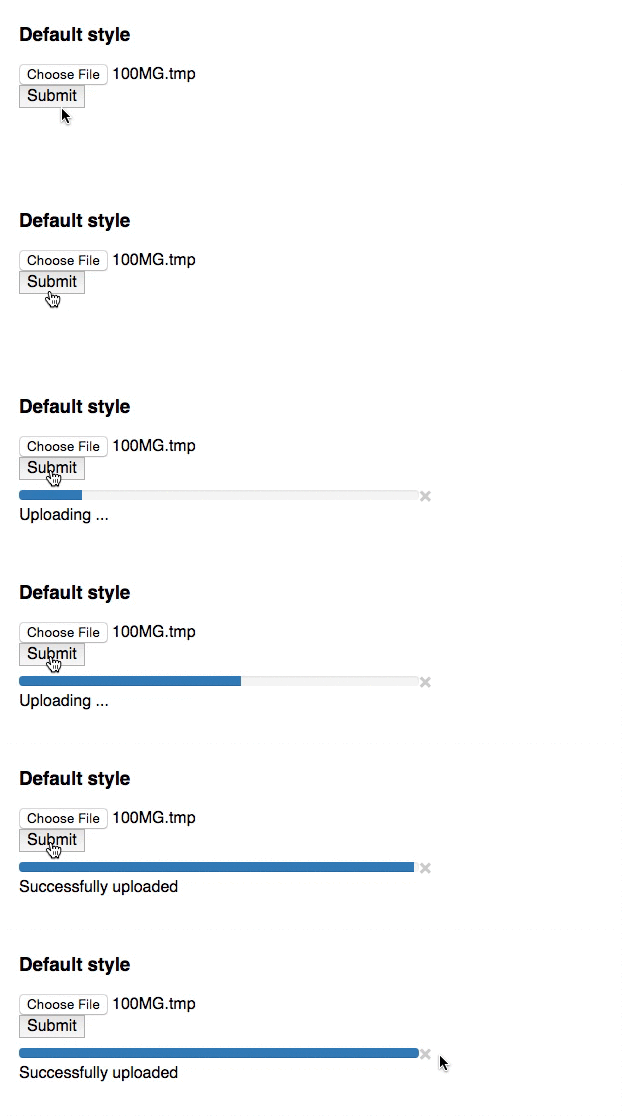
React component of Input file and progress bar. This component watch xhr uploading process, and trigger some events.
npm install --save react-fileupload-progressurl: File upload endpoint url.React.PropTypes.string.isRequiredmethod: Http request method.React.PropTypes.string.isRequired
These handler will called on XMLHttpRequest's progress events. See also Using XMLHttpRequest on MDN.
onProgress: Called whenxhrwas loaded. Third parameter is the progress of uploading process(0 ~ 100).React.PropTypes.func(e, request, progress)onLoad: Called whenxhrwas loaded.React.PropTypes.func(e, request)onError: Called whenxhrbecome error.React.PropTypes.func(e, request)onAbort: Called whenxhrwas aborted.React.PropTypes.func(e, request)
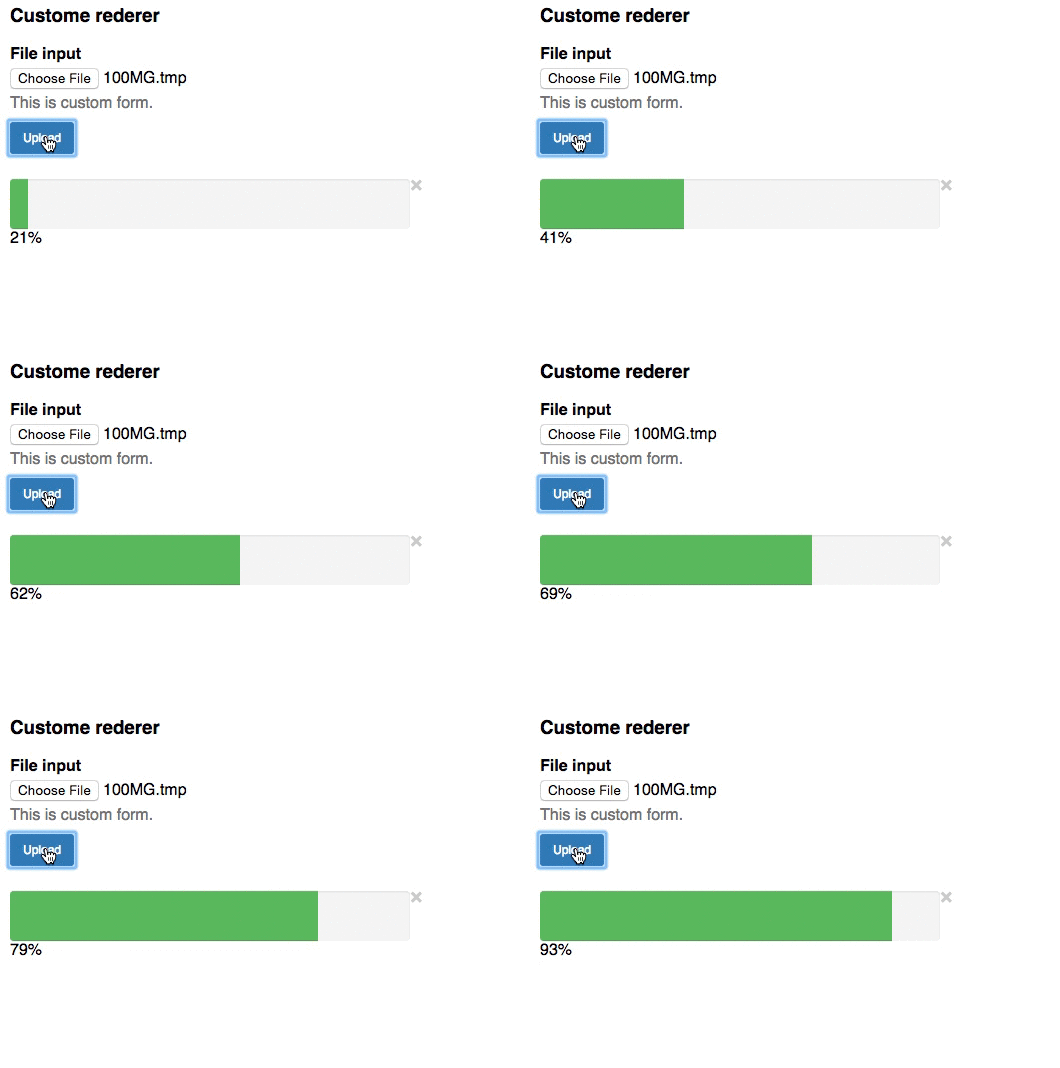
It is possible to customize view and form.
formRenderer: For custom form rendering, Typo is fixed(#4) from v0.2.0onSubmitHandlershould be attach on your custom form's submit event. WhenonSubmitHandleris called, this component start observexhr.React.PropTypes.func(onSubmitHandler)formGetter: If customformRendereris used, you need to implement this method and must returnFormDataobject.React.PropTypes.func => {return form}progressRenderer: For custom progress rendering, First parameter is the progress of uploading process(0 ~ 100). Ifxhrhas error, second parameter will betrue. When third parameter is called, currentxhrwill be aborted.React.PropTypes.func(progress, hasError, cancelHandler)formCustomizer: Called beforexhrsend. You can add any custom form parameter(e.g: id, name, etc) with this method. Must returnformgiven as argument.React.PropTypes.func(form) => {return form}beforeSend: Called beforexhrsend. You can customizexhr(e.g: HTTPHeader, etc) with this method. Must returnrequestgiven as argument.React.PropTypes.func(request) => {return request}
'use strict';importReactfrom'react';importFileUploadProgressfrom'react-fileupload-progress';classAppextendsReact.Component{constructor(props){super(props);}render(){return(<div><h3>Default style</h3><FileUploadProgresskey='ex1'url='http://localhost:3000/api/upload'onProgress={(e,request,progress)=>{console.log('progress',e,request,progress);}}onLoad={(e,request)=>{console.log('load',e,request);}}onError={(e,request)=>{console.log('error',e,request);}}onAbort={(e,request)=>{console.log('abort',e,request);}}/></div>)}};React.render(<App/>,document.getElementById('out'));See also example
npm install # or yarn
npm run start:examplenpm run buildnpm test