With this non-intrusive UIViewController extension, only a single line of code will make your scrollView auto resize when the keyboard appears. It literally cannot get easier than this, and you don't even need to subclass anything.


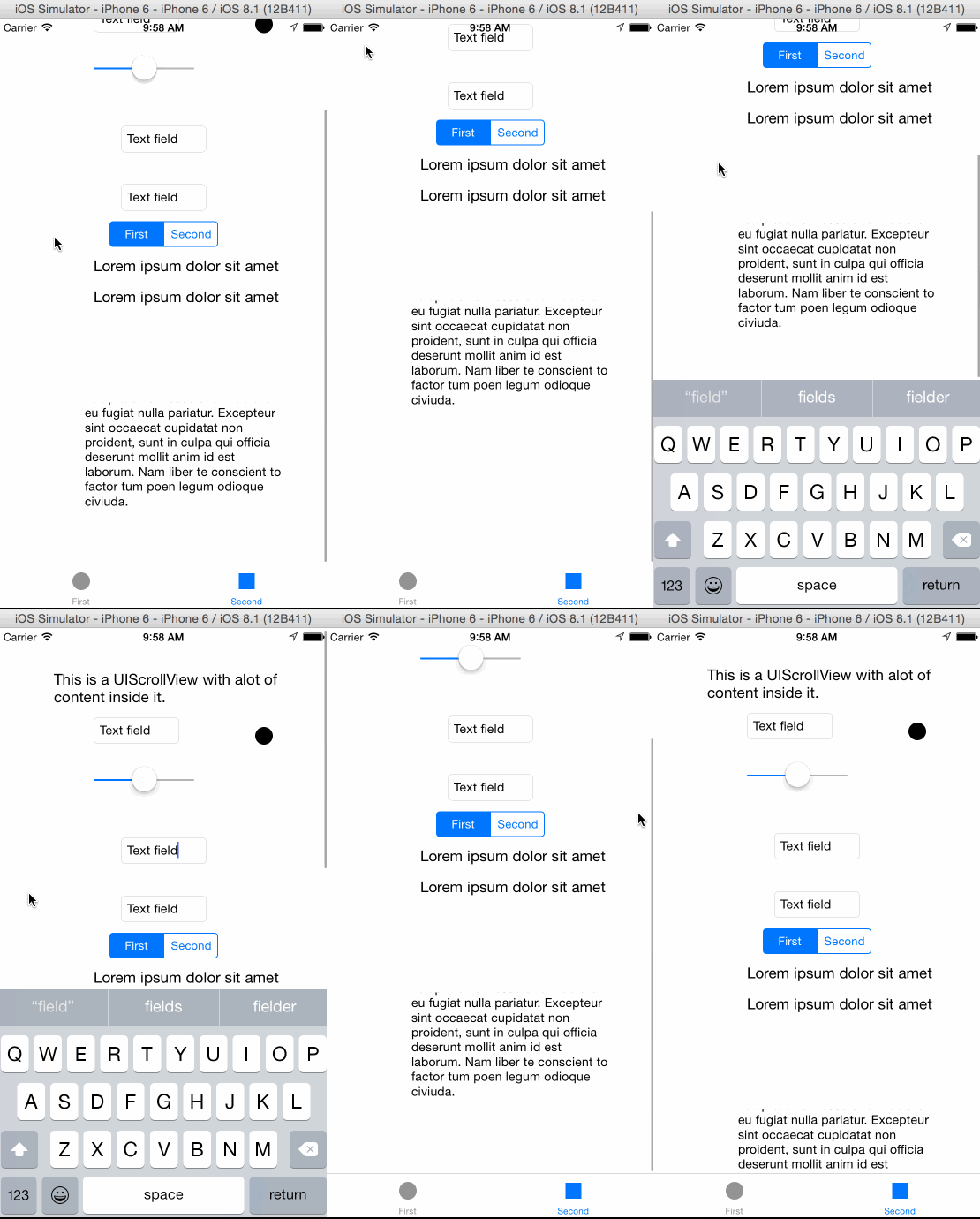
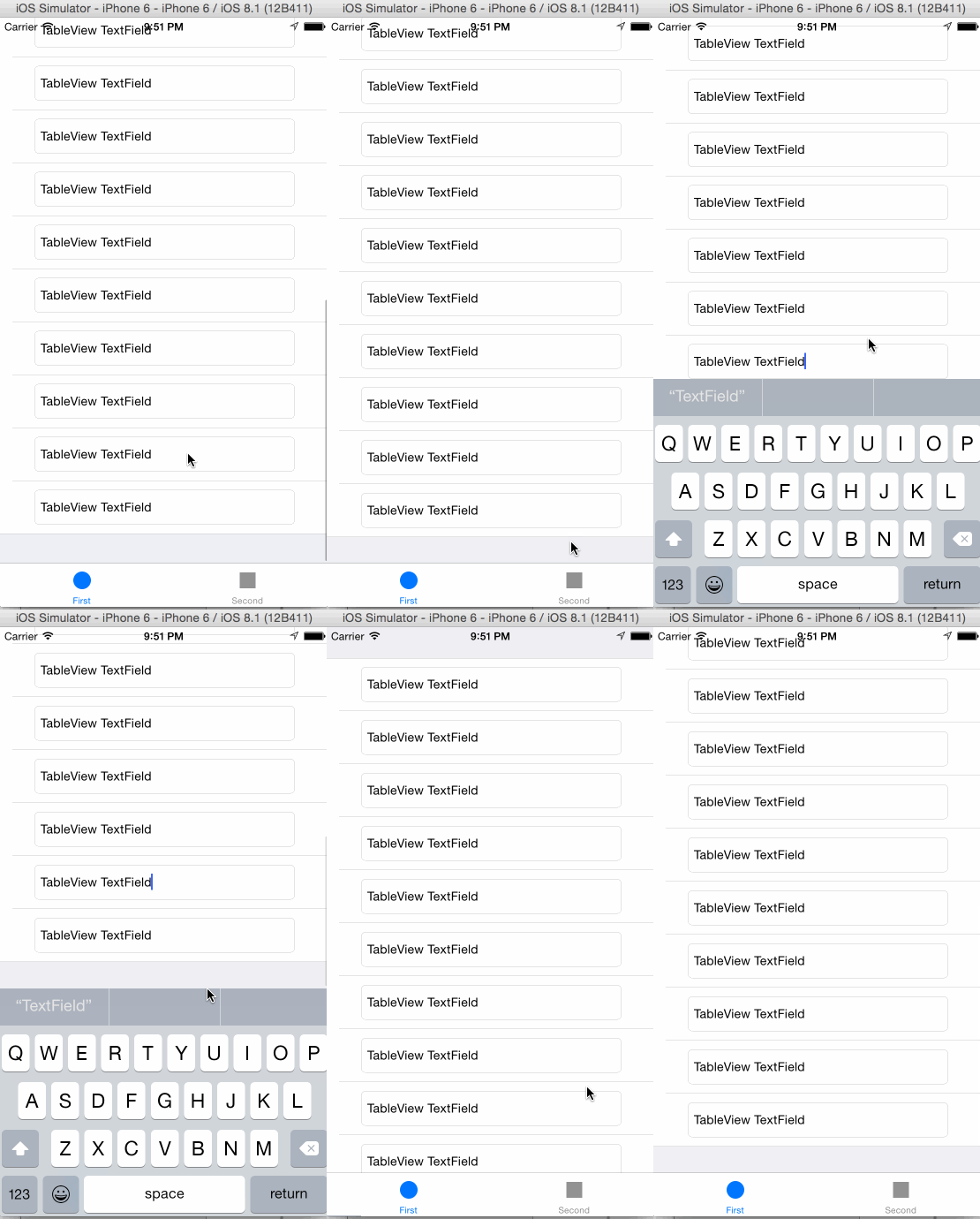
For a scrollView from nib or storyboard
@IBOutlet weak varscrollView:UIScrollView!overridefunc viewDidLoad(){
super.viewDidLoad()setupKeyboardNotifcationListenerForScrollView(scrollView)}
Just as simple if you want to use it with a tableView
@IBOutlet weak vartableView:UITableView!overridefunc viewDidLoad(){
super.viewDidLoad()setupKeyboardNotifcationListenerForScrollView(tableView)}
To remove observers for example in deinit
deinit{removeKeyboardNotificationListeners()}SingleLineKeyboardResize is available through CocoaPods. To install it, simply add the following line to your Podfile:
pod "SingleLineKeyboardResize"
It's only one file you need, 'UIViewController+Keyboard.swift', copy it into your project, and you are good to go.
Håkon Bogen, hakon.bogen@gmail.com
SingleLineKeyboardResize is available under the MIT license. See the LICENSE file for more info.
Really good APIs should not need more than a single line of code to work and be as non intrusive as possible. This library is a part of my ongoing effort to build single line libraries for iOS. Check out the other ones on the list as well.