Table of Contentsgenerated with DocToc
Docker-based multi-container Software Development Life Cycle environment.
It contains solutions of the following sections:
- Code Hosting
- Project Management
- Continuous Integration
- Continuous Inspection
- Repository Management
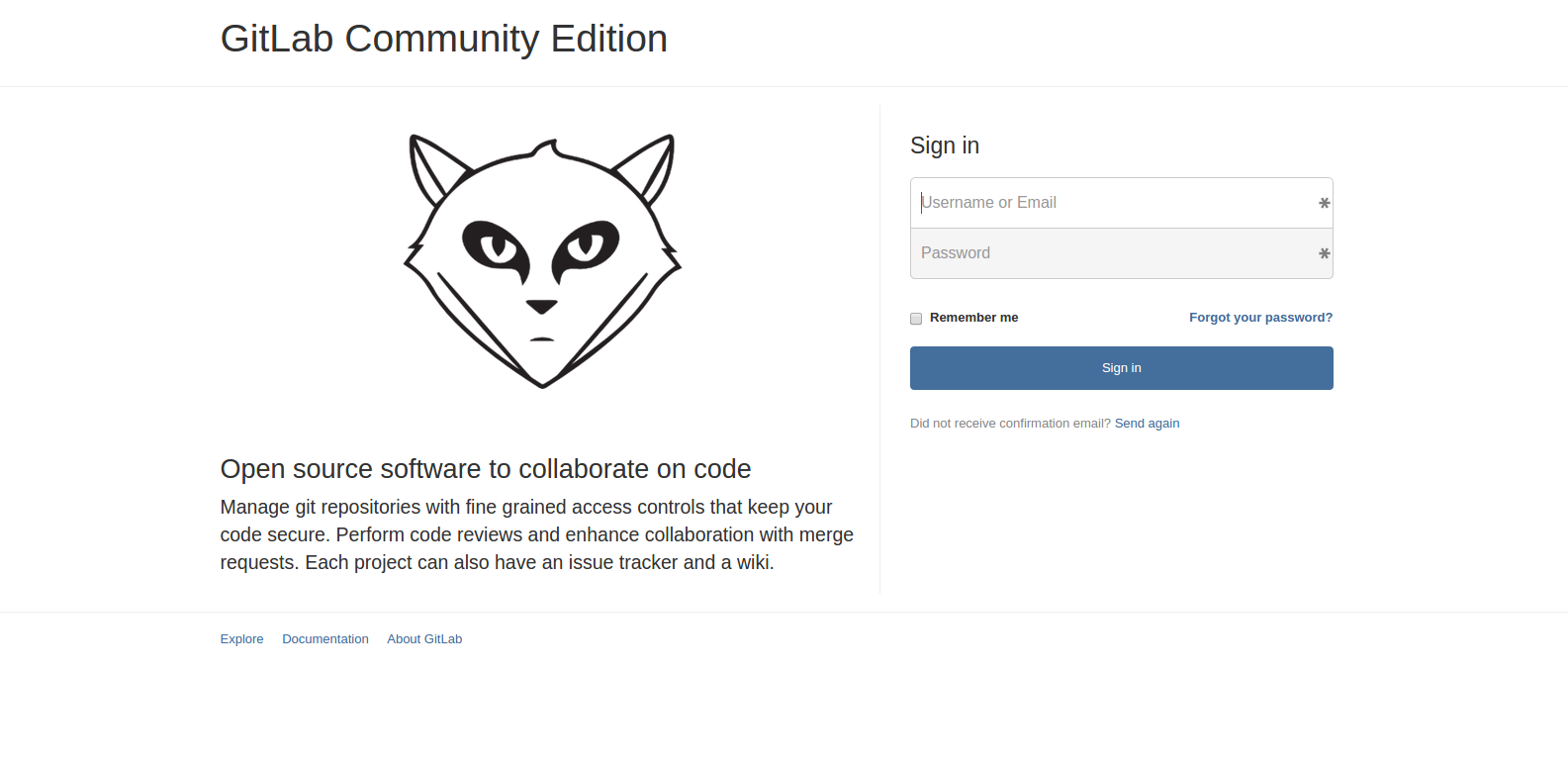
GitLab offers git repository management, code reviews, issue tracking, activity feeds, wikis.
Usable Containers
| ID | Container | App Version | Size |
|---|---|---|---|
| gitlab | docker-gitlab | v7.3.1-3 | 729.5MB |
| postgresql | docekr-postgresql | latest | 488.6MB |
| redis | redis) | v2.8.9 | 98.7MB |
Topology
| Service | Database | Redis |
|---|---|---|
| gitlab | postgresql | redis |
| ⤷ postgresql | ||
| ⤷ redis |
To launch GitLab
cd gitlab
docker-compose up -d
echo "GitLab can be accessed at: $(docker port gitlab_gitlab_1 80)"
docker-compose logs
Login using the default username and password:
- username: root
- password: 5iveL!fe
To stop GitLab
docker-compose stop
To remove GitLab
WARNING: You'll loose your data after this command
docker-compose kill
docker-compose rm
To launch more than one GitLab instances on the same host
docker-compose -p gitlab1 up -d
docker-compose -p gitlab2 up -d
echo "GitLab 1 can be accessed at: $(docker port gitlab1_gitlab_1 80)"
echo "GitLab 2 can be accessed at: $(docker port gitlab2_gitlab_1 80)"
NOTE: These instances do not share anything, new redis & postgresql instances are launched for each one separately.
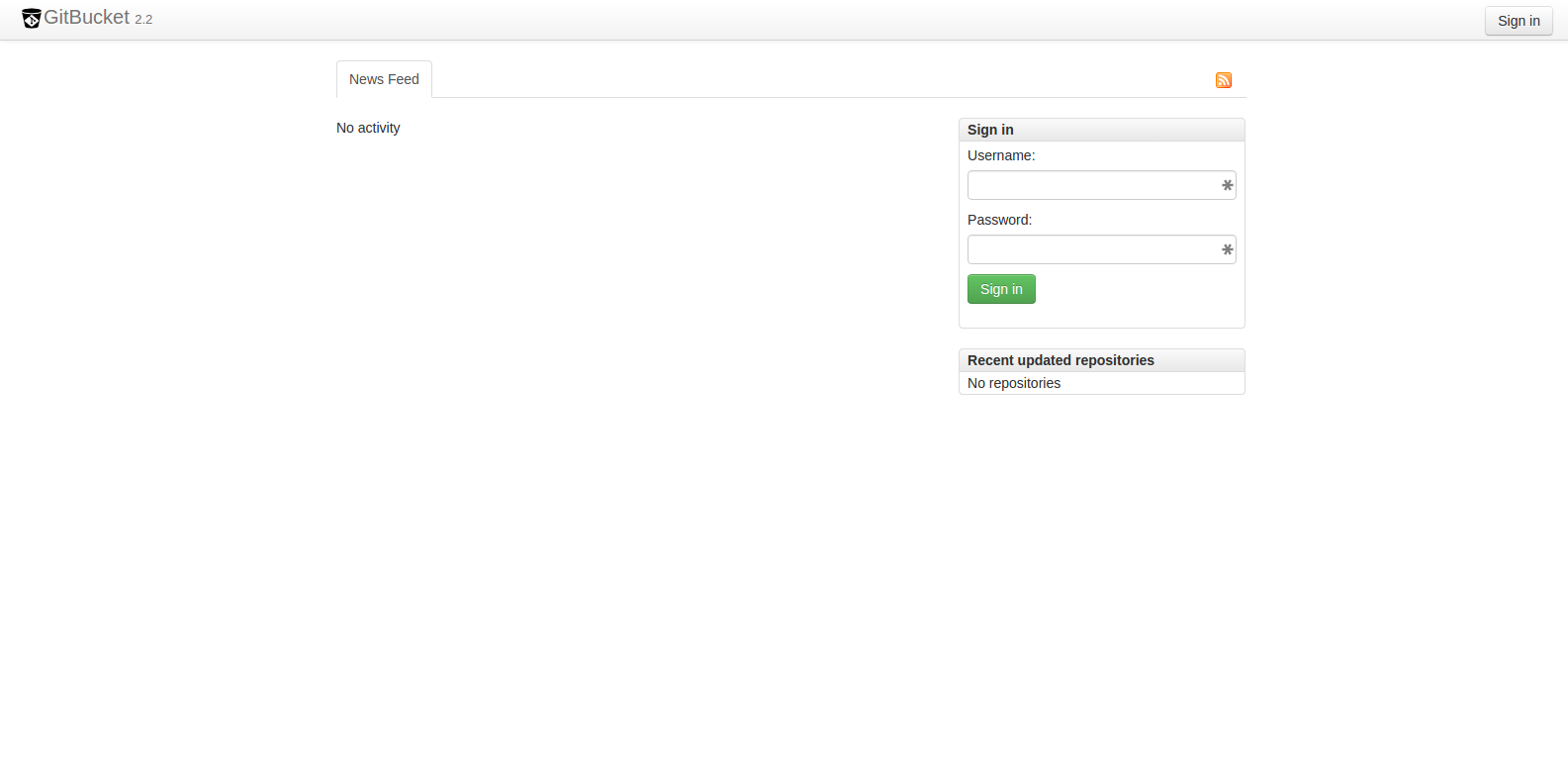
GitBucket The easily installable Github clone powered by Scala
Usable Containers
| ID | Container | App Version | Size |
|---|---|---|---|
| gitbucket | docker-gitbucket | v2.2.1 | 376.2MB |
To launch GitBucket
cd gitbucket
docker-compose up -d
echo "GitBucket can be accessed at: $(docker port gitbucket_gitbucket_1 8080)"
docker-compose logs
Login using the default username and password:
- username: root
- password: root
Redmine is a flexible project management web application
Usable Containers
| ID | Container | App Version | Size |
|---|---|---|---|
| redmine | docker-redmine | v2.5.2-2 | 997.9MB |
| postgresql | docker-postgresql | latest | 488.6MB |
| redmineHarbur |  | v2.5.2-2 | 998.1MB |
Topology
| Service | Database |
|---|---|
| redmine | postgresql |
| ⤷ postgresql | |
| redmineHarbur | |
| ⤷ postgresql |
To launch Redmine
cd redmine
docker-compose up -d redmine
echo "Redmine can be accessed at: $(docker port redmine_redmine_1 80)"
docker-compose logs
Login using the default username and password:
- username: admin
- password: admin
Extra Features
- Preconfigured Gitmike Theme
- Preconfigured SMTP
- Dynamically configured FQDN (Injected with FQDN variable)
To launch the Harbur Redmine version run:
cd redmine
docker login quay.io # You need a Harbur TOKEN to access the containers
FQDN=redmine.myfullyqualified.domain.name docker-compose up -d redmineHarbur
echo "Redmine can be accessed at: $(docker port redmine_redmineHarbur_1 80)"
docker-compose logs
Login using the default username and password:
- username: admin
- password: admin
Jenkins An extendable open source continuous integration server
Usable Containers
| ID | Container | App Version | Size |
|---|---|---|---|
| jenkinsLatest | docker-jenkins) | latest v1.581 | 471.3MB |
| jenkinsLTS | jenkins | LTS v1.565.2 | 699MB |
| jenkinsHarbur |  | latest v1.581 | 548MB |
| jenkinsSlave | dind-jenkins-slave | - | 891.5MB |
Topology
| Service | Workers |
|---|---|
| jenkinsLatest | jenkinsSlave |
| jenkinsLTS | |
| jenkinsHarbur | |
| ⤷ jenkinsSlave |
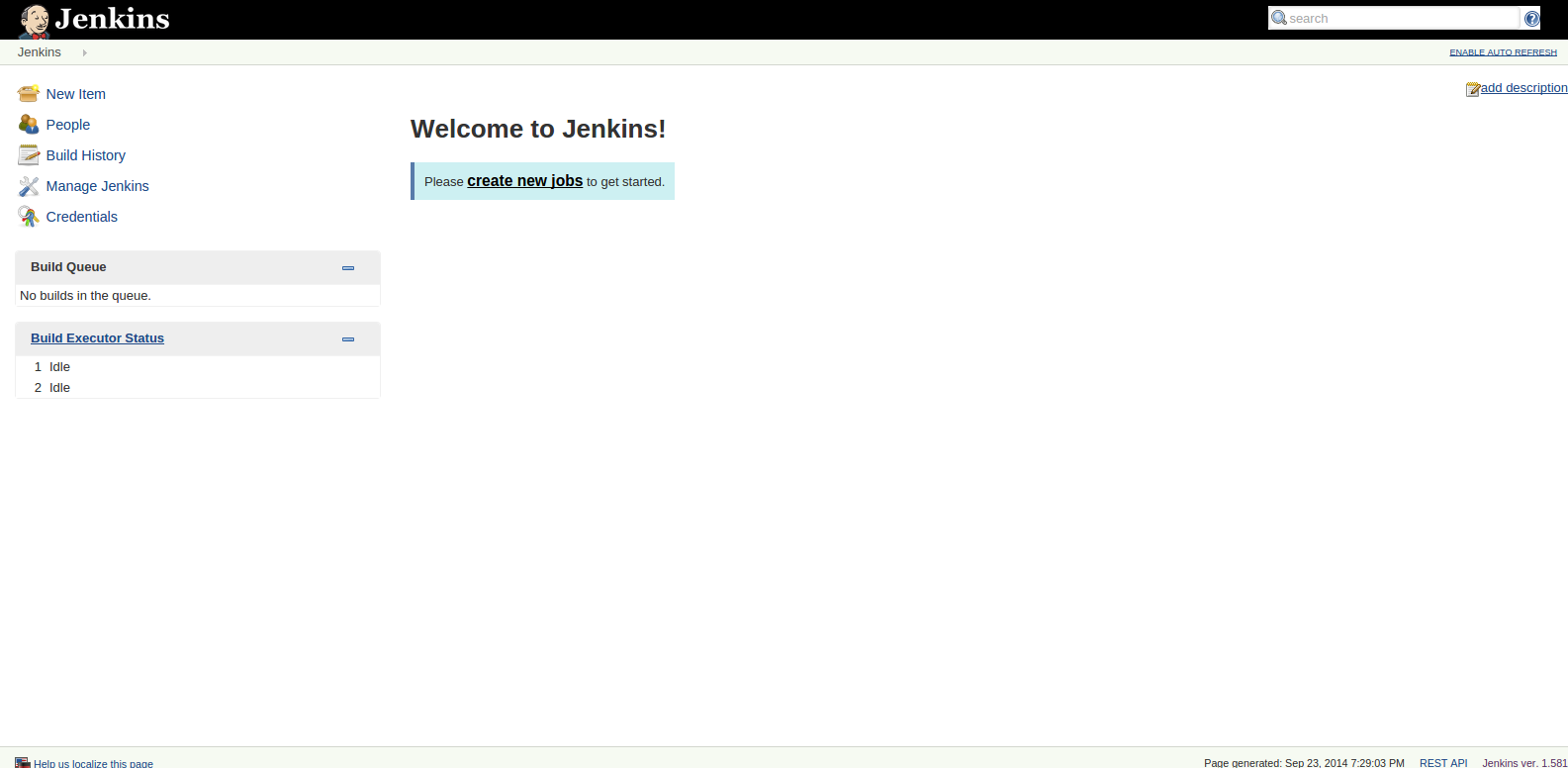
To launch the latest Jenkins version run:
cd jenkins
docker-compose up -d jenkinsLatest
echo "Jenkins can be accessed at: $(docker port jenkins_jenkinsLatest_1 8080)"
Jenkins is by default unsecured. Make sure to go to Manage Jenkins - Setup Security to configure your security.
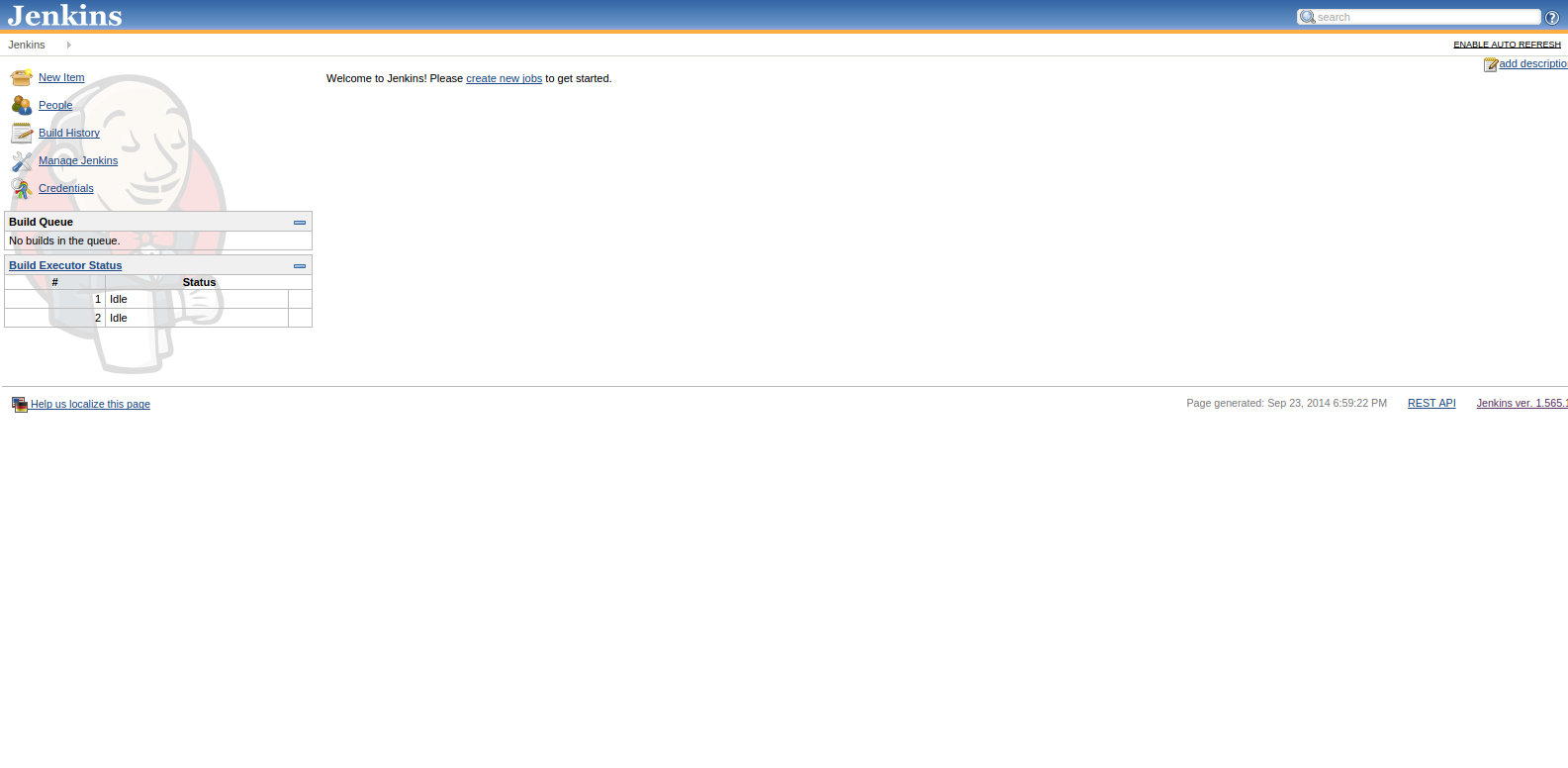
To launch the LTS Jenkins version run:
cd jenkins
docker-compose up -d jenkinsLTS
echo "Jenkins can be accessed at: $(docker port jenkins_jenkinsLTS_1 8080)"
Jenkins is by default unsecured. Make sure to go to Manage Jenkins - Setup Security to configure your security.
Current LTS Issues:
Extra Features
- Pre-installed well-known plugins
- Pre-installed theme
jenkins-attlassian-theme - Dynamically configured FQDN (Injected with FQDN variable)
- Multi-container setup with docker-aware build workers capable to auto-register themselves
To launch the Harbur Jenkins version run
cd jenkins
docker login quay.io # You need a Harbur TOKEN to access the containers
FQDN=ci.myfullyqualified.domain.name docker-compose up -d jenkinsHarbur jenkinsSlave
echo "Jenkins can be accessed at: $(docker port jenkins_jenkinsHarbur_1 8080)"
Jenkins is by default unsecured. Make sure to go to Manage Jenkins - Setup Security to configure your security.
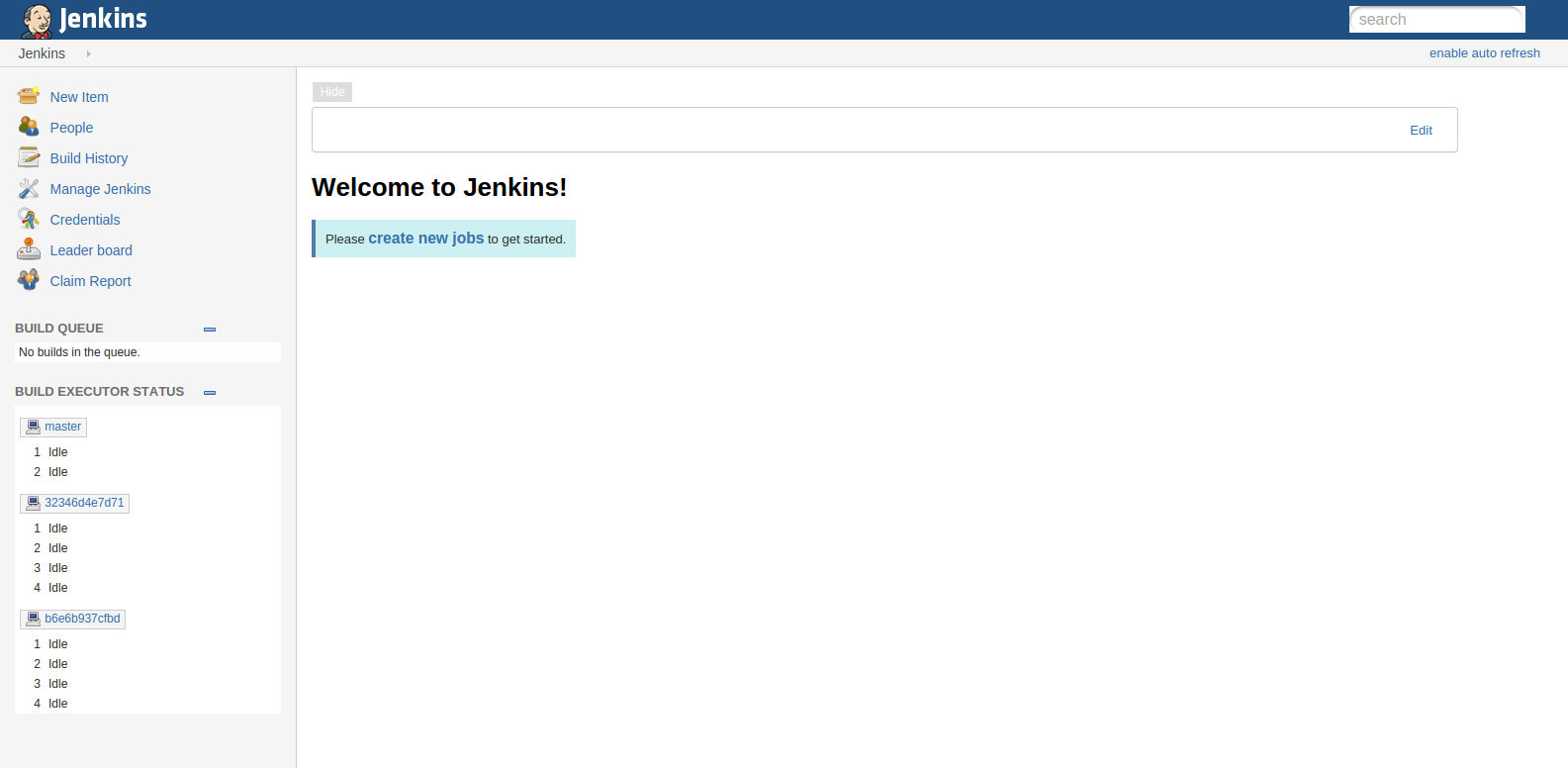
This is a multi-container setup with one Jenkins docker-aware slave connected dynamically to Jenkins master. The Jenkins slave is running in privileged mode and can run docker commands attached to the host's docker remote API.
In case more slave instances are needed you can scale dynamically with the following command:
docker-compose -f jenkins.yml scale jenkinsSlave=2
SonarQube is an open platform to manage code quality
Usable Containers
| ID | Container | App Version | Size |
|---|---|---|---|
| sonarqube | docker-sonarqube | v4.4 | 841.6MB |
| postgresql | docker-postgresql | latest | 488.6MB |
Topology
| Service | Database |
|---|---|
| sonarqube | postgresql |
| ⤷ postgresql |
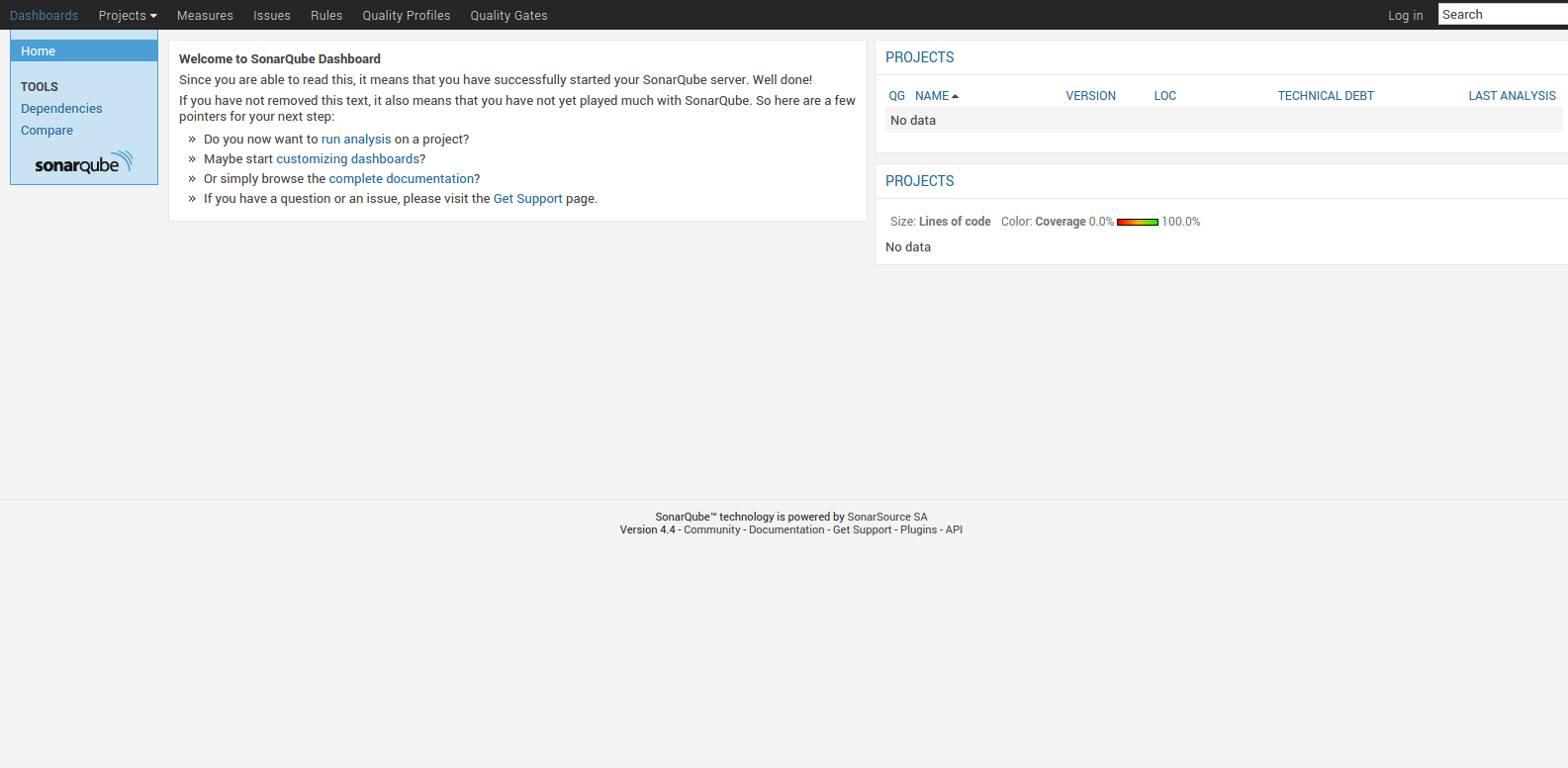
To launch SonarQube run
cd sonarqube
docker-compose up
echo "SonarQube can be accessed at: $(docker port sonarqube_sonarqube_1 9000)"
docker-compose logs
Login using the default username and password:
- username: admin
- password: admin
For more information checkout our website: https://harbur.io