
A simple widget wrapper to enable modal progress HUD (a modal progress indicator, HUD = Heads Up Display).
Started as a fork of modal_progress_hud Inspired by this article.
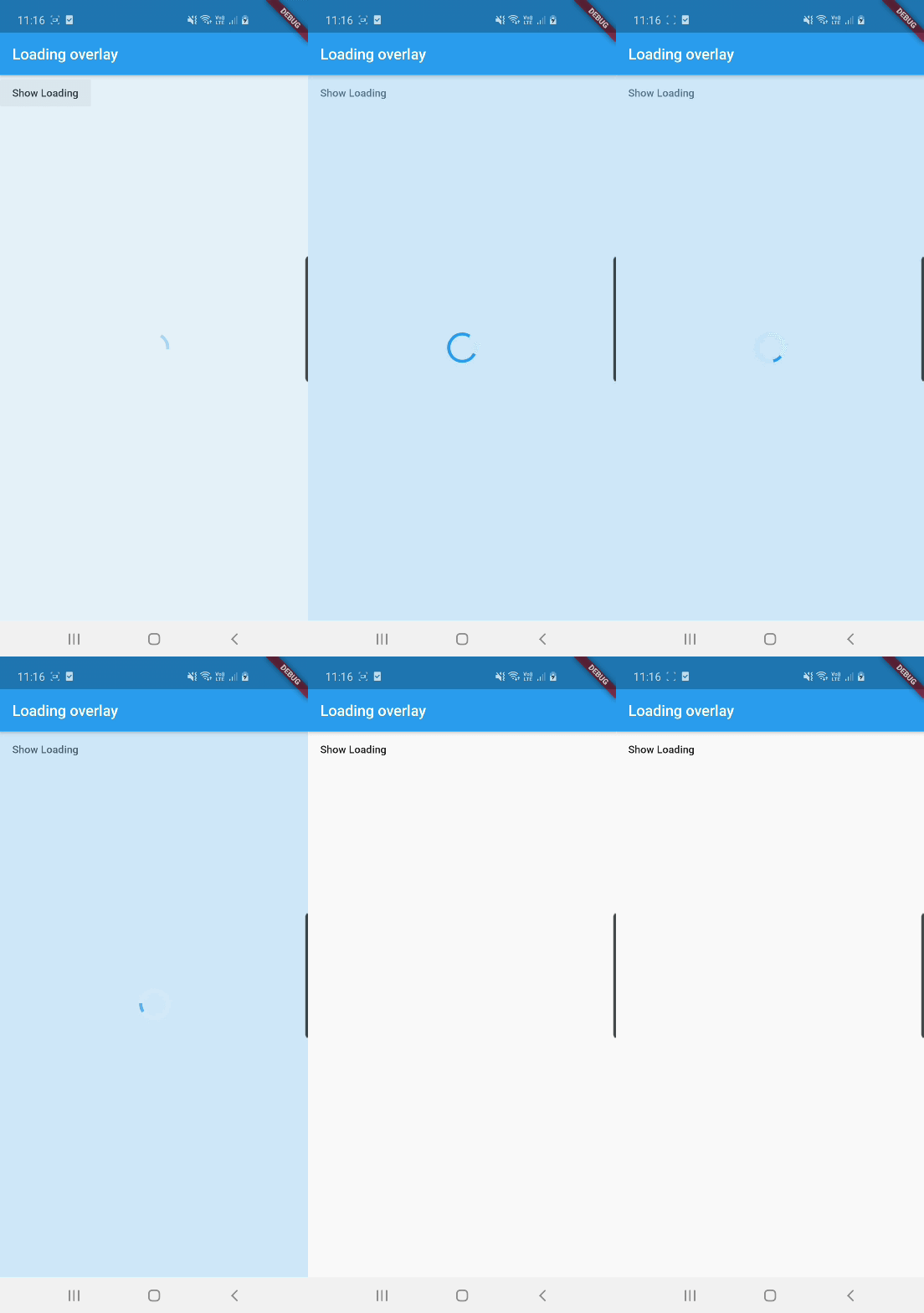
See example for details
Add the package to your pubspec.yml file.
dependencies:
loading_overlay: ^0.4.0
Next, import the library into your widget.
import'package:loading_overlay/loading_overlay.dart';Now, all you have to do is simply wrap your widget as a child of LoadingOverlay, typically a form, together with a boolean that is maintained in local state.
...
bool _isSaving_ =false
...
@overrideWidgetbuild(BuildContext context) {
returnScaffold(
body:LoadingOverlay(
color:Colors.black.withOpacity(0.5),
child:Container(
Form(...)
),
isLoading: _isSaving_
),
);
}
Alternatively, show the overlay until a Future completes (non-breaking new feature):
// Start an async operationfinal saveFuture =_saveFormAsync();
returnLoadingOverlay.withFuture(
future: saveFuture,
color:Colors.black.withOpacity(0.5),
child:Form(...),
);The current parameters are customizable in the constructor
LoadingOverlay({
requiredbool isLoading,
requiredWidget child,
Widget progressIndicator =constCircularProgressIndicator(),
Color? color,
});
// New: show overlay until a Future completesLoadingOverlay.withFuture({
requiredFuture<void> future,
requiredWidget child,
Widget progressIndicator =constCircularProgressIndicator(),
Color? color,
});
Update: See this article on Medium about async form validation
See the example application source for a complete sample app using the modal progress HUD. Included in the example is a method for using a form's validators while making async calls (see flutter/issues/9688 for details).
Please file issues to send feedback or report a bug. Thank you!