
unfolded.tools is a unified platform for browsing, fetching, creating, and sharing ions specifically for use with Unfolded Circle's line of remotes - Remote Two & 3.
It combines the former functionality of icons.rep.moe and beta-icons.rep.moe into a single site.
Both legacy domains now redirect to https://unfolded.tools.
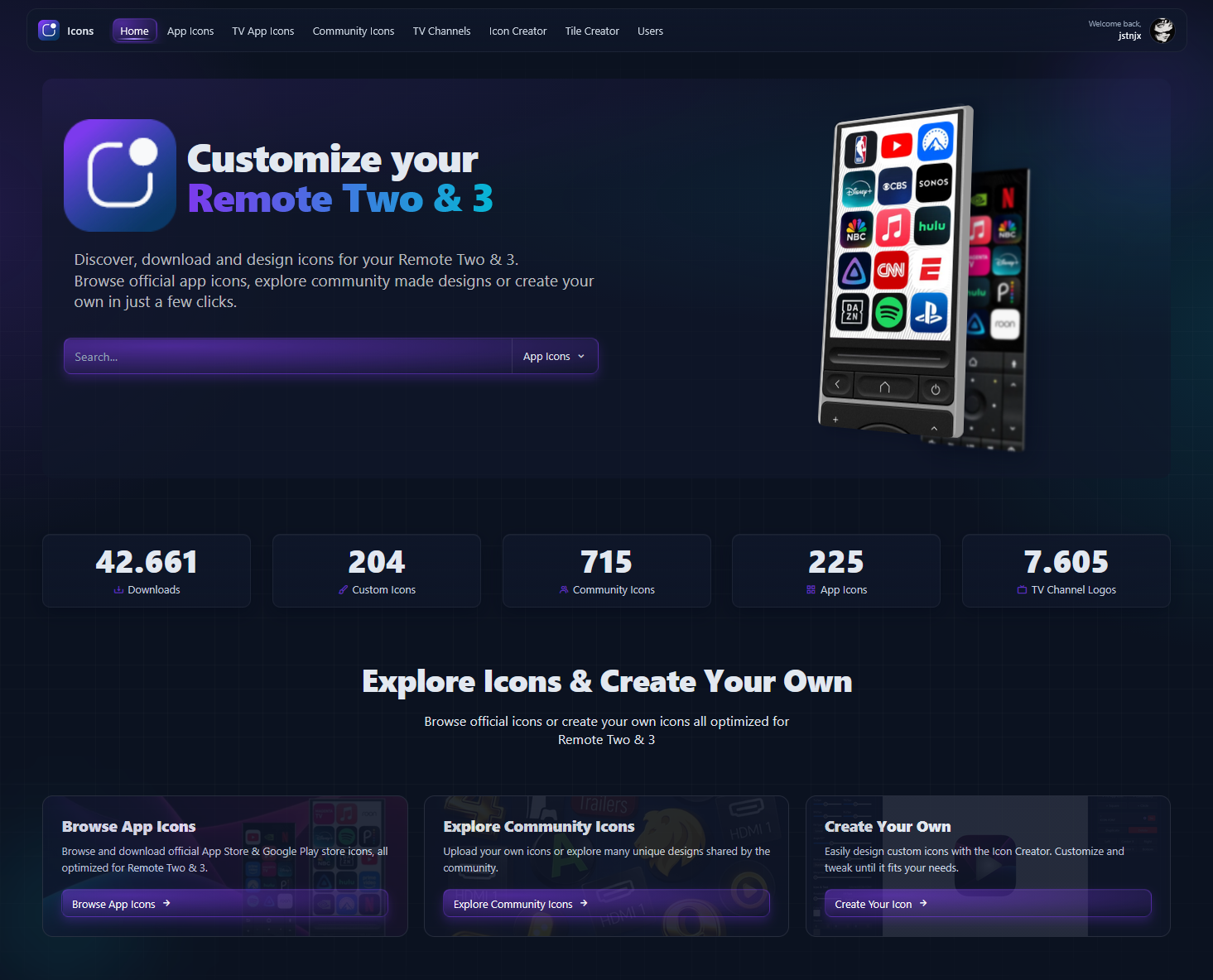
unfolded.tools provides tools for icon discovery and customization:
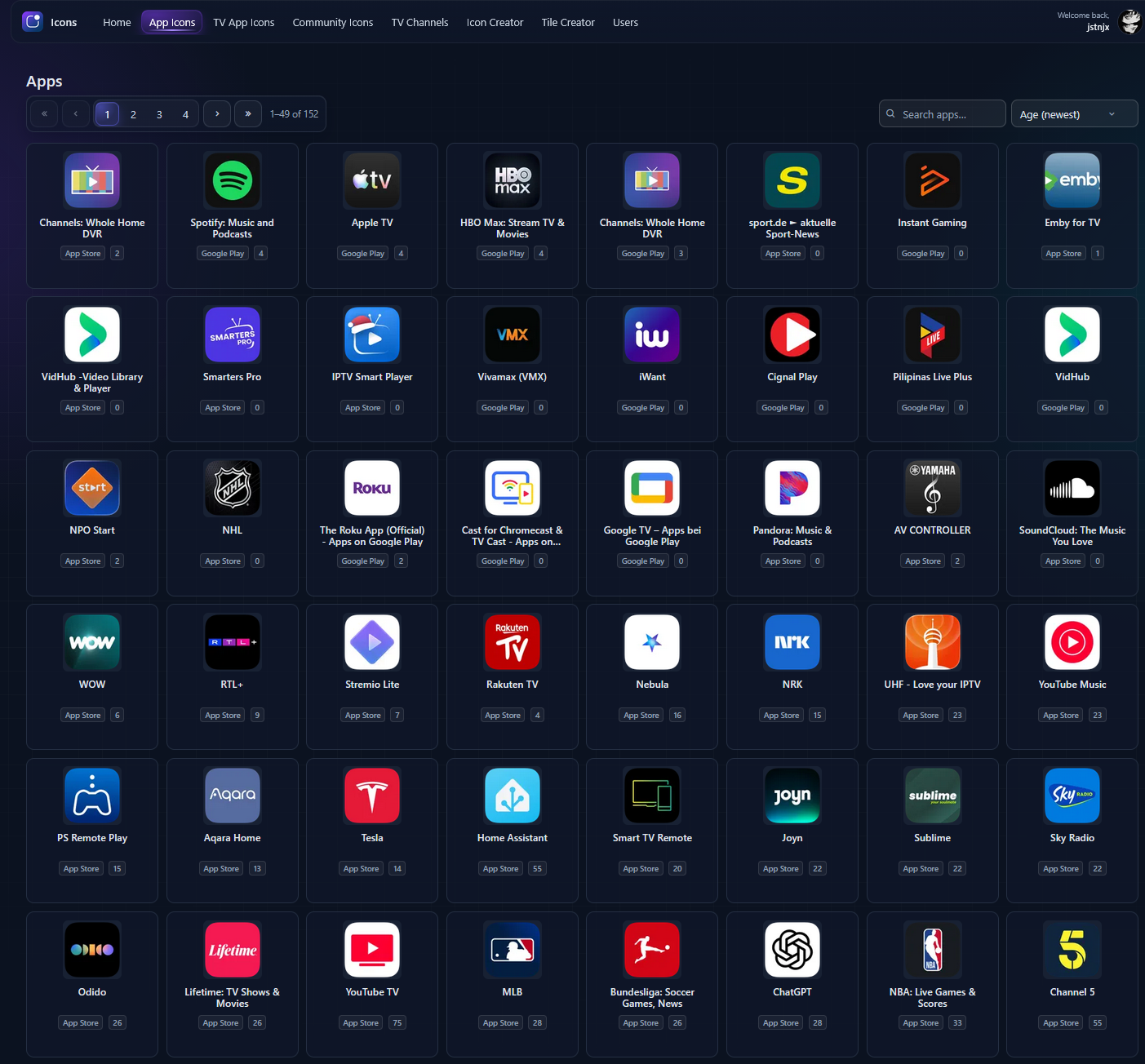
- Browse official App Store and Google Play icons
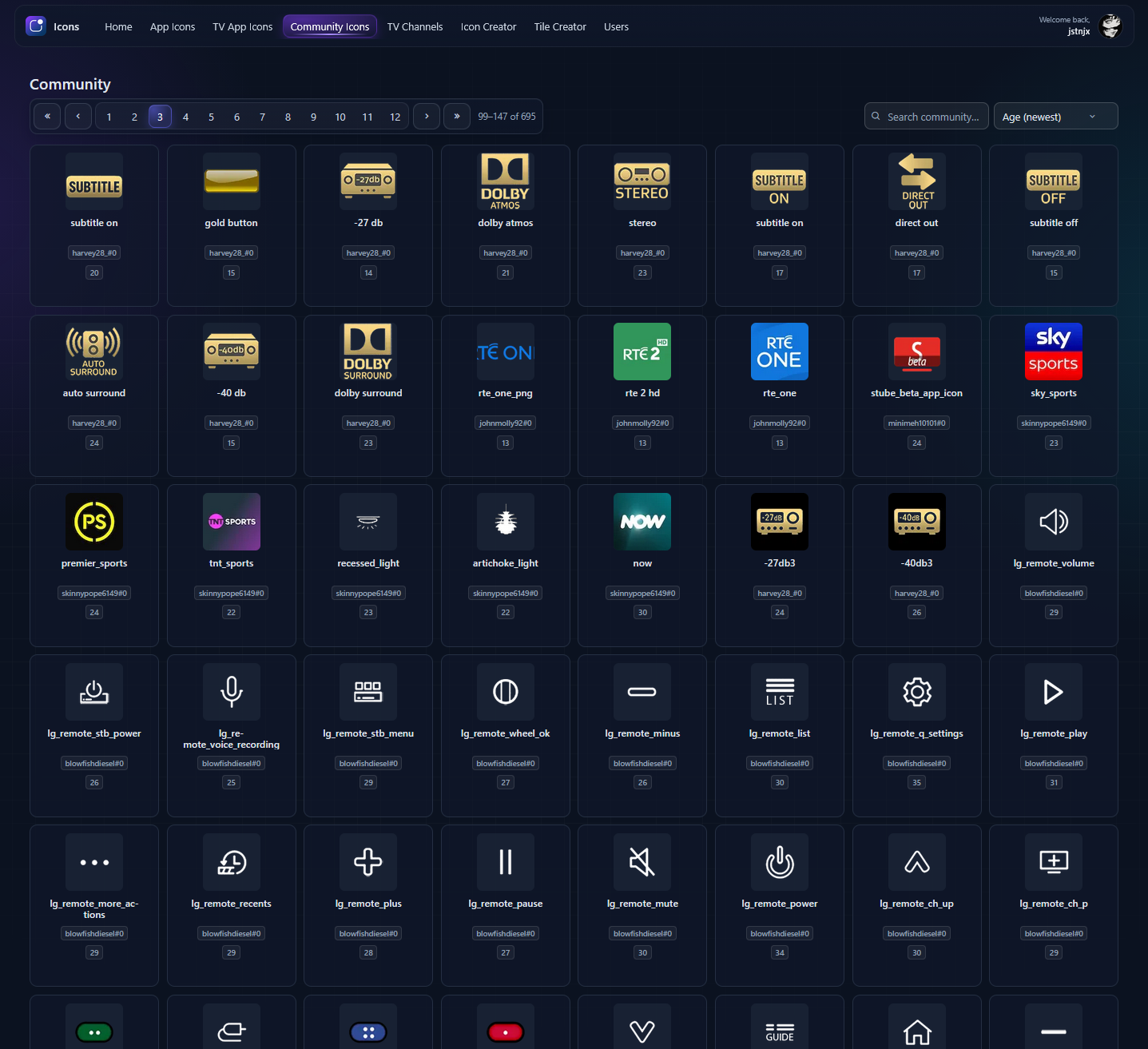
- Discover and share community-created icons
- Build custom icons and tile sets using flexible creator tools
- Fetch store icons directly using app id's or store URLs
-
Browse official App Store and Google Play icons
-
Dedicated sections for:
- Apps
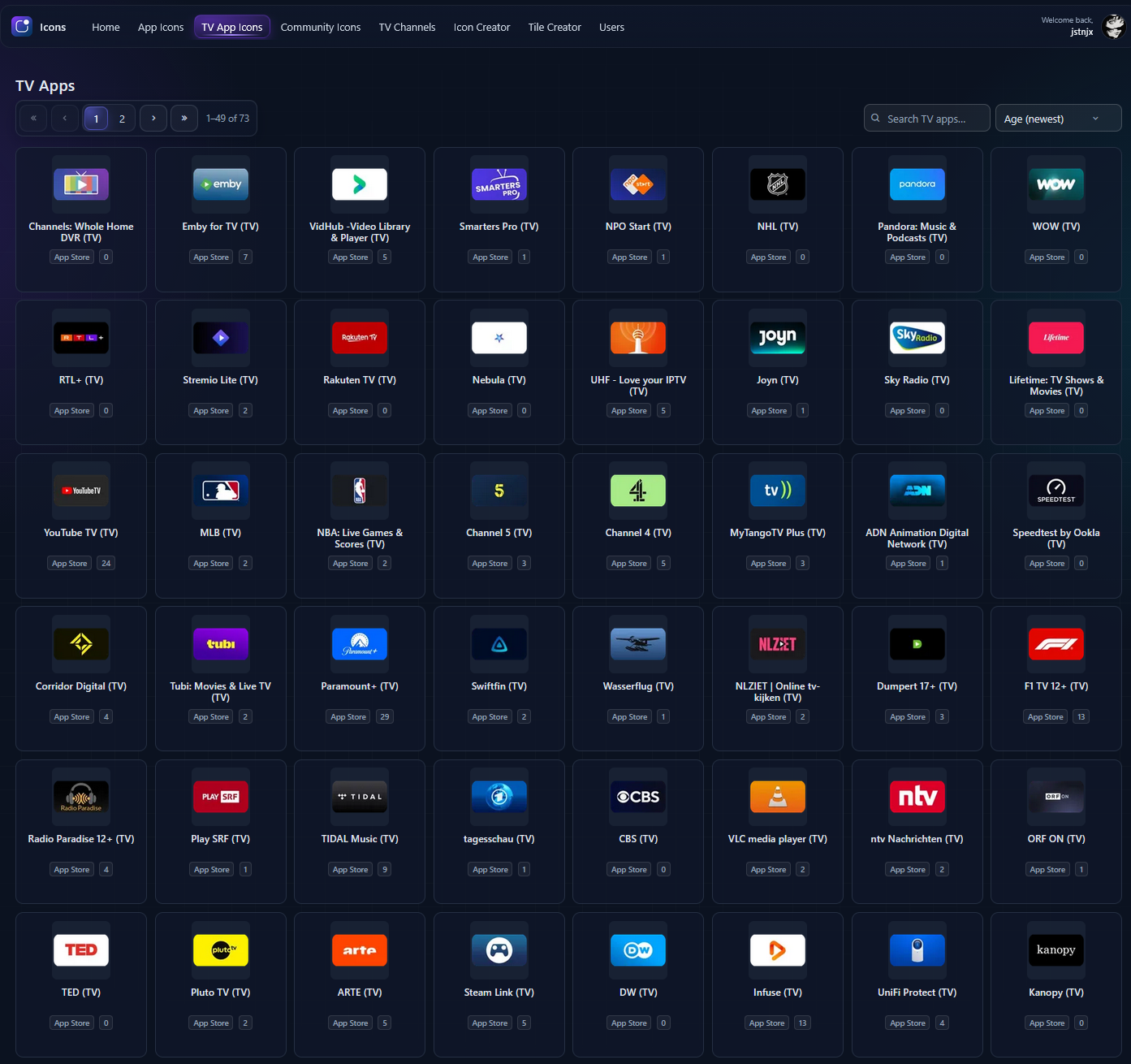
- TV Apps
- Community Icons
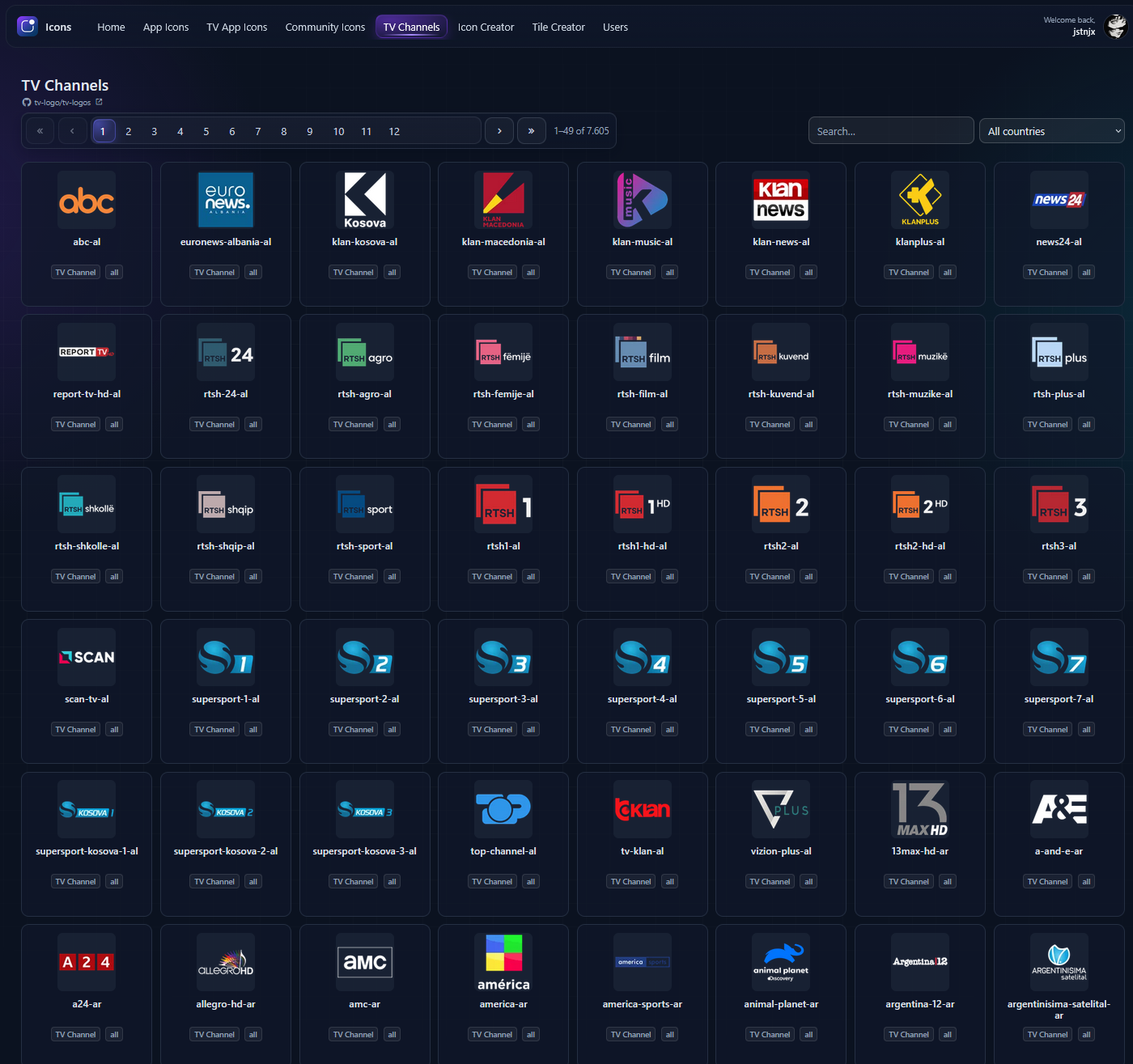
- TV Channel Icons
- Sourced from the TV Logos repository:
https://github.com/tv-logo/tv-logos
- Sourced from the TV Logos repository:
-
Search by icon name or sort country
-
Download icons directly
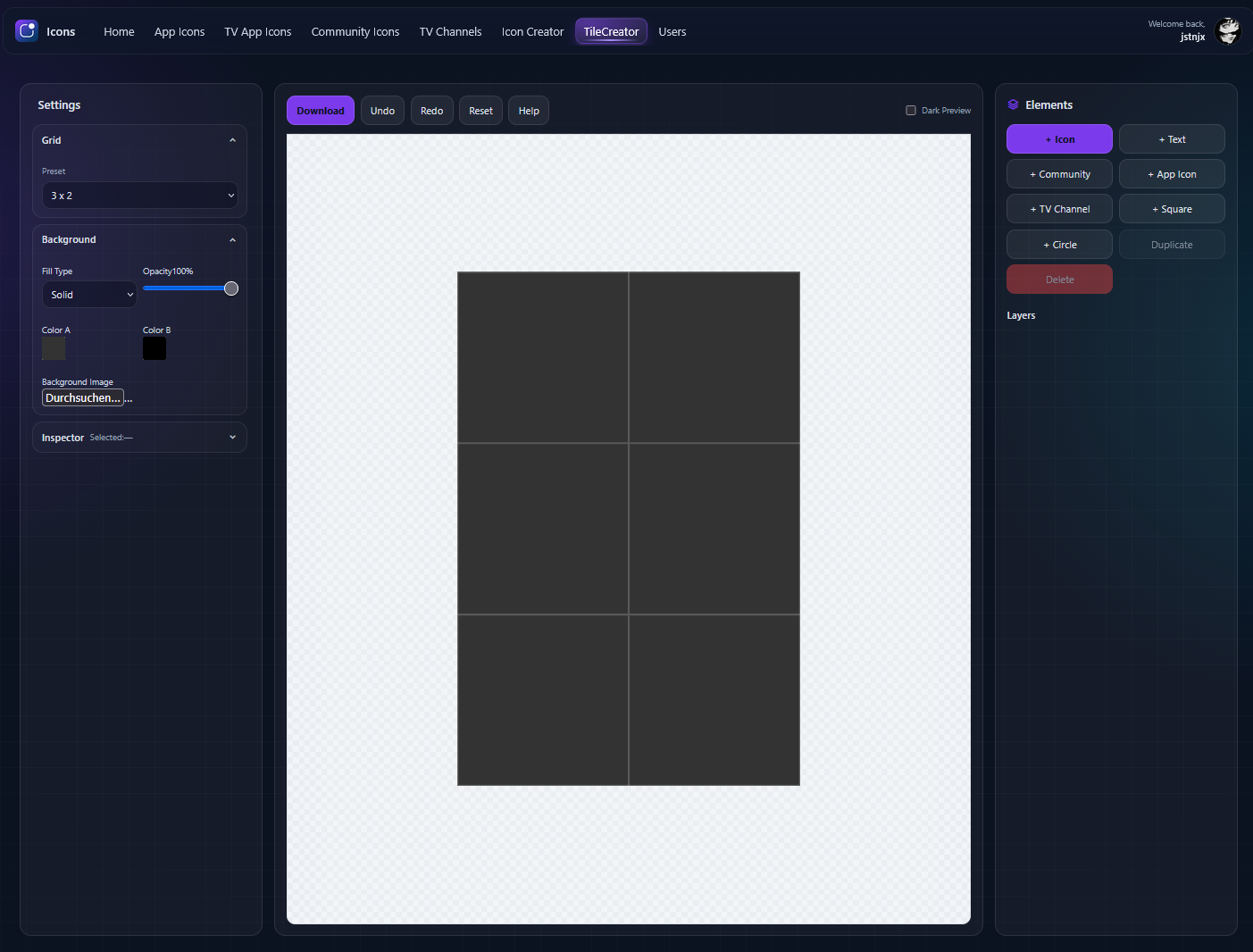
- Create custom icons and tile sets
- Combine:
- Popular icon libraries (e.g. Bootstrap Icons, Font Awesome, others)
- Google Fonts for text-based designs
- Full visual customization:
- Shape
- Background color
- Corner radius
- Opacity
- Borders and effects

- Browse icons submitted by the community
- Upload and manage your own icons once logged in
- Fetch official icons directly from:
- Apple App Store
- Google Play Store
- Supported inputs:
- App Store IDs
- Google Play package names
- Store URLs
- Fetched icons appear automatically in the App Icons section
- No login required for fetching
- Visit https://unfolded.tools
- Use the main navigation to switch between:
- Apps
- TV Apps
- Community
- TV Channels
- Icon Creator
- Tile Creator
- Search by icon name or sort by age or name
- Select an icon to view details or download
- Open Icon Creator or Tile Creator
- Choose an icon or text-based layout
- Customize:
- Icon library glyphs
- Fonts
- Colors and shapes
- Visual effects
- Export finished icons or tile sets
- Save custom icons to your profile
- Login is required to upload icons
- Upload options are available:
- Via the sidebar on any page
- From your user profile
- Supported formats:
- PNG
- JPEG
- Uploaded icons appear in the Community section
- Authentication is required for:
- Uploading community icons
- Managing your uploaded content
- Browsing, downloading, creating icons, and fetching store icons are available without login
- Bug reports and feedback: open an issue in the repository
- Feature requests: use the issue tracker
- Direct contact: contact@unfolded.tools
The following domains are now deprecated and permanently redirect to https://unfolded.tools:
icons.rep.moebeta-icons.rep.moe
All features previously split between stable and beta are now available on unfolded.tools.