




This library is inspired by PageMenu
See CHANGELOG for details
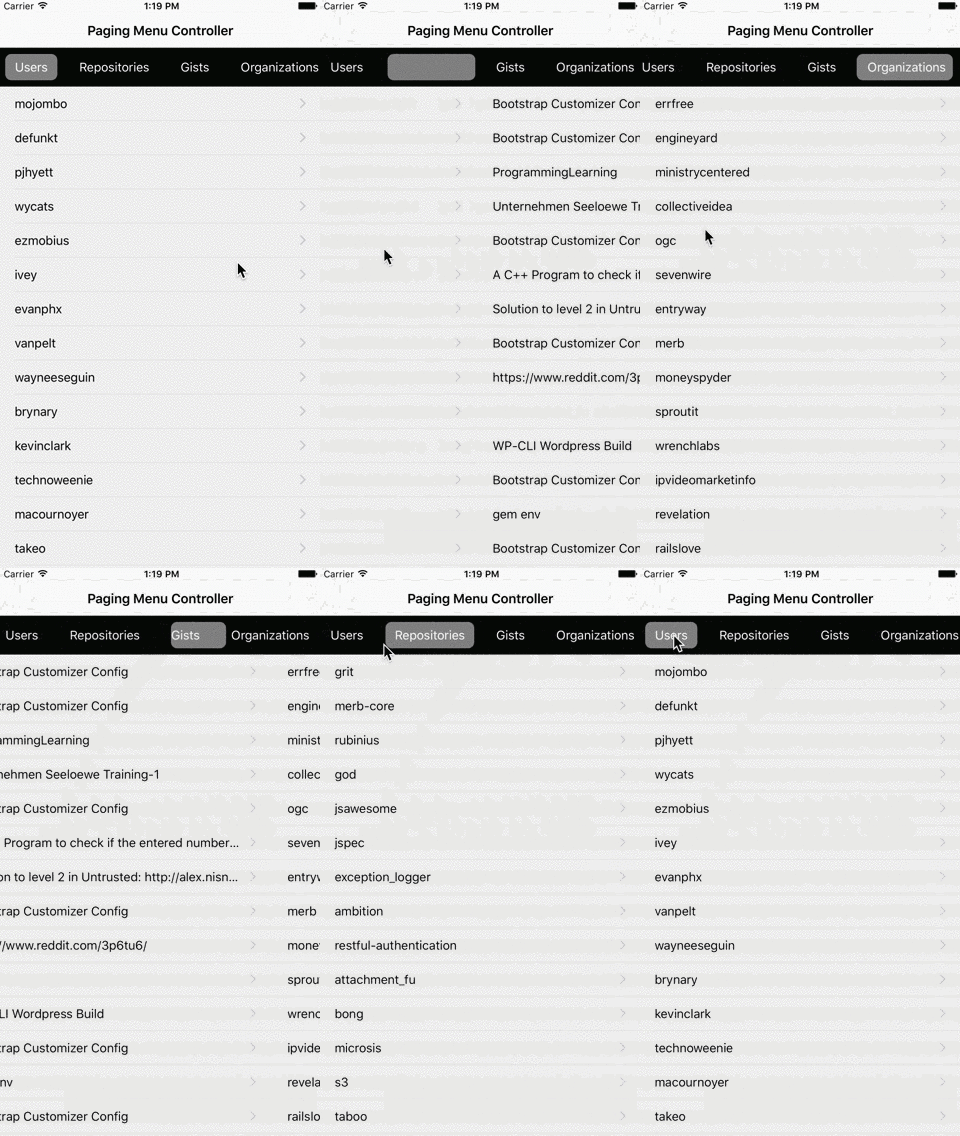
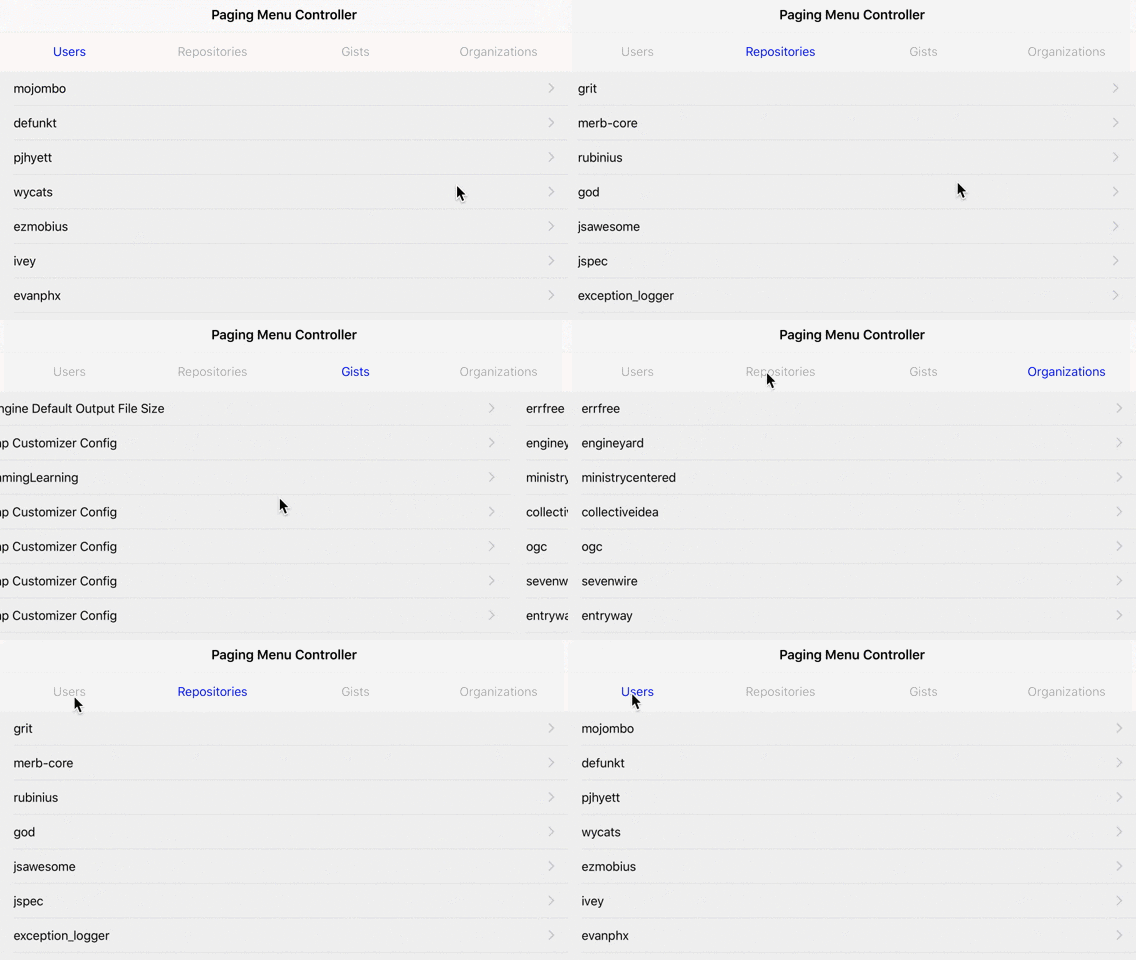
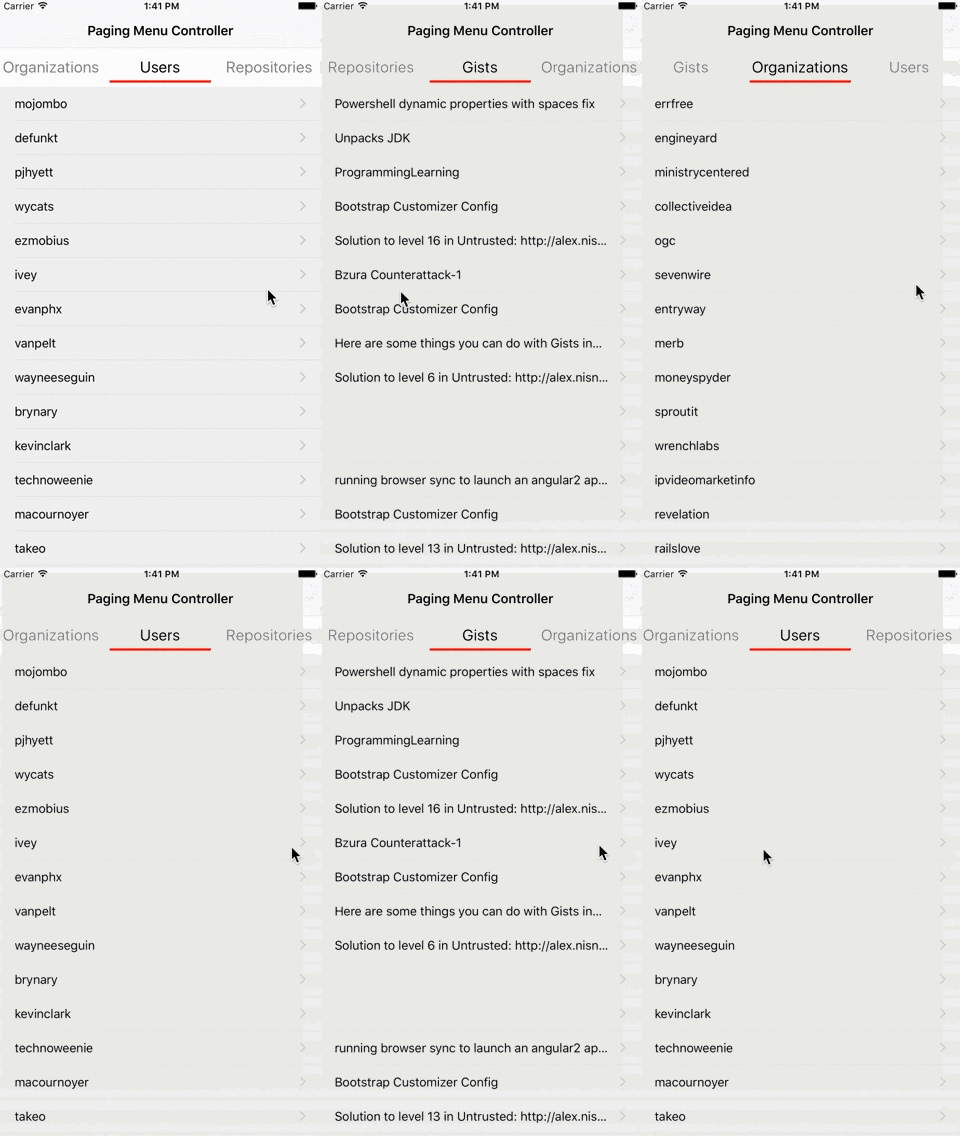
- default page index to show as a first view
defaultPage: Int- duration for paging view animation
animationDuration: TimeInterval- isScrollEnabled for paging view. Set false in case of using swipe-to-delete on your table view
isScrollEnabled: Bool- background color for paging view
backgroundColor: UIColor- number of lazy loading pages
lazyLoadingPage: LazyLoadingPage
publicenumLazyLoadingPage{case one // Currently sets false to isScrollEnabled at this moment. Should be fixed in the future.
case three
case all // Currently not available for Infinite mode
}- a set of menu controller
menuControllerSet: MenuControllerSet
publicenumMenuControllerSet{case single
case multiple
}- component type of PagingMenuController
componentType: ComponentType
publicenumComponentType{case menuView(menuOptions:MenuViewCustomizable)case pagingController(pagingControllers:[UIViewController])case all(menuOptions:MenuViewCustomizable, pagingControllers:[UIViewController])}- background color for menu view
backgroundColor: UIColor- background color for selected menu item
selectedBackgroundColor: UIColor- height for menu view
height: CGFloat- duration for menu view animation
animationDuration: TimeInterval- decelerating rate for menu view
deceleratingRate: CGFloat- menu item position
menuSelectedItemCenter: Bool- menu mode and scrolling mode
displayMode: MenuDisplayMode
publicenumMenuDisplayMode{case standard(widthMode:MenuItemWidthMode, centerItem:Bool, scrollingMode:MenuScrollingMode)case segmentedControl
case infinite(widthMode:MenuItemWidthMode, scrollingMode:MenuScrollingMode) // Requires three paging views at least
}publicenumMenuItemWidthMode{case flexible
case fixed(width:CGFloat)}publicenumMenuScrollingMode{case scrollEnabled
case scrollEnabledAndBouces
case pagingEnabled
}
if centerItem is true, selected menu item is always on center
if MenuScrollingMode is ScrollEnabled or ScrollEnabledAndBouces, menu view allows scrolling to select any menu item
if MenuScrollingMode is PagingEnabled, menu item should be selected one by one
- menu item focus mode
focusMode: MenuFocusMode
publicenumMenuFocusMode{case none
case underline(height:CGFloat, color:UIColor, horizontalPadding:CGFloat, verticalPadding:CGFloat)case roundRect(radius:CGFloat, horizontalPadding:CGFloat, verticalPadding:CGFloat, selectedColor:UIColor)}- dummy item view number for Infinite mode
dummyItemViewsSet: Int- menu position
menuPosition: MenuPosition
publicenumMenuPosition{case top
case bottom
}- divider image to display right aligned in each menu item
dividerImage: UIImage?- horizontal margin for menu item
horizontalMargin: CGFloat- menu item mode
displayMode: MenuItemDisplayMode
publicenumMenuItemDisplayMode{case text(title:MenuItemText)case multilineText(title:MenuItemText, description:MenuItemText)case image(image:UIImage, selectedImage:UIImage?)case custom(view:UIView)}import PagingMenuController to use PagingMenuController in your file.
structMenuItem1:MenuItemViewCustomizable{}structMenuItem2:MenuItemViewCustomizable{}structMenuOptions:MenuViewCustomizable{varitemsOptions:[MenuItemViewCustomizable]{return[MenuItem1(),MenuItem2()]}}structPagingMenuOptions:PagingMenuControllerCustomizable{varcomponentType:ComponentType{return.all(menuOptions:MenuOptions(), pagingControllers:[UIViewController(),UIViewController()])}}letpagingMenuController=self.childViewControllers.first as!PagingMenuController
pagingMenuController.setup(options)
pagingMenuController.onMove ={ state inswitch state {caselet.willMoveController(menuController, previousMenuController):print(previousMenuController)print(menuController)caselet.didMoveController(menuController, previousMenuController):print(previousMenuController)print(menuController)caselet.willMoveItem(menuItemView, previousMenuItemView):print(previousMenuItemView)print(menuItemView)caselet.didMoveItem(menuItemView, previousMenuItemView):print(previousMenuItemView)print(menuItemView)case.didScrollStart:print("Scroll start")case.didScrollEnd:print("Scroll end")}}- You should add
ContainerViewinto your view controller's view and setPagingMenuControlleras the embedded view controller's class
See PagingMenuControllerDemo target in demo project for more details
structMenuItem1:MenuItemViewCustomizable{}structMenuItem2:MenuItemViewCustomizable{}structMenuOptions:MenuViewCustomizable{varitemsOptions:[MenuItemViewCustomizable]{return[MenuItem1(),MenuItem2()]}}structPagingMenuOptions:PagingMenuControllerCustomizable{varcomponentType:ComponentType{return.all(menuOptions:MenuOptions(), pagingControllers:[UIViewController(),UIViewController()])}}letoptions=PagingMenuOptions()letpagingMenuController=PagingMenuController(options: options)addChildViewController(pagingMenuController)
view.addSubview(pagingMenuController.view)
pagingMenuController.didMove(toParentViewController:self)
See PagingMenuControllerDemo2 target in demo project for more details
publicenumMenuMoveState{case willMoveController(to:UIViewController, from:UIViewController)case didMoveController(to:UIViewController, from:UIViewController)case willMoveItem(to:MenuItemView, from:MenuItemView)case didMoveItem(to:MenuItemView, from:MenuItemView)case didScrollStart
case didScrollEnd
}
pagingMenuController.onMove ={ state inswitch state {caselet.willMoveController(menuController, previousMenuController):print(previousMenuController)print(menuController)caselet.didMoveController(menuController, previousMenuController):print(previousMenuController)print(menuController)caselet.willMoveItem(menuItemView, previousMenuItemView):print(previousMenuItemView)print(menuItemView)caselet.didMoveItem(menuItemView, previousMenuItemView):print(previousMenuItemView)print(menuItemView)case.didScrollStart:print("Scroll start")case.didScrollEnd:print("Scroll end")}}// if you pass a nonexistent page number, it'll be ignored
pagingMenuController.move(toPage:1, animated:true)Call setup method with new options again.
It creates a new paging menu controller. Do not forget to cleanup properties in child view controller.
iOS9+
Swift 3.0+
Xcode 8.0+
v1.4.0 for iOS 8 in Swift 3.0
v1.2.0 for iOS 8 in Swift 2.3
PagingMenuController is available through CocoaPods. To install it, simply add the following line to your Podfile:
source'https://github.com/CocoaPods/Specs.git'platform:ios,'9.0'use_frameworks!pod"PagingMenuController"post_installdo |installer|
installer.pods_project.targets.eachdo |target|
target.build_configurations.eachdo |config|
config.build_settings['SWIFT_VERSION']='3.0'endendend
Then, run pod install
In case you haven't installed CocoaPods yet, run the following command
$ geminstallcocoapodsPagingMenuController is available through Carthage.
To install PagingMenuController into your Xcode project using Carthage, specify it in your Cartfile:
github"kitasuke/PagingMenuController"Then, run carthage update --toolchain com.apple.dt.toolchain.Swift_3_0
You can see Carthage/Build/iOS/PagingMenuController.framework now, so drag and drop it to Linked Frameworks and Libraries in General menu tab with your project.
Add the following script to New Run Script Phase in Build Phases menu tab.
/usr/local/bin/carthagecopy-frameworksAlso add the following script in Input Files
$(SRCROOT)/Carthage/Build/iOS/PagingMenuController.frameworkIn case you haven't installed Carthage yet, download the latest pkg from Carthage
Copy all the files in Pod/Classes directory into your project.
PagingMenuController is available under the MIT license. See the LICENSE file for more info.