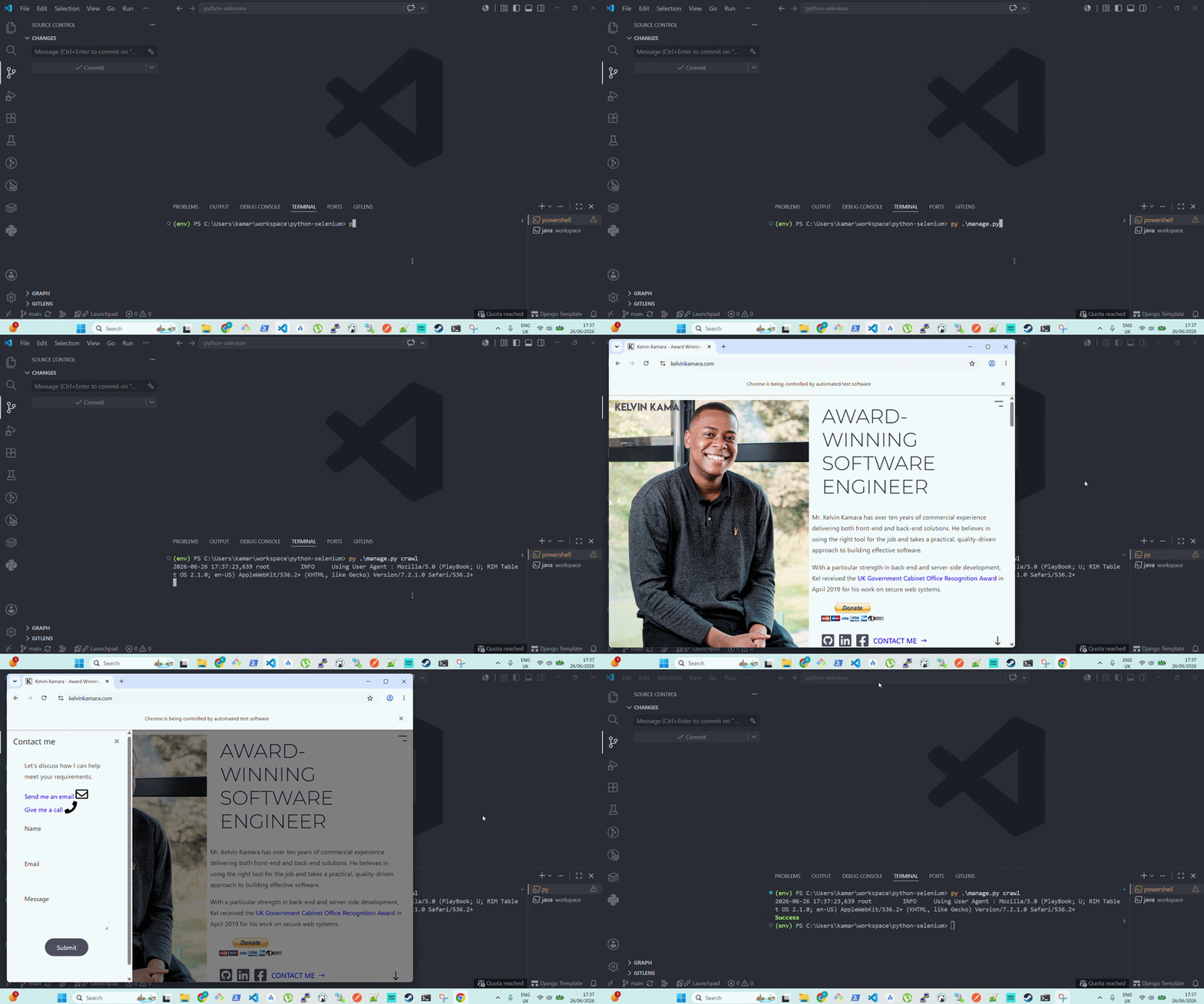
💻 (30-Mar-2021) See your Python code do web browsing on your screen with GUI.
Before you try to scrape any website, go through its robots.txt file. You can access it via domainname/robots.txt. There, you will see a list of pages allowed and disallowed for scraping. You should not violate any terms of service of any website you scrape.
cp .env.example .env
python -m venv env && \
source env/bin/activate
pip install -r requirements.txt
python manage.py makemigrations python manage.py migrateLocate where you downloaded your Selenium Server JAR file in the requirements step and run the following.
java -jar selenium-server-[version].jar standalone --override-max-sessions true --max-sessions 10CLI options in the Selenium Grid.
Update the command at crawl.py to perform your instructions in web scraping.
python manage.py crawlXPath element selector cheat sheet.
alias compose='docker-compose -f local.yml'
compose build
compose up
# Automated runs with Docker:# compose up --build -d && python manage.py crawlThe admin user details are set in ./compose/local/django/start.
export DJANGO_SUPERUSER_PASSWORD="${DJANGO_SUPERUSER_PASSWORD:-secret}"
python manage.py createsuperuser \
--no-input \
--username admin_user \
--email admin@django-app.com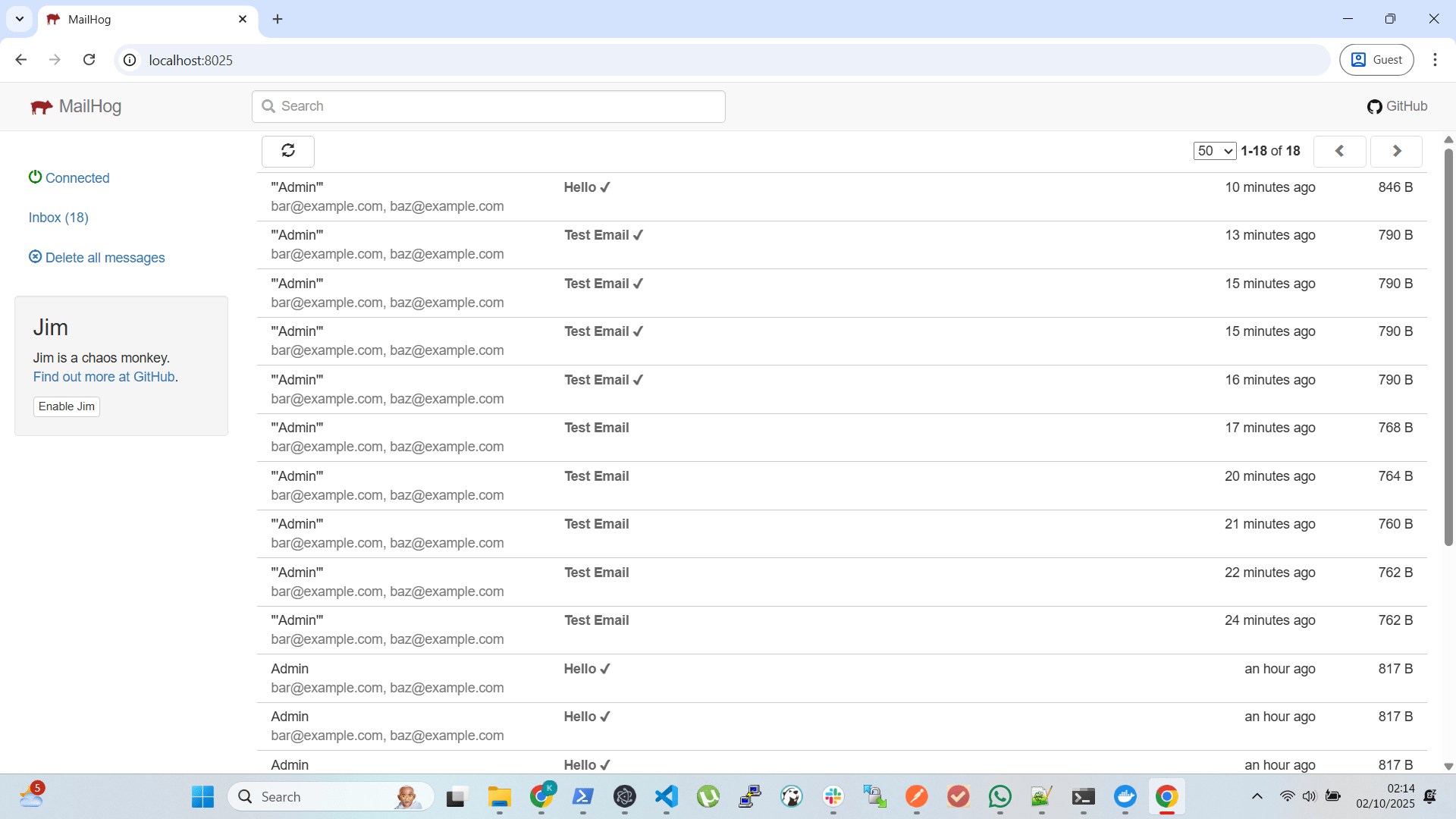
Mail environment credentials are at .env.
The Mailhog Docker mail client runs at http://localhost:8025. This is running in the above image that is receiving emails from your Django app.
py manage.py shell -i ipythonpy manage.py show_urlspy manage.py collectstaticPull requests are welcome. For major changes, please open an issue first to discuss what you would like to change.
Please make sure to update tests as appropriate.