






Generic scale and a handy float-value picker for any iOS app.
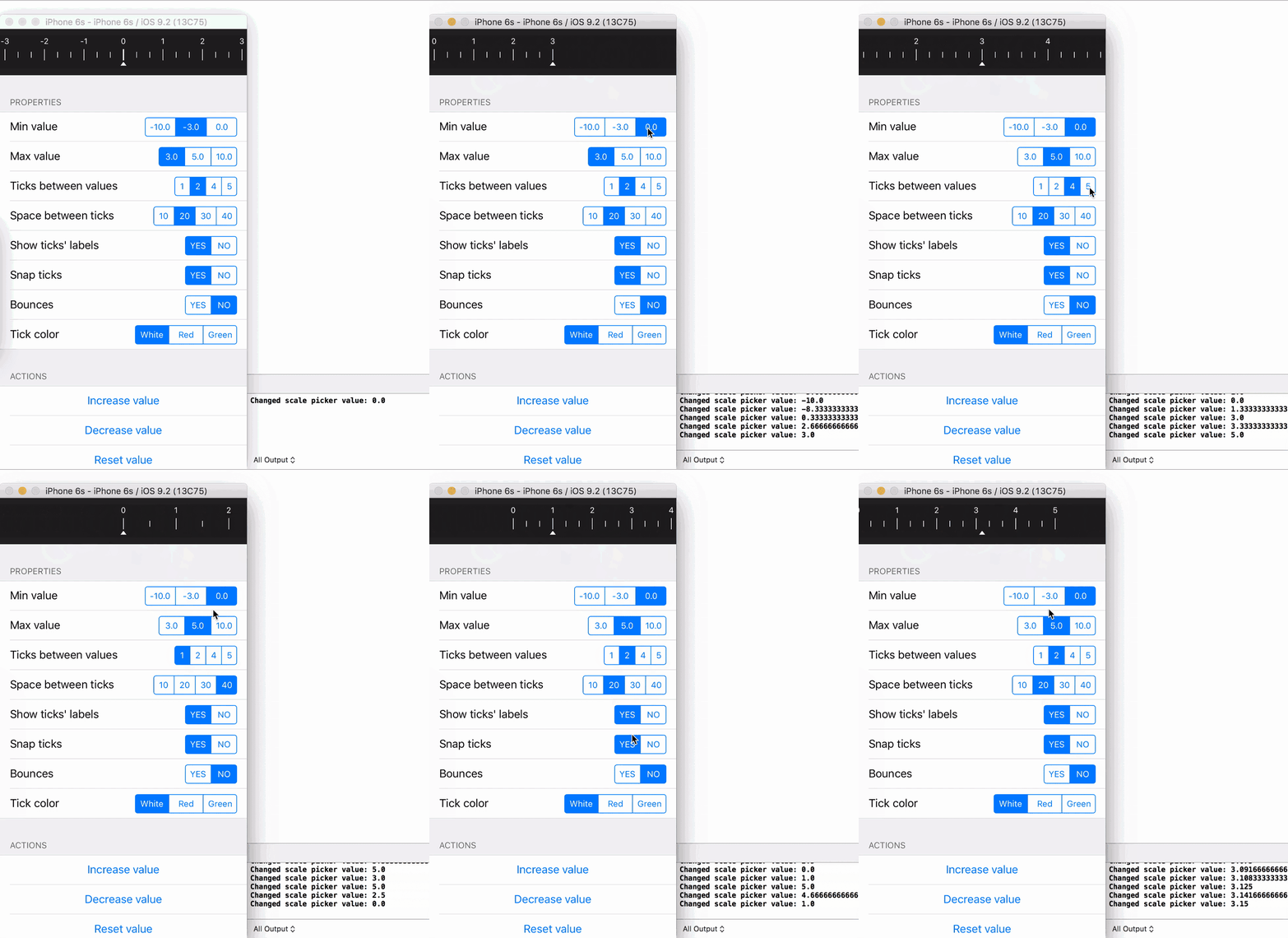
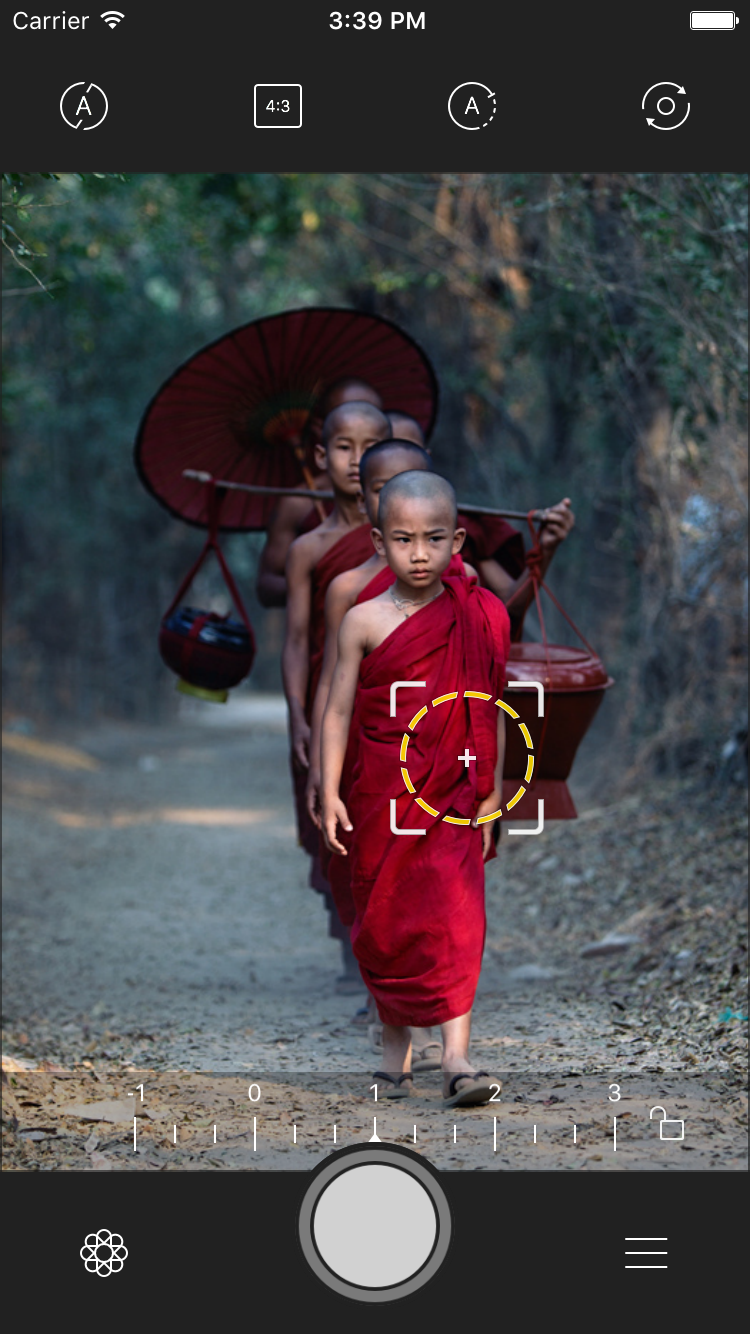

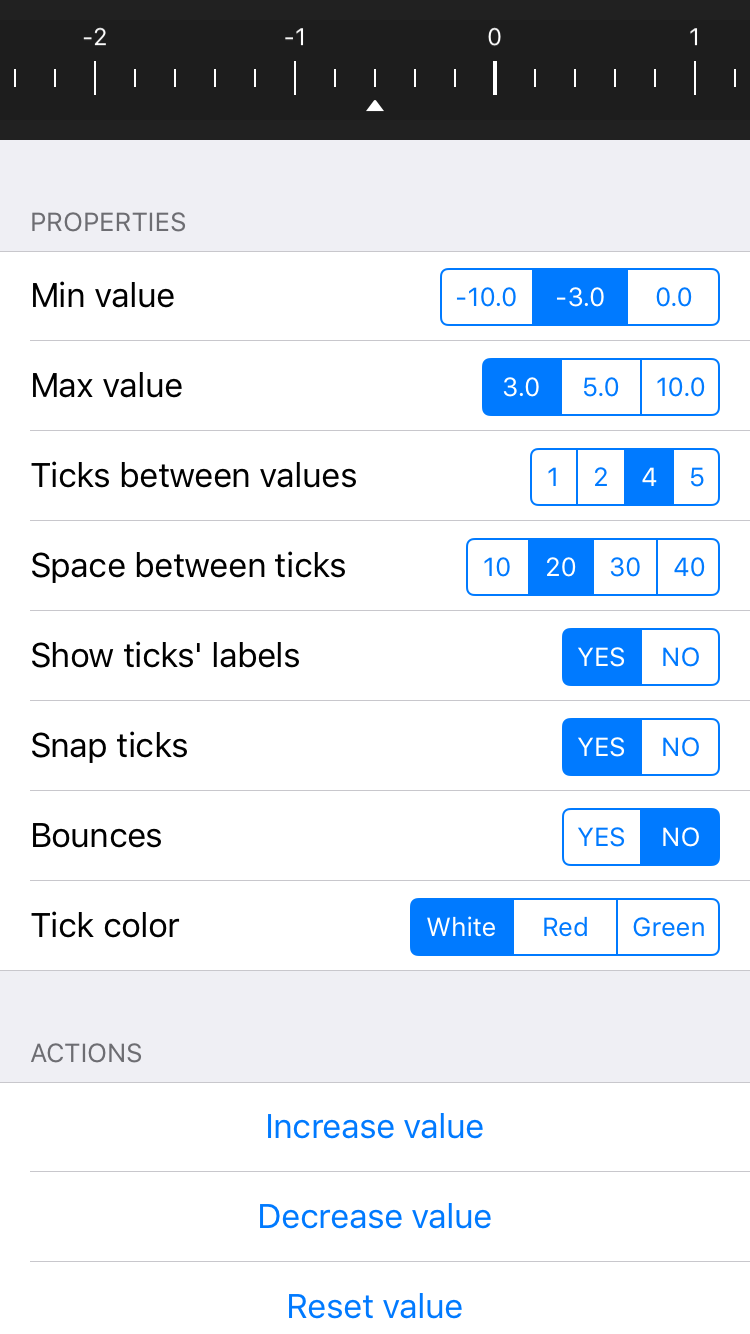
Download repository, then add ScalePicker directory to your project.
CocoaPods is a dependency manager for Objective-C/Swift, which automates and simplifies the process of using 3rd-party libraries in your projects. To install with cocoaPods, follow the "Get Started" section on CocoaPods.
platform:ios,'8.0'use_frameworks!pod'ScalePicker'Carthage is a lightweight dependency manager for Swift and Objective-C. It leverages CocoaTouch modules and is less invasive than CocoaPods. To install with carthage, follow the instruction on Carthage.
You can install Carthage with Homebrew using the following command:
$ brew update
$ brew install carthage
To integrate ScalePicker into your Xcode project using Carthage, specify it in your Cartfile:
github "kronik/ScalePicker"
Instantiate scale view with preferred frame:
letscreenWidth=UIScreen.mainScreen().bounds.size.width
letscaleView=ScalePicker(frame:CGRectMake(0,0, screenWidth,50))
view.addSubview(scaleView)####Set minimum value
scaleView.minValue =-3.0####Set maximum value
scaleView.maxValue =3.0####Set number of ticks between values value
scaleView.numberOfTicksBetweenValues =2####Set space between ticks
scaleView.spaceBetweenTicks =20.0####Set tick label visibility
scaleView.showTickLabels =true####Set a delegate
scaleView.delegate =self####Set ability to snap to the nearest value
scaleView.snapEnabled =true####Set bounces value
scaleView.bounces =false####Set tick (and center/arrow view) color
scaleView.tickColor =UIColor.whiteColor()####Set center/arrow image
scaleView.centerArrowImage =UIImage(named:"arrowPointer")scaleView.increaseValue()scaleView.decreaseValue()scaleView.reset()In addition to increase/decrease/reset actions ScaleView allows you to double tap to trigger reset action
For more details try Xcode Demo project
- Contributions are very welcome.
- Attribution is appreciated (let's spread the word!), but not mandatory.
Tweet the author @dklimkin, and check out Dmitry's portfolio: http://dmitry-klimkin.com
ScalePicker is released under the MIT license. See LICENSE for details.