



Create highly customizable tech trees (or generic graphical trees)
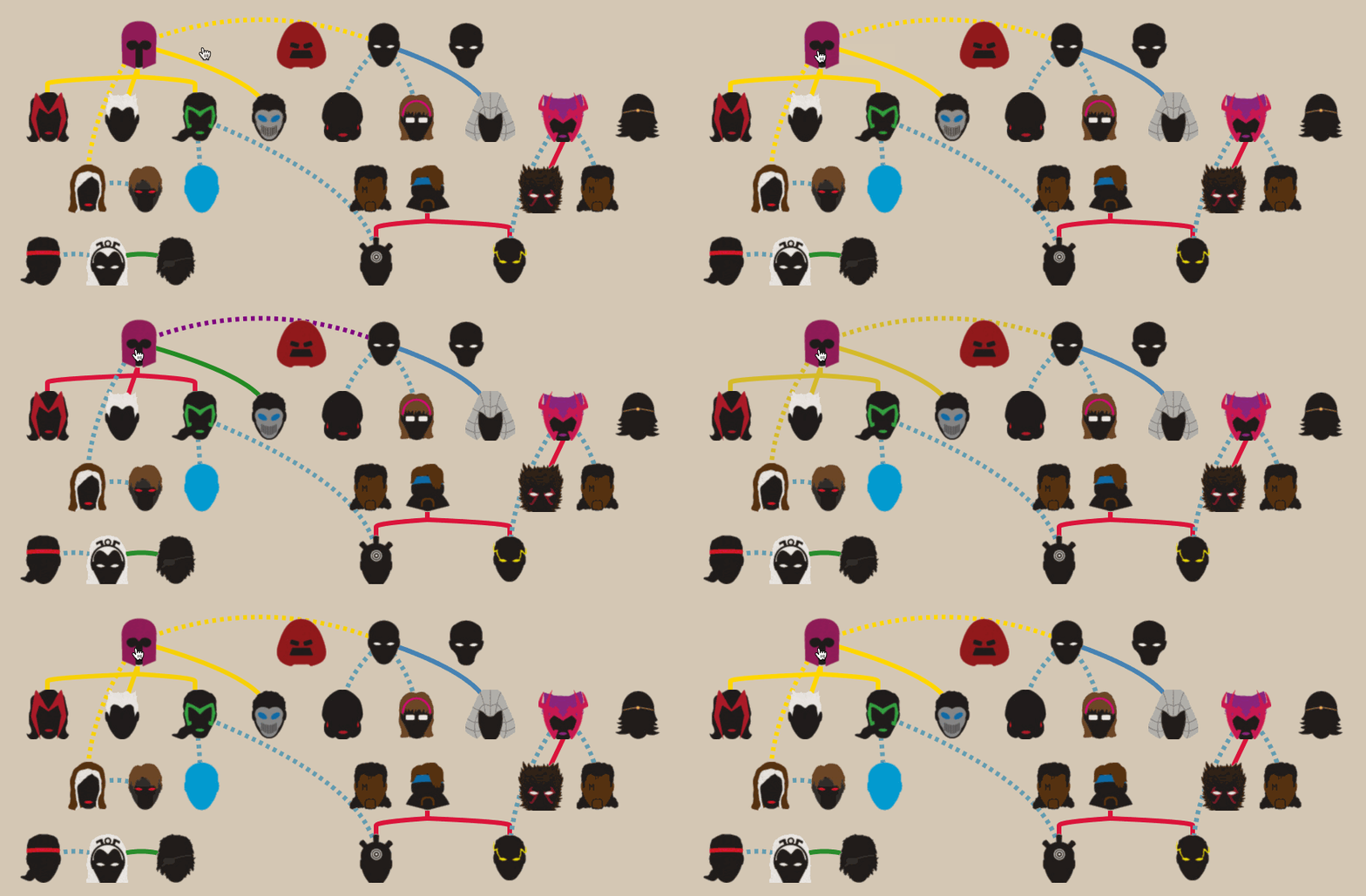
Light
- Zero dependencies (besides react)
- Tree-shaking ready
- < 2Kb gzipped
Responsive
- works on mobile, desktop, etc
Image Support
- sprite sheets (e.g: TexturePacker)
- individual images
Customizable
- style links and nodes
- ready to use with react-tooltip, etc
- good examples
- npm:
npm install --save react-tech-tree - yarn:
yarn add react-tech-tree
importReactfrom"react";import{Tree}from"react-tech-tree";import"react-tech-tree/dist/index.css";constnodes=[[{id: "A0",name: "A"},{id: "B0",name: "B"}]];constlinks=[{from: "A0",to: "B0"}];functionExampleComponent(){return<Treenodes={nodes}links={links}/>;}import{Tree}from"react-tech-tree";| Prop | Type | Description |
|---|---|---|
| id | string | id property (should be unique). E.g: uuuid |
| nodes | {id:string, name: string}[][] | 2d array with nodes information |
| links | {from:string, to: string}[] | array with links information |
| NodeElement | ReactElement | (optional) React Element to be used as Node. Defaults to Node. |
| nodeProps | object | (optional) Properties to pass down to Node elements. See Node. |
| linkProps | object | (optional) See below. |
| Prop | Type | Description |
|---|---|---|
| pathMaker | (r0: Rect,r1: Rect, props?: object) => string | (optional) Function to generate string paths. Defaults to simplePathMaker |
import{Node}from"react-tech-tree";| Prop | Type | Description |
|---|---|---|
| onClick | (e: MouseEvent) => void | (optional) Event Handler fired when the Node is clicked. Defaults to nodeClickHandler |
import{Sprite}from"react-tech-tree";| Prop | Type | Description |
|---|---|---|
| name | string | name of spritesheet entry or image name for this Sprite |
| styleName | () => object | function to style the Sprite from its name. Example |
import{Link}from"react-tech-tree";| Prop | Type | Description |
|---|---|---|
| pathData | string | data to build links. E.g: M 0 0 L 1 1 |
import{nodeClickHandler}from"react-tech-tree";clickHandler function used by Node internally.
Use it when you are trying to build a custom NodeElement that you pass to a Tree.
It will:
- mark
Nodewith classactive - mark
Node's childrenwith classnext-active
//...functionMyNodeElement({ name, id }){return(<buttonid={id}onClick={nodeClickHandler}>{name}</button>);}functionExampleComponent(){return<Treenodes={nodes}links={links}NodeElement={MyNodeElement}/>;}import{prepareSpritesheetStyle}from"react-tech-tree";When using spritesheets, you may need to style each Sprite based on its name.
If you are using TexturePacker, you can use this function as follows:
//...importspriteInformationfrom"./data/spritesheet.json";importspriteImagefrom"./data/spritesheet.png";//...constnodeProps={styleName: prepareSpritesheetStyle(spriteImage,spriteInformation)};functionExampleComponent(){return<Treenodes={nodes}links={links}nodeProps={nodeProps}/>;}import{simplePathMaker}from"react-tech-tree";Pure function that return a string path between the center of two rectangles.
constrect0={x: 0,y: 24,width: 4,height: 4};constrect1={x: 8,y: 32,width: 2,height: 2};constpath=simplePathMaker(rect0,rect1);// "M 2 26 L 9 33"It is used at the default value for building links between Nodes.
It can be passed down in linkProps to a Tree. See example
//...constlinkProps={pathMaker: simplePathMaker};functionExampleComponent(){return<Treenodes={nodes}links={links}linkProps={linkProps}/>;}For further usage, go to the examples page
- tech-tree
- vanilla javascript project I made a long time ago
MIT © ldd