Uh oh!
There was an error while loading. Please reload this page.
Navigate out of active views when deleting topics or resources - #2636
Conversation
bdaad45 to
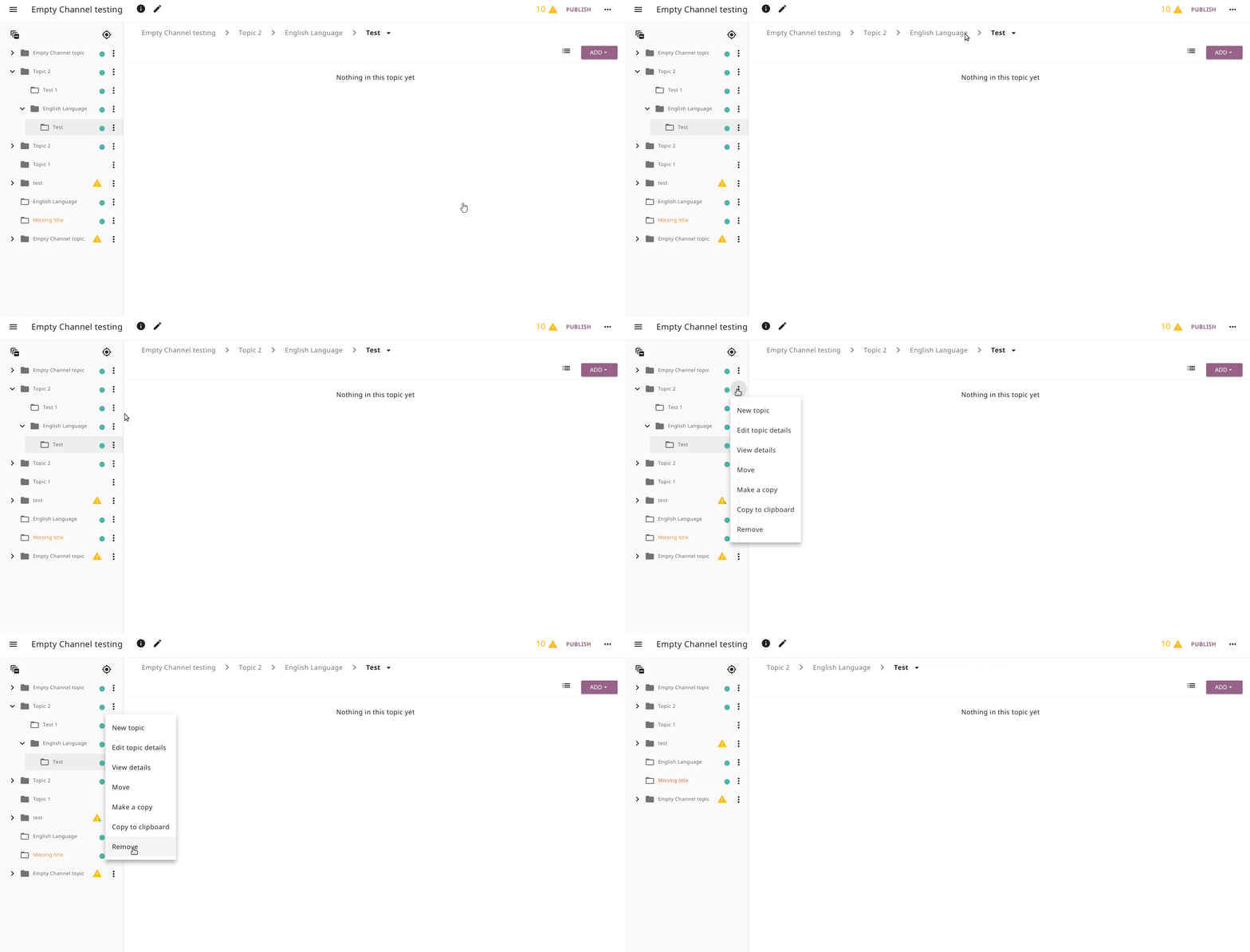
417fa61CompareNice! One thing- for items that are nested by a few levels, I'm not getting navigated to the next available parent and the deleted item isn't getting removed |
 jayoshih
left a comment
jayoshih
left a comment
There was a problem hiding this comment.
Code looks good, but I'm seeing an issue with really nested topic deletion
jonboiser
commented
Dec 9, 2020
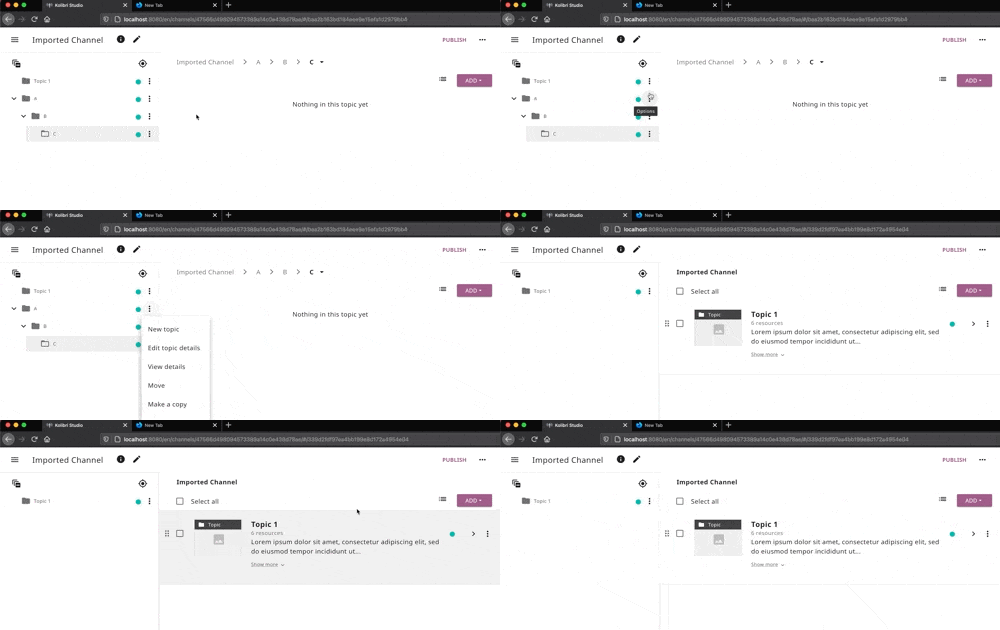
@jayoshih I was able to fix that issue by using the more general (but prob more expensive)
|
jayoshih
commented
Dec 9, 2020
Awesome, thank you! Testing now |
jayoshih
commented
Dec 9, 2020
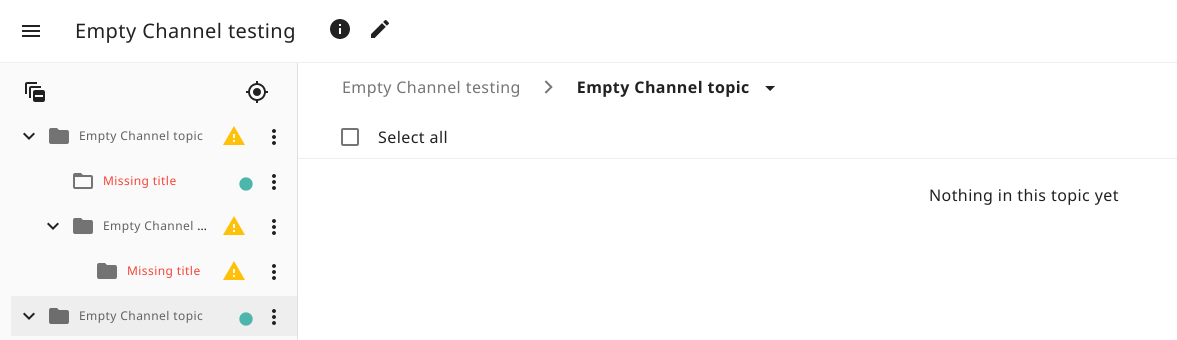
Looks like all of the test cases are working! However, I am encountering a different issue where the folder/toggle icons aren't getting properly updated when the content in them change. When I delete all of the items in a topic, the toggle icon doesn't disappear and the folder icon is still filled in as if there is content in the topic. If it's not too much trouble, could you look into this? If not, it seems like a pretty small issue where you could just create a new issue for it
|
Uh oh!
There was an error while loading. Please reload this page.
51f1984 to
ef672f1Comparejayoshih
commented
Dec 10, 2020
Awesome, looks great! |
Please remove any unused sections
Description
Adds an extra function to the callback of
removeNode(s)inContentNodeOptionsandCurrentTopicViewto do an appropriate navigation to a "higher" position in the hierarchy if the user removes the currently-viewed topic, or an ancestor of that topic.Issue Addressed (if applicable)
Fixes#2581 (3 different scenarios)
Before/After Screenshots (if applicable)
Insert images here
Steps to Test
Test the three scenarios in #2581. The main thing is that if you are viewing a topic or a resource detail panel, then the UI cleans itself up after removing that topic/resource from the tree.
Test the removal operation on all of these widgets
Don't forget the bulk deletion widget