A simple QR Code scanner framework for iOS. Provides a similar scan effect to ios13+. Written in Swift.
| iOS 13.0+ | Use QRScanner in iOS 10.0+ |
|---|---|
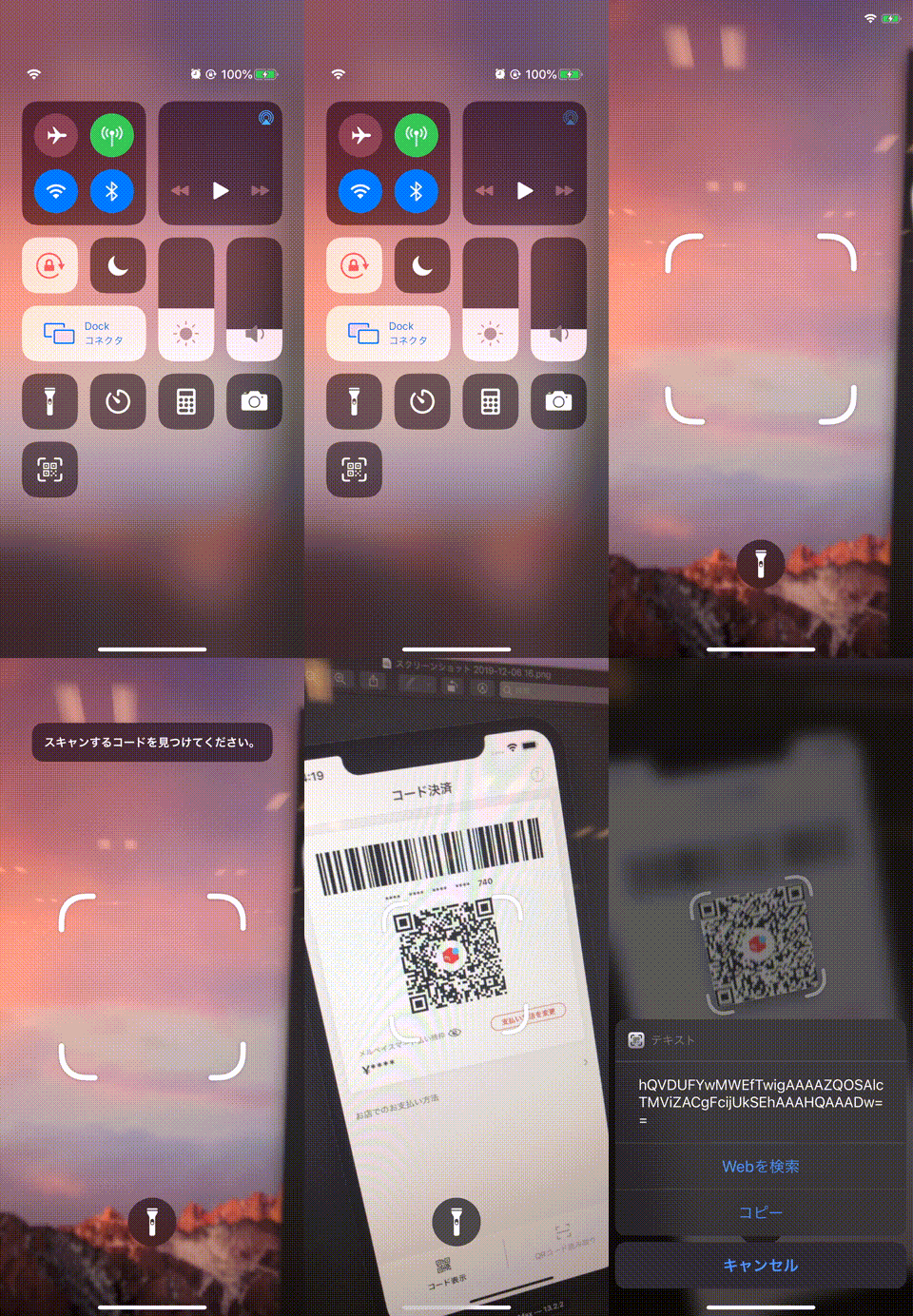 | 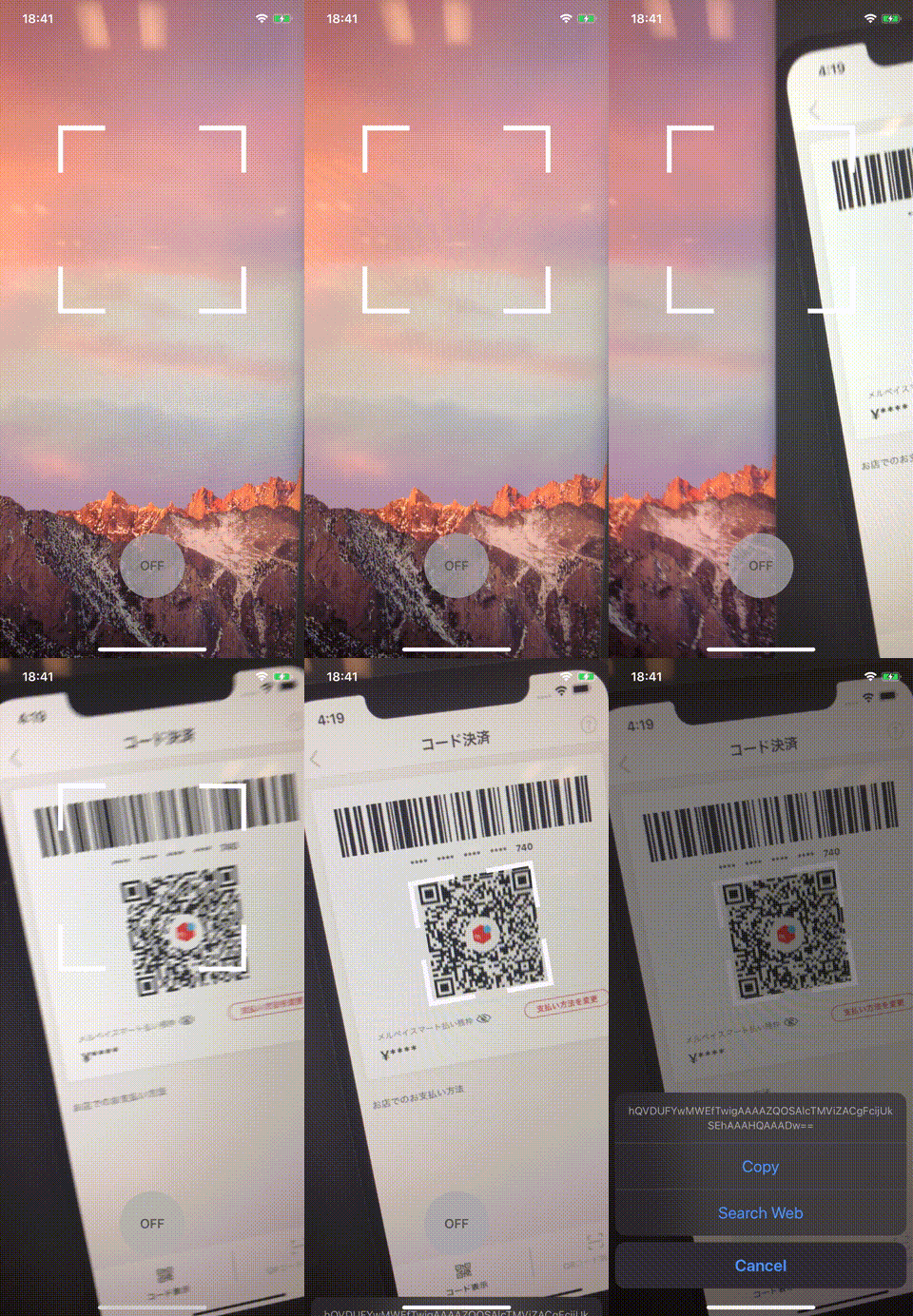 |
"QR Code" is a registered trademark of DENSO WAVE INCORPORATED
- Similar to iOS 13.0+ design
- Simple usage Sample
- Support from iOS 10.0+
- iOS 11.0+
- Swift: 5.7.1
- Xcode Version: 14.1
QRScanner supports multiple methods for installing the library in a project.
- To integrate QRScanner into your Xcode project using CocoaPods, specify it in your
Podfile
platform:ios,'11.0'pod'MercariQRScanner'- Run command
pod install
- Write Import statement on your source file
import MercariQRScanner- Multiple commands produce
.../xxx.app/Assets.carissue
# Private libraries using Images.xcassets have a problem with Assets.car being generated multiple times causing conflicts.# In the Podfile file, addinstall!'cocoapods',:disable_input_output_paths=>trueOnce you have your Swift package set up, adding QRScanner as a dependency is as easy as adding it to the dependencies value of your Package.swift.
dependencies: [
.package(url: "https://github.com/mercari/QRScanner.git", .upToNextMajor(from: "1.9.0"))
]
- Write Import statement on your source file
import QRScanner- To integrate QRScanner, add the following to your
Cartfile.
github "mercari/QRScanner"
- Write Import statement on your source file
import QRScannerSee QRScannerSample
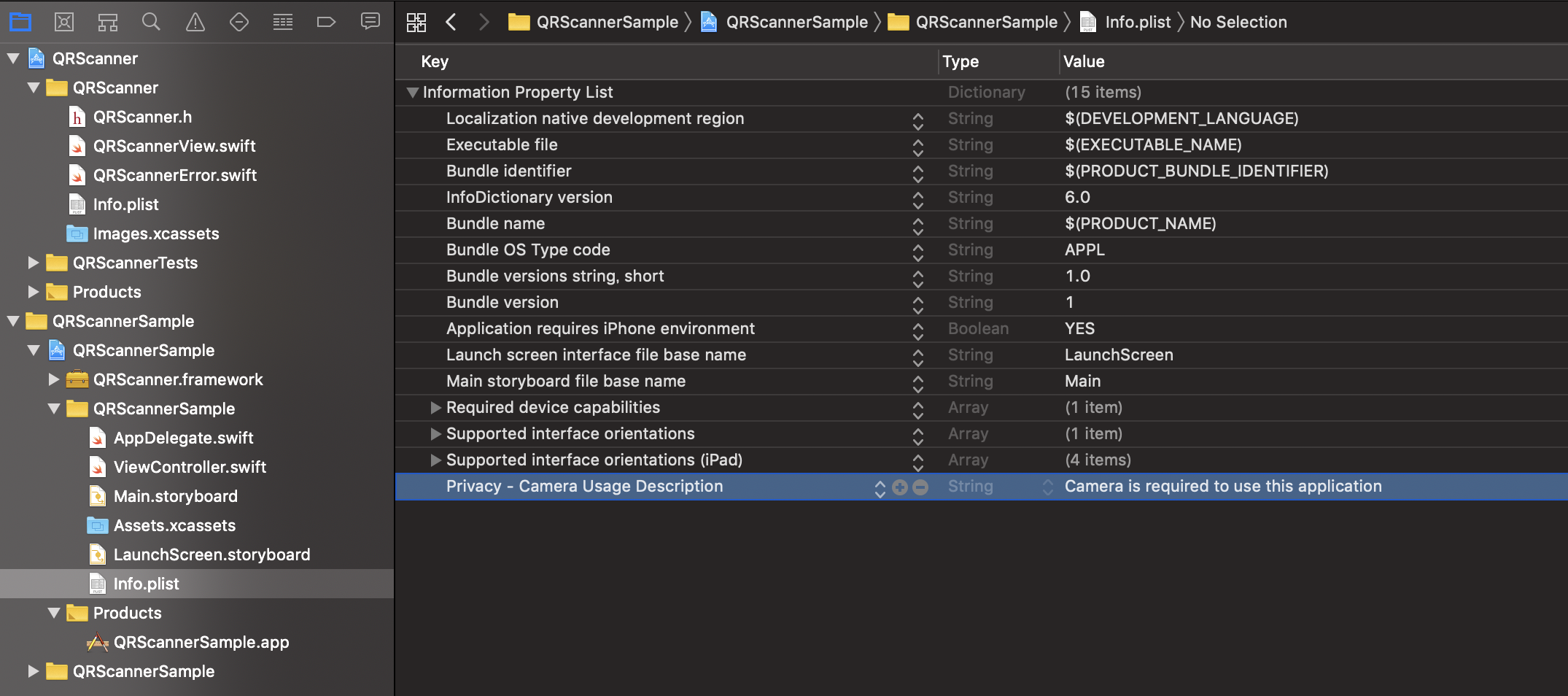
import QRScanner // If use the Pod way, please import MercariQRScanner
import AVFoundation
finalclassViewController:UIViewController{overridefunc viewDidLoad(){
super.viewDidLoad()setupQRScanner()}privatefunc setupQRScanner(){switchAVCaptureDevice.authorizationStatus(for:.video){case.authorized:setupQRScannerView()case.notDetermined:AVCaptureDevice.requestAccess(for:.video){[weak self] granted inif granted {DispatchQueue.main.async{[weak self]inself?.setupQRScannerView()}}}default:showAlert()}}privatefunc setupQRScannerView(){letqrScannerView=QRScannerView(frame: view.bounds)
view.addSubview(qrScannerView)
qrScannerView.configure(delegate:self, input:.init(isBlurEffectEnabled:true))
qrScannerView.startRunning()}privatefunc showAlert(){DispatchQueue.main.asyncAfter(deadline:.now()+0.5){[weak self]inletalert=UIAlertController(title:"Error", message:"Camera is required to use in this application", preferredStyle:.alert)
alert.addAction(.init(title:"OK", style:.default))self?.present(alert, animated:true)}}}extensionViewController:QRScannerViewDelegate{func qrScannerView(_ qrScannerView:QRScannerView, didFailure error:QRScannerError){print(error)}func qrScannerView(_ qrScannerView:QRScannerView, didSuccess code:String){print(code)}}overridefunc viewDidLoad(){
super.viewDidLoad()letqrScannerView=QRScannerView(frame: view.bounds)
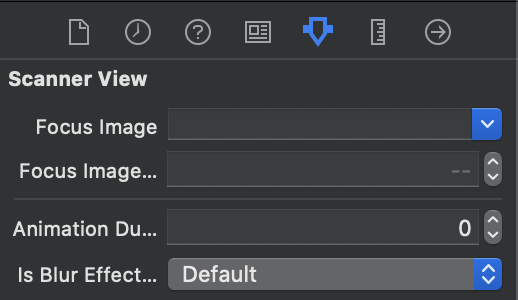
// Customize focusImage, focusImagePadding, animationDuration
qrScannerView.focusImage =UIImage(named:"scan_qr_focus")
qrScannerView.focusImagePadding =8.0
qrScannerView.animationDuration =0.5
qrScannerView.configure(delegate:self)
view.addSubview(qrScannerView)
qrScannerView.startRunning()}| Setup Custom Class | Customize |
|---|---|
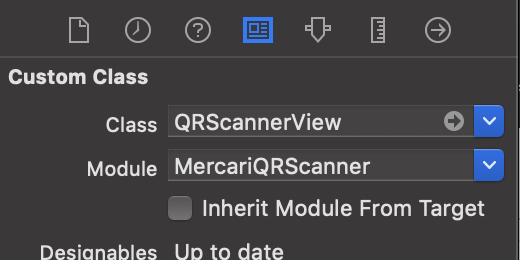 |  |
finalclassViewController:UIViewController{...@IBOutletvarflashButton:FlashButton!@IBActionfunc tapFlashButton(_ sender:UIButton){
qrScannerView.setTorchActive(isOn: !sender.isSelected)}}extensionViewController:QRScannerViewDelegate{...func qrScannerView(_ qrScannerView:QRScannerView, didChangeTorchActive isOn:Bool){
flashButton.isSelected = isOn
}} qrScannerView.configure(delegate:self, input:.init(isBlurEffectEnabled:true))| Customize |
|---|
|
- Hitsu (@hitsubunnu)
- Sonny (@tedbrosby)
- Daichiro (@daichiro)
Please read the CLA carefully before submitting your contribution to Mercari. Under any circumstances, by submitting your contribution, you are deemed to accept and agree to be bound by the terms and conditions of the CLA.
Copyright 2019 Mercari, Inc.
Licensed under the MIT License.