

Menees VS Tools is an extension for Visual Studio. It adds several new commands to process selected text, add new text, and work with open files. It started life in 2001 as an add-in for Visual C++ 6, and since then it has been rewritten several times for newer versions of Visual Studio. Now it is predominantly focused on C# development, but it also has limited support for C++, XML, HTML, CSS, SQL, IDL, F#, VB, VBScript, JavaScript, TypeScript, PowerShell, Python, XAML, Razor, and plain text. Some of its commands are:
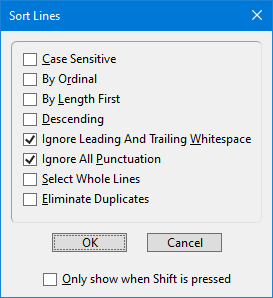
- Sort Lines
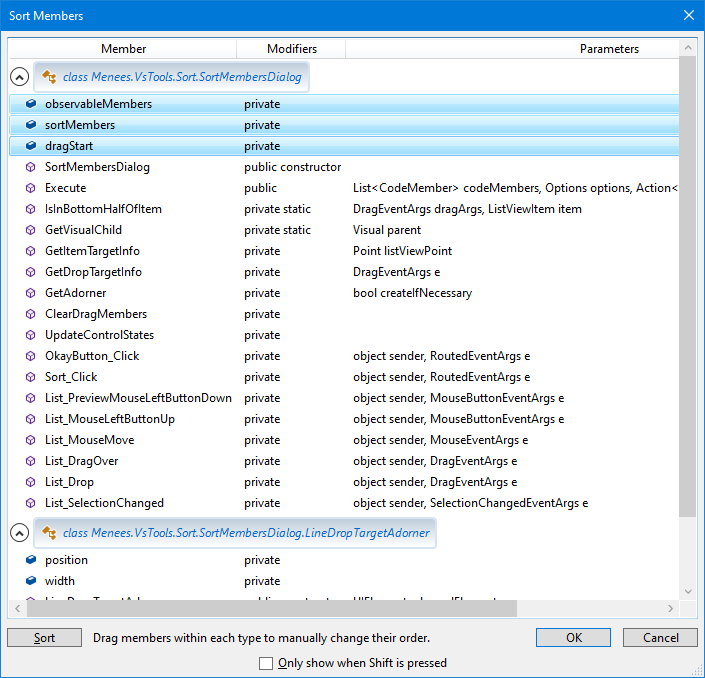
- Sort Members
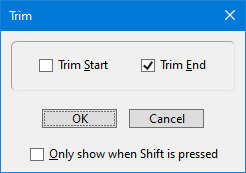
- Trim
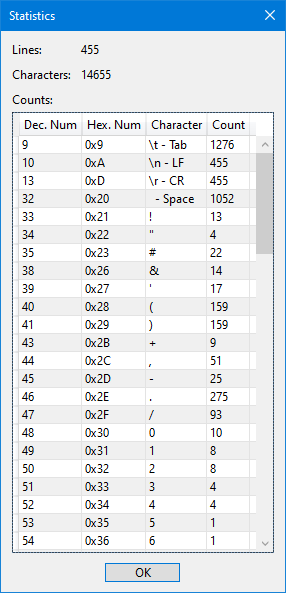
- Statistics
- Execute Text
- Execute File
- Stream Text
- Check Spelling With MS Word
- Generate GUID
- Toggle Files
- Toggle Read-Only
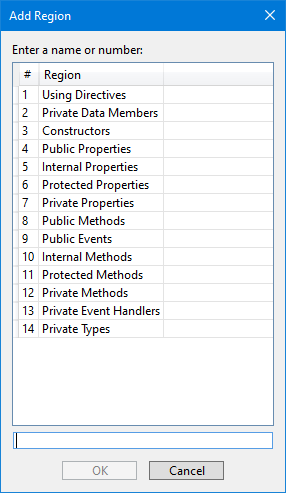
- Add Region
- Collapse All Regions
- Expand All Regions
- Add TODO Comment
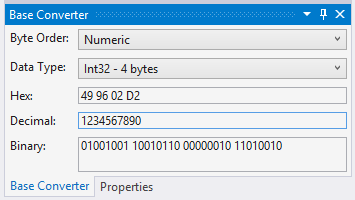
- Base Converter (Tool Window)
- List All Project Properties
- View Project Dependencies
Other optional features:
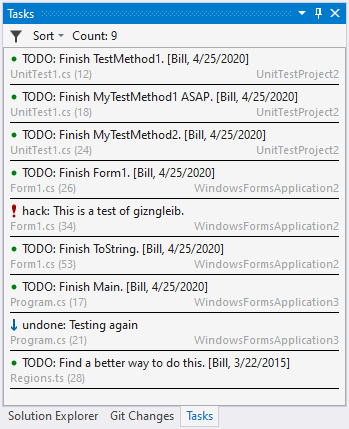
- Tasks (Tool Window) reports "TODO" tasks in any open file or any file referenced in the current solution.
- Highlight configurable patterns in Output windows by content type (e.g., Output, BuildOrderOutput, BuildOutput, ConsoleOutput, DatabaseOutput, DebugOutput, SourceControlOutput, TestsOutput, and TFSourceControlOutput).
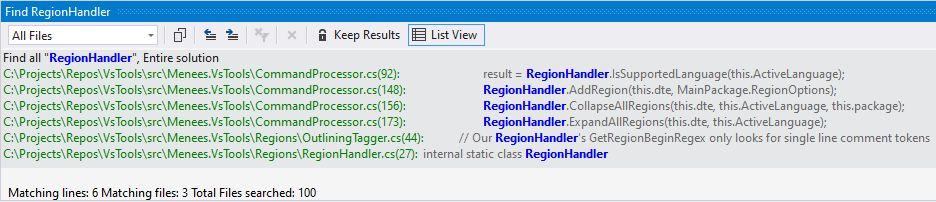
- Highlight Find Results file names, matches, and details.
- Commented #region support for XML, XAML, HTML Web Forms, and SQL.
- Disable Ctrl+MouseWheel zoom in text windows

This software is CharityWare. If you use it, I ask that you donate something to the charity of your choice.