A physics library for React Native (in progress)
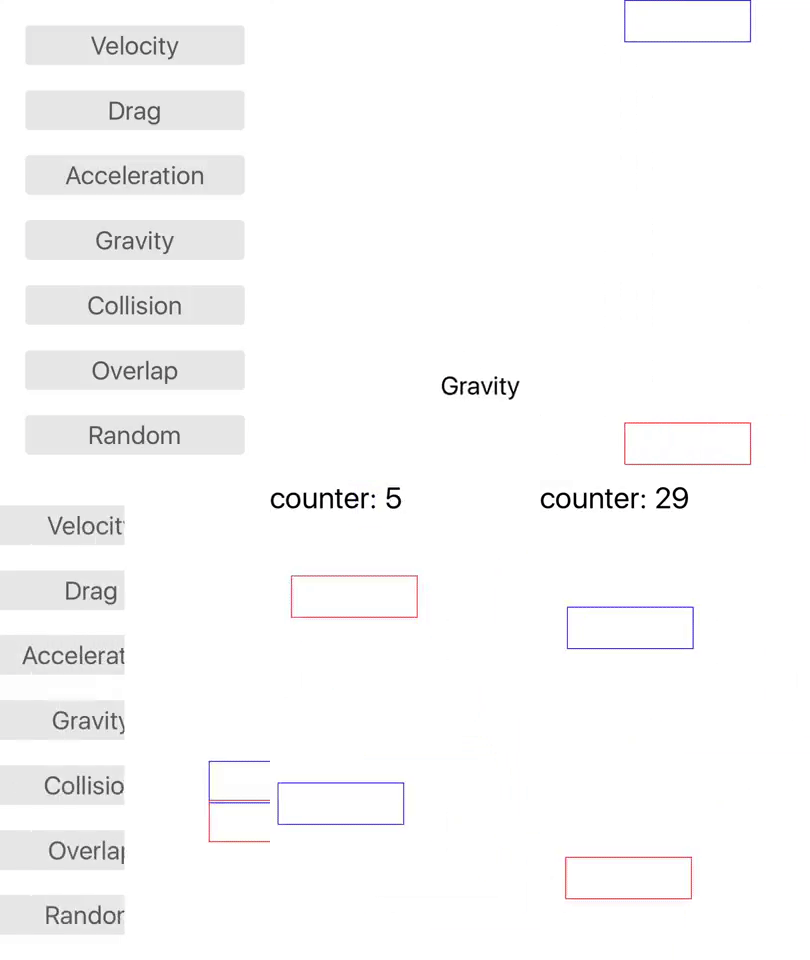
youtube video that shows all the examples
npm install --save react-native-physics
import { Container, Box } from 'react-native-physics';
Container lays out just like a View. Container holds the state of each box. Put Boxes inside the Container.
render(){return(<Containerstyle={{flex: 1,backgroundColor: '#fff'}}delay={500}><Boxposition={{x: 20,y: 150}}velocity={{x: 5,y: -7}}bounce={{x: 1,y: 1}}collideWithContainer={true}id="a"><Textstyle={{fontSize: 35}}>Hello World</Text></Box></Container>);}To run the example in this repository, git clone, npm install, and react-native run-ios (or run-android).
Container
| Property | type | default | required |
|---|---|---|---|
| height | number | null | false |
| width | number | null | false |
| fps | number | 60 | false |
| delay | number | 0 | false |
| collide | array of objects | null | false |
| overlap | array of objects | null | false |
Note: collide and overlap array objects must follow this protocol
{boxes: [/* strings of box IDs */],callback: ()=>{}// box1, box2 are passed as arguments}Box
| Property | type | default | required |
|---|---|---|---|
| position | object | { x: 0, y: 0 } | false |
| gravity | object | { x: 0, y: 0 } | false |
| velocity | object | { x: 0, y: 0 } | false |
| acceleration | object | { x: 0, y: 0 } | false |
| drag | object | { x: 0, y: 0 } | false |
| height | number | null | false |
| width | number | null | false |
| outline | boolean or string | null | false |
| collideWithContainer | boolean | false | false |
| id | string or number | null | true |
Note: If outline is set to true, the outline will be red. If set to a string, it must be a valid color (i.e. 'blue', '#abc', '#88dd66', 'rgb(...)', 'rgba(...)')
Please do so. School and other projects have shifted my focus away from this one. Note: The developer experience was intended to be similar to Phaser and the logic of physics is loosely based on this article.