Mini-Box.com produces several high quality intelligent Uninterruptible Power Supplies. This is a tool to report status information and configure these UPS models.
- OpenUPS: 6-30V Intelligent Uninterruptible Power Supply
- OpenUPS2: 11-24V Intelligent DC-DC Uninterruptible Power Supply using LiFePO4 or 13-24V using Li-Ion (see manual)
- NUC-UPS: 6-38V Intelligent Automotive grade Uninterruptible Power Supply
- DCDC-USB: Intelligent buck-boost DC-DC converter with USB interface
- DCDC-USB-200: Intelligent buck-boost DC-DC converter with USB interface
The flash storage on these devices have limited write cycles (should be considered < 100.000) so it's not advisable to keep writing the configuration periodically on a timer.
| Feature | OpenUPS | OpenUPS2 | NUC-UPS |
|---|---|---|---|
| Picture | 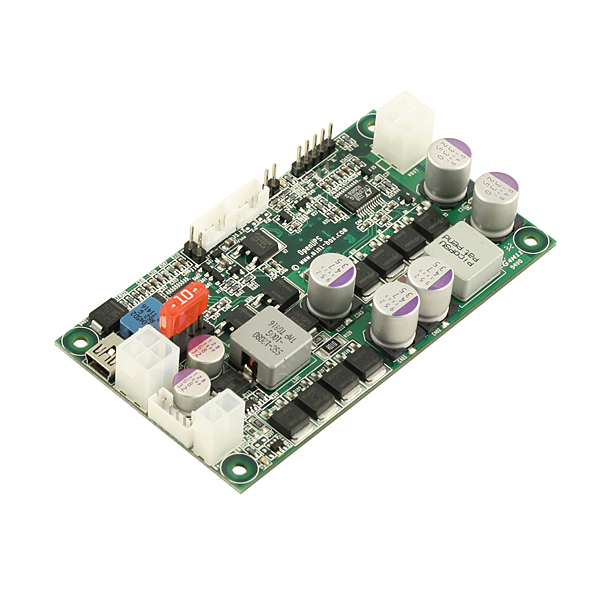 | 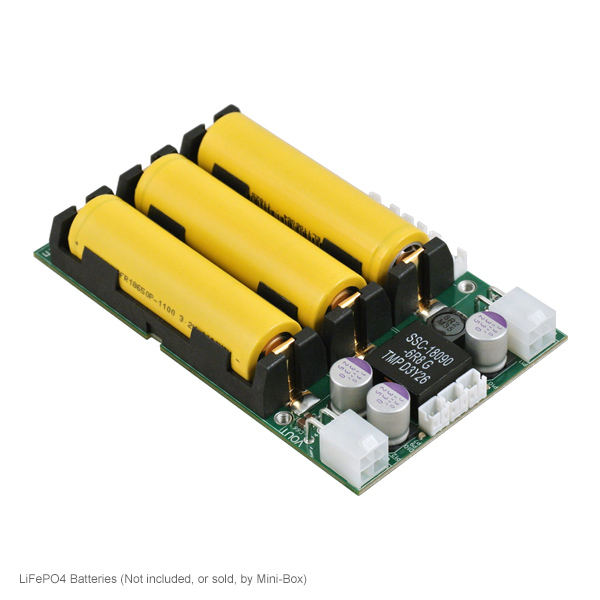 | 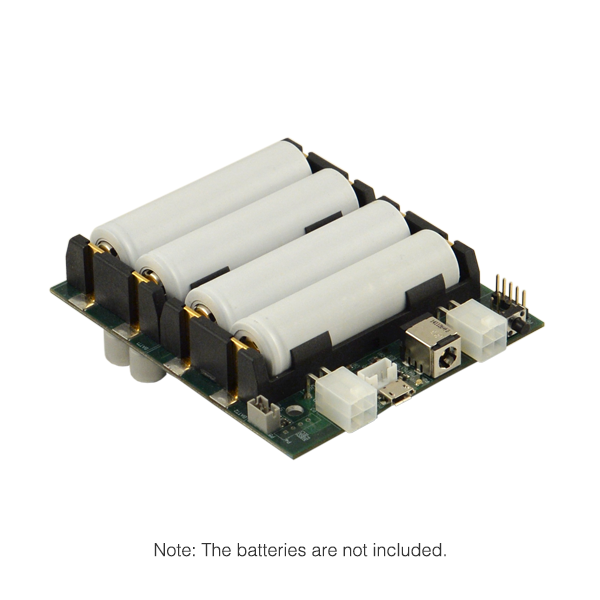 |
| Input Voltage | 6-30V | 11-24V | 6-38 |
| Output Voltage | 5-24V (programable) | 12V* | 12V |
| Architecture | Buck/Boost | Boost | Buck/Boost |
| Max Power | 6A | 5A | 5A |
| Battery Chemistry | Li-Ion, Li-Po, LIFEPO4, Lead Acid | LiFePO4, Li-Ion** | Li-Ion |
| Battery Charger | Multiple chemistry charger | 3 state charger | 3 state charger |
| Battery balancing | Yes | Yes | Yes |
| USB Interface | Yes | Yes | Yes |
| SMBUS | Slave | Slave | - |
| Coulomb counting (fuel gauge) | Yes | Yes | Yes |
| Temperature monitoring | On board | For each cell | For each cell |
| Battery design | External removable | Onboard removable | Onboard removable |
| Footprint | Custom | 2.5" drive footprint | 2.5" drive footprint |
| Windows compatible | Yes | Yes | Yes |
| Linux compatible | Yes | Yes | Yes |
| Motherboard ON/OFF pulse control | Yes | Yes | Yes |
| Deep Sleep power consumption | <50uA | 1uA | 5uA |
| Availability | Long life | Long life | New product |
* If V(in) > V(out) then V(out) is unregulated (Vin=vout)
* If V(in) < V(out) then V(out) is 12V regulated
** Li-Ion chemistry supported with hardware modification, consult manual.
These devices allow advanced configuration which can be quite complex. It's recommended to read the documentation using the links below before attempting to configure these UPSes.
$ sudo snap install openups --edge

$ git clone https://github.com/mini-box/ups.git
$ cd ups
$ cmake .
$ sudo make install
For all commands below replace device name with the name of the device you want to control eg: openups, openups2, nucups
Show help, supported devices and supported commands per device:
$ openups -hShow status and configuration:
$ sudo openups -t <device name>Show only status
$ sudo openups -t <device name> -sExport current configuration variables from device to file
$ sudo openups -t <device name> -o <file name>Import configuration from file to device. Warning: it will restart your UPS and in certain cases the device connected to it !
$ sudo openups -t <device name> -i <file name>For configuration variables you can add
-cswitch on command line to output a detailed description for each variable. Example:6. UPS_INIT_DELAY_TOUT: 1 # [s] Initial delay before starting the UPS. Default is 1 sec.Some devices accept commands to set for example the output voltage:
$ sudo openups -t dcdcusb -e set_vout:11.5 -s
There might be issues with apparmor/SELinux that won't allow access to raw usb devices. For the snap binary this can be solved by:
$ sudo snap connect openups:raw-usb
For remote management or shutdown configuration it's also possible to use Network UPS Tools. Open UPS and Open UPS 2 are already integrated in latest version so installation should be straight forward on different Linux flavors. For more details on custom installations and configuration for our UPS products on Network UPS Tools see these links: