RTDataSourceAdapter is a library that simplifies work with the UITableView controls.
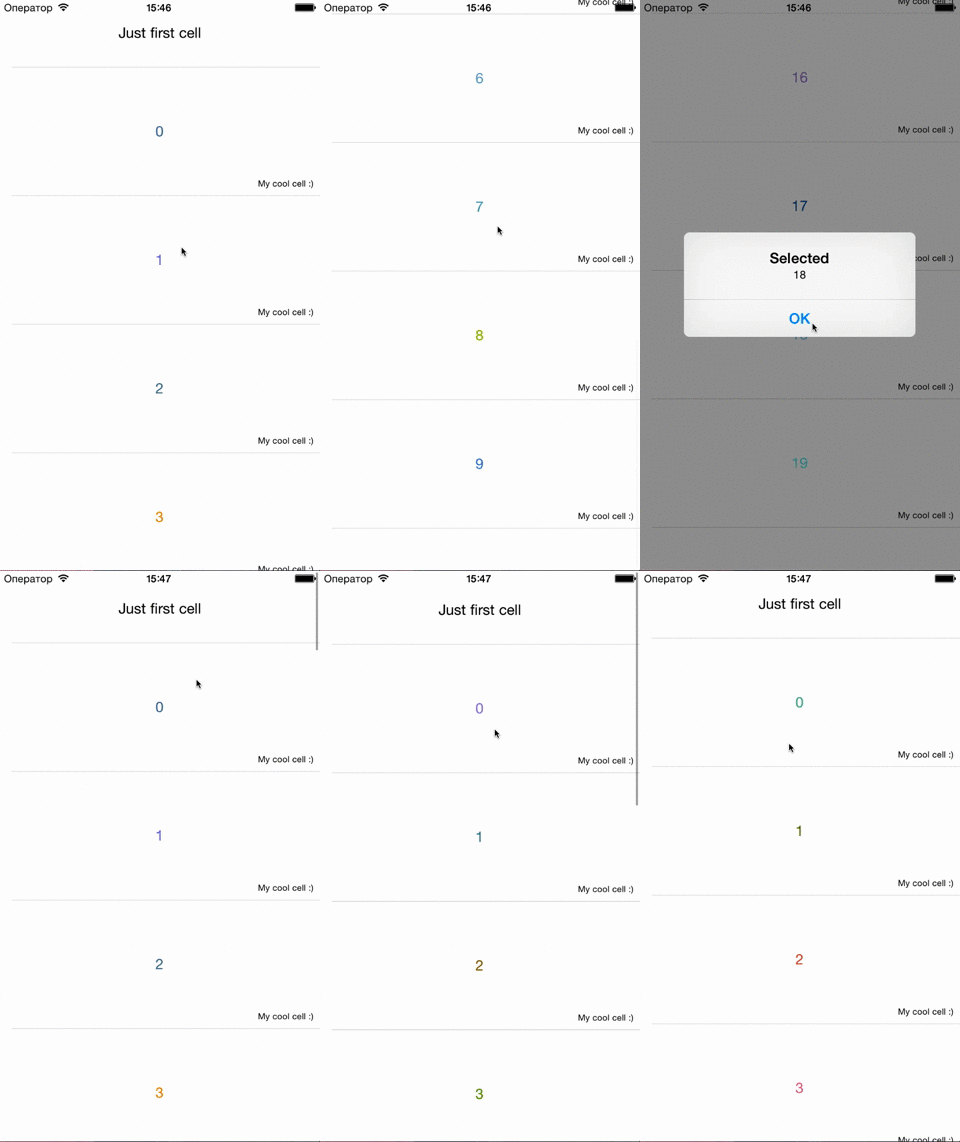 "
"
#import<RTDataSourceAdapter.h>@interfaceViewController : UIViewController
....
@property (weak, nonatomic) IBOutlet UITableView *myTable;
@property (strong, nonatomic) RTDataSourceAdapter *adapter;
....
@endself.adapter = [[RTDataSourceAdapter alloc] init];
self.myTable.tintColor = [UIColor redColor]; // <- color for load indicator
self.adapter.pullToRefreshWidth = 320; // <- optional, width for RefreshControl container
self.adapter.deselectable = YES; // <- can deselect row. Default:NO
[self.adapter registerTableView:self.myTable cellIdentifiers:cellIdentifiers // <- Array of cells identifiers (NSString)//also you can use "cellIdentifier:(NSString *)" for one cell identifieraddPullToRefresh:YES// <- I think clearly - add refresh control :)pageLoadingEnabled:YES]; //<- It adds the ability to loading parts :)[self.adapter.content clear]; // remove all object
[self.adapter.content addItem:cellIdentifier value:YOURmodel]; //or
[self.adapter.content addItem:[[RTAdapterItem alloc] initWithID:cellIdentifier value:YOURmodel]];
[self.adapter reloadData]; //update state//cell selected
[self.adapter setSelectHandler:^(RTAdapterItem *selectedObject, NSIndexPath *indexPath) {
//your code
}];
//pull to refresh action
[self.adapter setPullToRefreshHandler:^{
//your code
}];
//load new page action
[self.adapter setLoadMoreHandler:^{
//your code
}];Cells must be inherited from RTBaseAdapterTableViewCell
#import<RTBaseAdapterTableViewCell.h>@interfaceExampleCell : RTBaseAdapterTableViewCell
....
@end
and override two methods
@implementationMYTableViewCell
- (void)cellContent:(YOURModel *)content
{
//your code
}
+ (CGFloat)heightFromCellContent:(YOURModel *)content
{
// calculate heightreturn cellHeight;
}
@endRTDataSourceAdapter is available through CocoaPods. To install it, simply add the following line to your Podfile:
pod install 'RTDataSourceAdapter'In case you don’t want to use CocoaPods - just copy the folder RTDataSourceAdapter to your Xcode project.
RTDataSourceAdapter is available under the MIT license. See the LICENSE file for more info.