
The Go gopher was designed by Renée French.


| English | 日本語 |
- PacVim is a Vim learning game ʕ◔ϖ◔ʔ
PacVim is started by double-clicking on the binary file below.
- Windows: ./bin/win/pacvim.exe
- Mac: ./bin/mac/pacvim
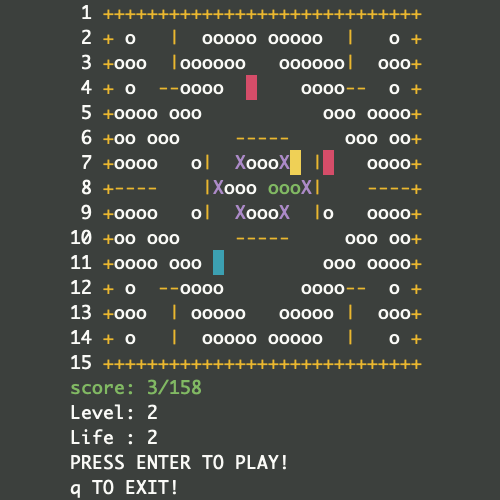
PacVim follows the rules of Pac-Man.
Note
I suggest you play with a larger view of your terminal or command prompt because your eyes will flicker.
| Object name | Display | Supplementary explanation |
|---|---|---|
| apple |   | This turns green when eaten. |
| poison |  | - |
| obstacles |    | - |
| player |  | - |
| Enemy(hunter) |  | - |
| Enemy(ghost) |  | Enemies that can slip through obstacles |
| State | To transition to the left state |
|---|---|
| Stage clear | Eat all apples |
| Stage failure | Caught by enemy or eat poison |
| Game clear | Clear all stages |
| Game over | Stage failure with 0 life. |
| Key | Action type | Action |
|---|---|---|
h, Nh | walk | move left (If Nh, repeat N times) |
j, Nj | walk | move down (If Nj, repeat N times) |
k, Nk | walk | move up (If Nk, repeat N times) |
l, Nl | walk | move right (If Nl, repeat N times) |
w, Nw | walk | move forward to next word beginning (If Nw, repeat N times) |
e, Ne | walk | move forward to next word ending (If Ne, repeat N times) |
b, Nb | walk | move backward to previous word beginning (If Nb, repeat N times) |
0 | jump | move to the beginning of the current line |
$ | jump | move to the end of the current line |
^ | jump | move to the beginning of the first word on the current line |
gg | jump | move to the beginning of the first word on the first line |
G | jump | move to the beginning of the first word on the last line |
NG | jump | move to the beginning of the first word on the nth line |
q | - | quit the game |
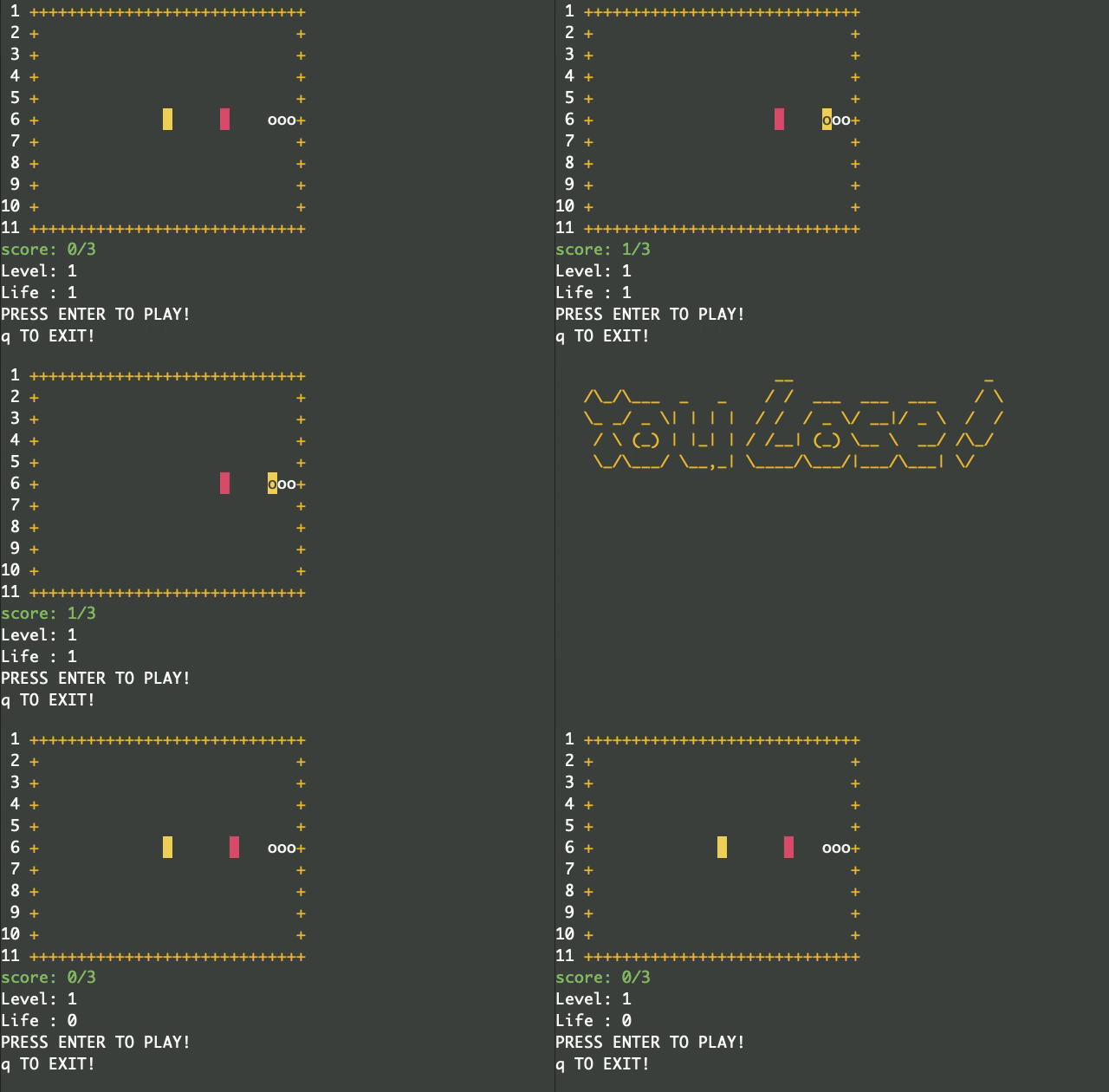
walkwalkis the image of moving one square at a time to the destination in an instant. Therefore, hit detection with enemies, obstacles, and apples is applied. Use it when you want to eat apples all at once.e.g. If you type
w.
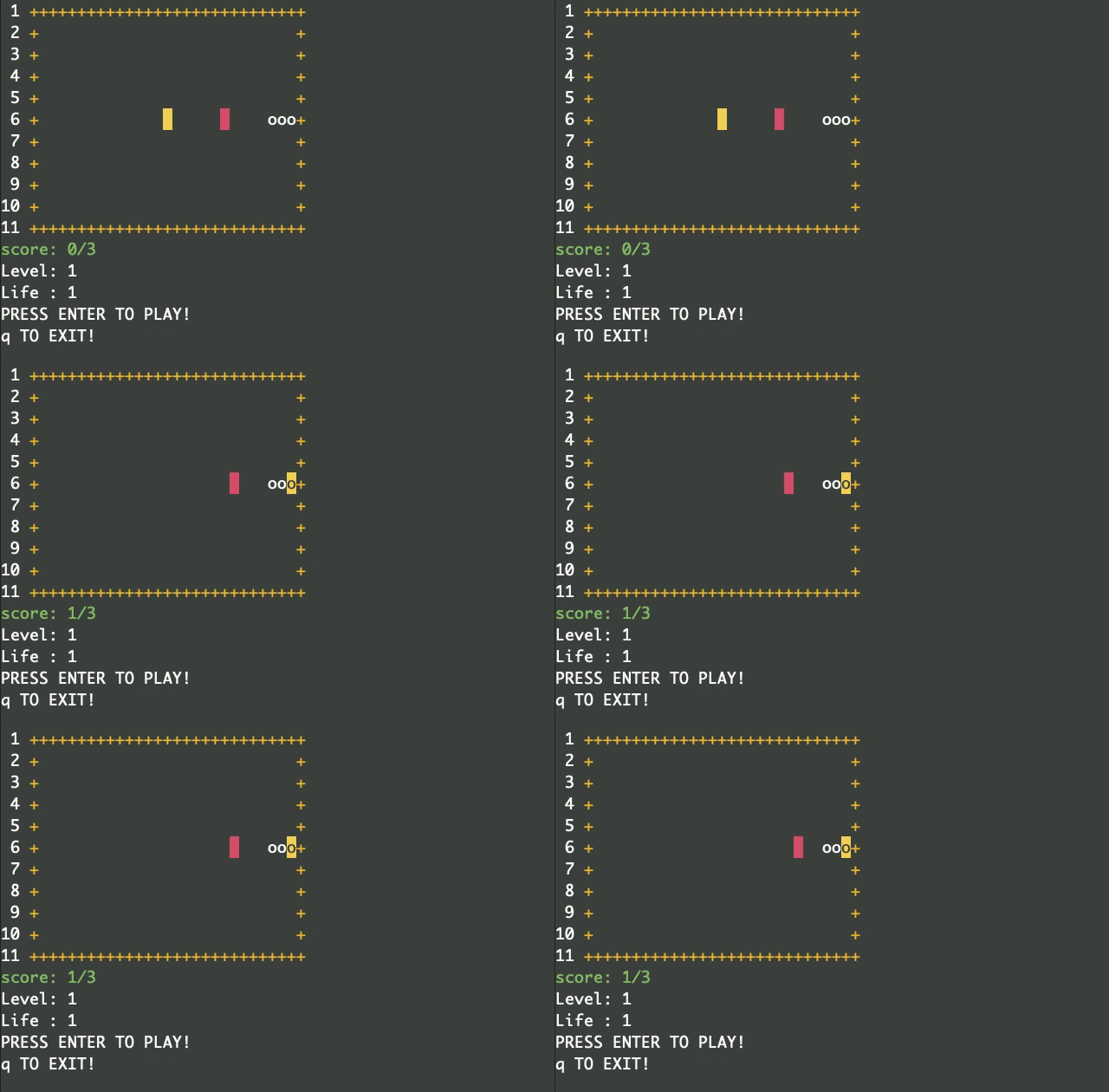
jumpjumpis the image of jumping between to the destination and reaching it in an instant. Therefore, hit detection with enemies, obstacles, and apples is not applied. Use it when you want to move to avoid enemies or obstacles.e.g. If you type
$.
make help
Usage:
make <command>
Commands:
fmt
go fmt
lint
golangci-lint run
deps
go mod tidy
test
go test
cover
create cover.html
build
Make a macOS executable binary
build-win
Make a Windows executable binary
clean
Remove binary files
Note
If you have not installed make, refer to the Makefile and execute the command.
- e.g. When building on MacOS
go build -o bin/mac/pacvim .
./pacvim -h
Usage of ./pacvim:
-level int
Level at the start of the game. (default 1)
-life int
Remaining lives. (default 2)- e.g. If you want to start from level 3 with 5 lives.
go run . -level 3 -life 5
MIT