
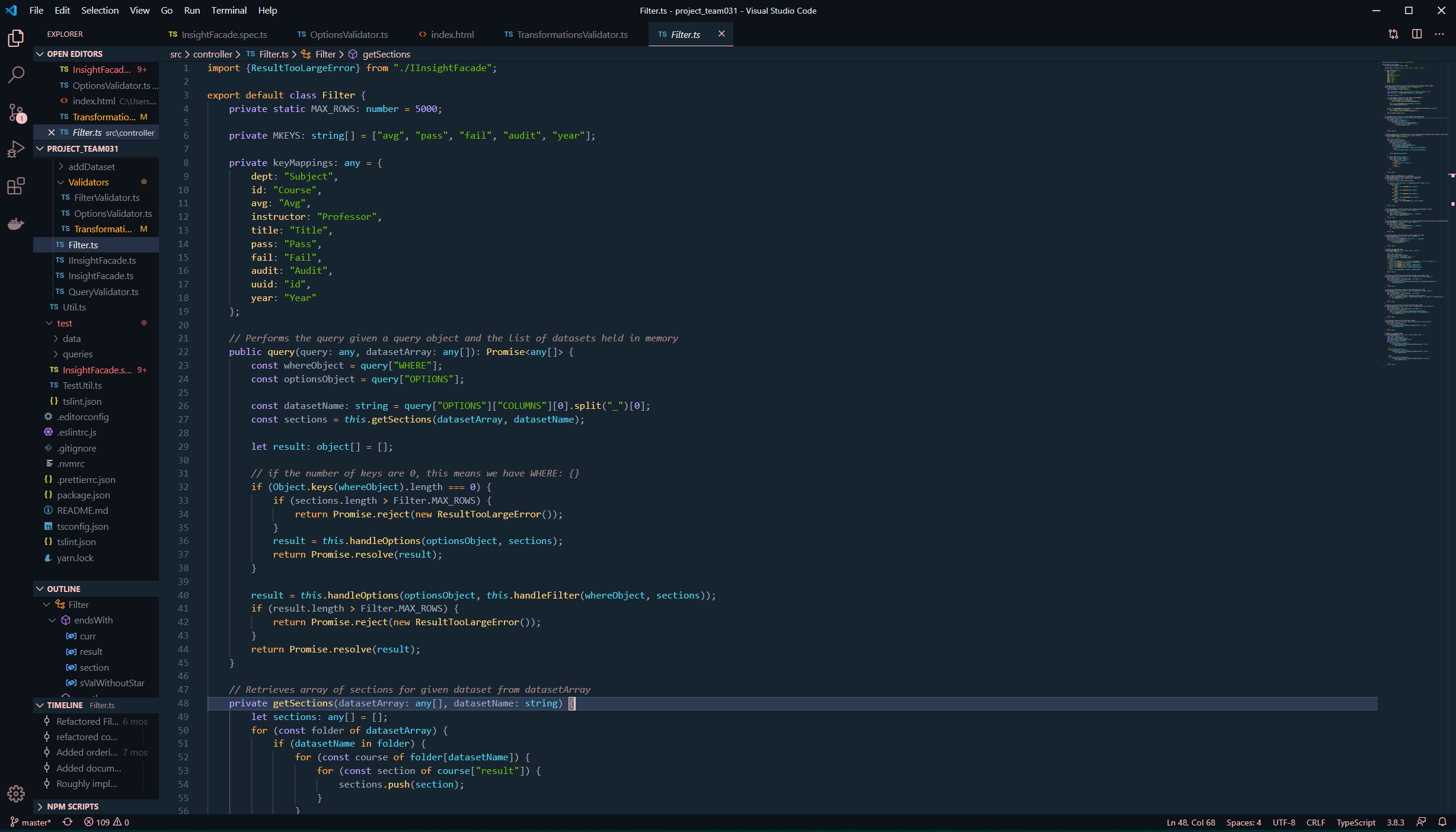
A dark blue theme


- Open Extensions sidebar panel in VS Code.
View → Extensions - Search for
Han - Click Install to install it
- Click Reload to reload the editor
- Code > Preferences > Color Theme > Han (or Ctrl/⌘ + K > Ctrl/⌘ + T > Han)
| Color | Usage |
|---|---|
#0d1118 | Workbench background |
#16242F | Editor background |
#465880 | Highlight, widgets, panels |
#0d1118 | Dividers, subtle UI elements |
#F4C3C2 | Status bar text, buttons, etc |
#eaecf0 | Active text, anything that should be white |
#F4C3C2 | Accent, list tree titles, badges, etc |
#70ba00 | Addition highlights |
#f0767e | Deletion highlights, errors, warnings |
#ffb92c | Modified highlights |
Visual Studio Code Marketplace Badges
