Add right-to-left UI support to NativeScript framework
to install plugin write:
tns plugin add @nativescript-rtl/uitns plugin add @nativescript-rtl/ui@0.1.7| LTR | Layout | RTL |
|---|---|---|
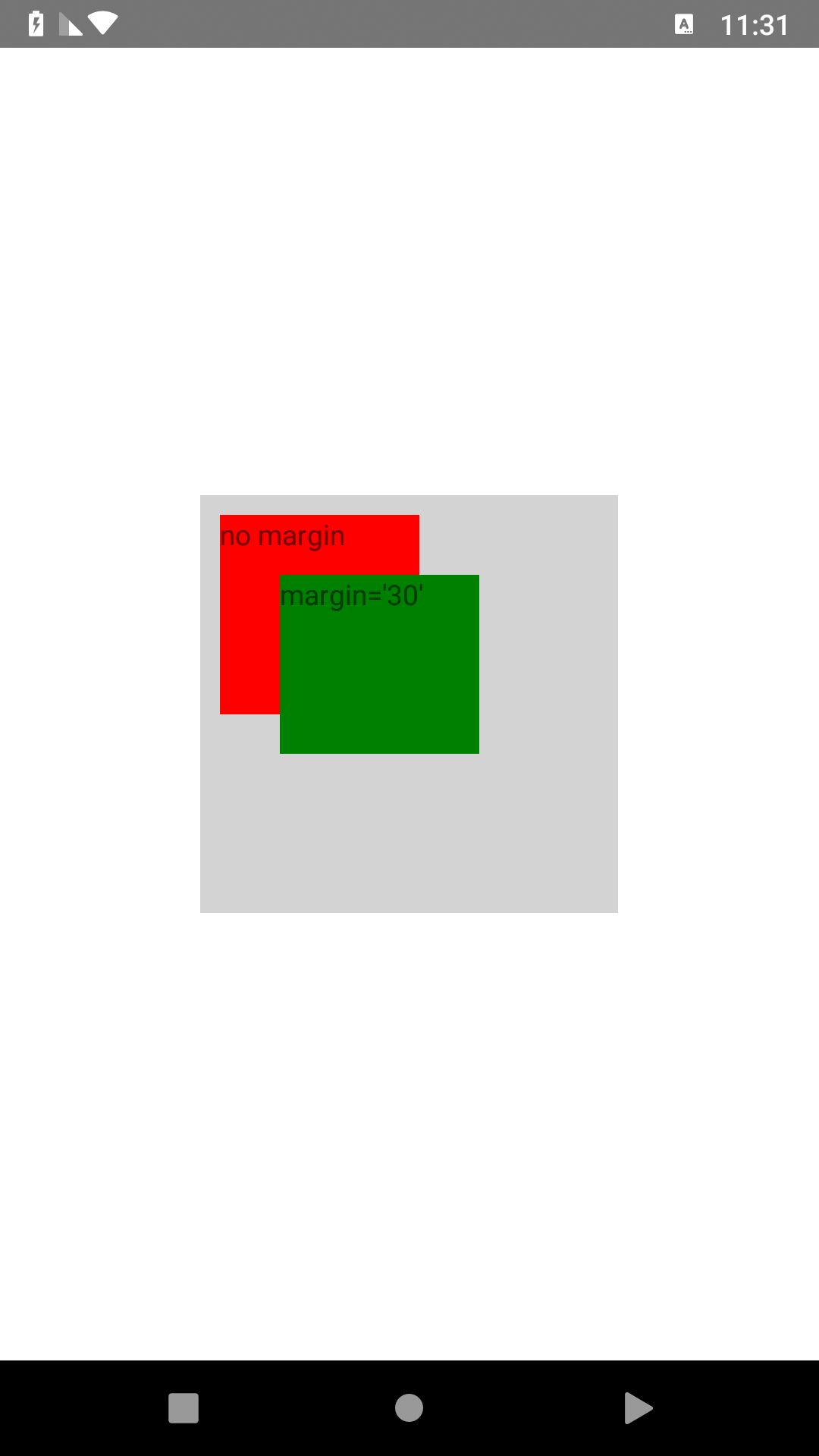 | AbsoluteLayout | 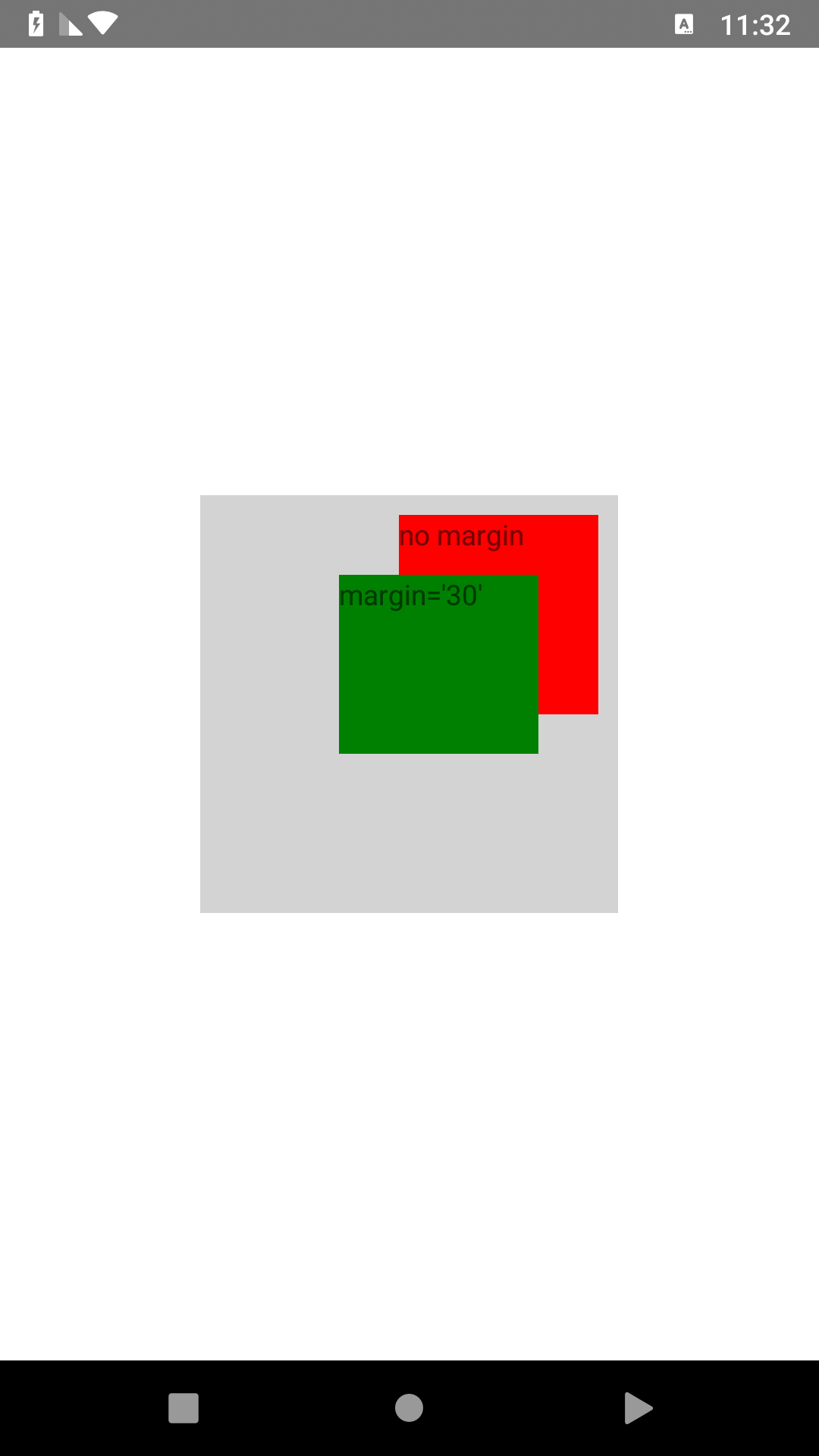 |
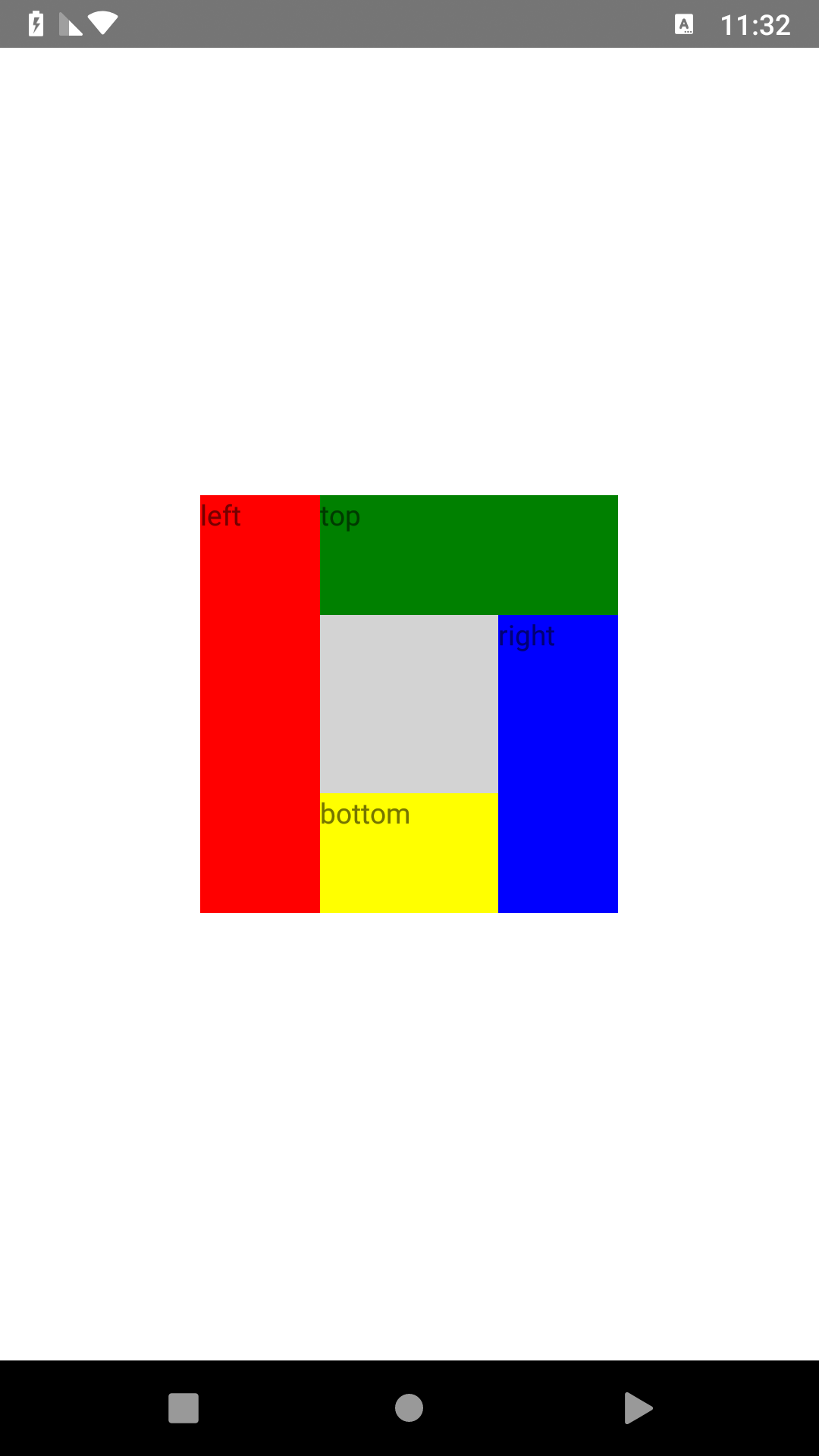 | DockLayout | 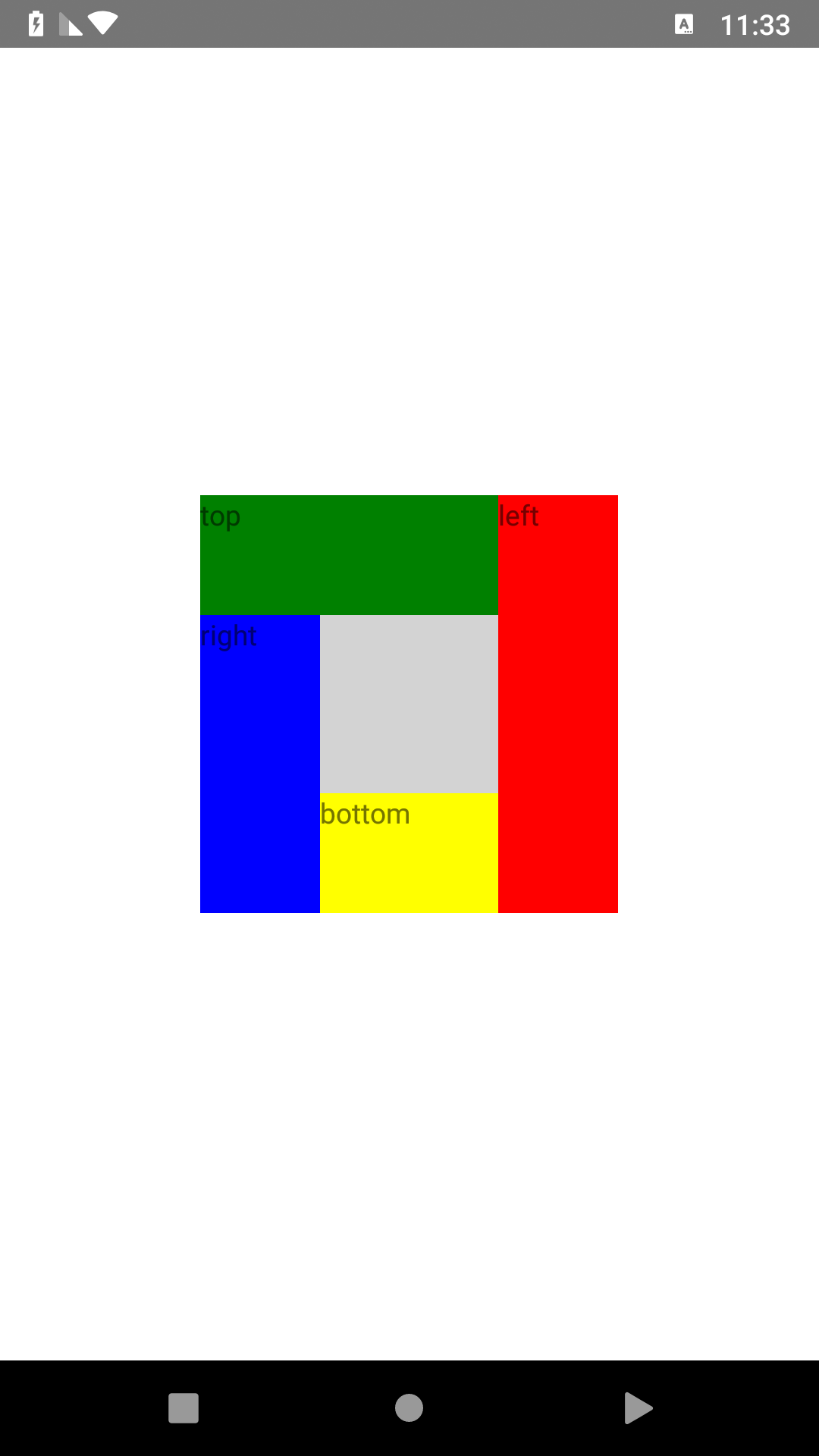 |
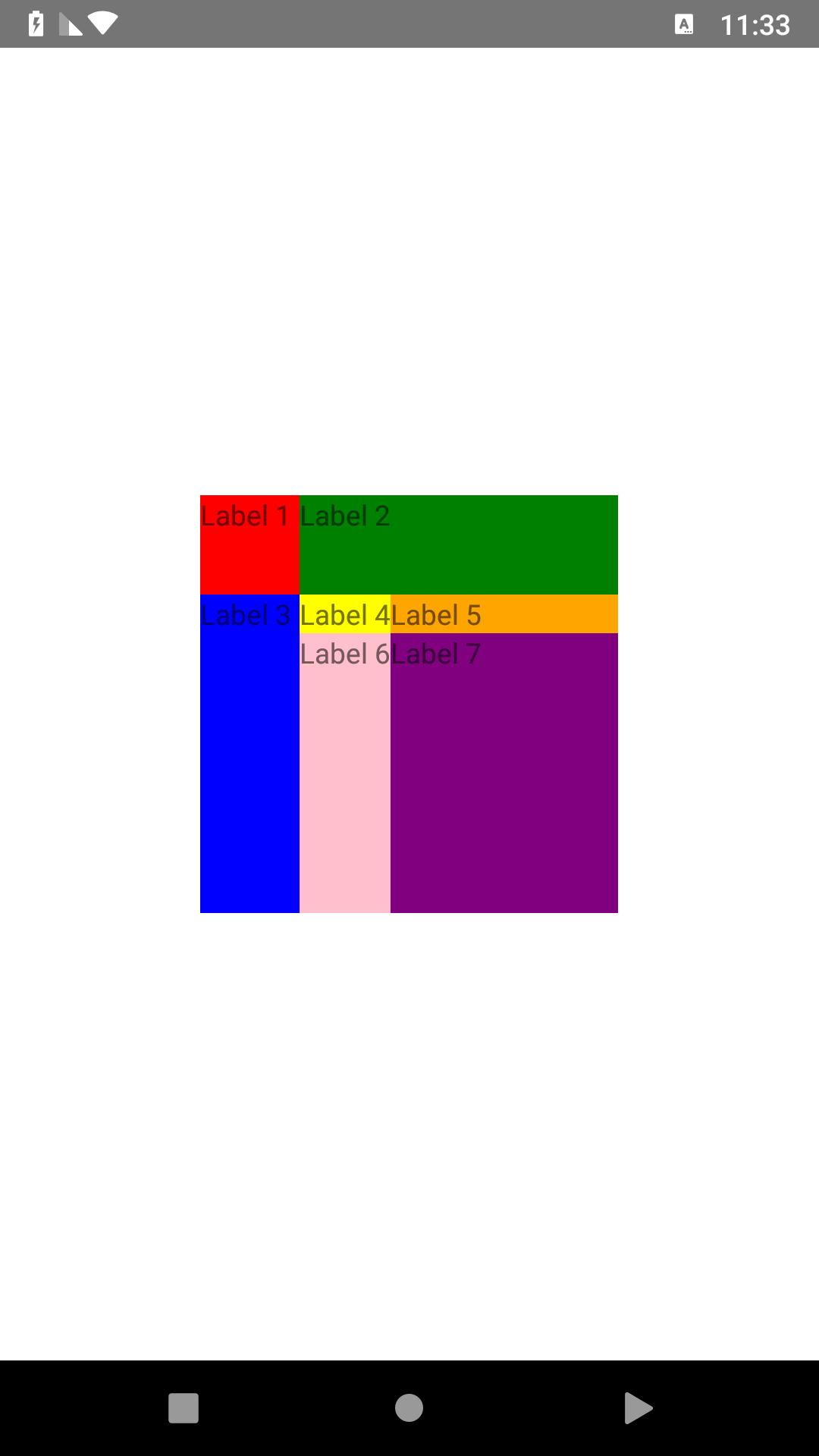 | GridLayout | 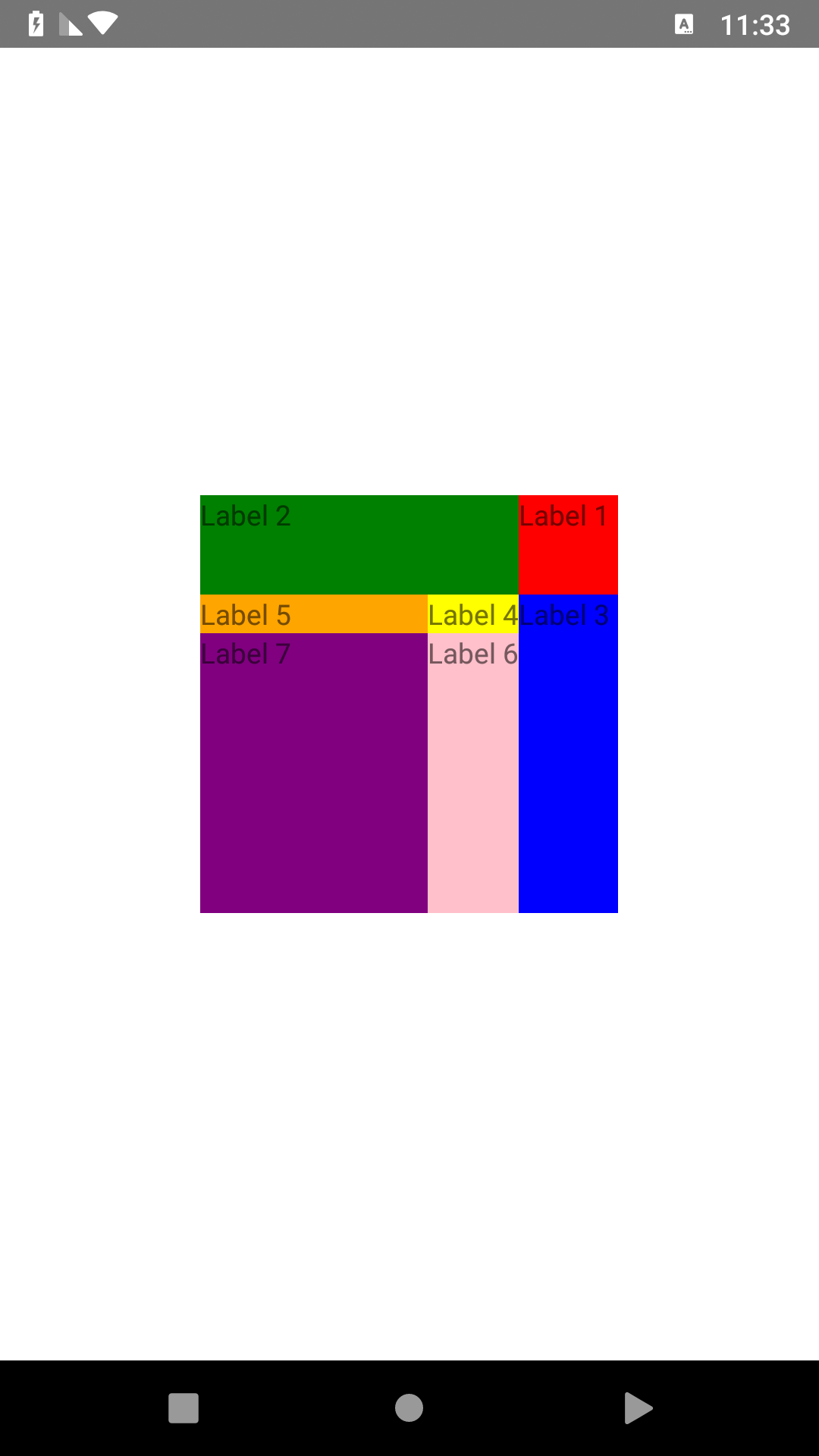 |
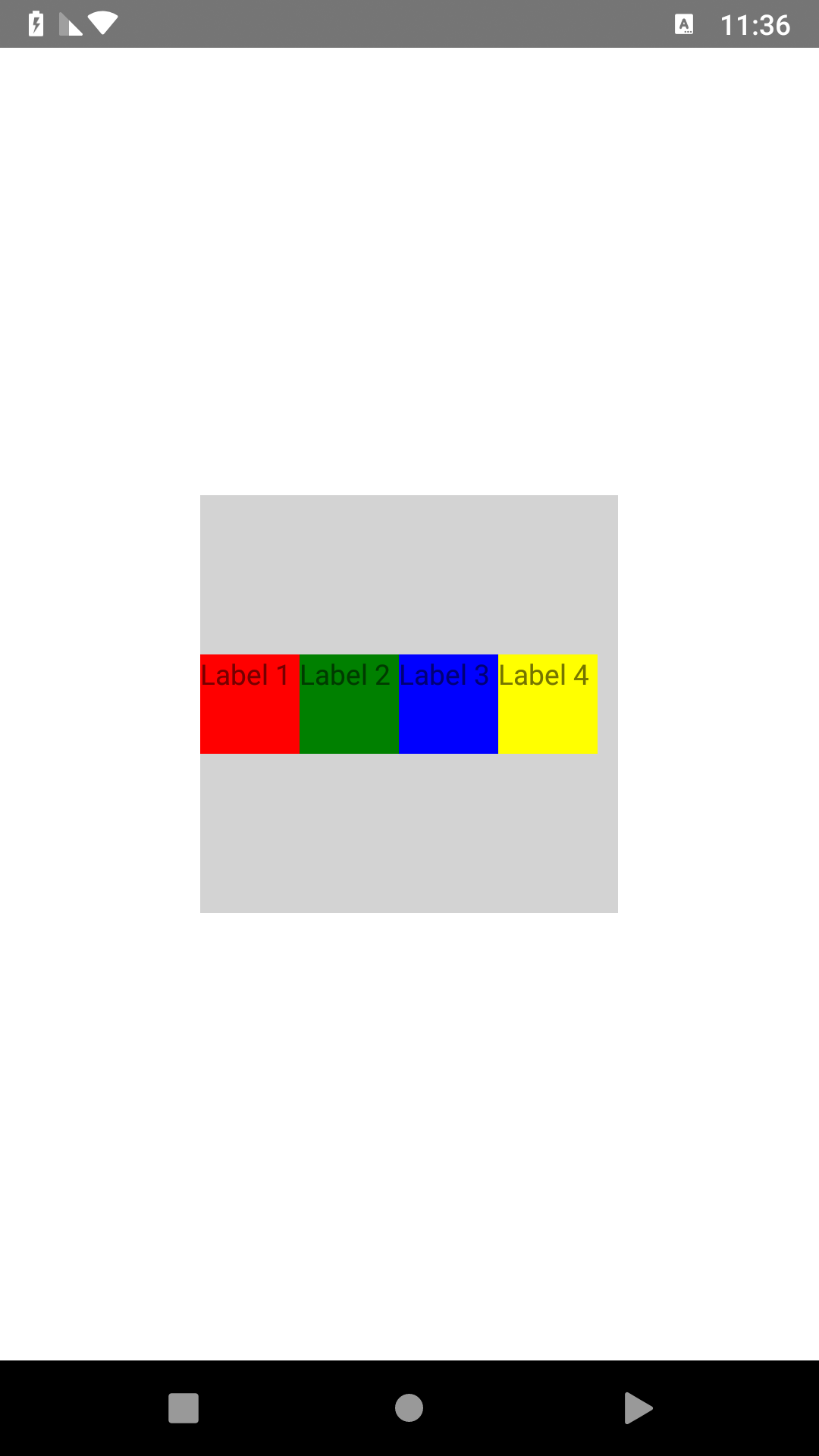 | StackLayout | 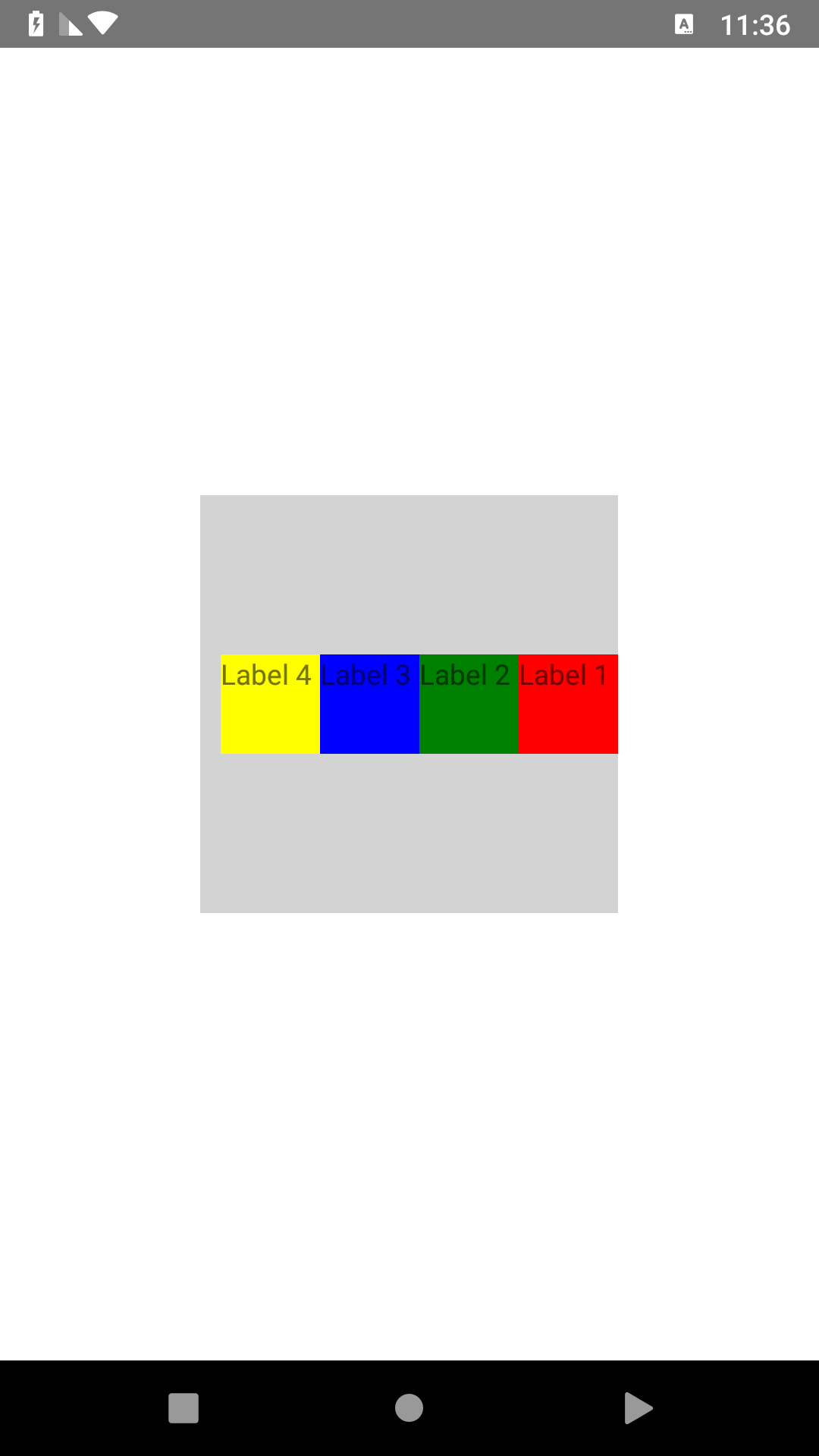 |
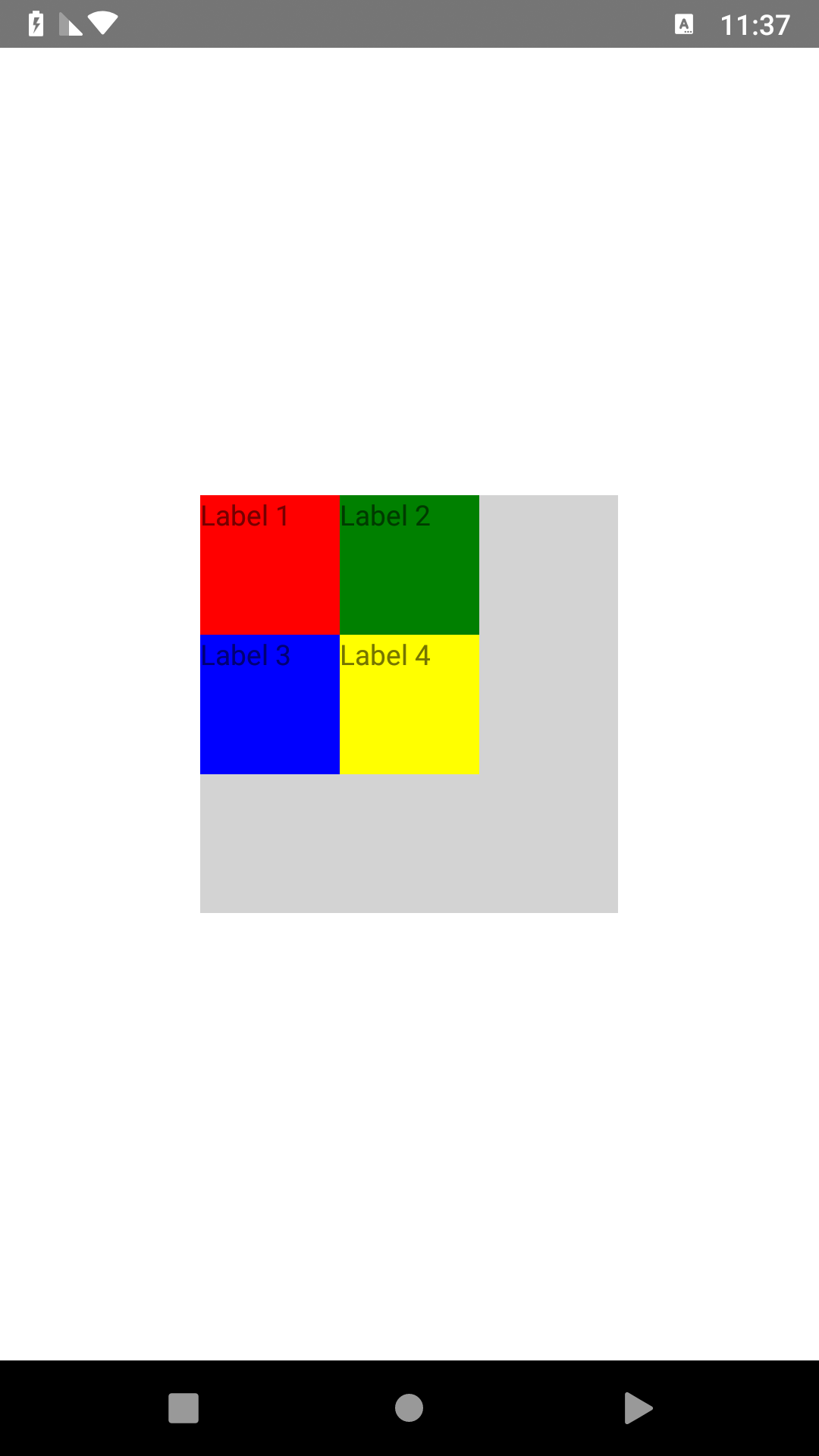 | WrapLayout | 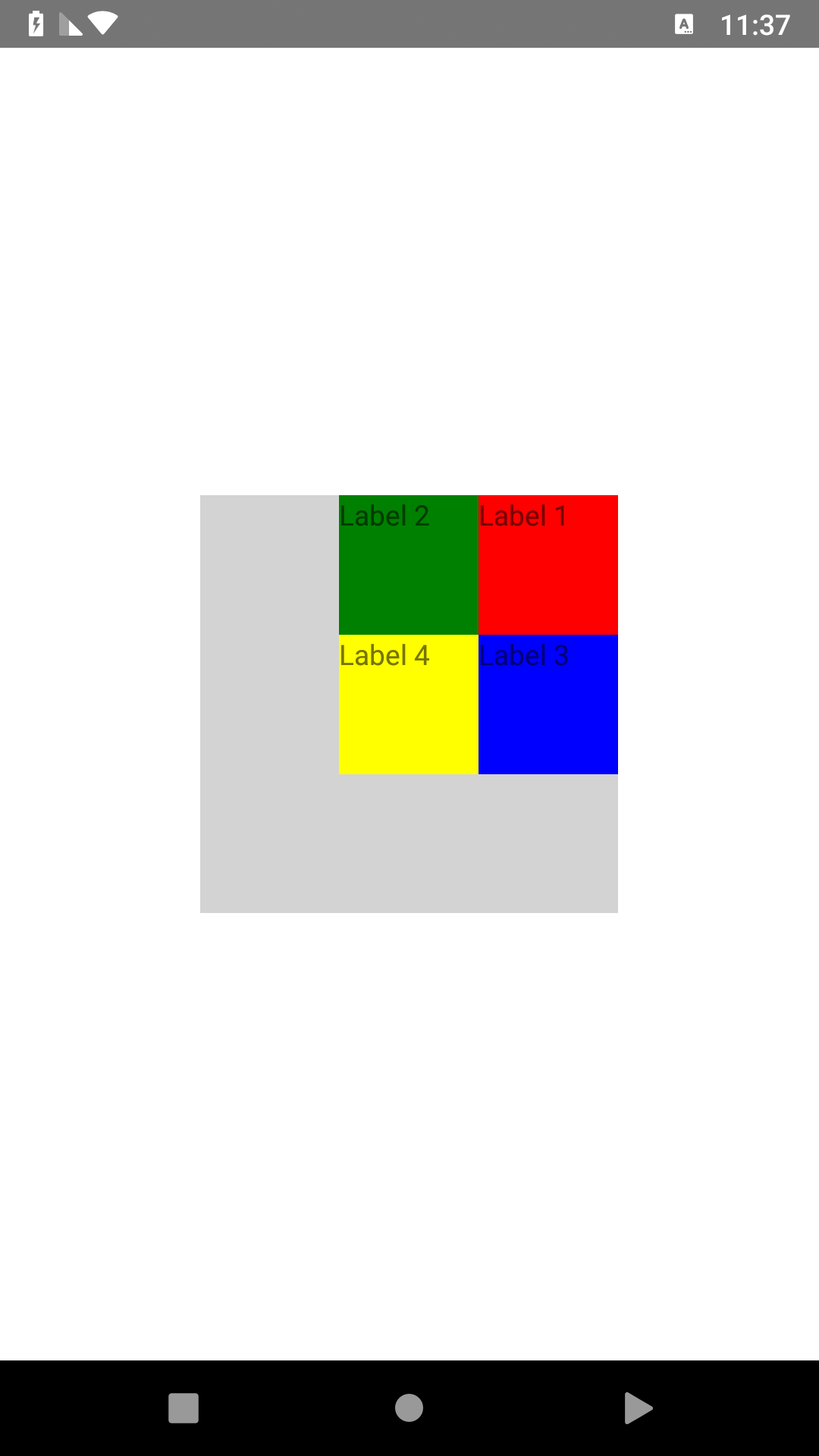 |
| Name | Default | Description |
|---|---|---|
| isRtl | true | isRtl use to change layout direction by default is true that mean layout from right to left but you can change it to false that change layout direction from left to right |
| Name | Default | Description |
|---|---|---|
| direction | rtl | use to change layout direction by default is rtl that mean layout from right to left but you can change it to ltr that change layout to direction from left to right |
declare plugin in XML then use it.
<Pagexmlns="http://schemas.nativescript.org/tns.xsd"xmlns:rtl="@nativescript-rtl/ui">
<rtl:WrapLayoutorientation="horizontal"width="210"height="210"backgroundColor="lightgray">
<Labeltext="Label 1"width="70"height="70"backgroundColor="red"/>
<Labeltext="Label 2"width="70"height="70"backgroundColor="green"/>
<Labeltext="Label 3"width="70"height="70"backgroundColor="blue"/>
<Labeltext="Label 4"width="70"height="70"backgroundColor="yellow"/>
</rtl:WrapLayout>
</Page>
For Angular/Vue 'registerElement` must be used to register each RTL element
example:
register elements in app.module.ts
import{registerElement}from"nativescript-angular/element-registry";registerElement("RGridLayout",()=>require("@nativescript-rtl/ui").GridLayout);registerElement("RWrapLayout",()=>require("@nativescript-rtl/ui").WrapLayout);registerElement("RAbsoluteLayout",()=>require("@nativescript-rtl/ui").AbsoluteLayout);registerElement("RDockLayout",()=>require("@nativescript-rtl/ui").DockLayout);registerElement("RStackLayout",()=>require("@nativescript-rtl/ui").StackLayout);now you can use RGridLayout, RWrapLayout, RAbsoluteLayout, RDockLayout and RStackLayout in your angular project
example:
 <RWrapLayoutorientation="horizontal"width="210"height="210"backgroundColor="lightgray">
<Labeltext="Label 1"width="70"height="70"backgroundColor="red"></Label>
<Labeltext="Label 2"width="70"height="70"backgroundColor="green"></Label>
<Labeltext="Label 3"width="70"height="70"backgroundColor="blue"></Label>
<Labeltext="Label 4"width="70"height="70"backgroundColor="yellow"></Label>
</RWrapLayout>