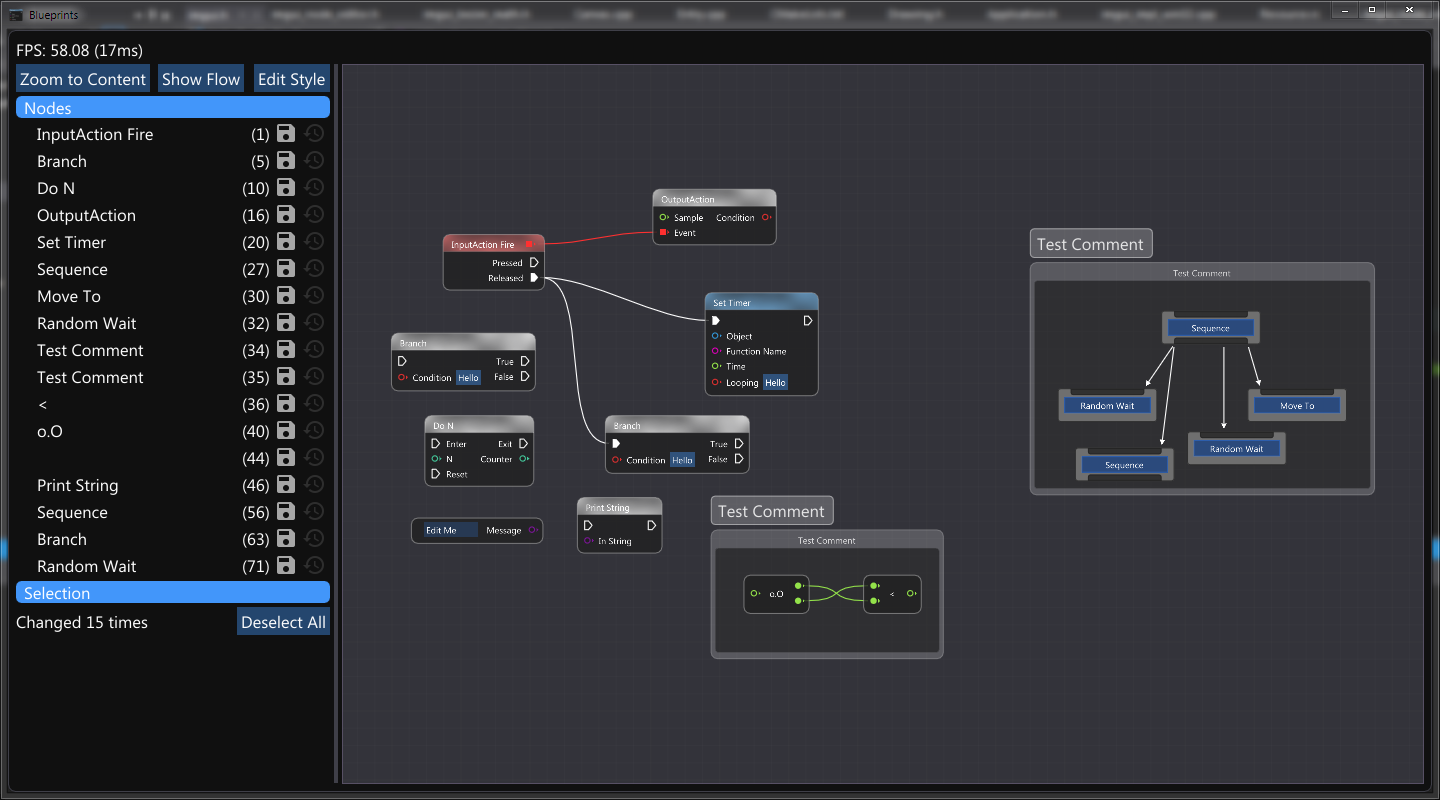
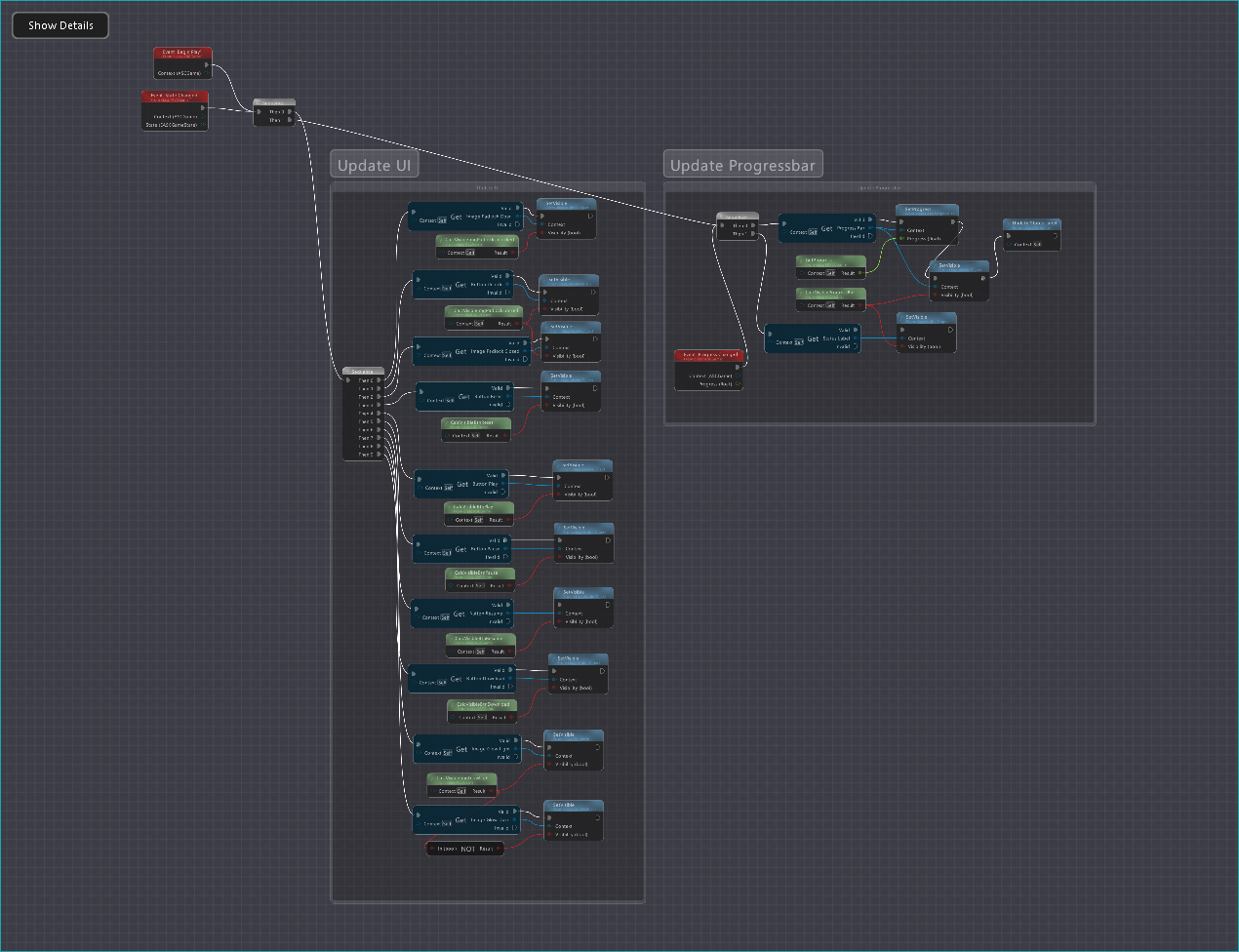
An implementation of node editor with ImGui-like API.
Project purpose is to serve as a basis for more complex solutions like blueprint editors.
Node Editor is build around an idea "draw your content, we do the rest", which mean interactions are handled by editor, content rendering is handled by user. Editor will take care of:
- placing your node in the word
- dragging nodes
- zoom and scrolling
- selection
- various interaction that can be queried by API (creation, deletion, selection changes, etc.)
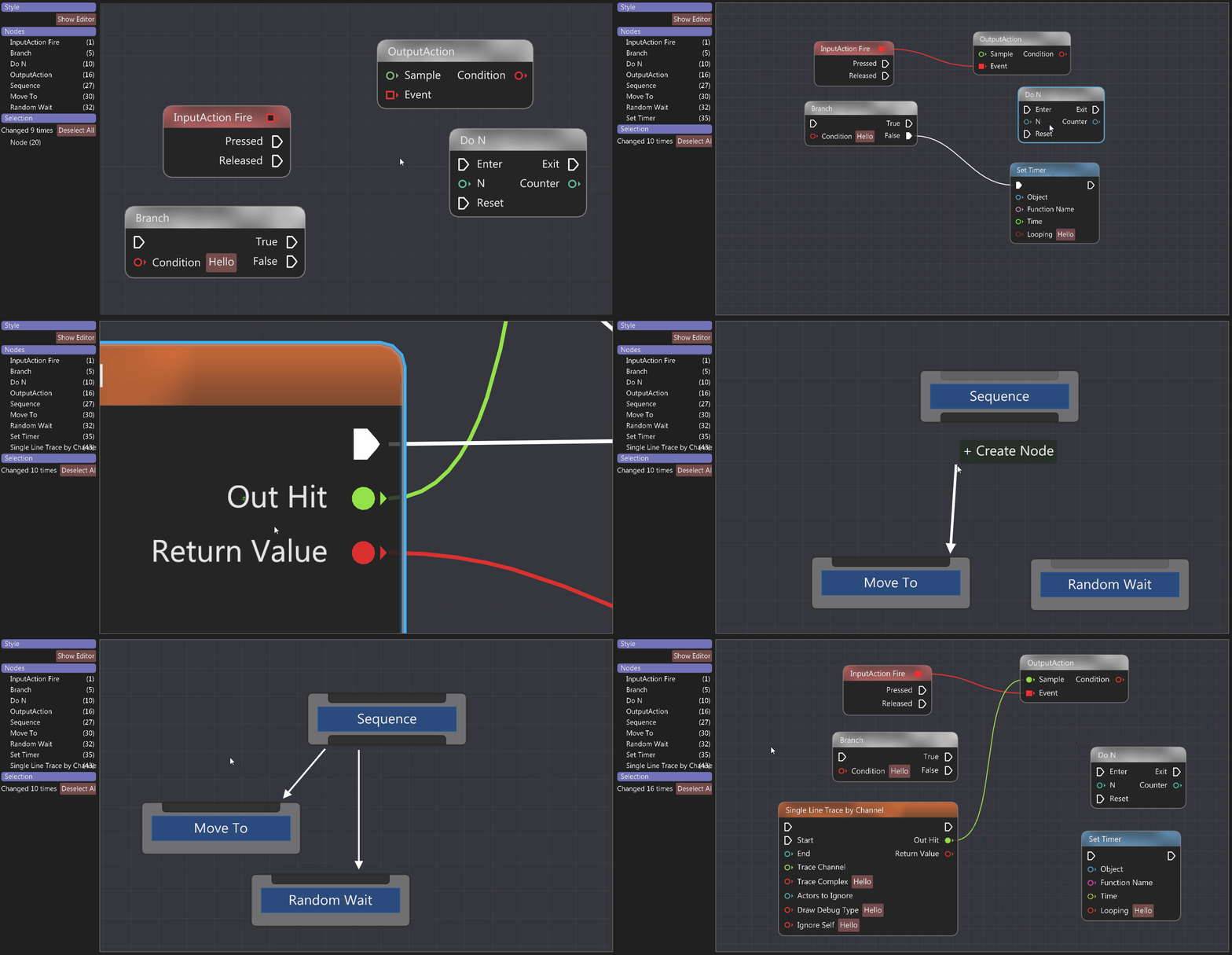
Here are some highlights:
Node movement and selection is handled internally
Node and pin contents are fully customizable
Fully styled, default theme is modeled after UE4 blueprints
Flexible enough to produce such nodes:


Customizable links based on Bézier curves:


Automatic highlights for nodes, pins and links:

Smooth navigation and selection
Node state can be saved in user context, so layout will not break
Selection rectangles and group dragging
Context menu support
Basic shortcuts support (cut/copy/paste/delete)
ImGui style API


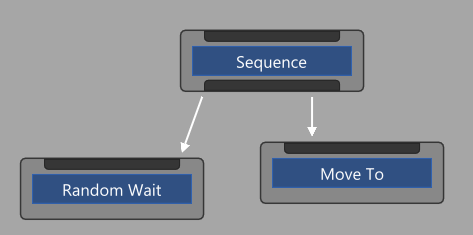


Editor is used to implement blueprint editor in Spark CE engine, it proved itself there by allowing to do everything we needed. Therefore it is now slowly moving into stable state from beeing a prototype.
Note: Project recently was restructured to mimic ImGui layout.
Please report issues or questions if something isn't clear.
- Vanilla ImGui 1.72+
- C++14
- https://github.com/thedmd/imgui/tree/feature/layout (used in blueprints sample only)
https://github.com/thedmd/imgui/tree/feature/draw-list-fringe-scale (for sharp rendering, while zooming)It is part of ImGui since 1.80 release- https://github.com/thedmd/imgui/tree/feature/extra-keys (for extra shortcuts)
Node Editor sources are located in root project directory. To use it, simply copy&paste sources into your project. Exactly like you can do with ImGui.
Examples can be build with CMake:
Windows:
cmake -S examples -B build -G "Visual Studio 15 2017 Win64"
or
cmake -S examples -B build -G "Visual Studio 16 2019" -A x64
macOS:
cmake -S examples -B build -G "Xcode"
Linux:
cmake -S examples -B build -G "Unix Makefiles"
Build:
cmake --build build --config Release
Executables will be located in build\bin directory.
Main node editor header is located in imgui_node_editor.h.
Minimal example of one node can be found in simple-example.cpp. Press 'F' in editor to focus on editor content if you see only grid.
# include<imgui.h>
# include<imgui_node_editor.h>
# include<application.h>namespaceed= ax::NodeEditor;
structExample:
public Application
{
using Application::Application;
voidOnStart() override
{
ed::Config config;
config.SettingsFile = "Simple.json";
m_Context = ed::CreateEditor(&config);
}
voidOnStop() override
{
ed::DestroyEditor(m_Context);
}
voidOnFrame(float deltaTime) override
{
auto& io = ImGui::GetIO();
ImGui::Text("FPS: %.2f (%.2gms)", io.Framerate, io.Framerate ? 1000.0f / io.Framerate : 0.0f);
ImGui::Separator();
ed::SetCurrentEditor(m_Context);
ed::Begin("My Editor", ImVec2(0.0, 0.0f));
int uniqueId = 1;
// Start drawing nodes.ed::BeginNode(uniqueId++);
ImGui::Text("Node A");
ed::BeginPin(uniqueId++, ed::PinKind::Input);
ImGui::Text("-> In");
ed::EndPin();
ImGui::SameLine();
ed::BeginPin(uniqueId++, ed::PinKind::Output);
ImGui::Text("Out ->");
ed::EndPin();
ed::EndNode();
ed::End();
ed::SetCurrentEditor(nullptr);
//ImGui::ShowMetricsWindow();
}
ed::EditorContext* m_Context = nullptr;
};
intMain(int argc, char** argv)
{
Example exampe("Simple", argc, argv);
if (exampe.Create())
return exampe.Run();
return0;
}
Result:

For more details please visit examples folder.