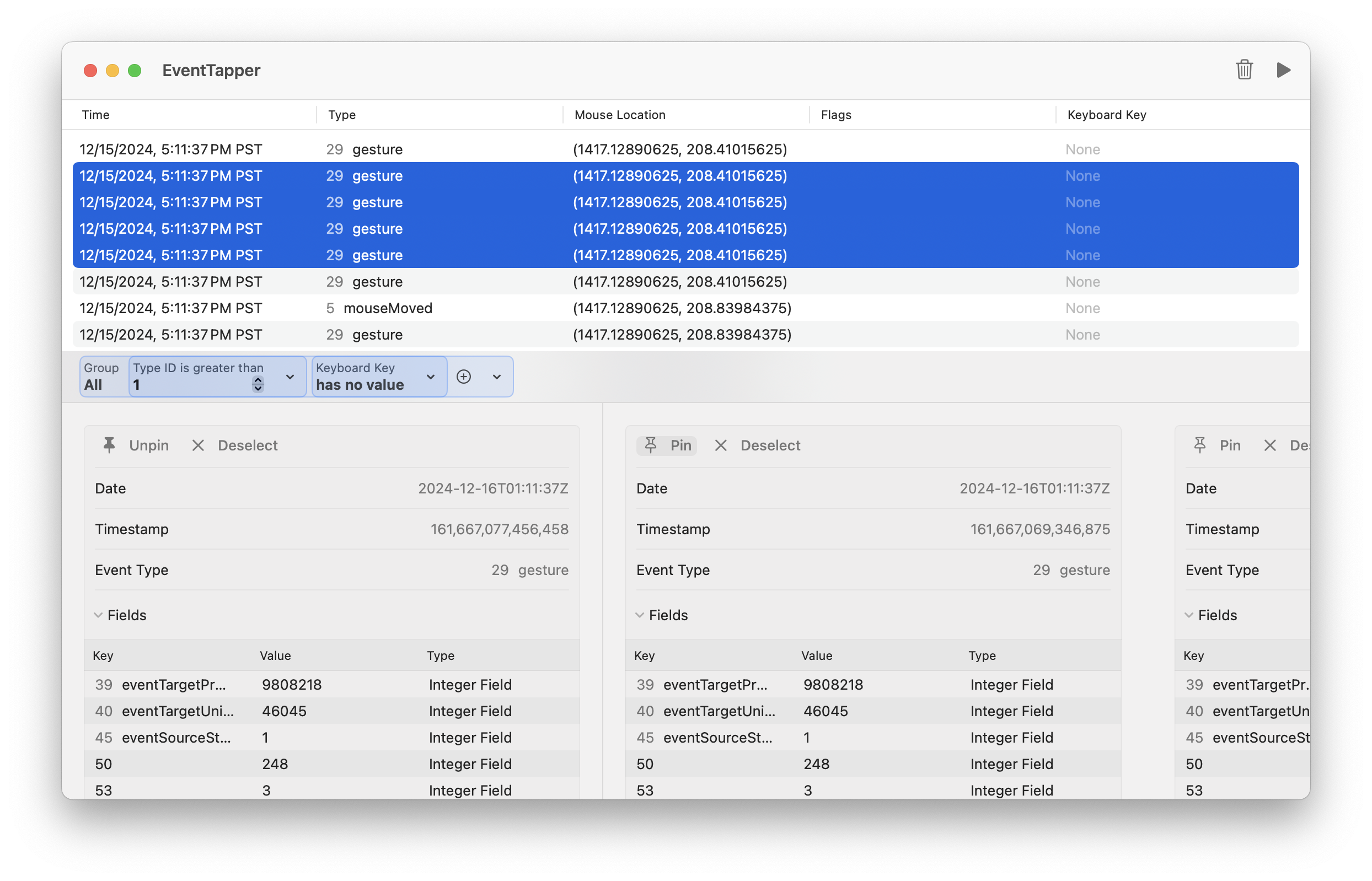
EventTapCore is a Swift module that provides a wrapper around CGEvent and related types, as well as a high-level, type-safe interface for monitoring and handling system events on macOS. It wraps the low-level Core Graphics event tap APIs in a modern, Swift-friendly way with support for async streams and a SwiftUI integration.
- Rich event metadata and field information
- Type-safe event monitoring with async/await support
- SwiftUI-ready with
@Observableintegration
Add the following to your Package.swift file:
dependencies:[.package(url:"https://github.com/philptr/EventTapCore.git", from:"1.0.0")]import EventTapCore
lettap=EventTap(tapLocation:.session, tapPlacement:.head)try tap.startMonitoring{ type, event inprint("Received event of type \(type): \(event).")}import EventTapCore
leteventStream=EventTap.events(at:.session, placement:.head)forawaiteventin eventStream {print("Received event: \(event).")}import EventTapCore
@mainstructMyApp:App{@Stateprivatevarcoordinator=EventTapCoordinator()varbody:someScene{WindowGroup{EventList(events: coordinator.events).onAppear{
coordinator.startMonitoring()}}}}The primary class for creating and managing event taps, as well as receiving callbacks. It provides both closure-based and async stream APIs for event monitoring.
A higher level, SwiftUI-friendly coordinator that manages event monitoring and state, providing:
- Observable event collection;
- Automatic event throttling;
- Thread-safe event handling;
- Lifecycle management.
A structure that represents a system event with rich metadata including timestamp, location, event type, and associated field values.
EventTapCore requires Input Monitoring permissions to monitor events from other applications. This requirement is imposed by the low-level API. In your application, you might want to include an experience to allow the user to grant your application access.
// Check if we have permission to monitor events.
ifCGPreflightListenEventAccess(){
// Start monitoring...
}else{
// Request permission.
CGRequestListenEventAccess()
// Offer to take the user to System Settings...
}Always handle tap lifecycle properly:
// Start monitoring when needed
try tap.startMonitoring(...)
// Stop monitoring when done
tap.stopMonitoring()
Consider event throttling, especially when displaying events in the UI or altering state:
coordinator.startMonitoring(throttledFor:.milliseconds(500))
Check for Input Monitoring permissions before starting.
- macOS 11.0 or later
- Swift 6.0 or later
For debugging and monitoring system events, check out EventTapper - a collection of ready-made debugging utilities built on EventTapCore.