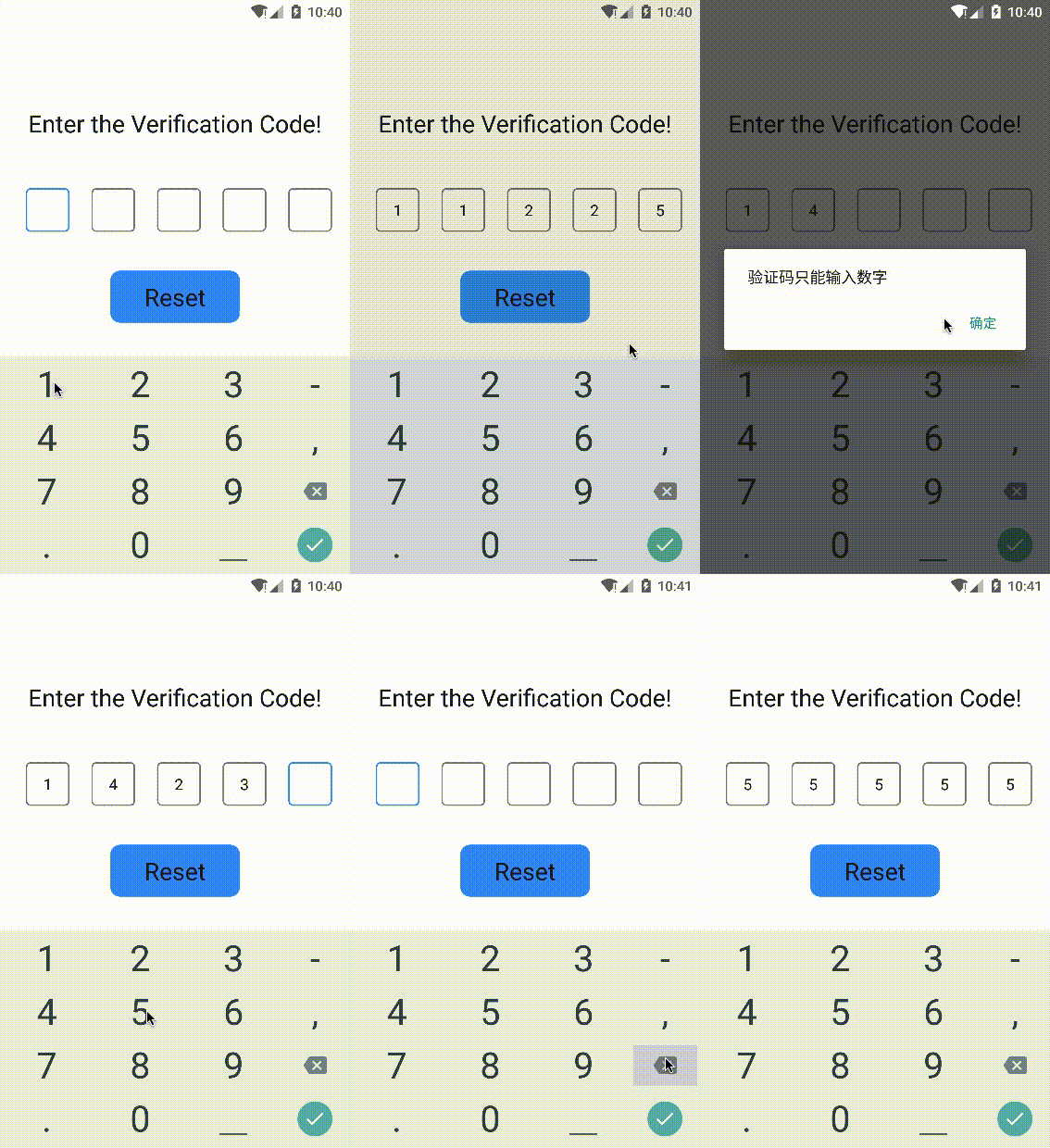
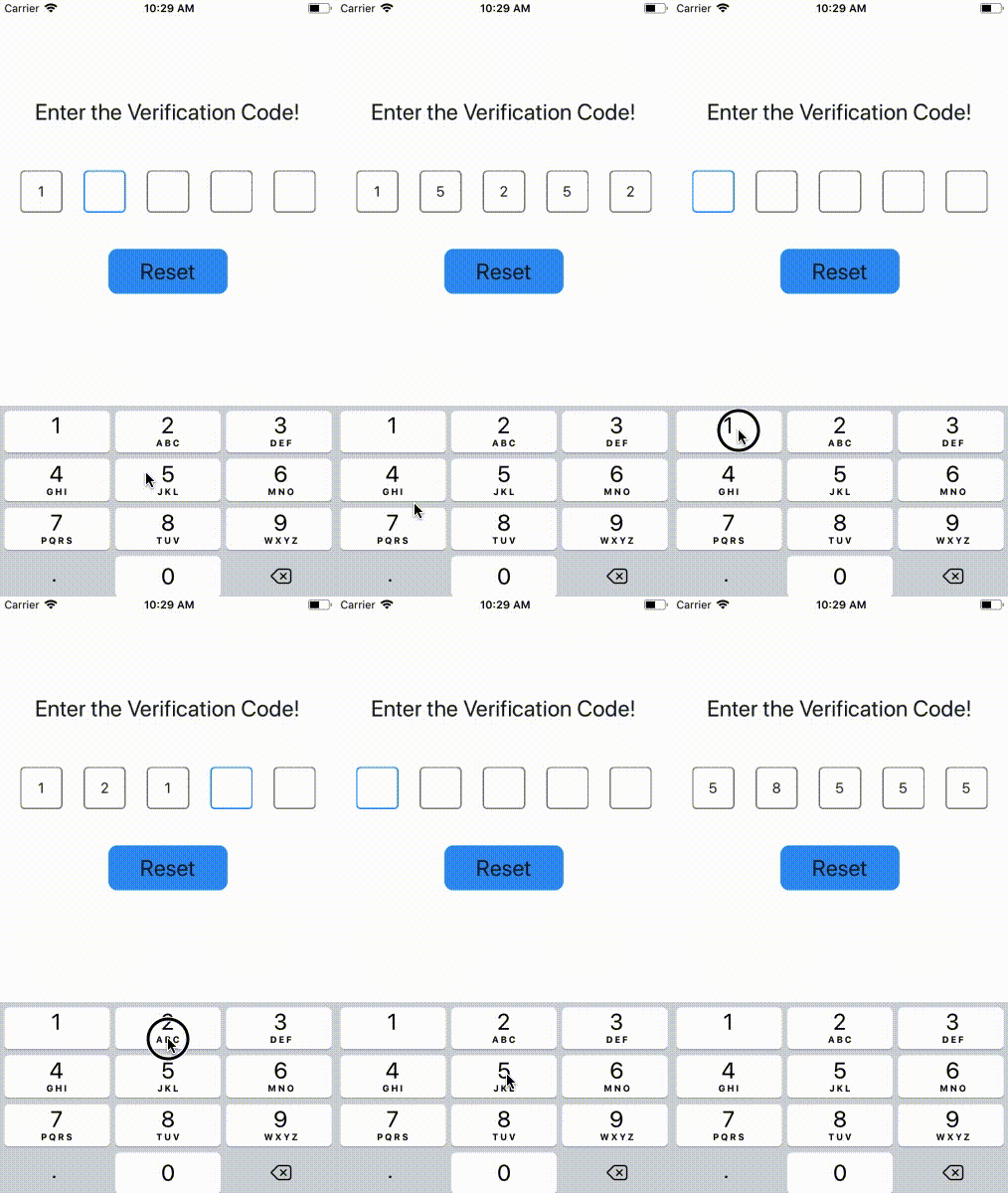
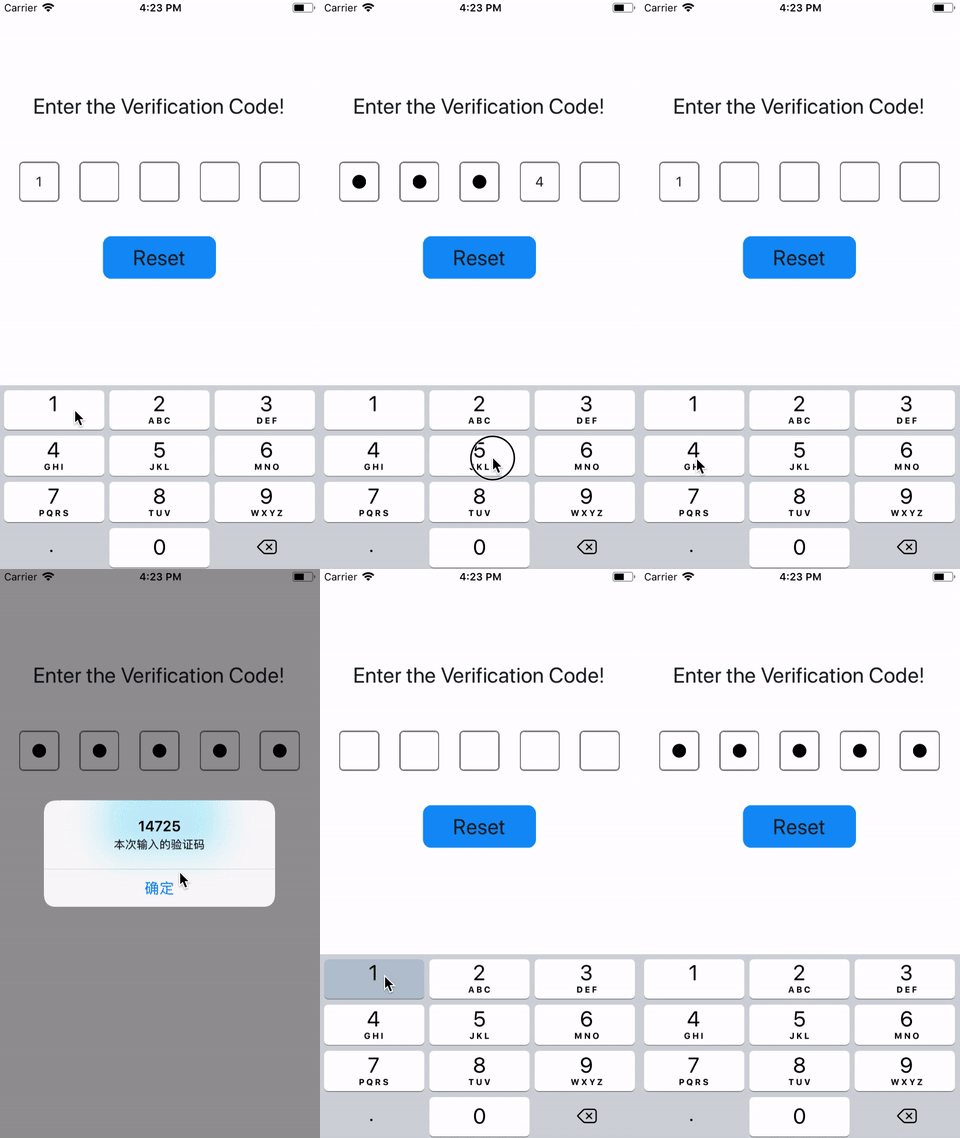
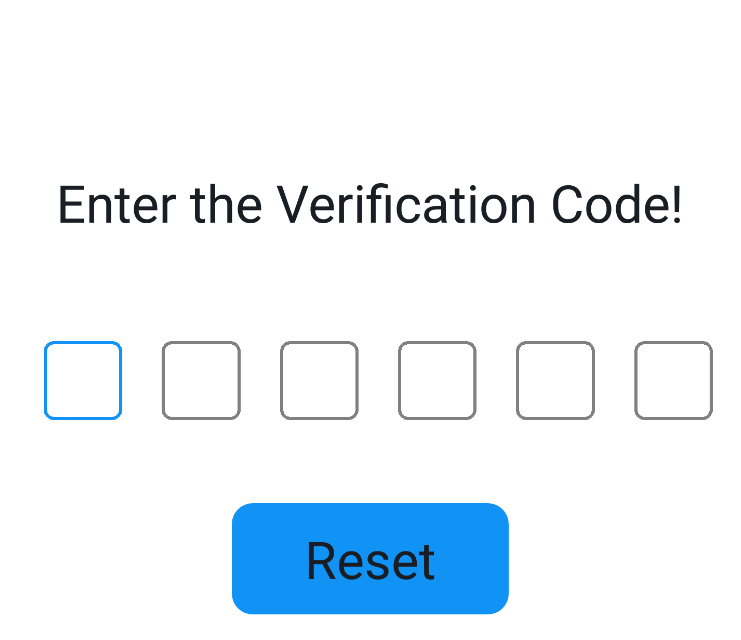
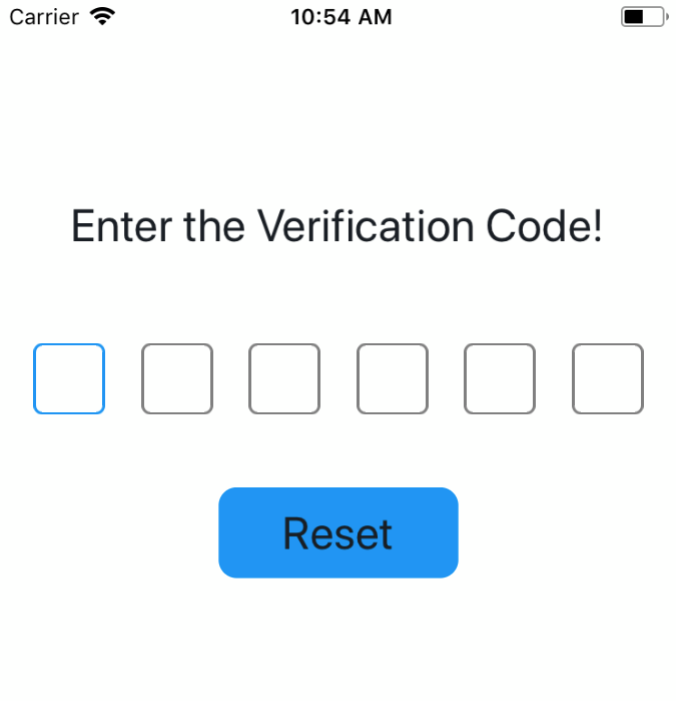
Support for entering passwords, compatible with iOS and Android on Android on iOS use Password
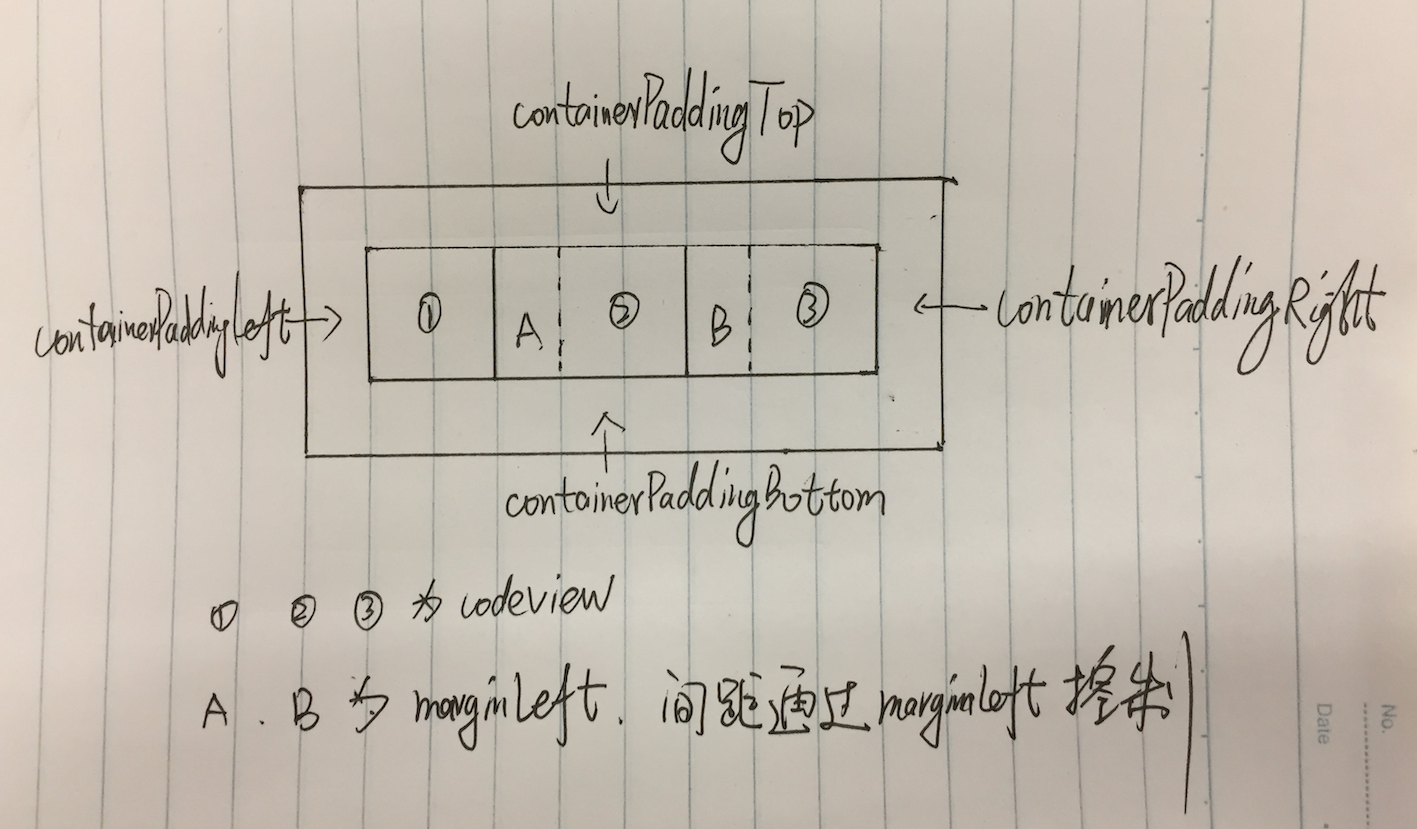
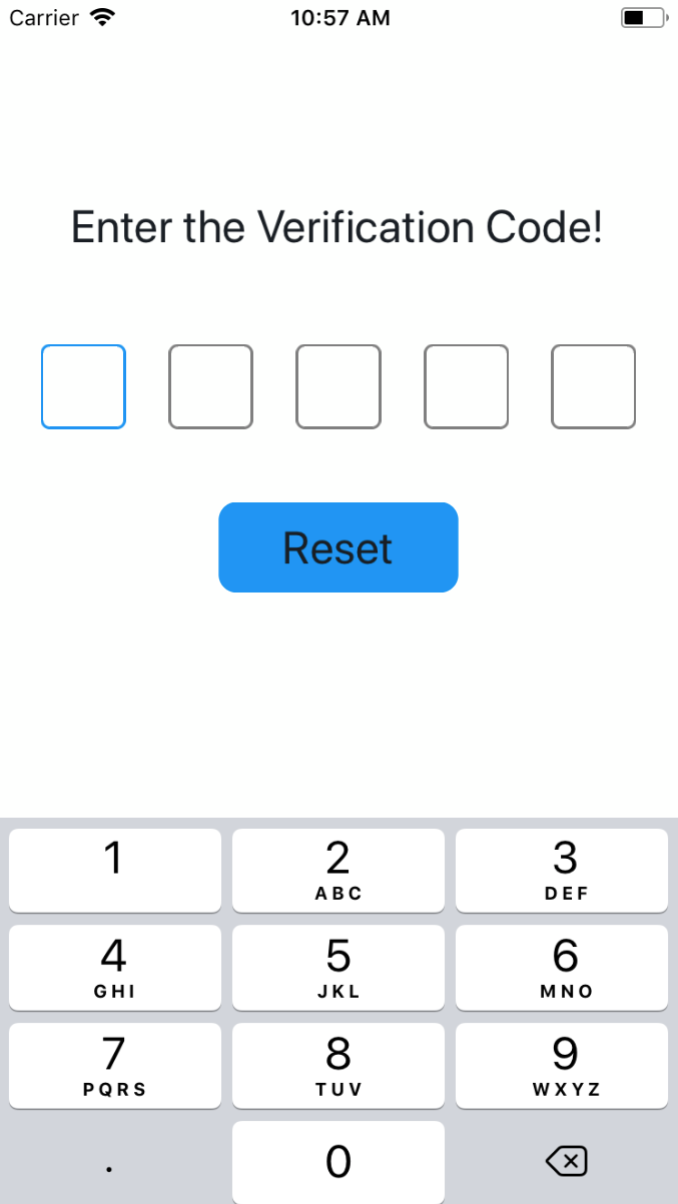
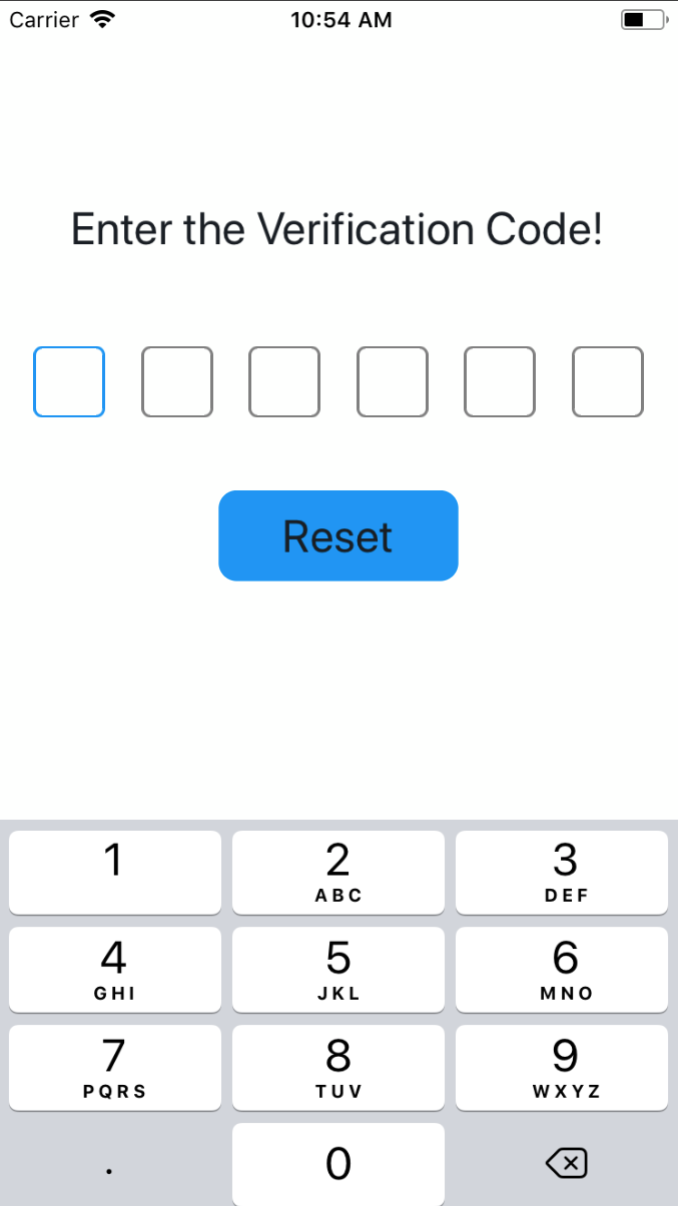
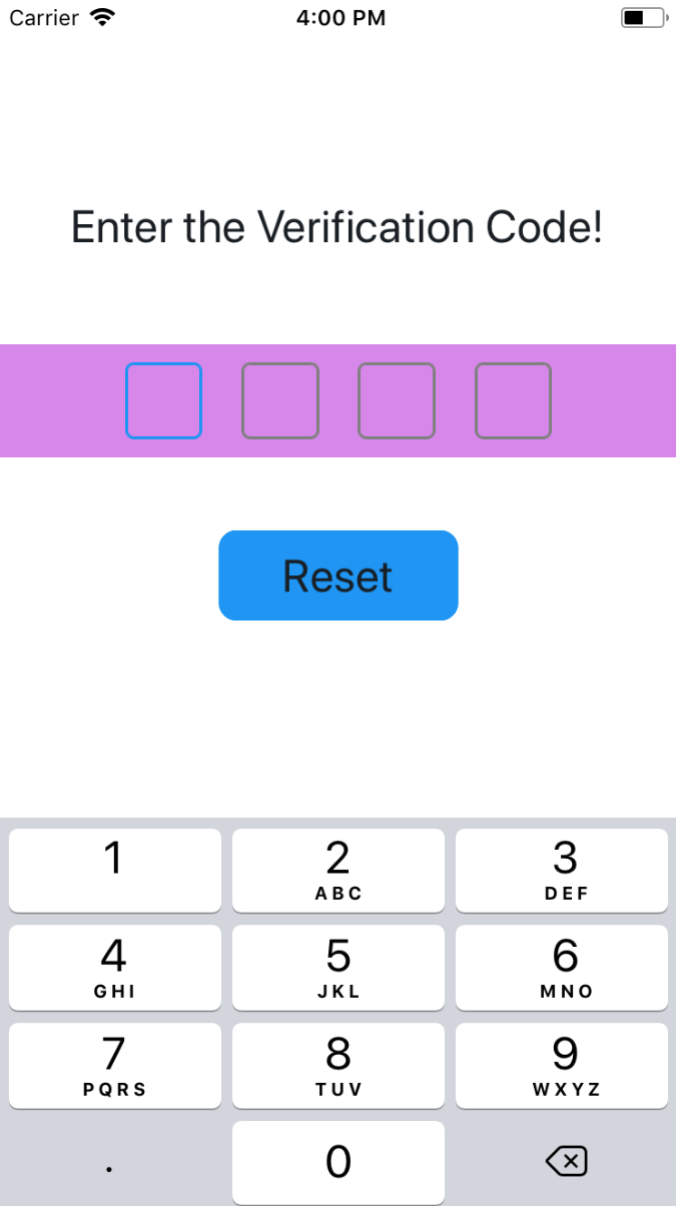
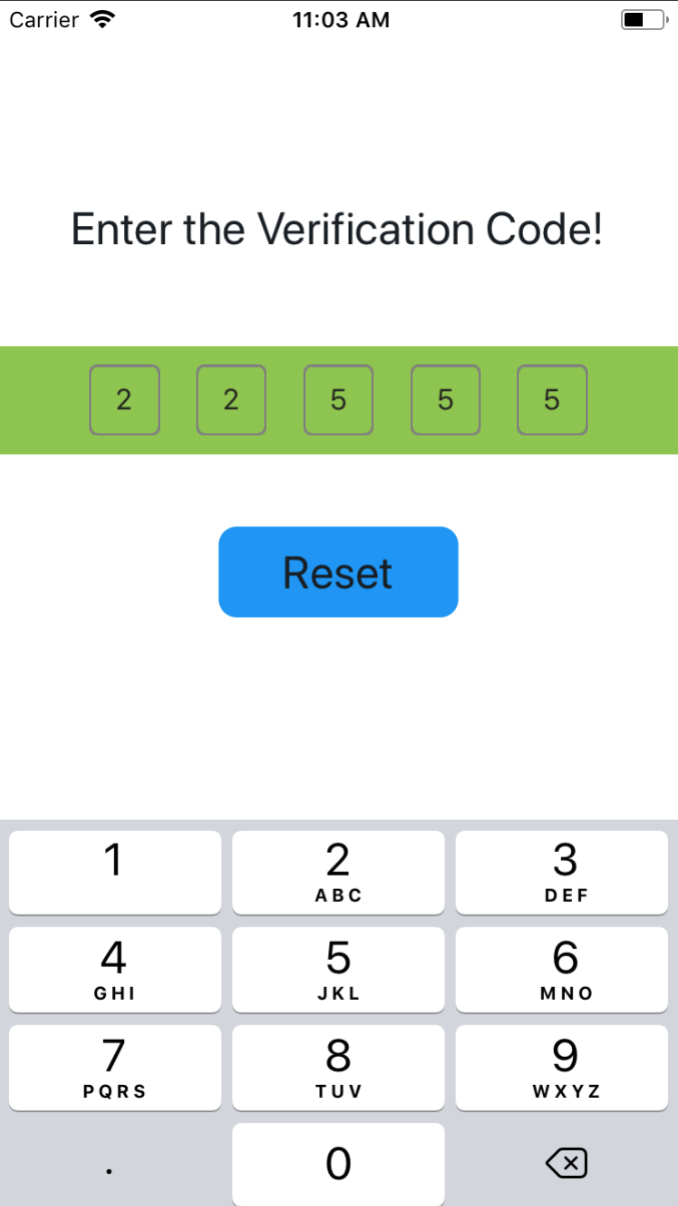
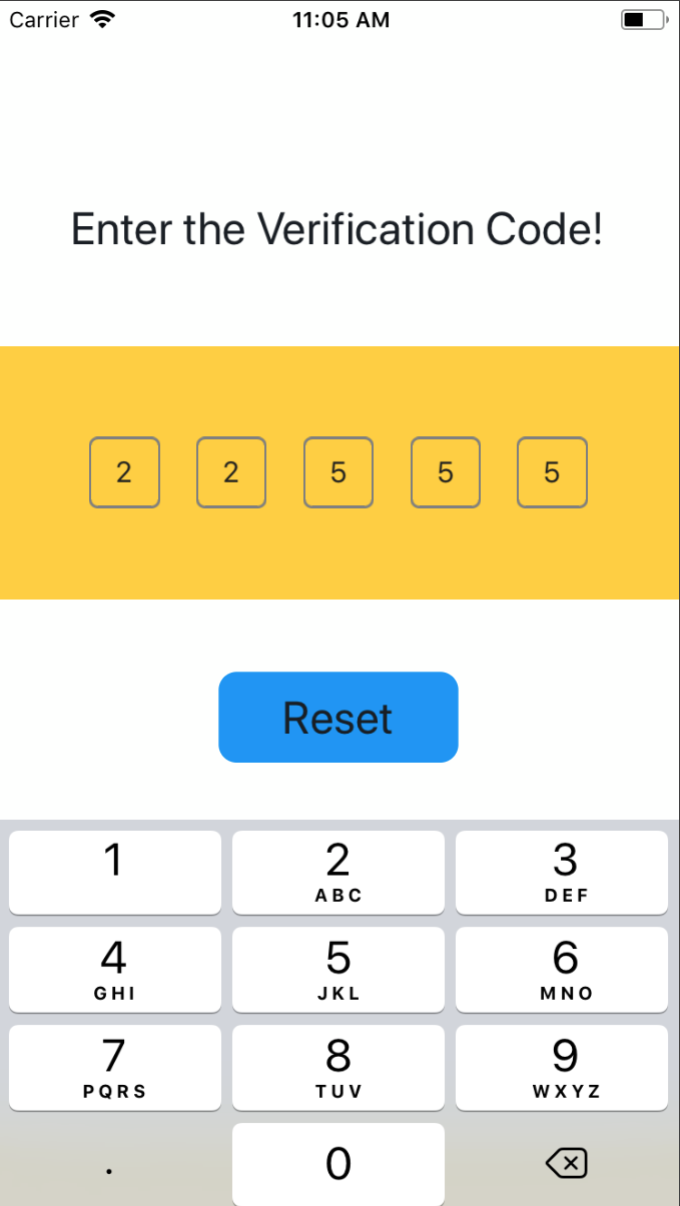
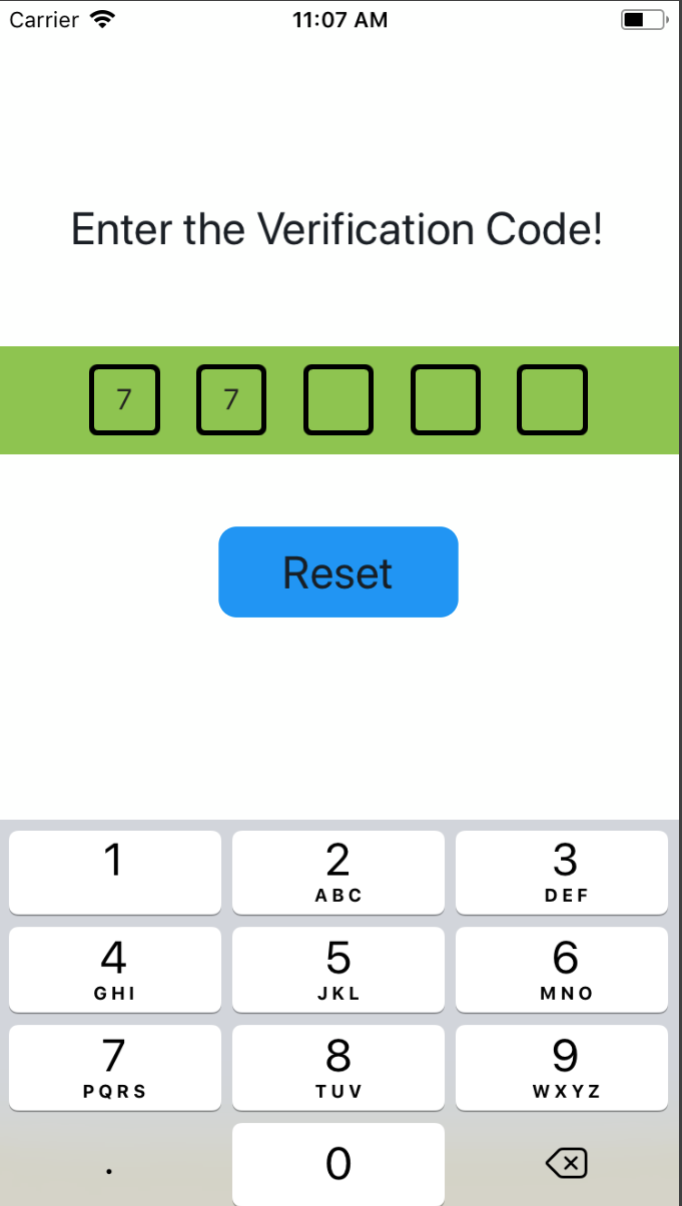
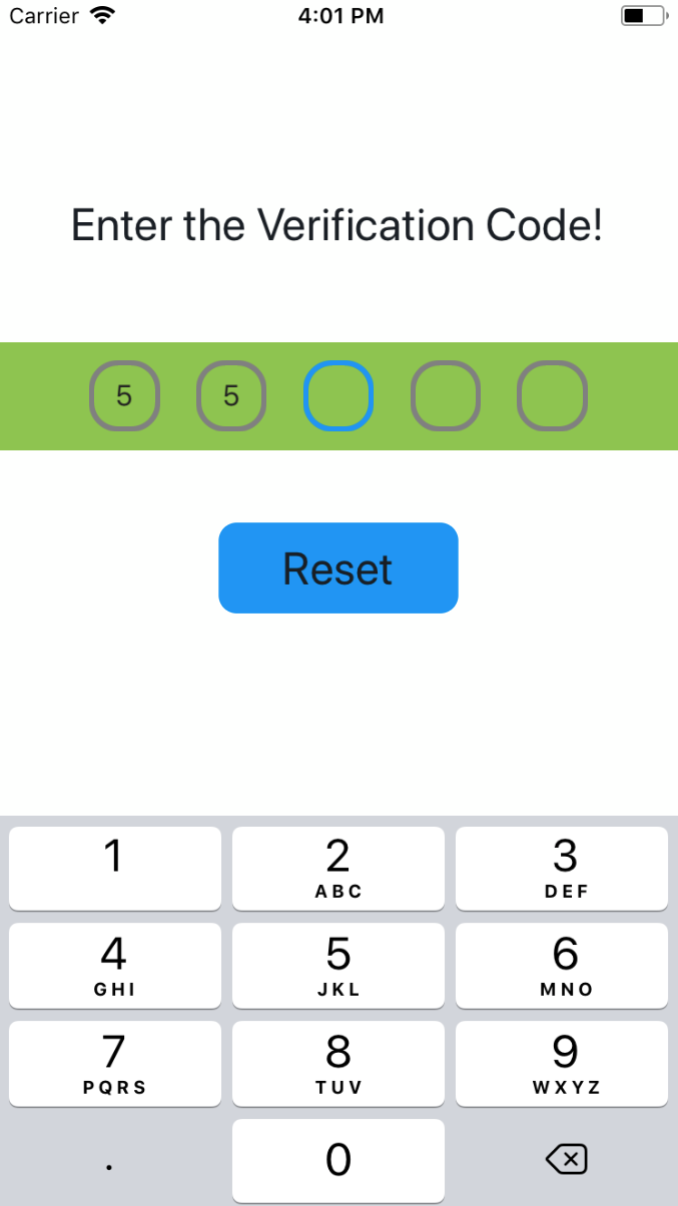
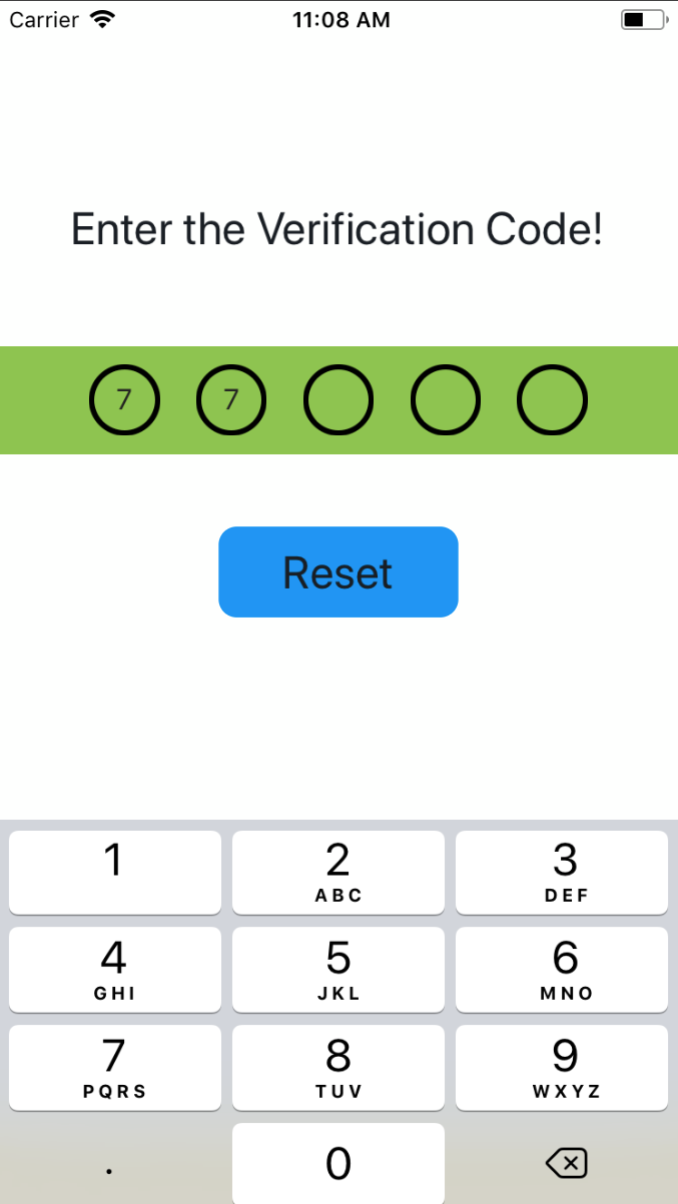
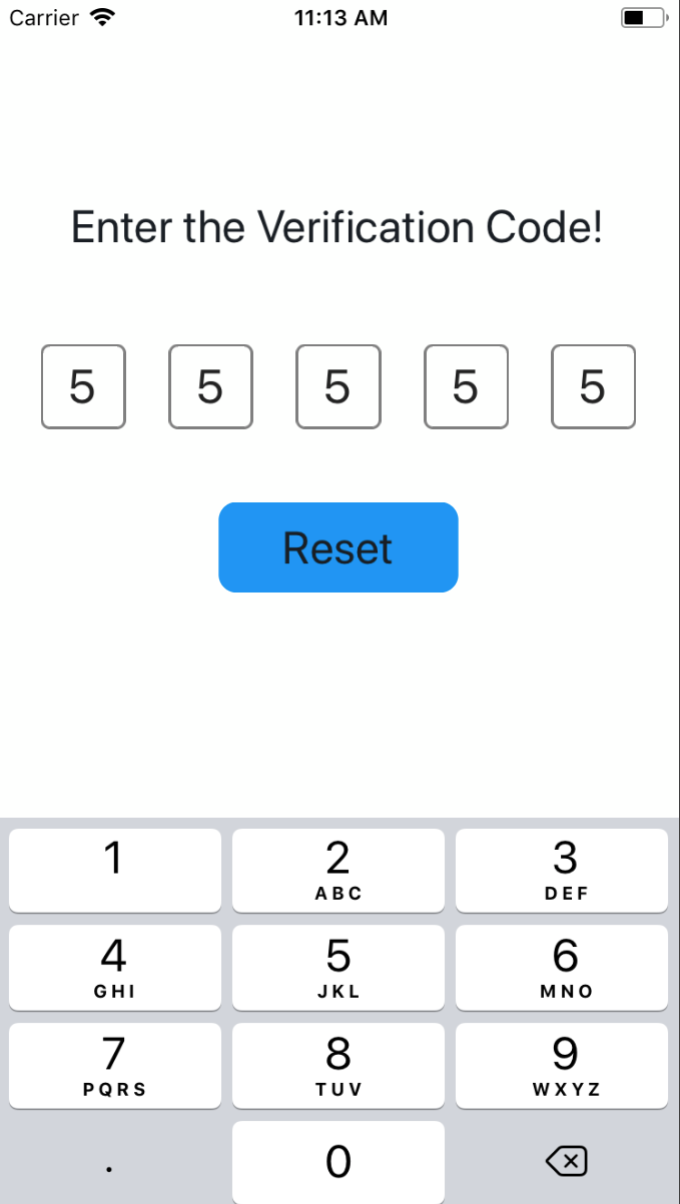
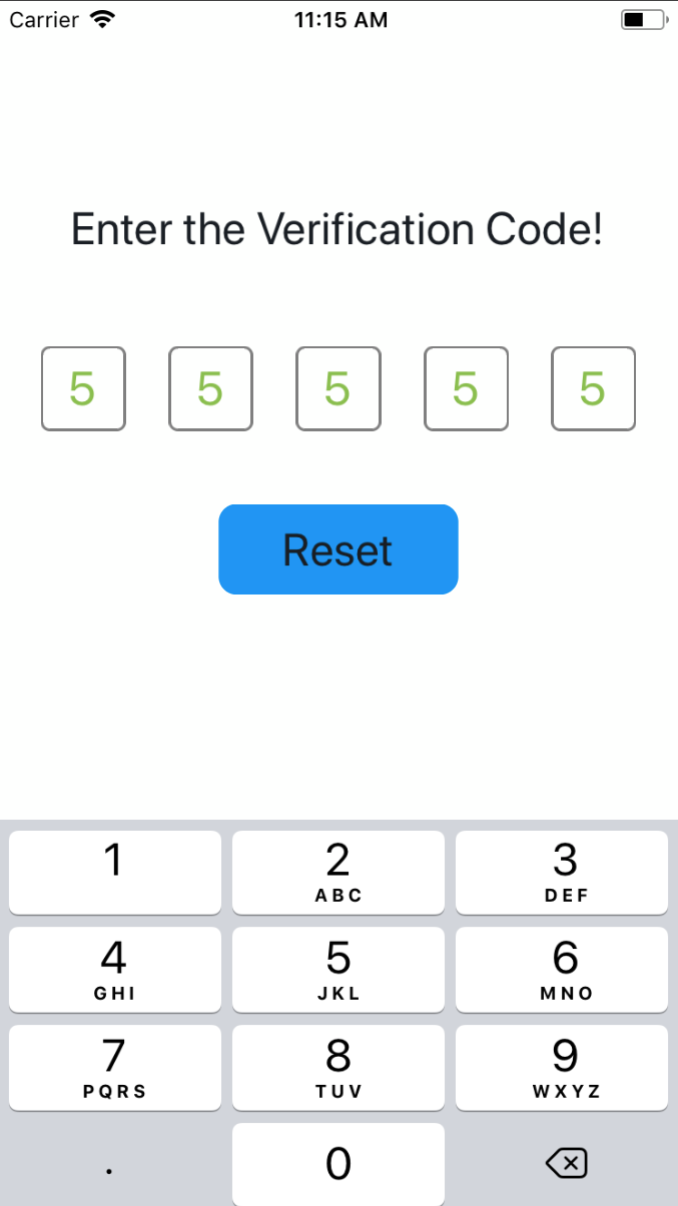
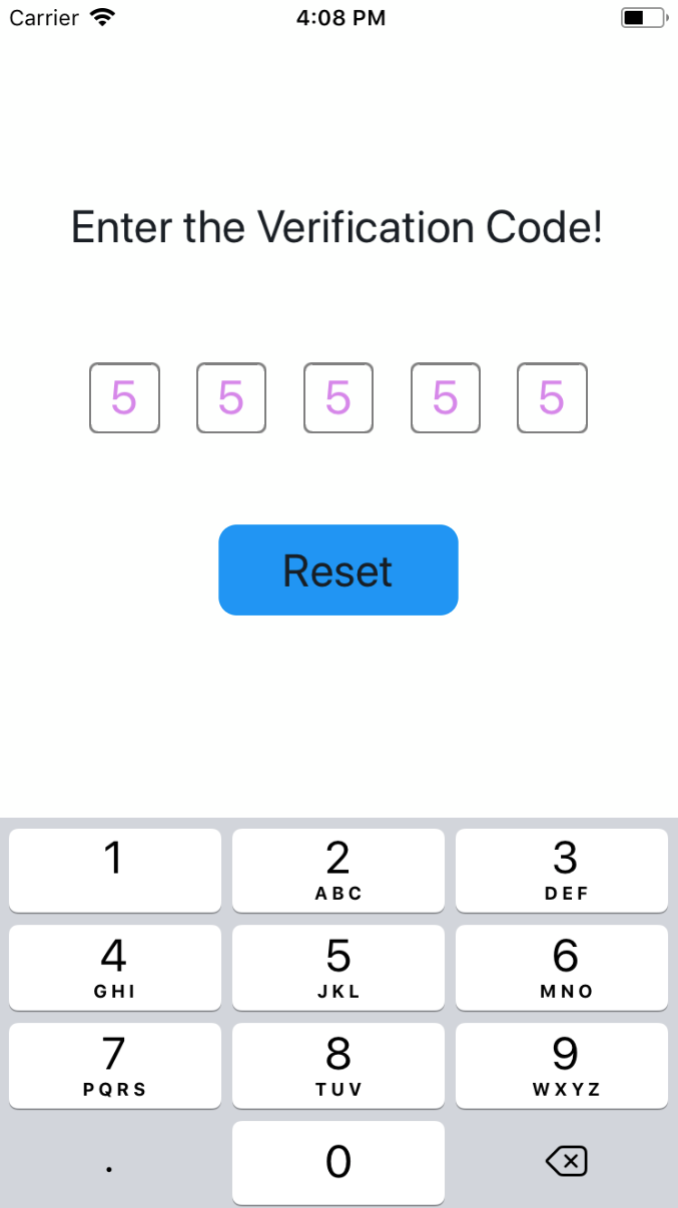
The design idea is probably like this, showing an excellent hand drawing 🙈 🙈 🙈
$ npm install react-native-sms-verifycode --save Set the callback function when the input is complete, you can get the content input by the user.
import SMSVerifyCode from 'react-native-sms-verifycode'
...
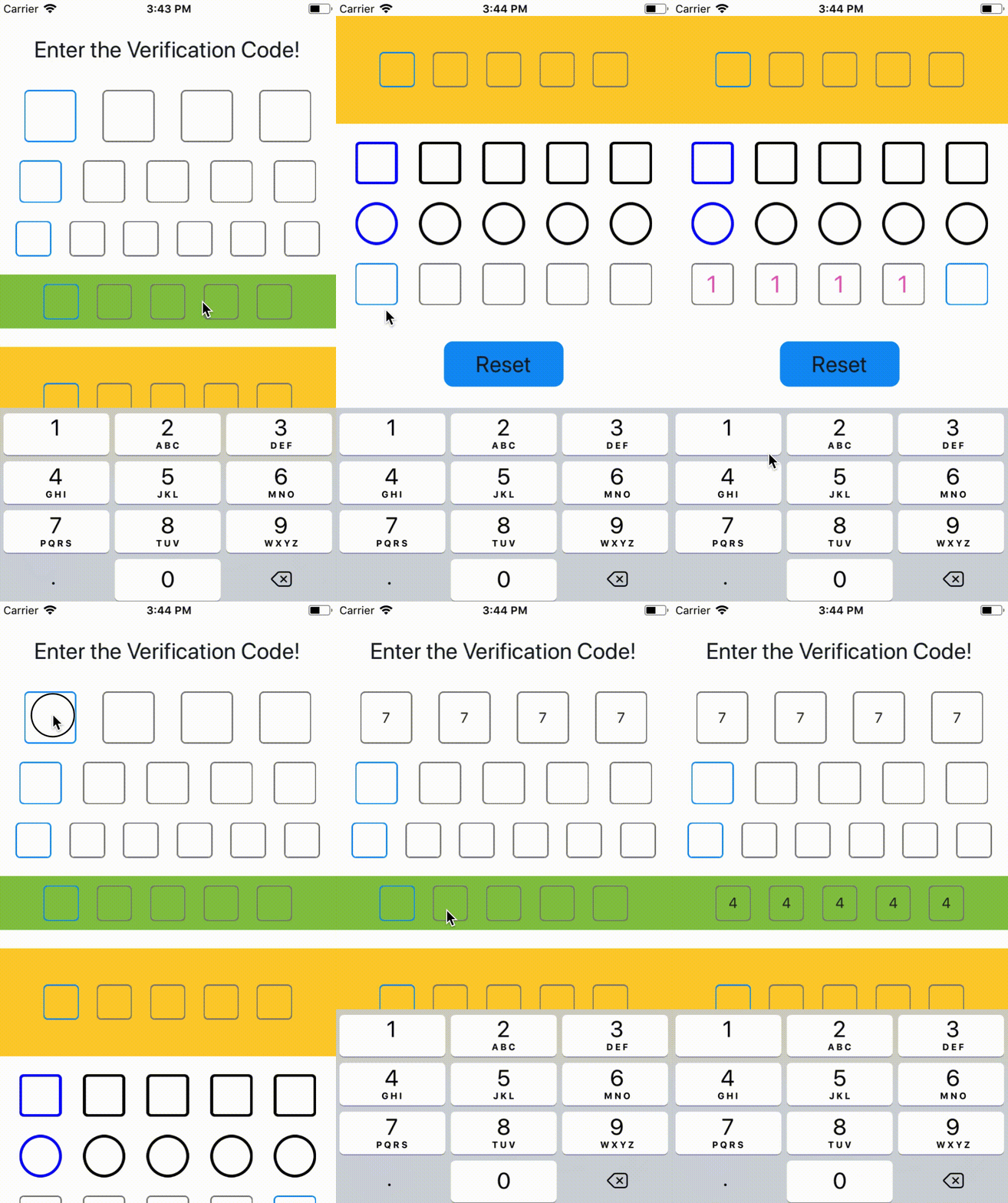
< SMSVerifyCode ref = { ref => ( this . verifycode = ref ) } onInputCompleted = { this . onInputCompleted } containerPaddingHorizontal = { 30 } /> onInputCompleted = ( text ) => { Alert . alert ( text , '本次输入的验证码' , [ { text : '确定' , } , ] ) } reset = ( ) => { this . verifycode . reset ( ) this . setState ( { codeText : '' } ) } . . . Set the length of the verification code import SMSVerifyCode from 'react-native-sms-verifycode'
...
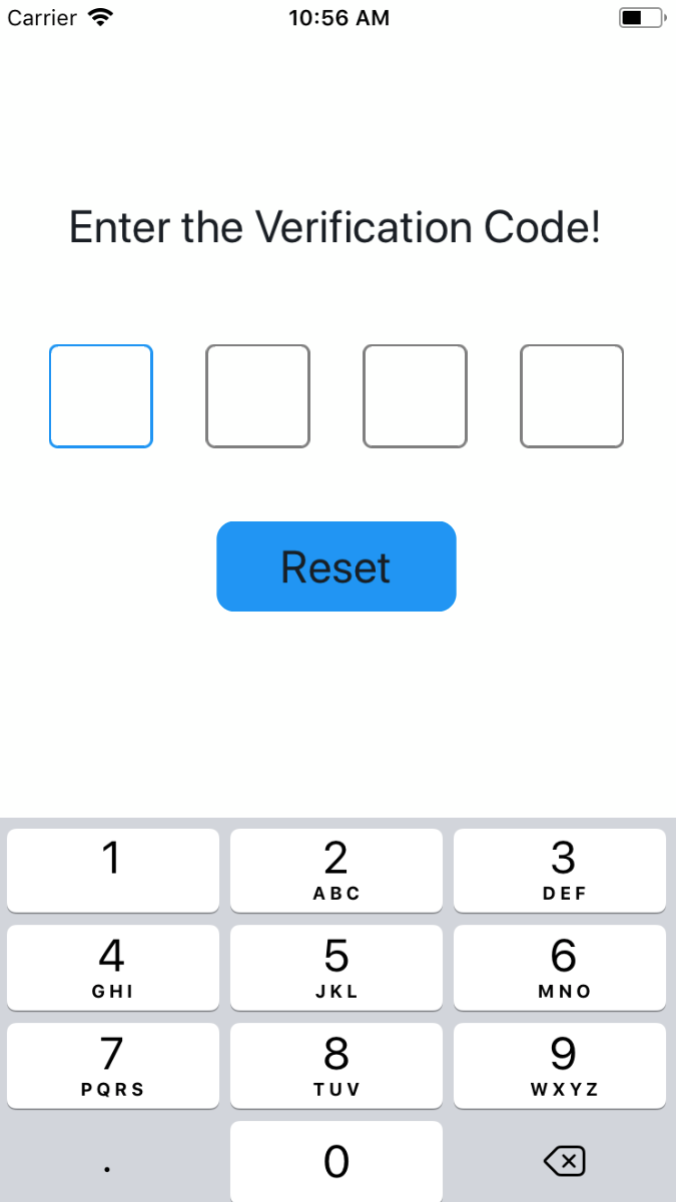
< SMSVerifyCode verifyCodeLength = { 4 } // Set any number as needed, type must be number /> import SMSVerifyCode from 'react-native-sms-verifycode'
...
< SMSVerifyCode verifyCodeLength = { 5 } containerPaddingVertical = { 10 } containerPaddingHorizontal = { 50 } containerBackgroundColor = { '#8DC647' } /> . . . import SMSVerifyCode from 'react-native-sms-verifycode'
...
< SMSVerifyCode verifyCodeLength = { 6 } containerPaddingVertical = { 10 } containerPaddingHorizontal = { 50 } containerBackgroundColor = "#8DC647" codeViewBorderColor = "#000000" focusedCodeViewBorderColor = "#0000FF" codeViewBorderWidth = { 3 } codeViewBorderRadius = { 16 } /> . . . import SMSVerifyCode from 'react-native-sms-verifycode'
...
< SMSVerifyCode verifyCodeLength = { 5 } codeFontSize = { 26 } // codeColor={'#89C047'} /> . . . Prop PropType Default Value isRequired Description autoFocus bool false NO Whether to automatically get the focus by default verifyCodeLength number 6 NO length of the verification code initialCodes array 6 NO The default is empty, if set, it will be automatically populated containerStyle object null NO set container style containerPaddingVertical number 0 NO container's paddingVertical containerPaddingLeft number 0 NO set container paddingLeft containerPaddingRight number 0 NO set container paddingRight containerPaddingHorizontal number Automatic calculation based on the length of the verification code NO container's paddingHorizontal containerPaddingLeft number 0 NO set container paddingLeft containerPaddingRight number 0 NO set container paddingRight containerBackgroundColor string #FDFFFD NO container's backgroundColor codeViewStyle object null NO set code view style codeViewWidth number Automatic calculation based on the length of the verification code NO width of code view codeViewBorderColor string grey NO color of code view border focusedCodeViewBorderColor string #1192F6 NO The color of the currently focused text box codeViewBorderWidth number 1 NO width of code view border codeViewBorderRadius number 5 NO radius of code view border codeViewBackgroundColor string default NO code view background color codeFontSize number default NO code font size codeColor string #222222 NO color of code secureTextEntry boolean false NO Set to true when entering a password,default is false coverStyle object null NO cover style coverRadius number codeFontSize / 2 NO cover radius coverColor string black NO cover color warningTitle string black NO When the input content is not a number, the title of the prompt box warningContent string black NO When the input content is not a number, the content of the prompt box warningButtonText string black NO When the input content is not a number, the button text of the prompt box
Name isRequired Description onInputChangeText NO When the text in the input box changes, the method is called, and the latest value is returned. onInputCompleted NO Callback method when input is complete reset NO Clear the input and set the focus to the first input box, call using ref blur NO Hide the keyboard, call using ref focus NO Display keyboard, call using ref