

A powerful, zero-intrusion debugging panel for Flutter applications with modular architecture and real-time monitoring capabilities.
中文文档 | Getting Started | Configuration
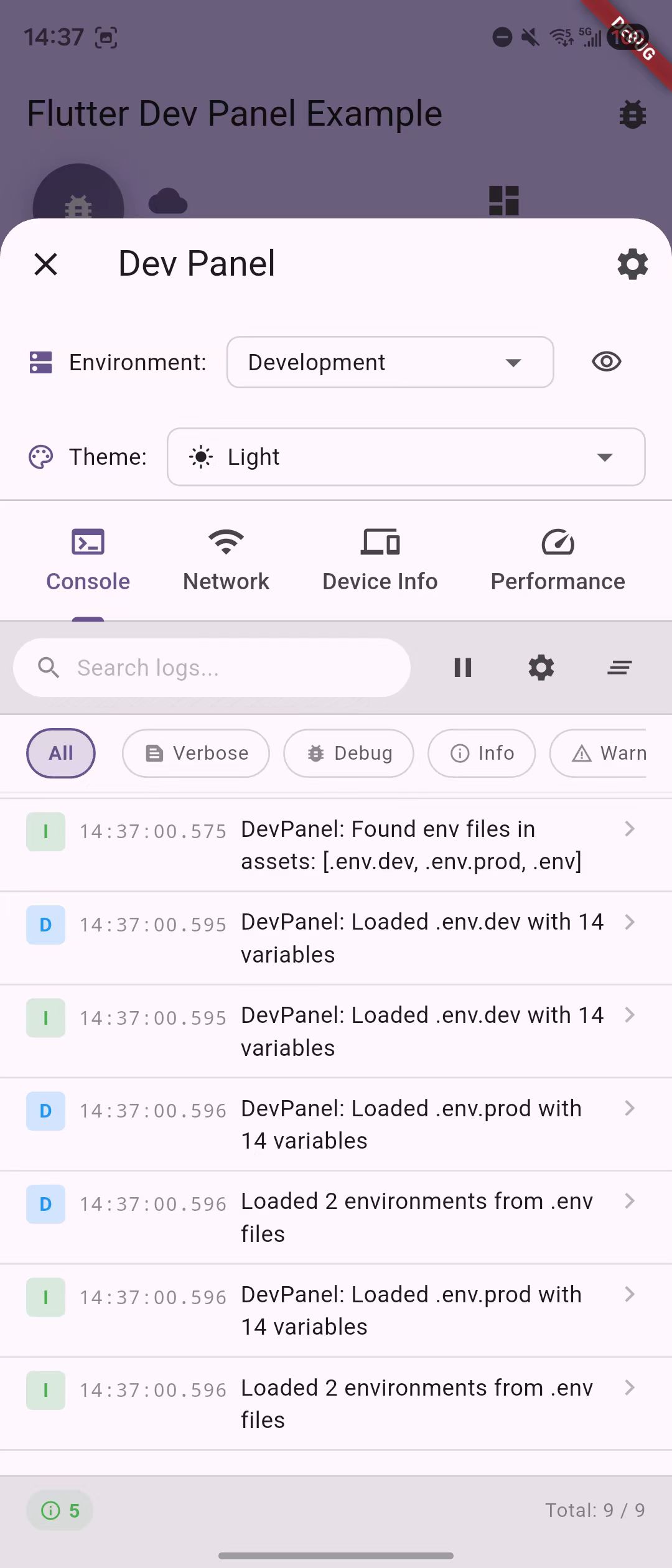 | 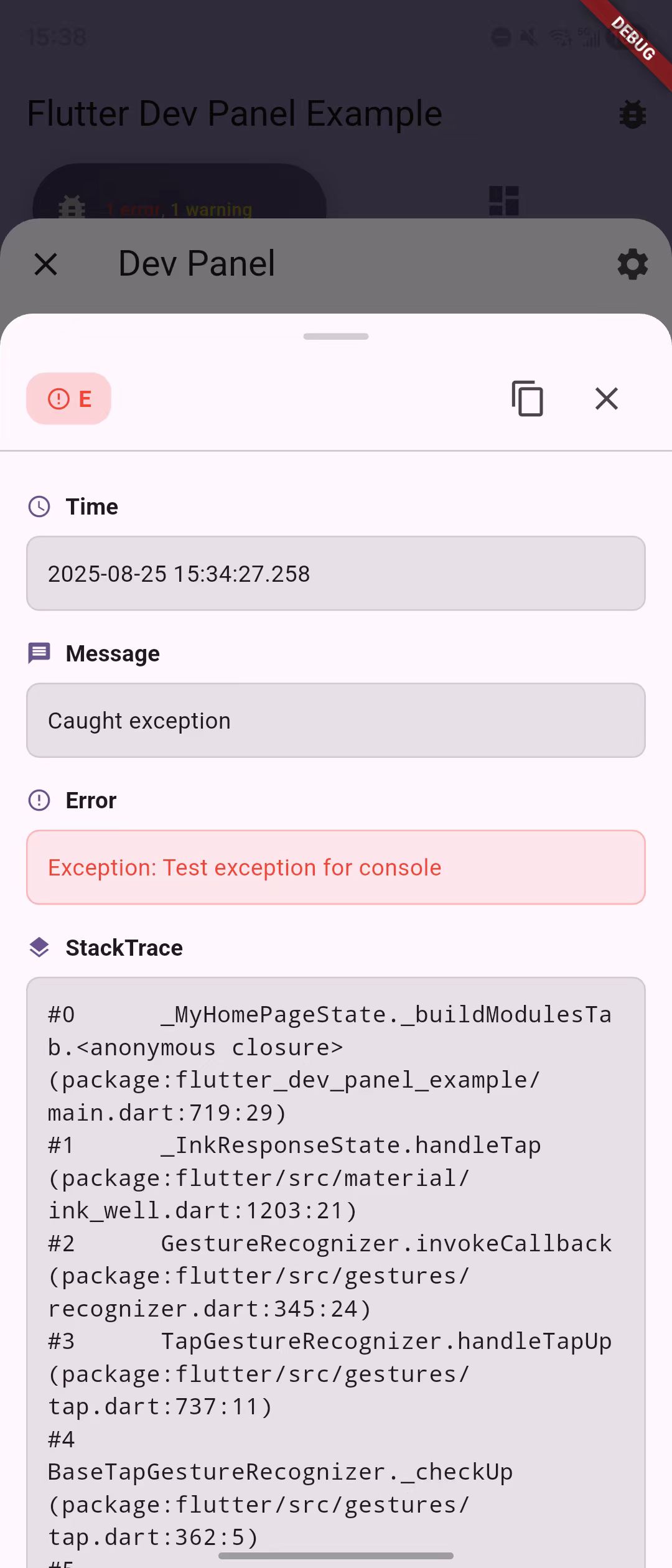 | 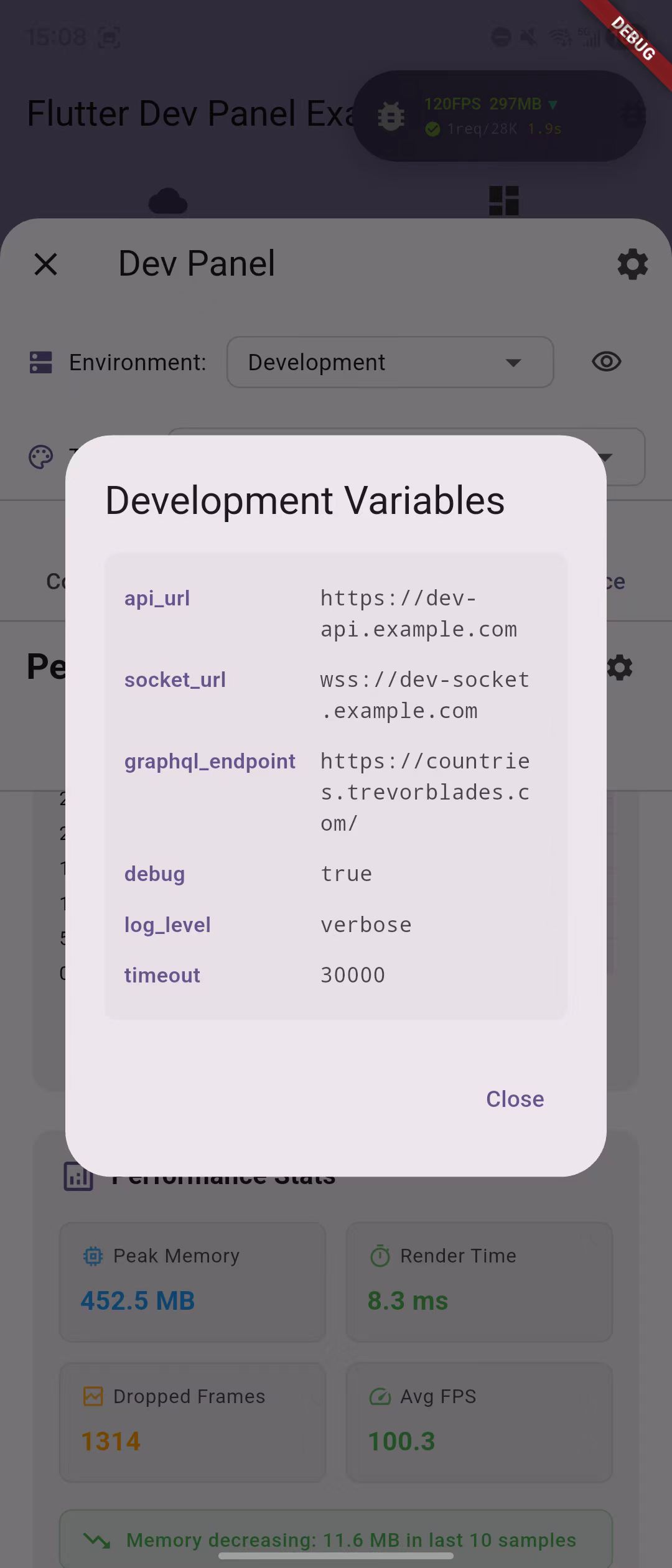 | 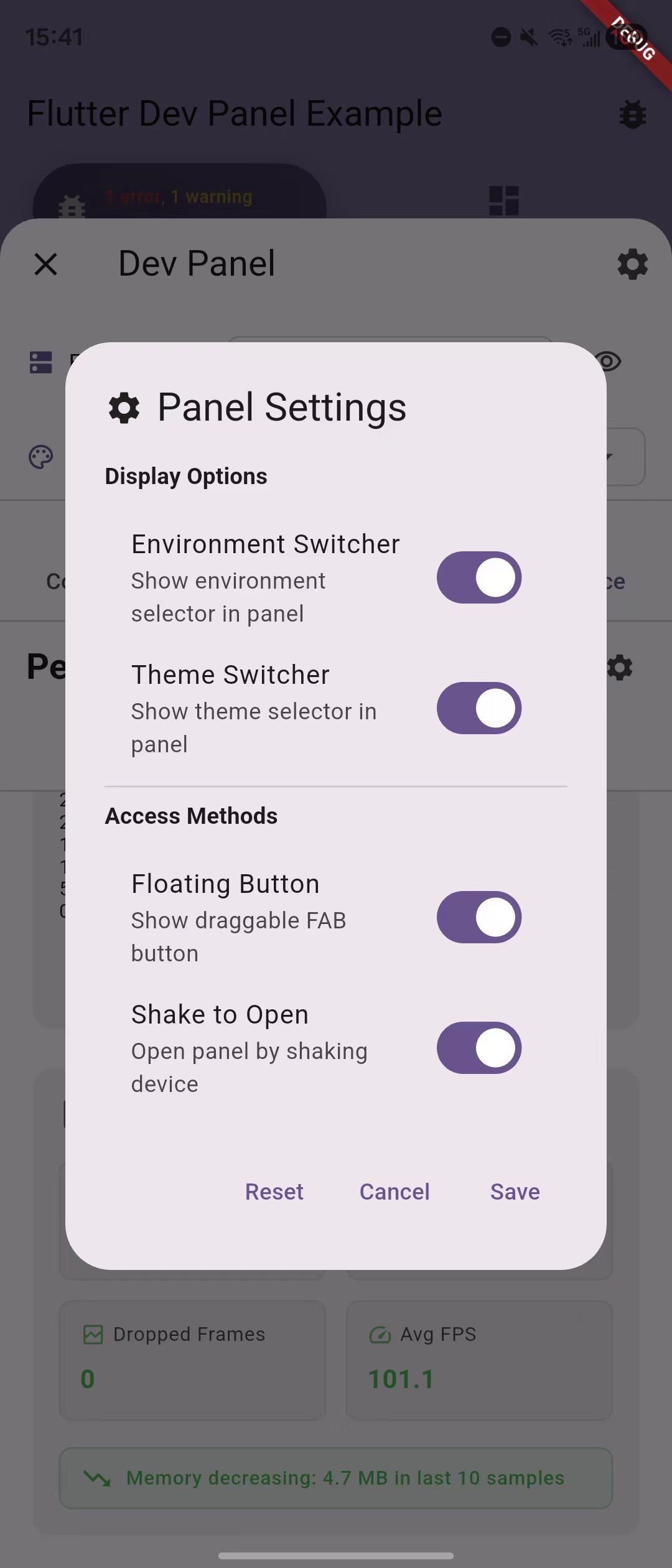 |
 |  |  |  |
- 🚀 Zero Intrusion - No impact on production code, automatic tree-shaking in release builds
- 📦 Modular Design - Install only the modules you need
- 🔧 Environment Management - Switch environments on-the-fly with .env support
- 🎨 Theme Sync - Bidirectional theme synchronization with your app
- 📱 Multiple Triggers - FAB, shake gesture, or programmatic access
- ⚡ High Performance - Minimal overhead with smart optimization
| Module | Description | Features |
|---|---|---|
| Console | Advanced logging system | • Real-time log capture (print, debugPrint, Logger) • Log level filtering • Search functionality • Smart multi-line merging |
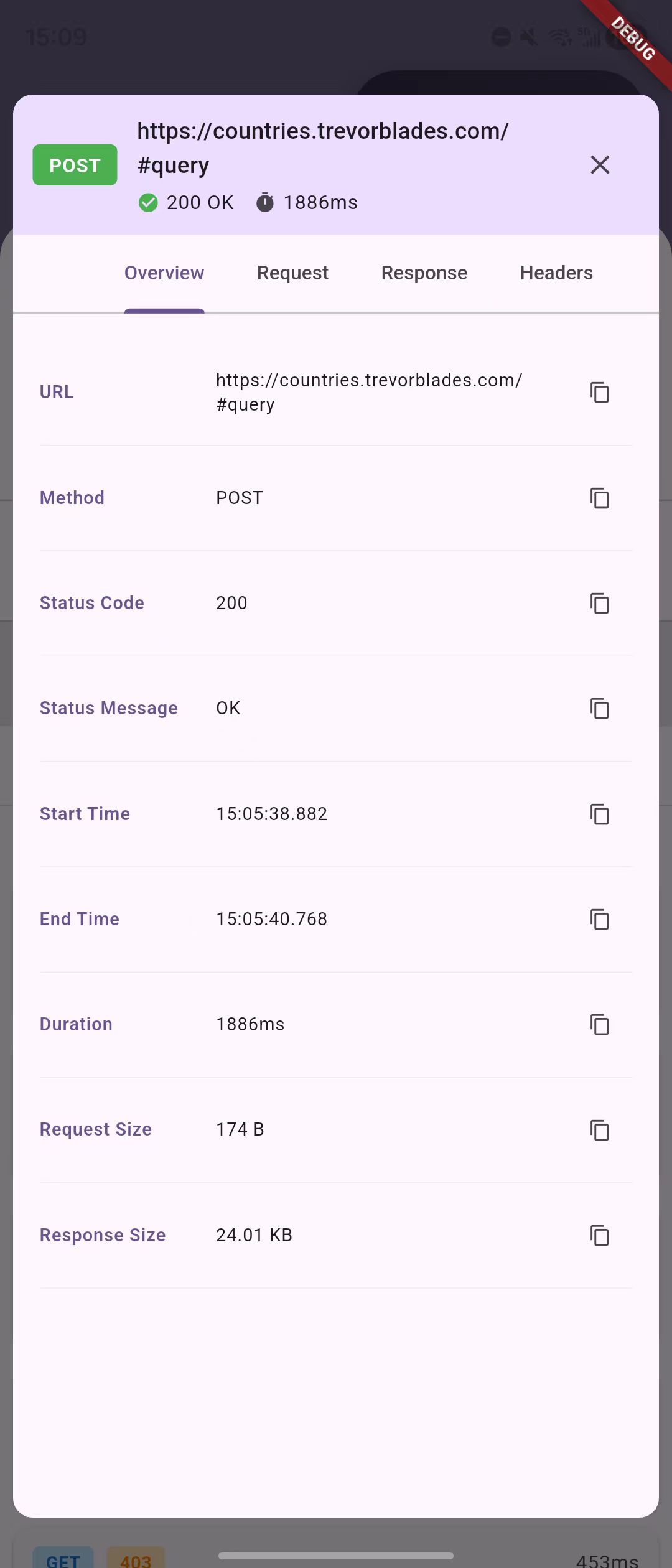
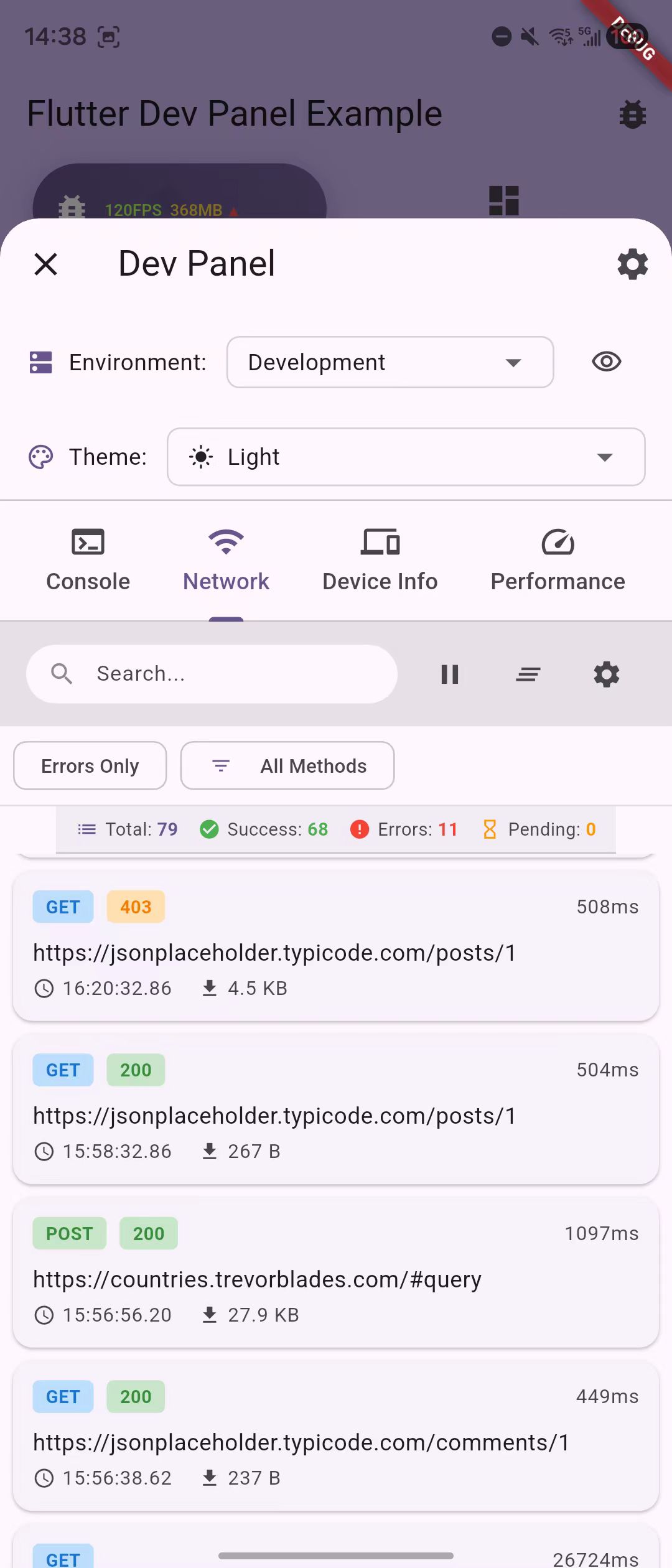
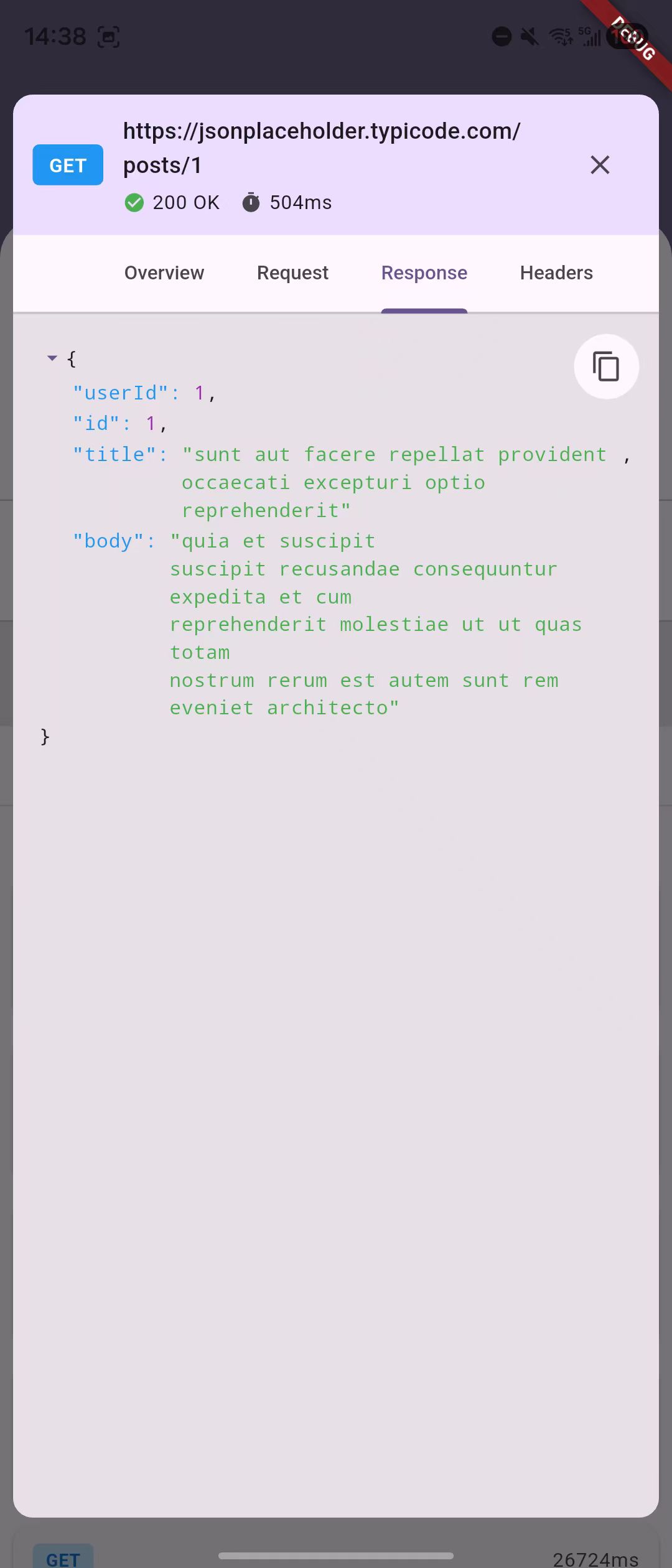
| Network | HTTP & GraphQL monitoring | • Request/response tracking • GraphQL operation monitoring • JSON viewer with syntax highlighting • Support for Dio, HTTP, GraphQL |
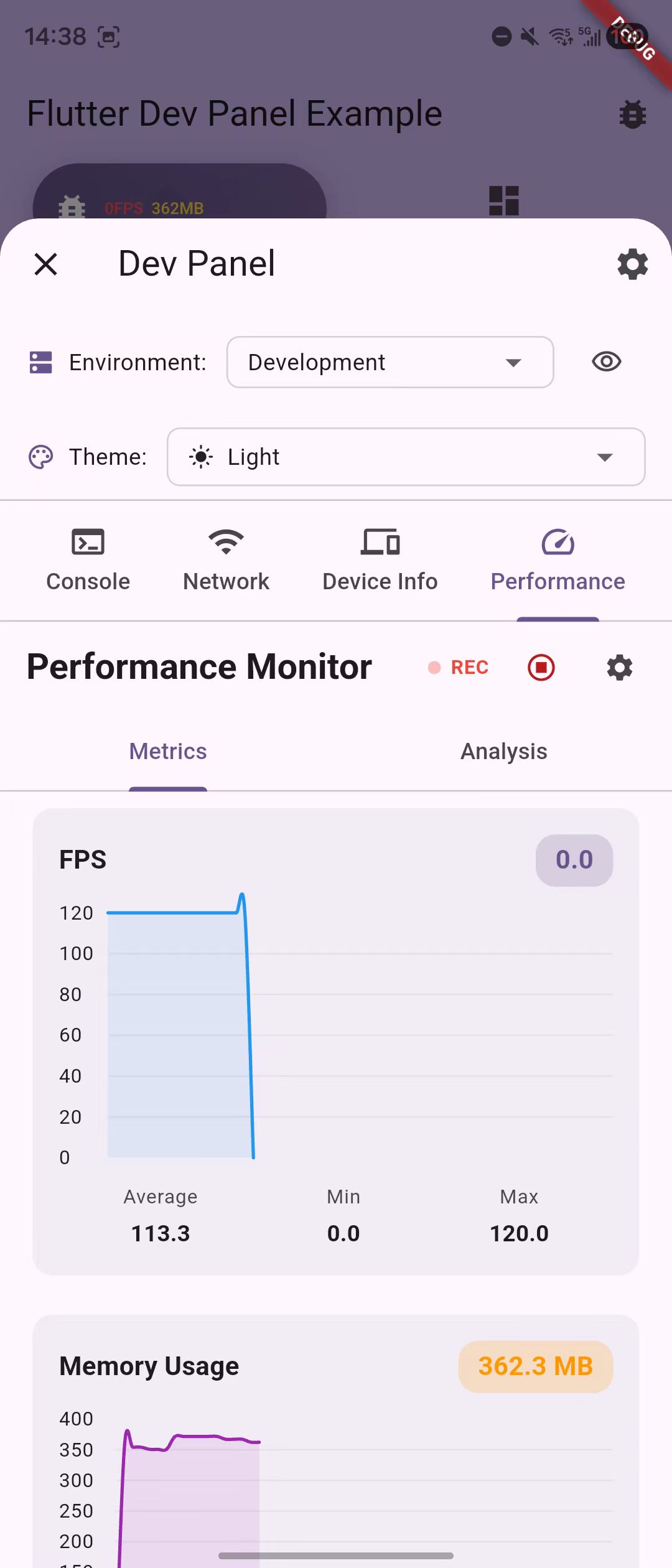
| Performance | Resource monitoring | • Real-time FPS tracking • Memory leak detection • Automatic Timer tracking • Performance analysis |
| Device | System information | • Device specifications • Screen metrics & PPI • Platform details • App package info |
dependencies:
flutter_dev_panel: ^latest_version # See badge above for latest version# Add modules as neededflutter_dev_panel_console: ^latest_version # Loggingflutter_dev_panel_network: ^latest_version # Network monitoringflutter_dev_panel_performance: ^latest_version # Performance trackingflutter_dev_panel_device: ^latest_version # Device infoimport'package:flutter_dev_panel/flutter_dev_panel.dart';
import'package:flutter_dev_panel_console/flutter_dev_panel_console.dart';
import'package:flutter_dev_panel_network/flutter_dev_panel_network.dart';
voidmain() async {
// Initialize with automatic Zone setup for full functionalityawaitDevPanel.init(
() =>runApp(constMyApp()),
modules: [
constConsoleModule(), // Auto-captures print statementsNetworkModule(), // HTTP/GraphQL monitoringconstPerformanceModule(), // Auto-tracks Timers
],
);
}
classMyAppextendsStatelessWidget {
@overrideWidgetbuild(BuildContext context) {
returnMaterialApp(
builder: (context, child) {
// Wrap your app with DevPanelWrapperreturnDevPanelWrapper(
child: child ??constSizedBox.shrink(),
);
},
home:MyHomePage(),
);
}
}// Diofinal dio =Dio();
NetworkModule.attachToDio(dio);
// GraphQLfinal link =NetworkModule.createGraphQLLink(
HttpLink('https://api.example.com/graphql'),
);
final client =GraphQLClient(link: link, cache:GraphQLCache());
// HTTPfinal client =NetworkModule.createHttpClient();// Get environment valuesfinal apiUrl =DevPanel.environment.getString('api_url');
final isDebug =DevPanel.environment.getBool('debug');
// Listen to changesDevPanel.environment.addListener(() {
// Update your services when environment changes
});// Programmatic accessDevPanel.open(context);
// Via floating action button (default)// Via shake gesture on mobile// Configure in DevPanelConfig| Guide | Description |
|---|---|
| Getting Started | Installation, setup, and initialization methods |
| Configuration | Environment variables, module configuration |
| Network Integration | Dio, HTTP, and GraphQL setup |
| Environment Usage | Working with environment variables |
| GraphQL Guide | Dynamic GraphQL endpoint switching |
Flutter Dev Panel is designed with production safety as a priority:
# Normal release build (panel disabled, zero overhead)
flutter build apk --release
# Internal testing build (panel enabled)
flutter build apk --release --dart-define=FORCE_DEV_PANEL=true- Debug Mode: Automatically enabled (full UI + environment loading)
- Profile Mode: Environment loading works, debug UI disabled
- Release Mode: Completely removed by tree-shaking
- Force Enable: Optional for internal testing builds
MIT License - see LICENSE file for details