- Windows
- Unity6000.3.5f1 (.NET Framework or both .NET Standard 2.1 and Microsoft.CSharp is required at Api Compatibility Level)
- Python.NET 3.0.5
- Python Embeddable Package 3.11.3
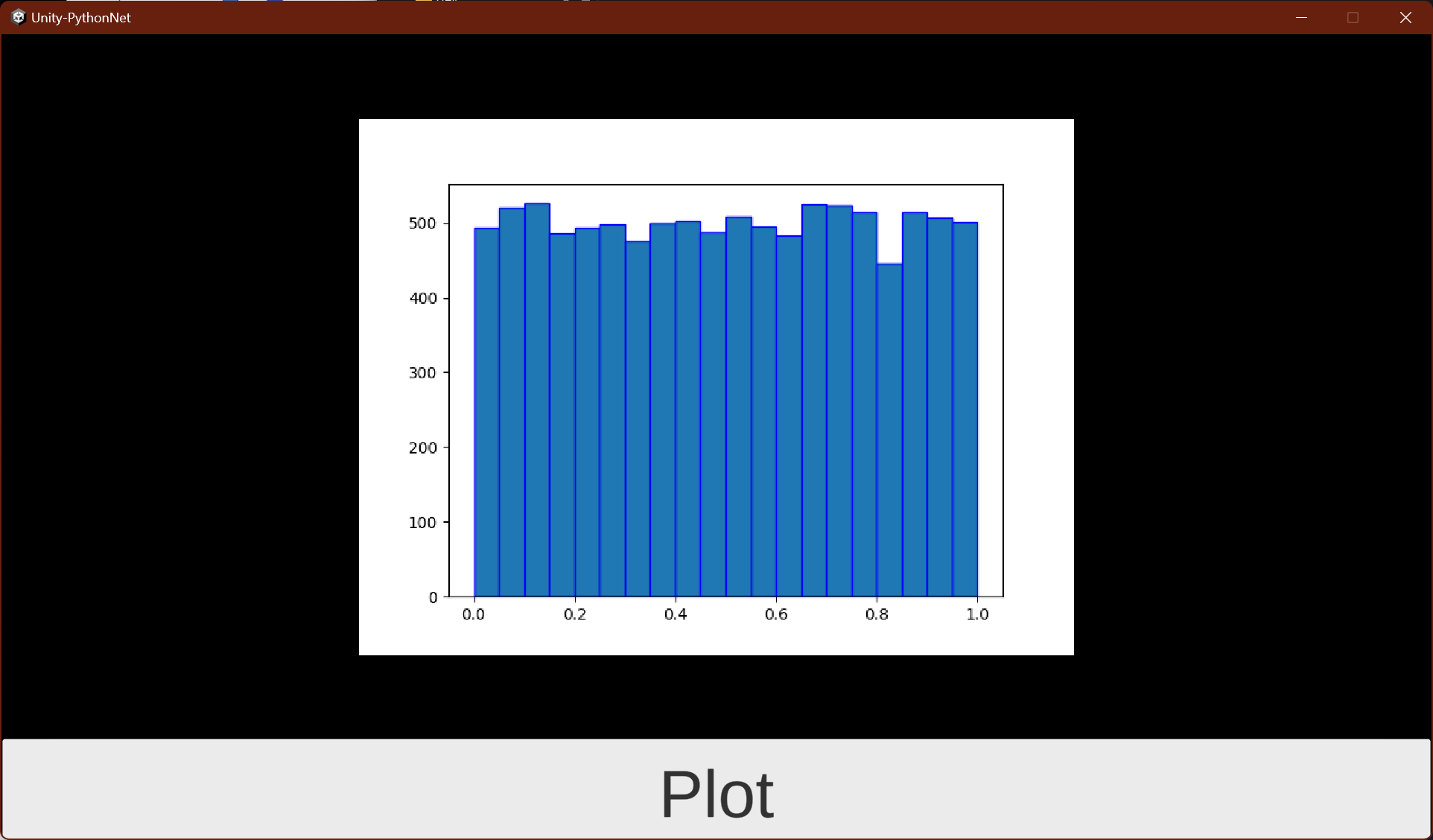
This is a sample project that integrates Unity and Python.NET. Pressing the Plot button will display an image of a graph drawn using matplotlib in Python.
+ Assets/
+ Scenes/
+ SampleScene.unity : Main scene using Unity UI
+ MainView.unity : Main scene uning UI Toolkit
+ Scripts/
+ PythonLifeCycle.cs : Python.NET initializer
+ PlotRandom.cs : Call python script from C# using Python.NET for Unity UI
+ UIEventHandler.cs : Call python script from C# using Python.NET for UI Toolkit
+ Plugins/
+ Microsoft.CSharp.dll : Need for .NET Standard 2.1
+ StreamingAssets/
+ python-3.11.3-embed-amd64/ : python runtime
+ myproject/
+ plot_random.py : python script for graph plot
+ requirements.txt : a list of items to be installed using pip install
cd Assets\StreamingAssets\python-3.11.3-embed-amd64\
.\Scripts\pip.exe install matplotlib
.\Scripts\pip.exe freeze > myproject\requirements.txtBoth Domain Reload enabled and disabled are supported with fast Play/Stop.
| Pros | Cons |
|---|---|
| Fast Play mode stop | Slightly slower Play mode start |
| Python code changes are reflected | - |
| Clean Python state on each Play | - |
| Pros | Cons |
|---|---|
| Fast Play mode start | Python global state is preserved |
| Fast Play mode stop | - |
| Python code changes are reflected (via module reload) | - |
Settings: Edit → Project Settings → Editor → Enter Play Mode Options
PythonEngine.PythonPathis not applied when changing a differentPythonEngine.PythonPathafter callingPythonEngine.Initialize()/PythonEngine.Shutdown().- Restart Unity if you want to set a different
PythonEngine.PythonPath.
- Restart Unity if you want to set a different