
ECharts wrapper build for React Native/Expo.







Screenshots • How To Use • Authors
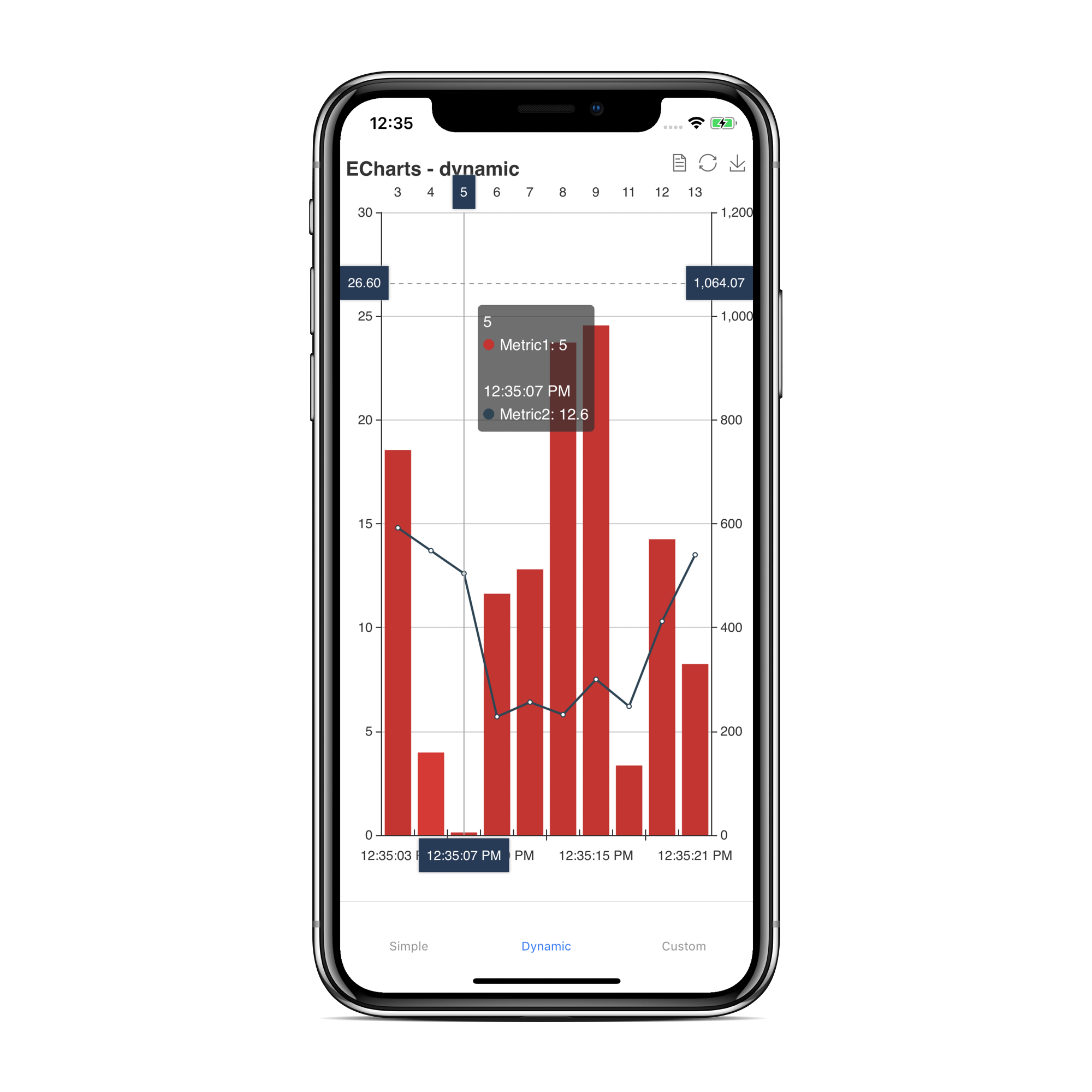
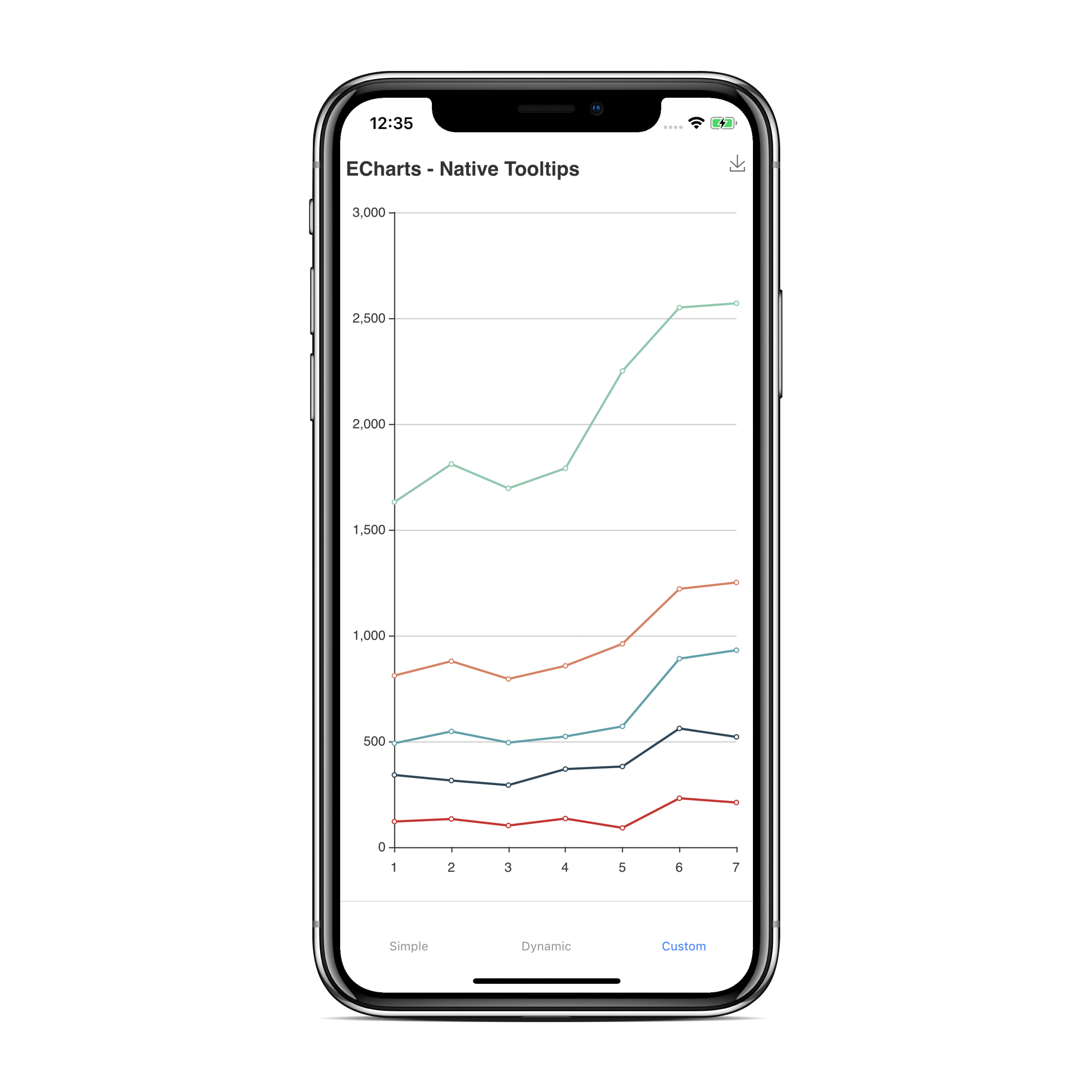
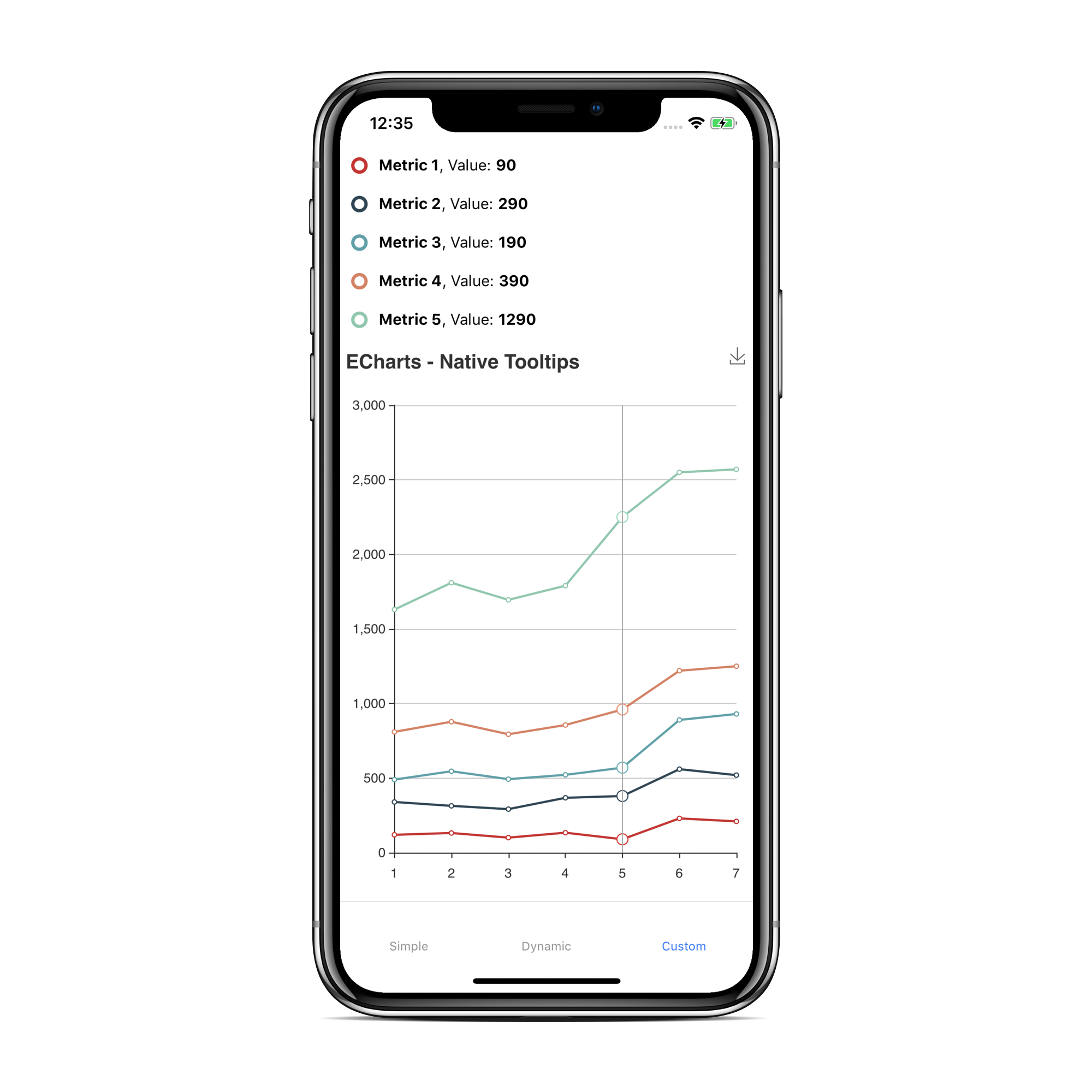
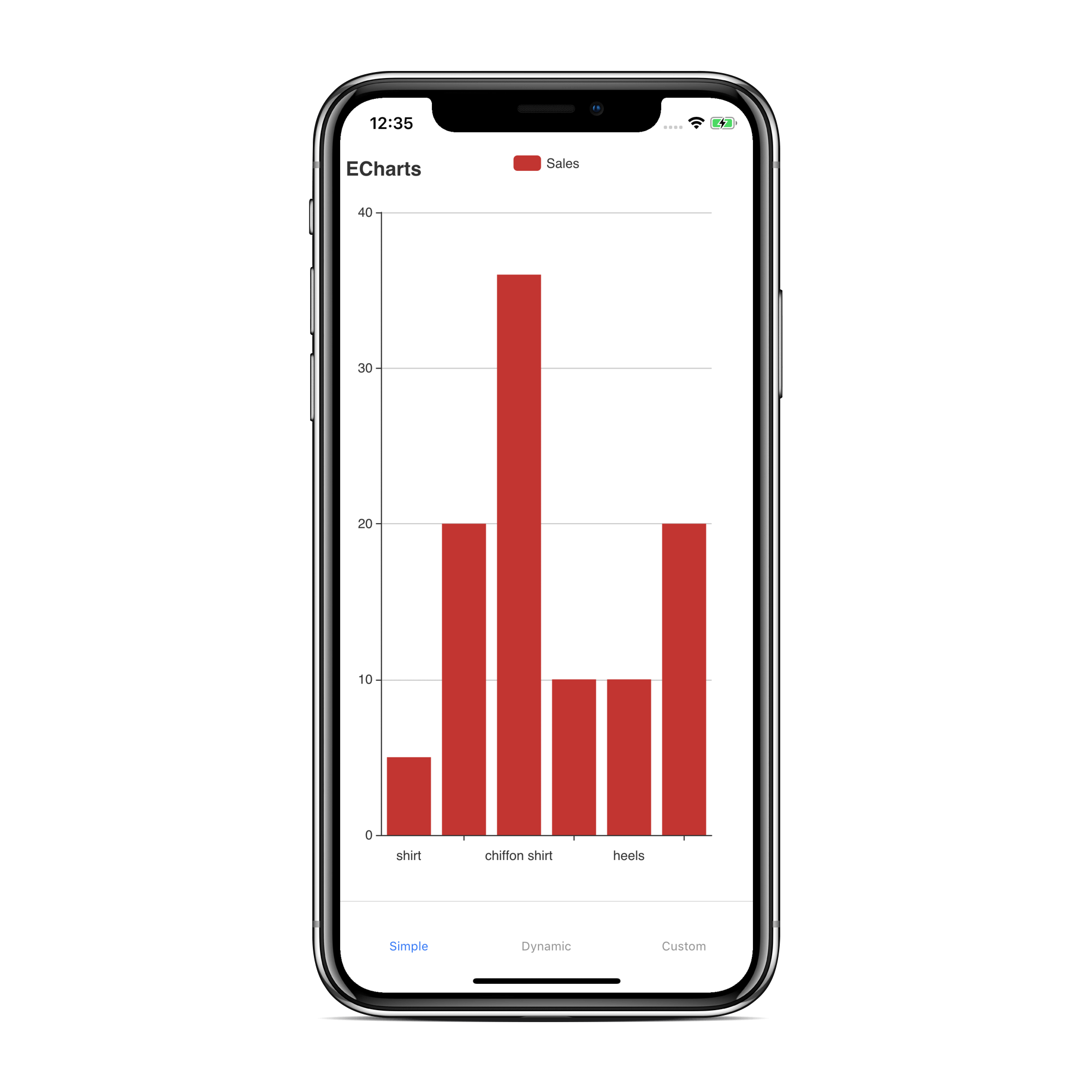
A React Native wrapper for the popular echarts charting framework. With this library you can create complex, interactive charts with great performance on mobile devices.
The fact that the charting framework purely runs in a webview makes it very stable to upcomming React-Native versions. On the other hand it is not easy to make a two way data communication between the chart (running in the webview Javascript thread) and the React-Native Javascript thread. With this library you can even build the more complex chart options of echarts. You can inject custom javascript code within the webview which allows you to access the chart api (detect taps, selections etc...)
$ yarn add react-native-echarts-wrapperMake sure you installed react-native-webview
| Version | Expo | React-Native |
|---|---|---|
| 2.x.x | >= 0.33 | >= 0.58 |
| 1.x.x | / | >= 0.56 |
| Name | Type | Example | Description |
|---|---|---|---|
| option | object | take a look at the examples | Allows you to set the chart configuration (https://ecomfe.github.io/echarts-examples/public/index.html). Never access anything related to your React-Native Javascript code within the options object. It won't work! Take a look at onData and sendData |
| customTemplatePath | string | file:///android_assets/index.html | Use this property if you want to tell echarts where to look for a custom html template. You can use RNFS to get the directory path for Android/iOS. |
| additionalCode | string | alert('hello world'); | Allows you to inject javascript code in the webview. It is used to access the echarts api to create more complex charts (e.G. callback on chart tap). Take a look at More complex example |
| backgroundColor | string | rgba(255,101,80,0.4), red, #4287f5 | Set the background color of the chart |
| Name | Example | Description |
|---|---|---|
| setOption | this.chart.setOption(option); | Allows you to set a chart configuration dyanmically (e.g. after initial setup with option prop). Take a look at Dynamic loading example |
| getOption | this.chart.getOption((data) => console.log(data)); | Allows you to get the current option of a chart instance. First parameter is the result-callback. If you don't pass a second parameter the result-callback will be triggered with all option properties. Second parameter is an array of the e-charts-option-properties (e.g. ['dataZoom', 'series']) you want to get. Take a look at Dynamic loading example |
| clear | this.chart.clear(); | Allows you to clear the chart. Take a look at More complex example |
| onData | <ECharts onData={this.onData} /> | This is the only way to receive data from the chart. It is called with the data provided by sendData (Webview functions). |
| setBackgroundColor | this.chart.setBackgroundColor('#ecf542'); | Allows you to set the background color of the chart. |
These functions can be called from code injected with additionalCode or within the echarts option.
| Name | Example | Description |
|---|---|---|
| sendData | sendData('Hello World') | With this function you can communicate with React Native. Attention you can only send strings over to React-Native. sendData('Hello World') will call onData on the React Native side. Take a look at More complex example |
| Name | Example | Description |
|---|---|---|
| chart | chart.on(....) | Allows you to access the echarts api (https://ecomfe.github.io/echarts-doc/public/en/api.html#echartsInstance). Take a look at More complex example |
importReact,{Component}from"react";import{StyleSheet,View}from"react-native";import{ECharts}from"react-native-echarts-wrapper";exportdefaultclassAppextendsComponent{option={xAxis: {type: "category",data: ["Mon","Tue","Wed","Thu","Fri","Sat","Sun"]},yAxis: {type: "value"},series: [{data: [820,932,901,934,1290,1330,1320],type: "line"}]};render(){return(<Viewstyle={styles.chartContainer}><EChartsoption={this.option}backgroundColor="rgba(93, 169, 81, 0.3)"/></View>);}}conststyles=StyleSheet.create({chartContainer: {flex: 1}});importReact,{Component}from"react";import{StyleSheet,SafeAreaView,Button}from"react-native";import{ECharts}from"react-native-echarts-wrapper";exportdefaultclassAppextendsComponent{option={xAxis: {type: "category",data: ["Mon","Tue","Wed","Thu","Fri","Sat","Sun"]},yAxis: {type: "value"},series: [{data: [820,932,901,934,1290,1330,1320],type: "line"}]};additionalCode=` chart.on('click', function(param) { var obj = { type: 'event_clicked', data: param.data }; sendData(JSON.stringify(obj)); }); `;onData=param=>{constobj=JSON.parse(param);if(obj.type==="event_clicked"){alert(`you tapped the chart series: ${obj.data}`);}};onRef=ref=>{if(ref){this.chart=ref;}};onButtonClearPressed=()=>{this.chart.clear();};render(){return(<SafeAreaViewstyle={styles.chartContainer}><Buttontitle="Clear"onPress={this.onButtonClearPressed}/><EChartsref={this.onRef}option={this.option}additionalCode={this.additionalCode}onData={this.onData}onLoadEnd={()=>{this.chart.setBackgroundColor("rgba(93, 169, 81, 0.1)");}}/></SafeAreaView>);}}conststyles=StyleSheet.create({chartContainer: {flex: 1,backgroundColor: "#F5FCFF"}});importReact,{Component}from"react";import{StyleSheet,SafeAreaView,Button}from"react-native";import{ECharts}from"react-native-echarts-wrapper";exportdefaultclassAppextendsComponent{onRef=ref=>{if(ref){this.chart=ref;}};onData=param=>{};initChart=()=>{functionrandomData(){now=newDate(+now+oneDay);value=value+Math.random()*21-10;return{name: now.toString(),value: [[now.getFullYear(),now.getMonth()+1,now.getDate()].join("/"),Math.round(value)]};}vardata=[];varnow=+newDate(1997,9,3);varoneDay=24*3600*1000;varvalue=Math.random()*1000;for(vari=0;i<1000;i++){data.push(randomData());}option={title: {text: "Dynamic Chart"},tooltip: {trigger: "axis",formatter: function(params){params=params[0];vardate=newDate(params.name);return(date.getDate()+"/"+(date.getMonth()+1)+"/"+date.getFullYear()+" : "+params.value[1]);},axisPointer: {animation: false}},xAxis: {type: "time",splitLine: {show: false}},yAxis: {type: "value",boundaryGap: [0,"100%"],splitLine: {show: false}},series: [{type: "line",showSymbol: false,hoverAnimation: false,data: data}]};this.chart.setOption(option);//no query parameter: whole option objectthis.chart.getOption(option=>{console.log(option);});//with query parameterthis.chart.getOption(option=>{console.log(option);},["dataZoom","series"]);constinstance=this.chart;setInterval(function(){for(vari=0;i<5;i++){data.shift();data.push(randomData());}instance.setOption({series: [{data: data}]});},100);};render(){return(<SafeAreaViewstyle={styles.chartContainer}><Buttontitle="Start"onPress={this.initChart}/><EChartsoption={{}}ref={this.onRef}additionalCode={this.additionalCode}onData={this.onData}/></SafeAreaView>);}}conststyles=StyleSheet.create({chartContainer: {flex: 1,backgroundColor: "#F5FCFF"}});Download latest version Echarts minifier file https://github.com/apache/echarts/tree/master/dist
replace special characters
\ => \
" => "
$ => $
& => &
remove all comment bloc
- removed property canvas (canvas renderer default)
- removed legacyMode (react-native-webview required)
- removed baseUrl
- customTemplatePath prop allows to set the path to a custom html-file (template: node_modules/react-native-echarts-wrapper/dist/index.html)
- Tried to register two views with the same name RNCWebView? (#35)
- Got rejected from Apple review (#31)
- usage on expo as there is no android_asset folder (#19)
- cannot use '\n' in custom format text (#14)
- Variables and functions from injectedJavaScript not available on Android (see react-native issue)
- Loading state/Background Color (#17)
- postMessage double-encoded iOS RN 0.59.x (see react-native issue)
- Broken on React Native >= 0.60.0 (Invariant Violation: Element type is invalid) (#27)
- fix arrow function not working on old version Android webview (#25)
- Dynamic loading issue on iOS (#16)
- Doesn't work on iOS in Expo (#13)
- canvas & legacyMode
- tests, coverage, build report
- Blank page on Android (#10)
- crash when not passing an option
- getOption (#4)
- Documentation missing (#3)
- baseUrl prop allows to access local content within the Webview on iOS and Android
- additionalCode prop allows to create more complex chart configurations (e.G.
chart.on('click')
- Functions in options do not work when setting via 'setOptions'
| Thomas Leiter |
| Stefan Papst |
See also the list of contributors who participated in this project.