

Lifelog - All your life related things in one place. Journal, weight, Strength training, endurance training tracker, Bucket list, Vision board, ....
This service is build for a single user. Password authentication is included for the sites and API endpoints.
All data is stored in a single SQLite database for full control and portability over the data.
- 🦄 Free open source software
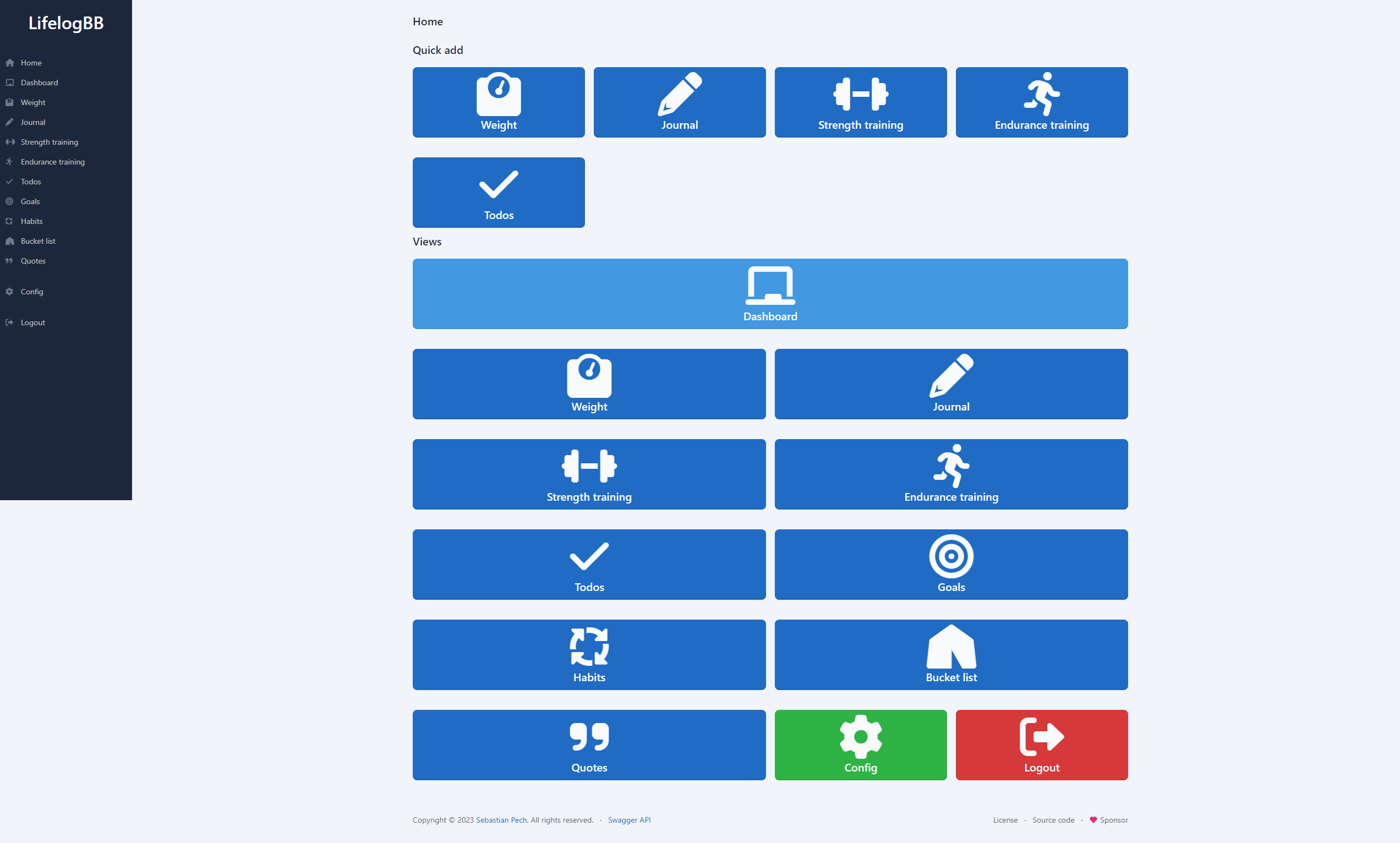
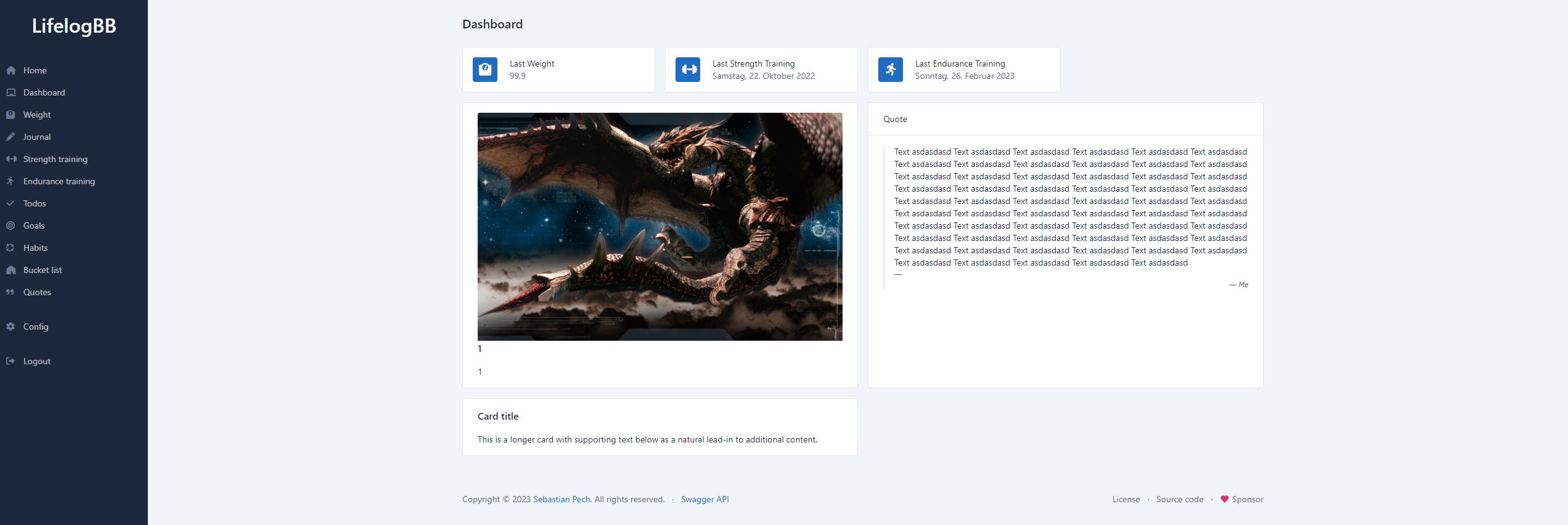
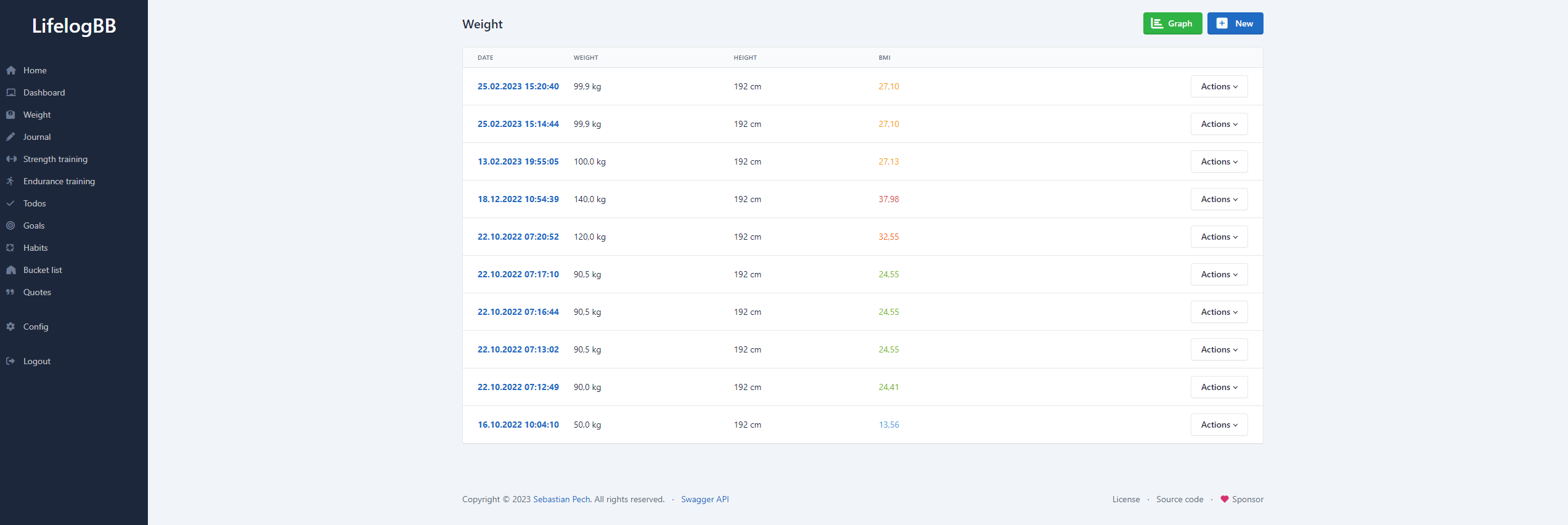
- ⚖️ Weight tracking
- 📔 Journal
- 🏋️ Strength training tracker
- 🏃 Endurance training tracker
- ✅ Todos
- 🎯 Goals
- 🚀 Habits
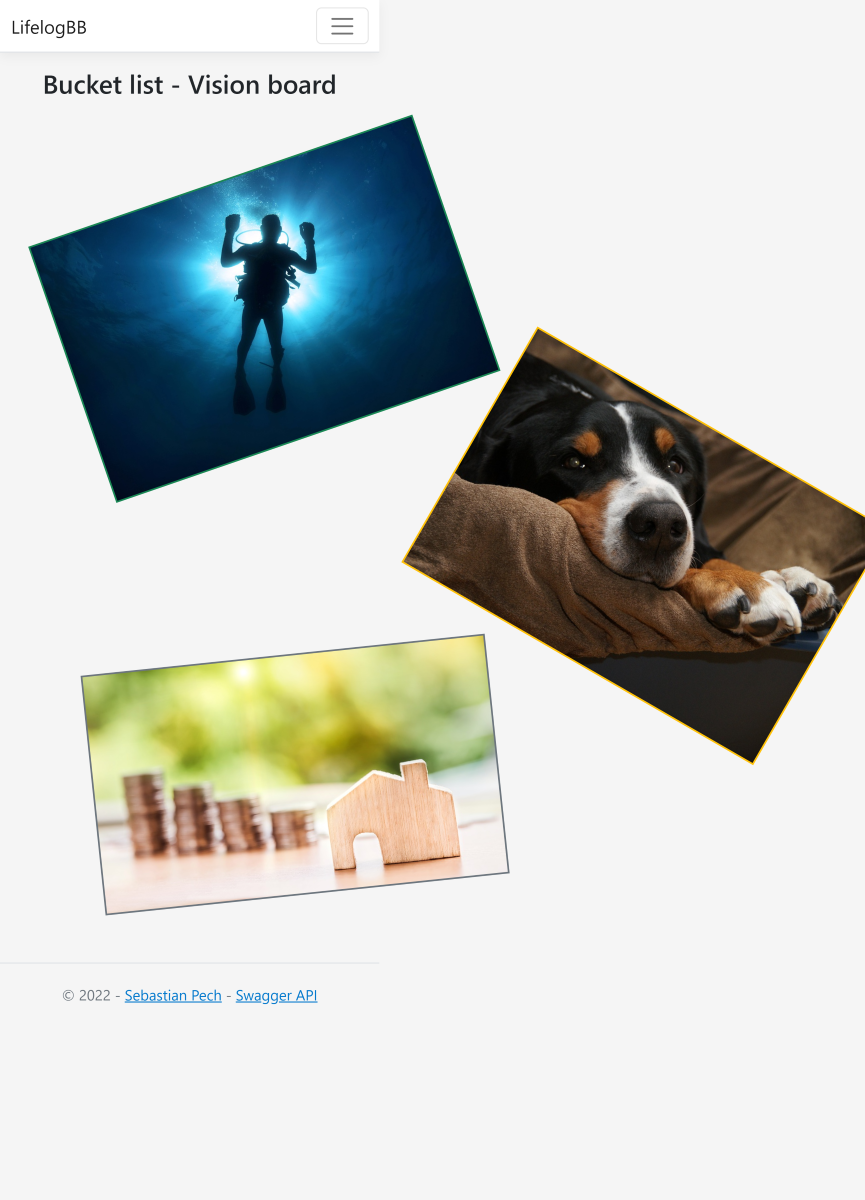
- 🌄 Bucket list and Vision board
- 📜 Quotes
- 🛠️ RESTful API for all routes, Swagger UI
- 📅 iCal feeds: Todo for Todos and Goals, Event for Habits (Time boxing/blocking), with configurable DISPLAY reminders
- ⚙️ Settings
- 🖼 Tabler UI
- 🤖 MCP Server and optional OpenAI compatible Chat (supports local LLMs)
- 📦 Self hosting
- 🔐 Authentication
- 📂 SQLite database
Clone the repository and run docker.
git clone https://github.com/spech66/lifelogbb.git
cd lifelogbb
Set database path to "/database" in the appsettings.
cd LifelogBb
docker build . -t lifelogbb
docker run -v lifelogbbdatabase:/database -p 80:80 -p 443:443 lifelogbb- Install dotnet SDK
- Install dotnet-ef for migrations
dotnet tool install --global dotnet-ef - Checkout code (see below) or download the latest release
- Adjust
appsettings.Production.jsonto your needs - Create empty database file
lifelogbb.dbin theLifelogBbfolder (or adjustappsettings.Production.json) - Create an empty file or use sqlite cli
sqlite3 lifelogbb.db "VACUUM;" - Run migrations (see below)
- Run
dotnet watchin theLifelogBbfolder
git clone https://github.com/spech66/lifelogbb.git
cd lifelogbb
cd LifelogBb
dotnet watchAll migrations are bundled in the efbundle file. Run it with the --connection argument.
For Windows the efbundle is called efbundle.exe.
# Install dotnet-ef
dotnet tool install --global dotnet-ef | echo "already installed"

# Run efbundle
./efbundle --connection "Data Source=lifelogbb.db"- .NET - .NET is a free, cross-platform, open source developer platform for building many different types of applications.
- SQLite - SQLite is a C-language library that implements a small, fast, self-contained, high-reliability, full-featured, SQL database engine. SQLite is the most used database engine in the world.
- Postman - Test/debug API.
- SQLite Browser - DB Browser for SQLite.
{
    "Logging": {
        "LogLevel": {
            "Default": "Information",
            "Microsoft.AspNetCore": "Warning"
        }
    },
    "Account": {
        "Password": "xxxx" // Generate on first run in the password dialog
    },
    "Database": {
        "Path": "/opt/lifelogbb/"
    },
    "Uploads": {
        "Path": "/opt/lifelogbb/uploads/"
    },
    "Authentication": {
        "Cookie": {
            "ExpireDays": "30"
        },
        "JwtToken": {
            "Issuer": "https://localhost:6067/",
            "Audience": "https://localhost:6067/",
            "SigningKey": "xxxxxxxx", // Generate e.g. openssl genrsa -out ./jwt.key 4096
            "TokenTimeoutMinutes": "60"
        }
    },
    "Kestrel": {
        "Endpoints": {
            "Http": {
                "Url": "http://localhost:6066"
            }
        }
    }
}server {
listen 443 ssl http2;
listen [::]:443 ssl http2;
server_name lifelog.example.org;
index index.html index.htm;
ssl_certificate /etc/letsencrypt/live/lifelog.example.org/fullchain.pem;
ssl_certificate_key /etc/letsencrypt/live/lifelog.example.org/privkey.pem;
ssl_session_timeout 1d;
ssl_session_cache shared:MozSSL:10m; # about 40000 sessions
ssl_session_tickets off;
ssl_dhparam /etc/ssl/dhparam.pem;
# intermediate configuration
ssl_protocols TLSv1.2 TLSv1.3;
ssl_ciphers ECDHE-ECDSA-AES128-GCM-SHA256:ECDHE-RSA-AES128-GCM-SHA256:ECDHE-ECDSA-AES256-GCM-SHA384:ECDHE-RSA-AES256-GCM-SHA384:ECDHE-ECDSA-CHACHA20-POLY1305:ECDHE-RSA-CHACHA20-POLY1305:DHE-RSA-AES128-GCM-SHA256:DHE-RSA-AES256-GCM-SHA384;
ssl_prefer_server_ciphers off;
location / {
proxy_pass http://localhost:6066; # Port of your appsettings
proxy_http_version 1.1;
proxy_set_header Upgrade $http_upgrade;
proxy_set_header Connection keep-alive;
proxy_set_header Host $host;
proxy_cache_bypass $http_upgrade;
proxy_set_header X-Forwarded-For $proxy_add_x_forwarded_for;
proxy_set_header X-Forwarded-Proto $scheme;
}
}
Assuming a release is installed in /var/www/lifelogbb and the www-data user has write access to the database.
For enhanced security you can create a dedicated user for the service.
[Unit]
Description=LifelogBbDeamon

[Service]
WorkingDirectory=/var/www/lifelogbb
ExecStart=/usr/bin/dotnet /var/www/lifelogbb/LifelogBb.dll
Restart=always
# Restart service after 10 seconds if the dotnet service crashes:
RestartSec=10
KillSignal=SIGINT
SyslogIdentifier=dotnet-lifelogbb
User=www-data
Environment=ASPNETCORE_ENVIRONMENT=Production
Environment=DOTNET_PRINT_TELEMETRY_MESSAGE=false

[Install]
WantedBy=multi-user.target
LifelogBB exposes a built-in Model Context Protocol (MCP) server that lets AI assistants (e.g. Claude, GitHub Copilot, Cursor) read and interact with your life-log data directly.
The MCP endpoint is available at /mcp and accepts a Bearer token in the Authorization header. Two kinds of token work:
- MCP token (recommended). Set a long random value under Config → Chat / AI → MCP Token. It does not expire, so MCP clients keep working without re-authenticating. Leave the field empty to disable this and allow JWT tokens only.
- JWT token. Generate one via the Swagger UI (
/Swagger/) usingPOST /api/authenticationwith your configured password. It expires afterAuthentication:JwtToken:TokenTimeoutMinutes(60 minutes by default).
{
  "mcpServers": {
    "lifelogbb": {
      "type": "http",
      "url": "https://your-lifelogbb-host/mcp",
      "headers": {
        "Authorization": "Bearer <your-mcp-token>"
      }
    }
  }
}
Replace https://your-lifelogbb-host with the URL of your LifelogBB instance and <your-mcp-token> with the token from the config page.
The MCP token grants full read and write access to all of your life-log data and never expires. Only use it over HTTPS and treat it like a password.
Every area (weights, journals, todos, goals, habits, quotes, strength and endurance trainings) offers GetAll, Create, Update and Delete tools. The GetAll tools take three optional parameters, which are also available on the REST API as the filter, sort and limit query parameters.
| Parameter | Description |
|---|---|
filter |
A JSON filter expression restricting which entries are returned. |
sort |
Field to sort by. Append _desc for descending order, e.g. CreatedAt_desc. An unknown field is rejected instead of being ignored. |
limit |
Maximum number of entries to return. Must be at least 1. |
Whenever one of these parameters is used the results are sorted, so a limit returns a predictable set. Without an explicit sort the newest entries come first — by CreatedAt for most areas, and by the journal Date for journals, since that is the day an entry is about rather than the day it was written. Combining sort and limit is the way to ask for the latest entries, for example limit 1 for the current weight or the last workout, instead of fetching an entire area.
The filter expression is a group of conditions, optionally nested via groups:
{
  "operator": "And",
  "conditions": [
    { "field": "BodyWeight", "operator": "GreaterThan", "value": "80" }
  ]
}
operator on the group is And or Or. A condition supports Equal, NotEqual, GreaterThan, GreaterThanOrEqual, LessThan, LessThanOrEqual, Contains, NotContains, In and NotIn.
The same options on the REST API:
curl -H "Authorization: Bearer <your-token>" \
"https://your-lifelogbb-host/api/weights?sort=CreatedAt_desc&limit=1"Clone the repository and either install Visual Studio or just the dotnet tools.
Run it by pressing F5 in Visual Studio or using the dotnet cli.
git clone https://github.com/spech66/lifelogbb.git
cd lifelogbb
cd LifelogBb
dotnet watch
Swagger UI at https://localhost:7290/Swagger/.
Generate database migrations using Add-Migration NAME.
Apply migrations using Update-Database.
- Hosting a secure app.
- Combining Bearer Token and Cookie Authentication in ASP.NET
- Import a CSV File Into an SQLite Table - Migrate from lifelogspd to LifelogBB
AI Disclaimer: The entire codebase up to April 2026 - including the overall architecture, design decisions, and implementation - was written by humans. Future features and refactorings may be assisted by LLMs (e.g. GitHub Copilot); however, all changes are reviewed and approved by the project owner before being merged.