PowerShell Module for Windows 10 IoT (WinIoT)
- 11/08/2015: Initial version
Source: Windows Blog (http://blogs.windows.com/windowsexperience/2015/03/18/windows-10-iot-powering-the-internet-of-things/) Windows 10 IoT will power a range of intelligent, connected IoT devices. From small devices like gateways, to mobile point- of- sale to powerful industry devices like robotics and specialty medical devices, Windows 10 IoT offers a converged platform for devices with enterprise-grade security from the device to the cloud, and native connectivity for machine-to-machine and machine-to-cloud scenarios with Azure IoT Services.
I've WinIoT running on my RaspberryPi 2 and at this moment there are no invoke-restmethod or invoke-webrequest cmdlets available on WinIoT. The only way I found to send HTTP requests and receive HTTP responses is using the HttpClient .Net Class (https://msdn.microsoft.com/en-us/library/system.net.http.httpclient(v=vs.118).aspx) The first function in this PowerShell module should emulate the invoke-webrequest cmdlet from the Microsoft.PowerShell.Utility module.
- Open PowerShell on development machine.
- Setup PowerShell remoting session with RaspberryPi 2 device
$session=new-pssession-ComputerName 192.168.1.50-Credential administrator
Copy-Item-ToSession $session-Path .\PSWinIoT.psm1 -Destination c:\
Copy-Item-ToSession $session-Path .\PSWinIoT.psd1 -Destination c:\- Start interactive PowerShell Remoting session with RaspberryPi 2 device.
Enter-PsSession-computername 192.168.1.50-Credential administrator
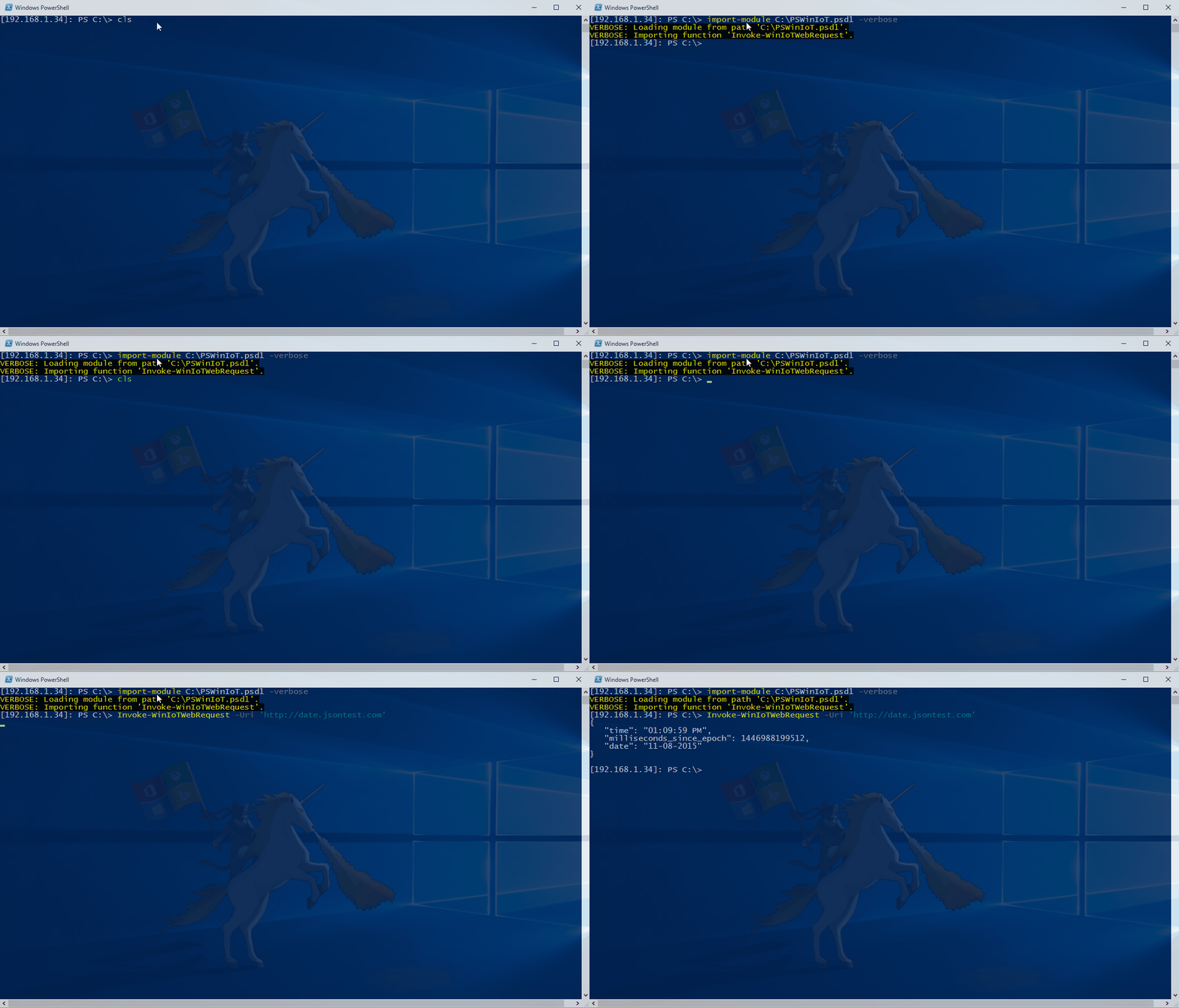
Import-Module c:\PSWinIoT.psd1 -verbose
Invoke-WinIoTWebRequest-uri 'http://date.jsontest.com'