Uh oh!
There was an error while loading. Please reload this page.
Add always_save field config to allow overriding of conditional field data flow - #6387
Conversation
niktwenty3
commented
Jul 28, 2022
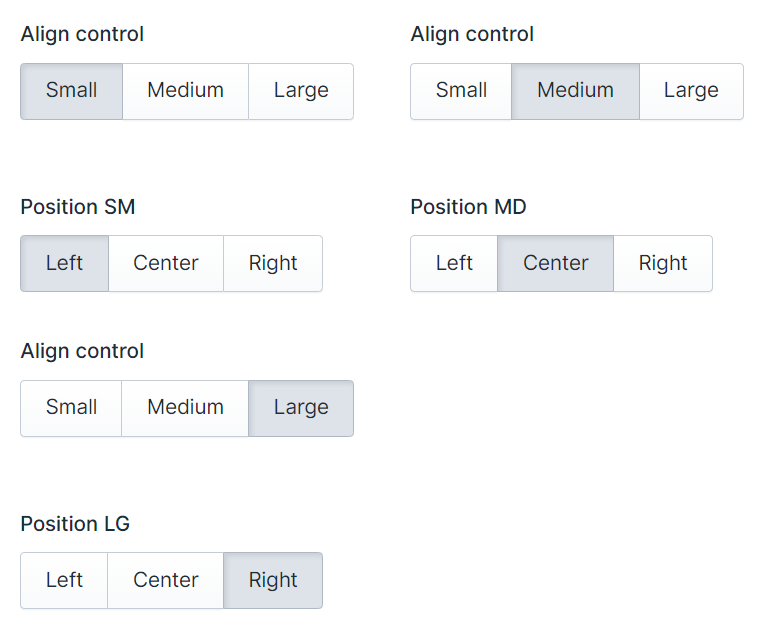
Hey @jesseleite - Pulled your branch under my local vendor folder to test and it doesn't appear to work as expected. To test I created a simple alignment interface. It consists of a button group that has 3 breakpoint options (Small, Medium, Large) and 3 button groups for each one of those breakpoints that control alignment. In my test I set the position for the SM breakpoint to left, MD to center, and LG to right. When I hit the save button on the backend it only saves the last visible option.
I'm adding my fieldset yaml bellow and the page content yaml of my test. title: Alignfields:
-
handle: align_controlfield:
options:
sm: Smallmd: Mediumlg: Largedisplay: 'Align control'type: button_groupicon: button_grouplistable: hiddeninstructions_position: abovevisibility: visiblealways_save: true
-
handle: pos_smfield:
options:
left: Leftcenter: Centerright: Rightdisplay: 'Position SM'type: button_groupicon: button_grouplistable: hiddeninstructions_position: abovevisibility: visiblealways_save: trueif:
align_control: 'equals sm'
-
handle: pos_mdfield:
options:
left: Leftcenter: Centerright: Rightdisplay: 'Position MD'type: button_groupicon: button_grouplistable: hiddeninstructions_position: abovevisibility: visiblealways_save: trueif:
align_control: 'equals md'
-
handle: pos_lgfield:
options:
left: Leftcenter: Centerright: Rightdisplay: 'Position LG'type: button_groupicon: button_grouplistable: hiddeninstructions_position: abovevisibility: visiblealways_save: trueif:
align_control: 'equals lg'---
id: 91f2c3b5-8e75-4a0a-b458-74c2fd80b778blueprint: pagestitle: 'Test align'updated_by: 731a1049-8fd7-4fed-9d24-3b14c51810caupdated_at: 1659000923align_control: lgpos_lg: rightpublished: true
---I have some Vue experience so I'll try to take a deeper look at the validation js file to see if I can get more information but right now I have to switch to other work :) |
jesseleite
commented
Jul 28, 2022
@niktwenty3 Did you also build the JS though? |
niktwenty3
commented
Jul 28, 2022
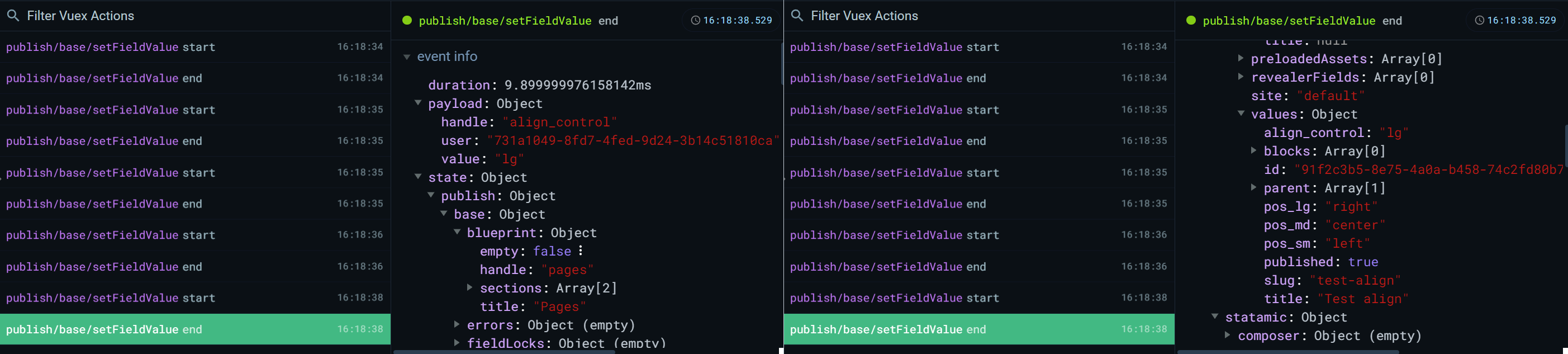
Yes, I thought about that too after my initial comment. Now that I had some more time I run Still looking into it, but, I did take screenshots from the Vue Dev tools just in case and I'm adding them here.
|

jesseleite
commented
Jul 28, 2022
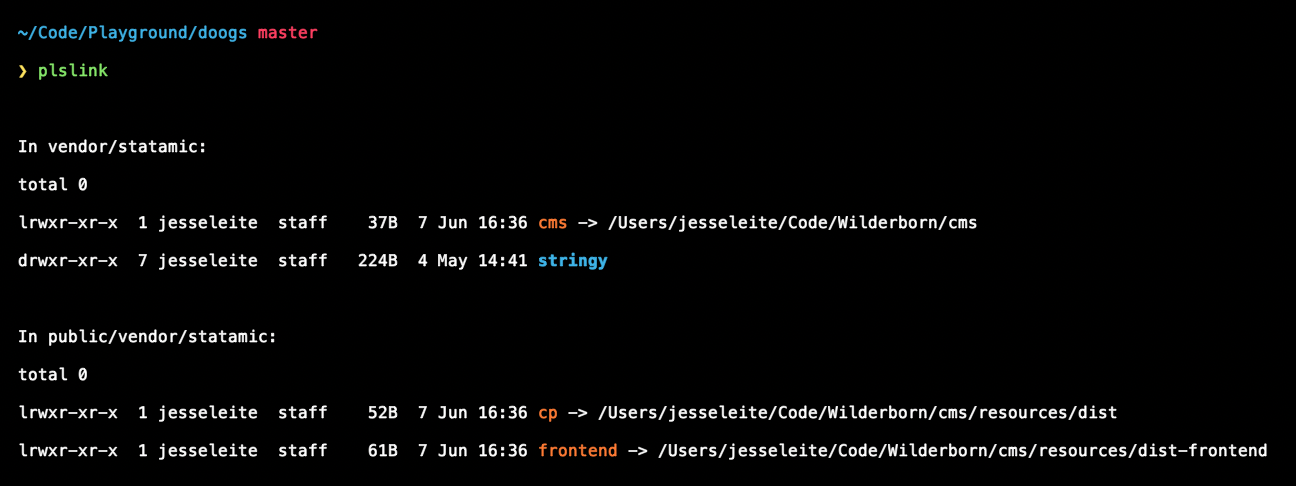
@niktwenty3 I just tried your fieldset example, and it seems to save fine for me... pos_sm: leftpos_md: centerpos_lg: rightOnce you rebuild the JS, it needs to go in
|
niktwenty3
commented
Jul 28, 2022
If it works on your end, then it's definitely me. I tried your setup above but I still didn't get it to work on my end. I'll start a fresh project tomorrow morning to make sure I didn't miss anything. Pasting bellow my setup just to be safe. Steps I took:
YAML file after I save. ---
id: 91f2c3b5-8e75-4a0a-b458-74c2fd80b778blueprint: pagestitle: 'Test align'updated_by: 731a1049-8fd7-4fed-9d24-3b14c51810caupdated_at: 1659044513align_control: lgpos_lg: rightpublished: true
--- |
Good morning :) Woke up, made some killer coffee and tried again with a fresh install. Yet still for some reason it does not work on my end. Here is what was done.
Saved data---
id: 9604a11d-c001-46a3-b7c8-886ca667ed39blueprint: pagestitle: Test123author: b0355744-477a-45e6-a5de-748576c781dcupdated_by: b0355744-477a-45e6-a5de-748576c781dcupdated_at: 1659077415align_control: mdpos_md: centerpublished: true
---Pages blueprinttitle: Pagessections:
main:
display: Mainfields:
-
handle: titlefield:
type: textrequired: true
-
handle: align_controlfield:
options:
sm: Smallmd: Mediumlg: Largedisplay: 'Align control'type: button_groupicon: button_grouplistable: hiddeninstructions_position: abovevisibility: visiblealways_save: true
-
handle: pos_smfield:
options:
left: Leftcenter: Centerright: Rightdisplay: 'Position SM'type: button_groupicon: button_grouplistable: hiddeninstructions_position: abovevisibility: visiblealways_save: trueif:
align_control: 'equals sm'
-
handle: pos_mdfield:
options:
left: Leftcenter: Centerright: Rightdisplay: 'Position MD'type: button_groupicon: button_grouplistable: hiddeninstructions_position: abovevisibility: visiblealways_save: trueif:
align_control: 'equals md'
-
handle: pos_lgfield:
options:
left: Leftcenter: Centerright: Rightdisplay: 'Position LG'type: button_groupicon: button_grouplistable: hiddeninstructions_position: abovevisibility: visiblealways_save: trueif:
align_control: 'equals lg'sidebar:
display: Sidebarfields:
-
handle: slugfield:
type: sluglocalizable: true
-
handle: parentfield:
type: entriescollections:
- pagesmax_items: 1listable: falselocalizable: trueWebserver directoryFolder Symlink for CMSSymlinks for CP/FrontendThe only thing I can tell I might be doing different is installing node-sass so that I can build the app. Other than that I have no idea why I can't get it to work on my end xD - Still I'm determined to figure it out :) |
Update - managed to get it working on the fresh install. No idea why though. :/ I'll put my details here for future prosperity. After I had done all the steps in the previous comment I went and run It's definitely a me thing xD - I'll try to port it now on the main project :) (1) npm in installed on my local system (Win11/WSL2) but the symlink paths are on the container I'm using for my tests. |
niktwenty3
commented
Jul 29, 2022
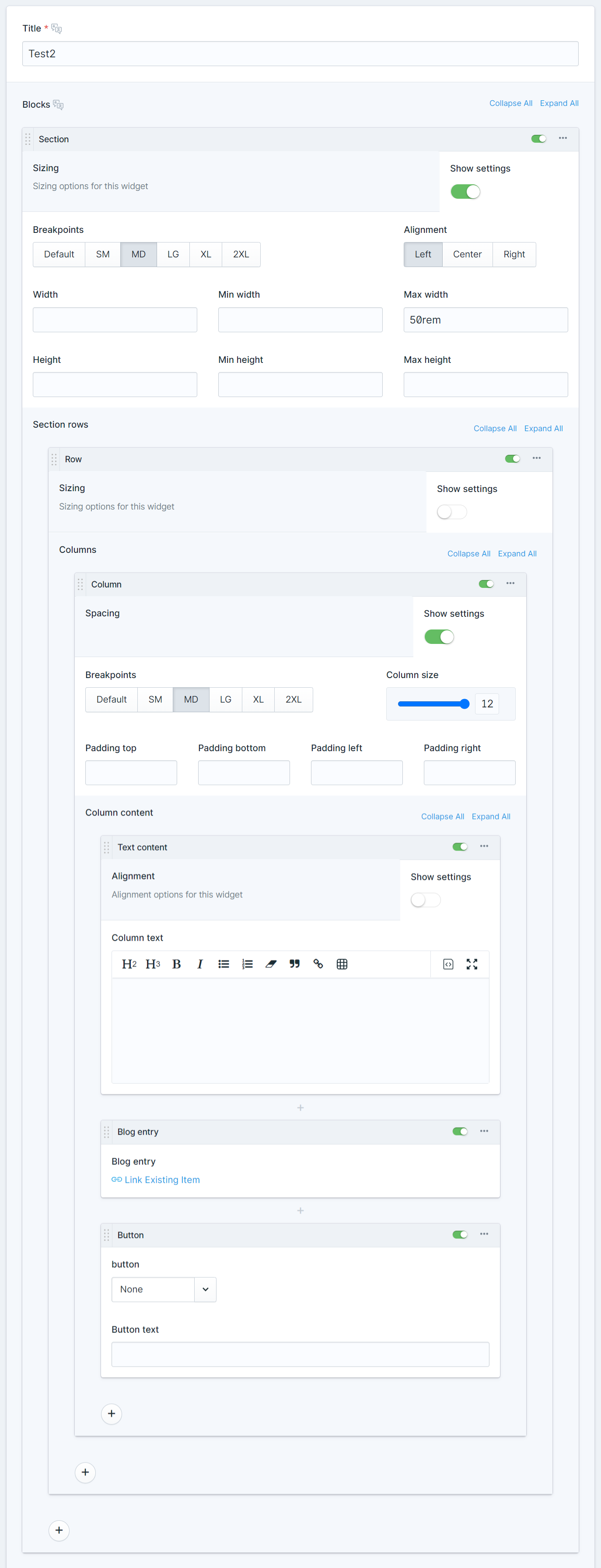
Final comment, I swear xD. Got it working on our main project - rebuilding the files on the root folder on our end was the missing piece. Thanks a lot for the time and replies on this :). We've been wanting to move away from WP for a long time, but, we also wanted to give more design options for marketing people on the backend. With this, we can flesh out a pretty decent page builder for them to toy around :) PS. Screenshot of some of the components that are being put together.
|
jesseleite
commented
Jul 29, 2022
All good, glad to hear! |
jasonvarga
commented
Aug 17, 2022
@jesseleite Can you resolve the merge conflict? It's from #6443 |
…ways-save-field-config
As documented here, field conditions have the following data flow behaviour:
We've talked about this a bunch, but never implemented it. This PR allows a user to override the default data flow behaviour on conditional fields with a setting:
Note: You could already override this data flow behaviour by using a revealer field (as mentioned in the revealer docs), but this allows you to override data flow behaviour on any conditionally hidden fields, regardless of how your conditions are set up.
Closes#6386