

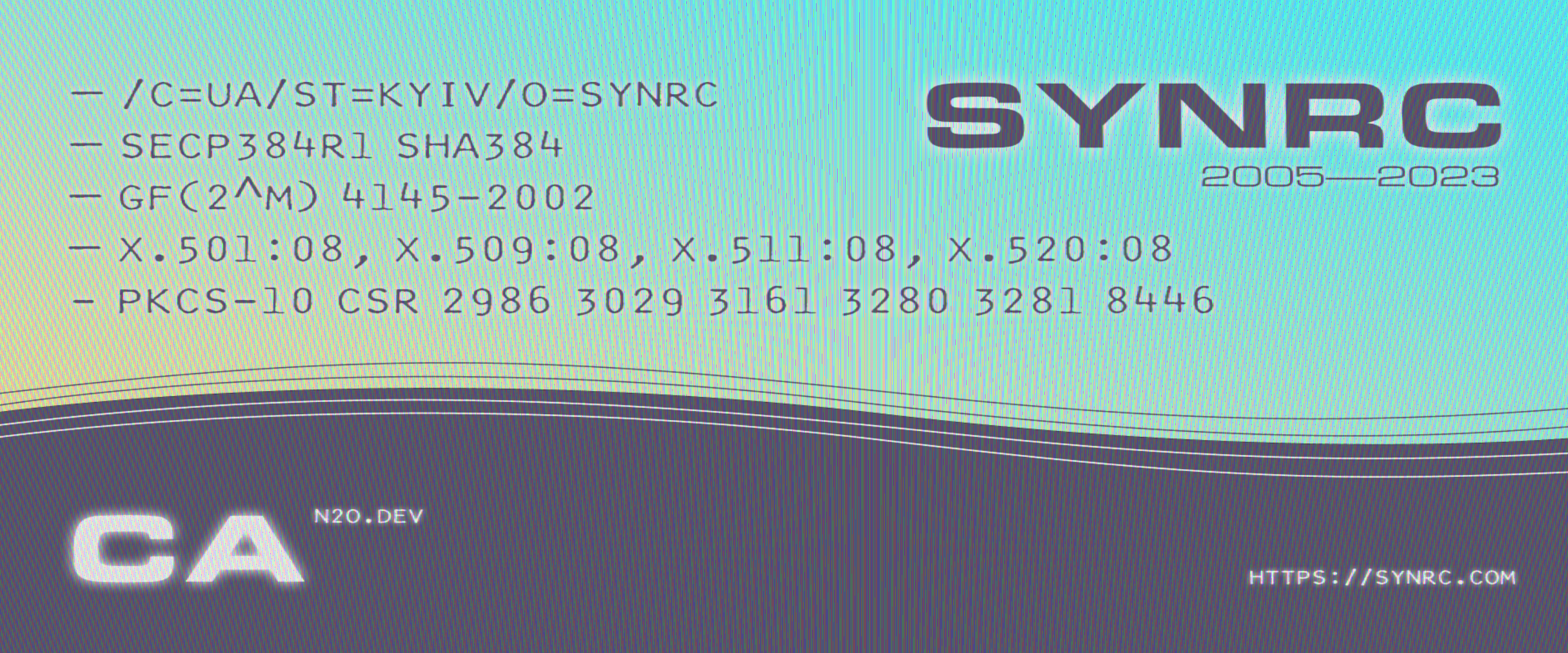
- PKI entities:
CA,RA,SERVER,CLIENT,HUMAN,PROGRAM - Key purposes:
TLS,ECDSA,AES,SSH,SCVP,IPSEC,CMC,SIP,CAP,EAP,BGP,OCSP - EUID documents:
TAXID,PID,IBAN,HIID,LOYAL - Curve profiles:
secp256k1,secp384r1,secp521r1 - DH Schemes:
RSA,GF(p),GF(2^m) - RFC: CMS, PKCS-10, CMP, ESP, OCSP, TSP
- Ports: CMP (TCP 8829), EST (HTTP 8047), CMC (TCP 5318)
- Size: 2000 LOC
- ECDSA: Pure Elixir
- CMS: Pure Elixir
- Support for DSTU-4145 Polynomials over Binary Galois Fields GF(2^m) envelops
- Hex Docs https://hexdocs.pm/ca/api-reference.html
- NIST SP 800-53 Controls NIST.md
The CA root key pair lives in a dedicated se/ subfolder, separated from
issued client and server artefacts. Three hardware/software backends are
supported; the active one is detected automatically at startup.
synrc/
└── ecc/
└── secp384r1/ ← curve profile (Admin read-write)
├── *.cer ← issued certificates
├── *.csr ← certificate signing requests
├── *.key ← issued client/server encrypted keys
├── revoked.txt ← revocation list
└── se/ ← Security Admin only (chmod 0700)
├── ca.key ← encrypted CA root key (software backend)
├── ca.pem ← CA root self-signed certificate
├── se.label ← Keychain label or TPM handle (HW backends)
├── pub.key ← raw 65-byte uncompressed EC point (HW)
├── pub.pem ← PEM SubjectPublicKeyInfo (HW)
└── README ← storage convention notes
The backend is chosen by CA.SecureEnclave.detect_backend/1 at startup:
| Priority | Backend | Platform | Key location |
|---|---|---|---|
| 1 | Secure Enclave | macOS — Apple T2 | Inside SEP; se.label holds Keychain label |
| 2 | TPM 2.0 | Linux + TPM chip | Inside TPM NV; se.label holds persistent handle |
| 3 | Software | Any platform | se/ca.key — PKCS#8 AES-256-CBC |
NIST SP 800-53 compliance profiles: CA.NIST.SecureEnclaveStorage,
CA.NIST.TPMStorage, CA.NIST.PrivateKeyStorage.
The CA defines two operating roles with distinct responsibilities and
access boundaries. Module stubs CA.Role.Admin and
CA.Role.SecurityAdmin enforce these boundaries in code.
Responsible for day-to-day certificate operations.
Access: running CA service, synrc/ecc/*/ issued artefacts, ca.log.
No access to synrc/ecc/*/se/ or hardware tokens.
| Duty | Tool |
|---|---|
| Start / stop service | mix run --no-halt / OTP release |
| Issue client certificates | CMP, EST, CMC protocols |
| Issue server certificates | CMP, EST |
| Monitor issuance | tail -f ca.log |
| Revoke certificates | CRL workflow |
| Rotate client / server keys | Re-issue procedure |
Responsible for trust anchor custody and NIST compliance.
Access: synrc/ecc/*/se/ (mode 0700), macOS Keychain / TPM device.
Does not perform day-to-day certificate issuance.
| Duty | Tool |
|---|---|
| Select and provision root key | CA.SecureEnclave.provision/1, CA.TPM.generate_key/1, CA.SE.Software.provision/1 |
| Verify key storage | Inspect se/ folder |
| Backup public material | Copy ca.pem, pub.pem |
| Rotate root key | Delete + re-provision |
| Decommission | delete_key/1 + wipe se/ |
| NIST compliance audit | CA.NIST.*.controls/0 |
| Dependency | Version | Notes |
|---|---|---|
| Erlang/OTP | 25 – 28 | erl --version |
| Elixir | 1.17 – 1.19 | elixir --version |
| make / cc | system | build-essential on Debian/Ubuntu |
| pkg-config | system | required for TPM NIF detection |
| libtss2-dev | any | Linux only — TPM 2.0 headers |
On Debian / Ubuntu:
sudo apt-get install -y build-essential pkg-config libtss2-devOn Fedora:
sudo dnf install -y gcc make pkgconf tpm2-tss-develOn macOS — no extra packages needed; Xcode CLI tools provide Security.framework.
git clone https://github.com/synrc/ca
cd ca
mix deps.get
mix compile # also compiles se_nif.dylib (macOS) or tpm_nif.so (Linux)Development:
mix run --no-haltProduction (OTP release):
MIX_ENV=prod mix release
_build/prod/rel/ca/bin/ca start
Ports opened by default:
| Protocol | Port |
|---|---|
| CMP (TCP) | 8829 |
| EST (HTTP) | 8047 |
| CMC (TCP) | 5318 |
On UNIX:
openssl req -passout pass:0 -new \
-newkey ec:<(openssl ecparam -name secp384r1) \
-keyout client.key.enc -out client.csr \
-subj "/C=UA/ST=Kyiv/O=SYNRC/CN=alice"
openssl cmp -cmd p10cr \
-server "ca.synrc.com":8829 \
-secret pass:0000 -ref cmptestp10cr \
-certout client.pem -csr client.csr
On Windows:
c:\Progra~1\OpenSSL-Win64\bin\openssl.exe ecparam -name secp384r1 -genkey | Out-File -Encoding utf8 "1.txt"
c:\Progra~1\OpenSSL-Win64\bin\openssl.exe req -passout pass:0 -new -key 1.txt -keyout client.key.enc -out client.csr -subj "/C=FI/ST=Helsinki/O=AR.VO/CN=A13" 2>null
c:\Progra~1\OpenSSL-Win64/bin/openssl.exe cmp -cmd p10cr -server http://ca.synrc.com:8829/ -secret pass:0000 -ref cmptestp10cr -csr client.csr -certout client.pem
tail -f ca.logls synrc/ecc/secp384r1/*.cer| Condition | Chosen backend |
|---|---|
| macOS (Apple Silicon or T2 chip) | Secure Enclave — CA.SecureEnclave |
Linux with /dev/tpm0 or /dev/tpmrm0 | TPM 2.0 — CA.TPM |
| Any other platform | Software — CA.SE.Software |
Check TPM presence on Linux:
ls /dev/tpm*2>/dev/null ||echo"No TPM found"Run once per CA instance. The se/ folder is created automatically.
# macOS Secure Enclave{:ok,_dir}=CA.SecureEnclave.provision("synrc/ecc/secp384r1/se")# Linux TPM 2.0 (handle 0x81010001 = Owner hierarchy slot 1){:ok,_pub}=CA.TPM.generate_key(0x81010001)# Software fallback (any platform){:ok,_dir}=CA.SE.Software.provision("synrc/ecc/secp384r1/se")After provisioning, confirm the se/ folder contents:
ls -la synrc/ecc/secp384r1/se/
# Expected (hardware backends): se.label pub.key pub.pem ca.pem# Expected (software backend): ca.key ca.pem
Verify the public key is readable:
openssl pkey -pubin -in synrc/ecc/secp384r1/se/pub.pem -text -noout| Artefact | Can back up? | Notes |
|---|---|---|
ca.pem | Yes | Public — archive freely |
pub.pem / pub.key | Yes | Public — hardware backends |
se.label | Yes | Label string only; useless without the chip |
ca.key (software) | No | Encrypted — secure offline storage |
| SE / TPM private key | Never | Hardware-bound; non-exportable by design |
Note: Secure Enclave and TPM keys survive reboots but are permanently lost if the device is wiped or the TPM is cleared. There is no recovery path — a new CA root must be provisioned and all subordinate certificates re-issued.
# 1. Load the current label{:ok,label}=CA.SecureEnclave.load("synrc/ecc/secp384r1/se")# 2. Destroy the existing key:ok=CA.SecureEnclave.delete_key(label)# 3. Remove stale public artefactsFile.rm("synrc/ecc/secp384r1/se/se.label")File.rm("synrc/ecc/secp384r1/se/pub.key")File.rm("synrc/ecc/secp384r1/se/pub.pem")# 4. Re-provision (generates fresh key pair){:ok,_}=CA.SecureEnclave.provision("synrc/ecc/secp384r1/se")# 5. Re-generate the CA root certificateCA.CSR.root("secp384r1",rdn: "/C=UA/L=Київ/O=SYNRC/CN=CA")# macOS Secure Enclave{:ok,label}=CA.SecureEnclave.load("synrc/ecc/secp384r1/se"):ok=CA.SecureEnclave.delete_key(label)# Linux TPM (then optionally clear the TPM for full sanitization):ok=CA.TPM.delete_key(0x81010001)# Full wipe: tpm2_clear --hierarchy owner# Software fallback (zero-overwrites se.key before deleting):ok=CA.SE.Software.delete_key("synrc/ecc/secp384r1/se")Then wipe the se/ folder:
rm -rf synrc/ecc/secp384r1/se/# Retrieve OIDs for the active backendCA.NIST.SecureEnclaveStorage.controls()# macOS SECA.NIST.TPMStorage.controls()# Linux TPM 2.0CA.NIST.PrivateKeyStorage.controls()# SoftwareFull control implementation details: NIST.md
On Windows:
c:\Progra~1\OpenSSL-Win64\bin\openssl.exe ecparam -name secp384r1 -genkey | Out-File -Encoding utf8 "1.txt"
c:\Progra~1\OpenSSL-Win64\bin\openssl.exe req -passout pass:0 -new -key 1.txt -keyout dima.key.enc -out dima.csr -subj "/C=FI/ST=Helsinki/O=AR.VO/CN=A13" 2>null
c:\Progra~1\OpenSSL-Win64/bin/openssl.exe cmp -cmd p10cr -server http://ca.synrc.com:8829/ -secret pass:0000 -ref cmptestp10cr -csr dima.csr -certout dima.pem
On UNIX:
$ openssl req -passout pass:0 -new -newkey ec:<(openssl ecparam -name secp384r1) -keyout dima.key.enc -out dima.csr -subj "/C=UA/ST=Kyiv/O=SYNRC/CN=dima"
$ openssl cmp -cmd p10cr -server "ca.synrc.com":8829 -secret pass:0000 -ref cmptestp10cr -certout dima.pem -csr dima.csr
- 2010-10-18 LDAP
- 2020-02-03 Кваліфікований Електронний Підпис
- 2023-06-22 CMS Месенжер (Пітч)
- 2023-06-30 ЧАТ X.509 (Домашня сторінка)
- 2023-07-05 CMS S/MIME
- 2023-07-16 CMS Compliance
- 2023-07-20 LDAP Compliance
- 2023-07-25 LDAP 13.7.24 (Домашня сторінка)
- 2023-07-30 CA X.509 (Домашня сторінка)
- 2023-07-21 CMP/CMC/EST
- 2023-07-21 MLS ROOM CHAT
- 2023-08-05 CA CURVE
- 2023-08-07 CHAT ASN.1
- 2023-08-08 ASN.1 Компілятор
- 2024-10-29 EST сервер 7030
- 2024-11-17 EUDI
- 2024-11-20 CBOR COSE
- 2024-11-21 MSO MDoc
Максим Сохацький