
The Thingmill corp website with Express version 2.0
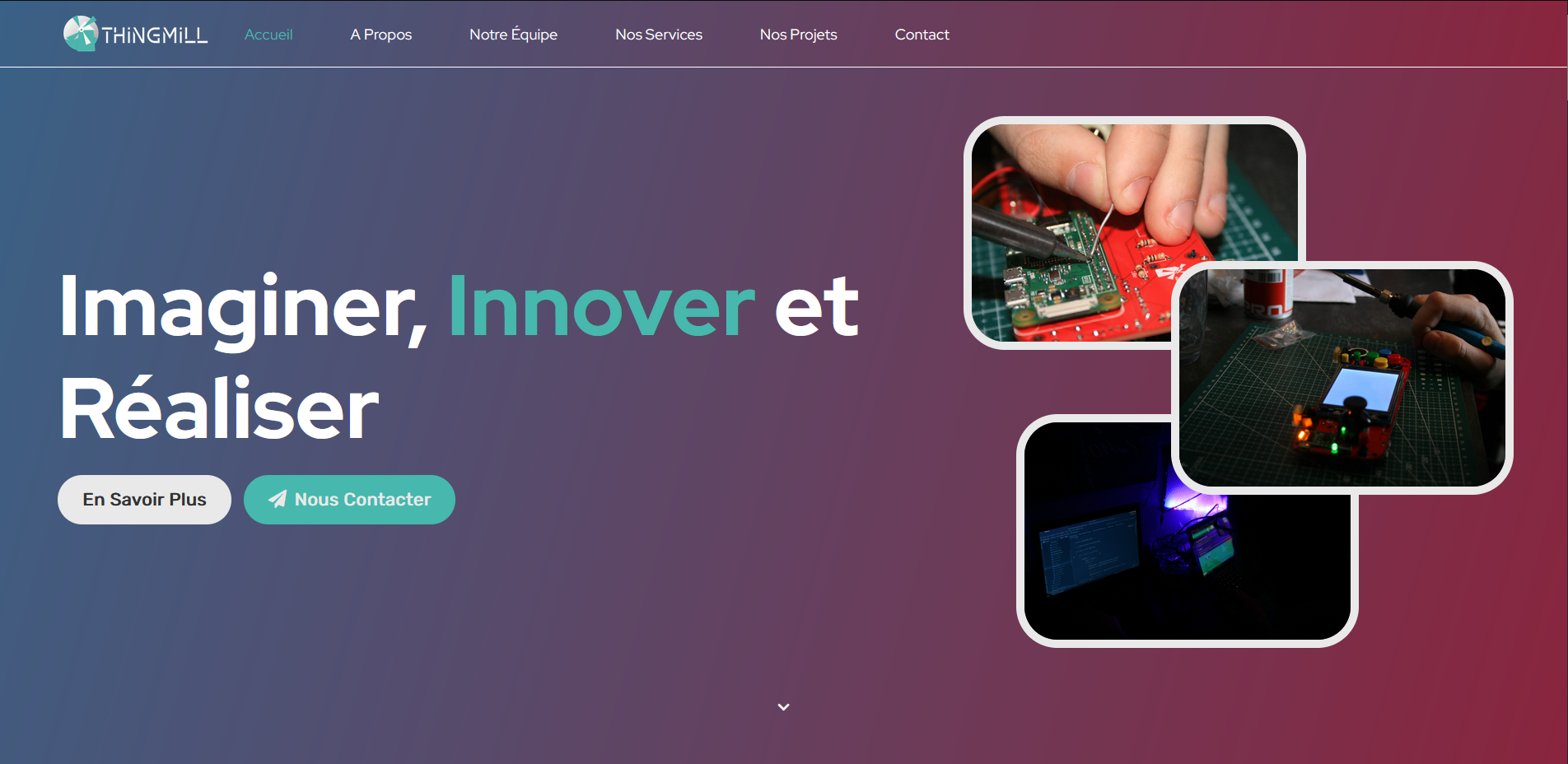
- Clone the repository:
git clone https://github.com/thingmill/web - Install dependencies:
npm i - Setup
.envfile (Instructions to do so below) - Run node server (will listen on 3000 port by default):
node index.js
In order to get the server running you will need to fill your .env file.
Create a .env file from the .env.example file at the root of the folder repository.
Description of the environment variables.
HOST=0.0.0.0 # Local ipPORT=3000 # PortRECAPTCHA_PUBLIC=XXX # Your public Google Captcha api keyRECAPTCHA_PRIVATE=XXX # Your private Google Captcha api keyDISCORD_WEBHOOK=https://discordapp.com/api/webhooks/XXX/XXX # Optionnal, if you want to send contact form to a discord channel