Deprecated in favor of PDFKIT for iOS 11 apps



PDF Reader for iOS written in Swift
- Fast and lightweight
- Thumbnail bar on the bottom to navigate to a specific page
- Print button on the top right

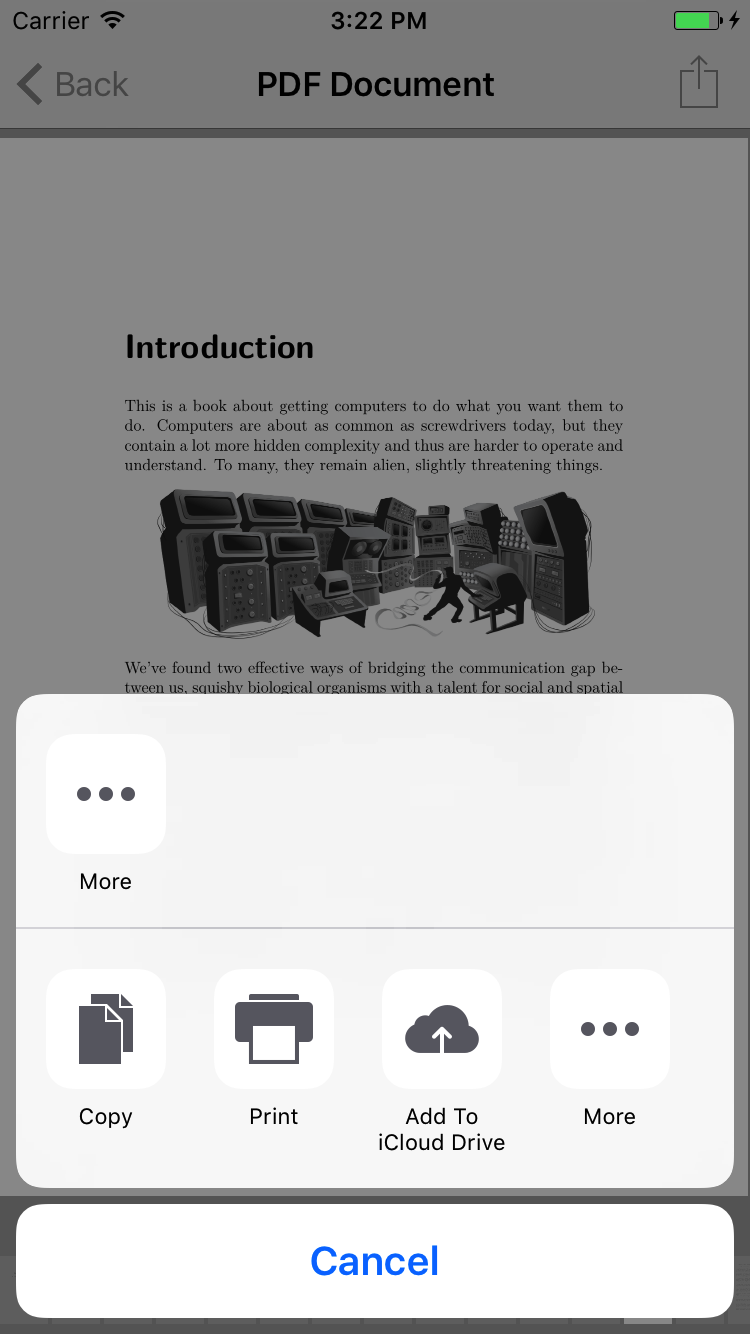
- iOS 8.0+
- Swift 4
To install it, simply add the following line to your Podfile:
pod'PDFReader'You will also need to make sure you're opting into using frameworks:
use_frameworks!Then run pod install with CocoaPods 1.0 or newer.
To install it, simply add the following line to your Cartfile:
github "Alua-Kinzhebayeva/iOS-PDF-Reader"
Run carthage update to build the framework and drag the built PDFReader.framework into your Xcode project.
import PDFReaderletdocumentFileURL=Bundle.main.url(forResource:"Cupcakes", withExtension:"pdf")!
letdocument=PDFDocument(url: documentFileURL)!letremotePDFDocumentURLPath="http://devstreaming.apple.com/videos/wwdc/2016/201h1g4asm31ti2l9n1/201/201_internationalization_best_practices.pdf"letremotePDFDocumentURL=URL(string: remotePDFDocumentURLPath)!
letdocument=PDFDocument(url: remotePDFDocumentURL)!letdocument=PDFDocument(fileData: fileData, fileName:"Sample PDF")!letreaderController=PDFViewController.createNew(with: document)
navigationController?.pushViewController(readerController, animated:true)PDFViewController.createNew(with: document, title:"Favorite Cupcakes")controller.backgroundColor =.white/// Action button style
publicenumActionStyle{
/// Brings up a print modal allowing user to print current PDF
case print
/// Brings up an activity sheet to share or open PDF in another app
case activitySheet
/// Performs a custom action
case customAction((Void)->())}letactionButtonImage=UIImage(named:"cupcakeActionButtonImage")PDFViewController.createNew(with: document, title:"Favorite Cupcakes", actionButtonImage: actionButtonImage, actionStyle:.activitySheet)/// Create a button to override the default behavior of the backbutton. In the below example we create a cancel button which will call our myCancelFunc method on tap.
letmyBackButton=UIBarButtonItem(title:"Cancel", style:.done, target:self, action: #selector(self.myCancelFunc(_:)))
/// Provide your button to createNew using the backButton parameter. The PDFViewController will then use your button instead of the default backbutton.
PDFViewController.createNew(with: document, title:"Favorite Cupcakes", backButton: myBackButton)letcontroller=PDFViewController.createNew(with: document, isThumbnailsEnabled:false)controller.scrollDirection =.verticalInspired by PDF Reader https://github.com/vfr/Reader and Apple's example on TiledScrollView