

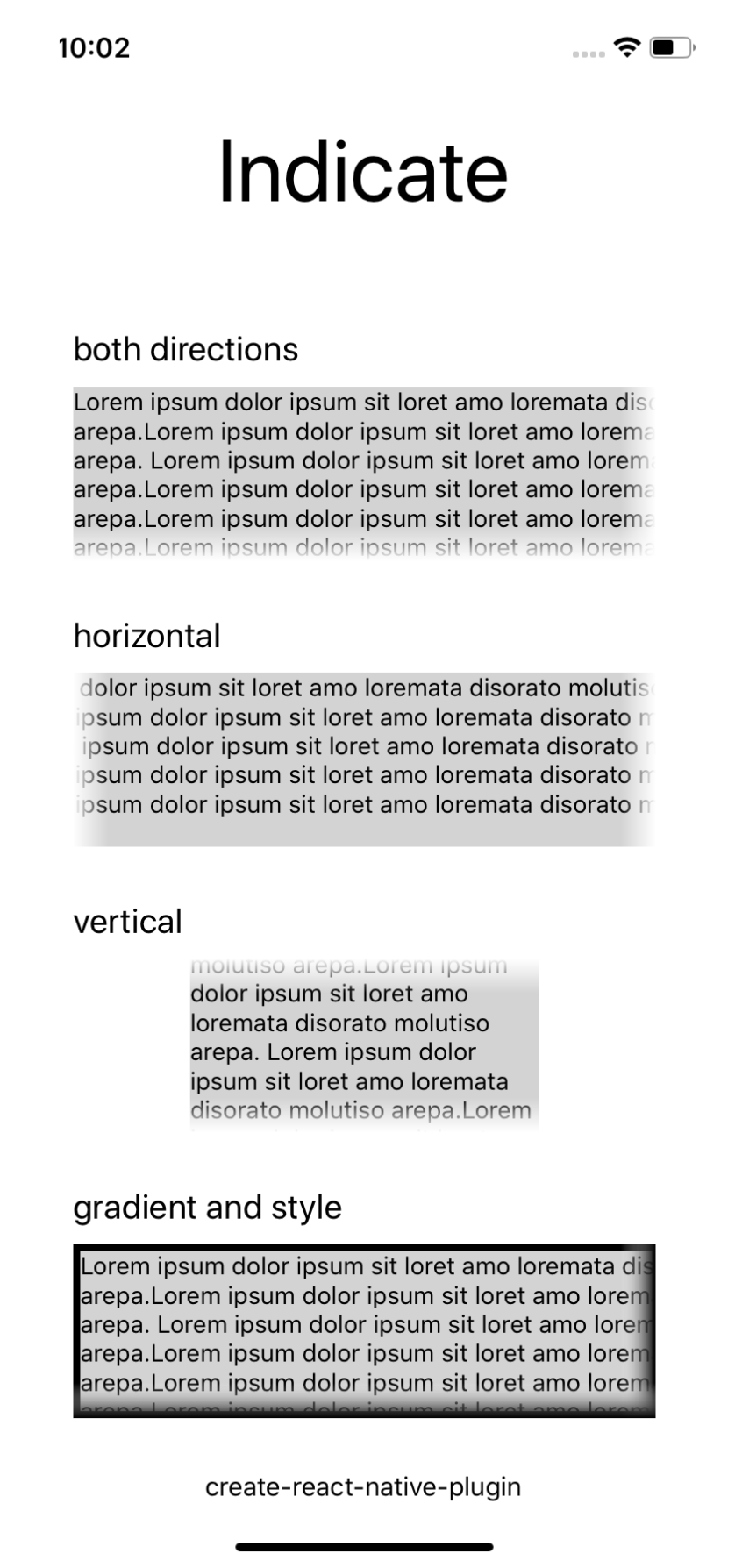
Enhanced ScrollView with elements indicating scrollable overflow.
npm i react-native-indicate
importReactfrom'react'import{Text}from'react-native'importIndicatefrom'react-native-indicate'export()=><Indicate><Text>Hello Plugin</Text></Indicate>By default scrolling is enabled for both directions (horizontal and vertical) if there is overflow. The behaviour of Indicate can further be configured with the following props.
| Prop | Description | Default | Type |
|---|---|---|---|
| horizontal | Allow horizontal scrolling. | true | boolean |
| vertical | Allow vertical scrolling. | true | boolean |
| fadeWidth | Width of the fade effect used to indicate overflow. | 20 | number |
| appearanceOffset | In this range scrollable overflow will be ignored. | 10 | number |
| wrapperStyle | Added to the wrapping SafeAreaView component. | null | StyleProp |
| style | Styles added to the ScrollView. | null | StyleProp |
| innerViewStyle | Styles added to the inner ScrollView (both directions). | null | StyleProp |
| contentContainerStyle | Passed to the ScrollView as well. | null | StyleProp |
| gradient | Imported image representing a gradient for the left element. | null | string, ImageSourcePropType |
| any | All other props passed will be passed down to the ScrollView. | null | ScrollViewProps |
If you need the gradient colored differently, pass a PNG with height 1 pixel and width matching the fadeWidth as the gradient prop. Same format as would be passed to this: <Image source={require('../gradient.png')} />. Support for react-native-linear-gradient (which requires native dependencies) is planned.