



trzsz-ssh ( tssh ) is an ssh client designed as a drop-in replacement for the openssh client. It aims to provide complete compatibility with openssh, mirroring all its features, while also offering additional useful features not found in the openssh client.
trzsz-ssh ( tssh ) with tsshd also supports intermittent connectivity, allows roaming, and can be used on high-latency links such as cellular data connections, unstable Wi-Fi, etc.
trzsz-ssh ( tssh ) works exactly like the openssh client. The following common features have been implemented:
| Features | Support Options  |
|---|---|
| Pseudo TTY | -t-TRequestTTY |
| Algorithms | -cCiphersKexAlgorithms |
| SSH Proxy | -J-WProxyJumpProxyCommand |
| Network | -4-6AddressFamilyConnectTimeout |
| Command | -sRemoteCommandLocalCommandPermitLocalCommand |
| Multiplexing | -M-S-OControlMasterControlPathControlPersist |
| SSH Agent | -a-AForwardAgentIdentityAgentIdentitiesOnlySSH_AUTH_SOCK |
| X11 Forward | -x-X-YForwardX11ForwardX11TrustedForwardX11TimeoutXAuthLocation |
| Basic Login | -l-p-i-FHostNamePortUserIdentityFileCertificateFileSendEnvSetEnv |
| Canonicalize | CanonicalizeHostnameCanonicalDomainsCanonicalizeMaxDotsCanonicalizeFallbackLocal |
| Authentication | PubkeyAuthenticationPasswordAuthenticationKbdInteractiveAuthenticationGSSAPIAuthentication |
| Known Hosts | UserKnownHostsFileGlobalKnownHostsFileStrictHostKeyCheckingVerifyHostKeyDNSHashKnownHosts |
| Port Forward | -g-f-N-n-L-R-DLocalForwardRemoteForwardDynamicForwardGatewayPortsClearAllForwardingsStreamLocalBindUnlinkStreamLocalBindMask |
| Others | EscapeChar |
trzsz-ssh ( tssh ) offers additional useful features:
💡 Note: The package is named
trzsz-sshin Homebrew, while it’s usually namedtsshelsewhere.
Install with scoop / winget / choco on Windows
scoop install tssh/winget install tssh/choco install tsshscoop install tssh
winget install tssh
choco install tssh
Install with Homebrew on MacOS
brew install trzsz-sshbrew install trzsz-ssh
Install with apt on Ubuntu
sudo apt install tsshsudo apt update && sudo apt install software-properties-common sudo add-apt-repository ppa:trzsz/ppa && sudo apt update sudo apt install tssh
Install with apt on Debian
sudo apt install tsshsudo apt install curl gpg curl -s 'https://keyserver.ubuntu.com/pks/lookup?op=get&search=0x7074ce75da7cc691c1ae1a7c7e51d1ad956055ca' \ | gpg --dearmor -o /usr/share/keyrings/trzsz.gpg echo'deb [signed-by=/usr/share/keyrings/trzsz.gpg] https://ppa.launchpadcontent.net/trzsz/ppa/ubuntu jammy main' \ | sudo tee /etc/apt/sources.list.d/trzsz.list sudo apt update sudo apt install tssh
Install with dnf on Fedora / CentOS / RHEL
sudo dnf install tsshsudo dnf copr enable @trzsz/trzsz sudo dnf install tsshInstall with yum on Legacy CentOS / RHEL
sudo yum install tsshInstall with gemfury repository.
echo'[trzsz]name=Trzsz Repobaseurl=https://yum.fury.io/trzsz/enabled=1gpgcheck=0'| sudo tee /etc/yum.repos.d/trzsz.repo
sudo yum install tssh
Install with wlnmp repository. It's not necessary to configure the epel repository for tssh.
curl -fsSL "https://sh.wlnmp.com/wlnmp.sh"| bash
sudo yum install tssh
Install with yay on ArchLinux
yay -S tsshyay -Syu yay -S tssh
Install with Chromebrew on ChromeOS
crew install tsshcrew install tssh
Install with pixi / conda / mamba from conda-forge
pixi global install tssh/conda install tssh/mamba install tsshpixi global install tssh
conda install -c conda-forge tssh
mamba install -c conda-forge tssh
Install with Go ( Requires go 1.25 or later )
go install github.com/trzsz/trzsz-ssh/cmd/tssh@latest# latest release go install github.com/trzsz/trzsz-ssh/cmd/tssh@latest # latest development version (main branch) go install github.com/trzsz/trzsz-ssh/cmd/tssh@main
The binaries are usually located in ~/go/bin/ ( C:\Users\your_name\go\bin\ on Windows ).
Build from source ( Requires go 1.25 or later )
sudo make installgit clone --depth 1 https://github.com/trzsz/trzsz-ssh.git cd trzsz-ssh make sudo make installDownload from the GitHub Releases (or Pre-Release) and install locally
download and install locallysudo apt install /tmp/tssh_*.deb sudo dpkg -i /tmp/tssh_*.deb sudo dnf install /tmp/tssh_*.rpm sudo yum install /tmp/tssh_*.rpm sudo rpm -i /tmp/tssh_*.rpm tar zxvf tssh_*.tar.gz && sudo cp tssh_*/tssh /usr/bin/
The github.com/trzsz/trzsz-ssh/tssh can be used as a library, for example:
package main
import (
"log""os""github.com/trzsz/trzsz-ssh/tssh"
)
funcmain() {
// Example 1: execute command on remote serverclient, err:=tssh.SshLogin(&tssh.SshArgs{Destination: "root@192.168.0.1"})
iferr!=nil {
log.Fatal(err)
}
deferclient.Close()
session, err:=client.NewSession()
iferr!=nil {
log.Fatal(err)
}
defersession.Close()
output, err:=session.CombinedOutput("whoami")
iferr!=nil {
log.Fatal(err)
}
log.Printf("I'm %s", string(output))
// Example 2: run the tssh programcode:=tssh.TsshMain([]string{"-t", "root@192.168.0.1", "bash -l"})
os.Exit(code)
}Welcome and thank you for considering contributing. We appreciate all forms of support, from coding and testing to documentation and CI/CD improvements.
Fork and clone the repository
https://github.com/trzsz/trzsz-ssh.git.Make your changes just ensure that the unit tests
go test ./tsshpass.Build the binary
go build -o ./bin/ ./cmd/tsshand test it./bin/tssh.Once you are happy with your changes, please submit a pull request.

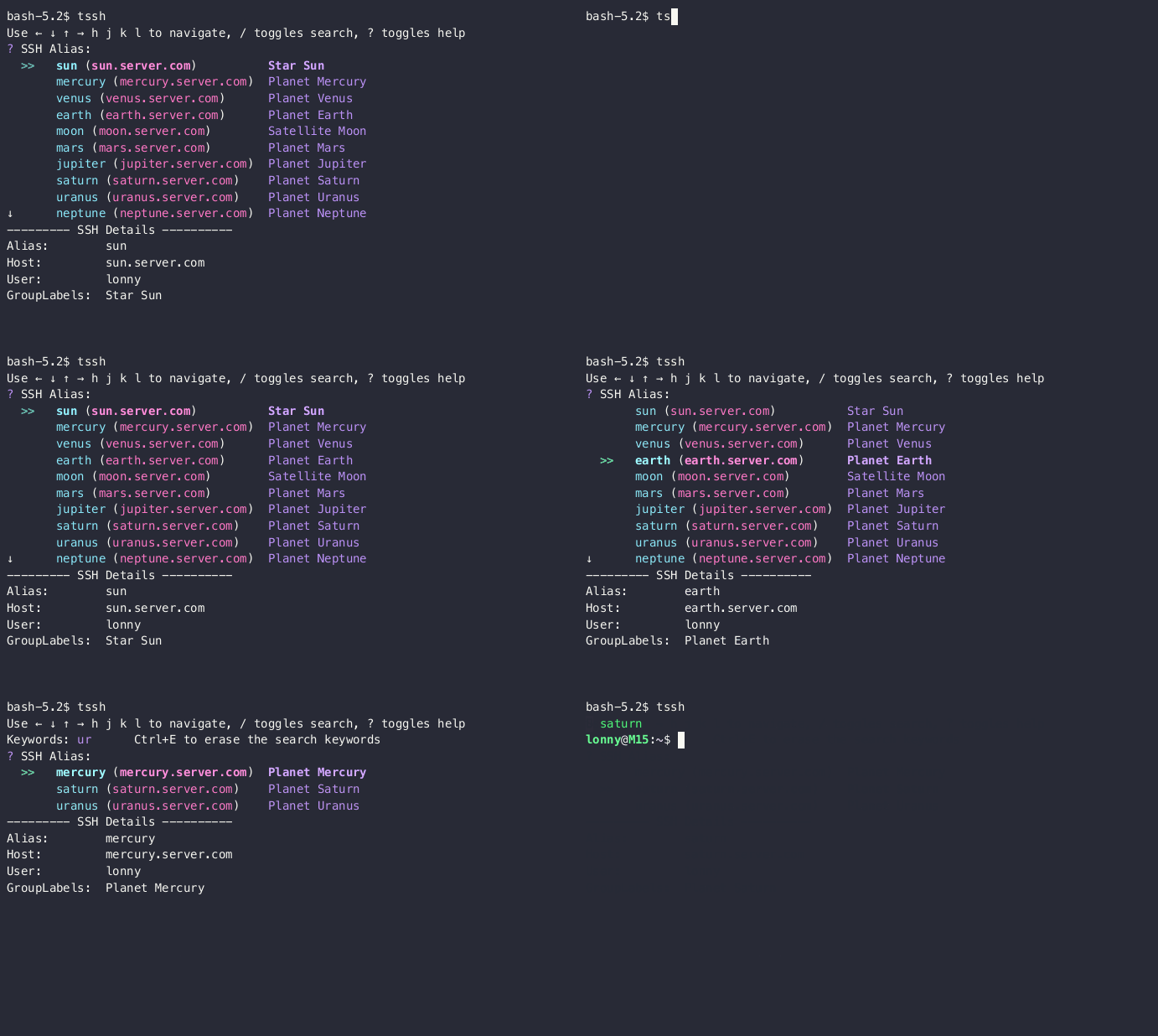
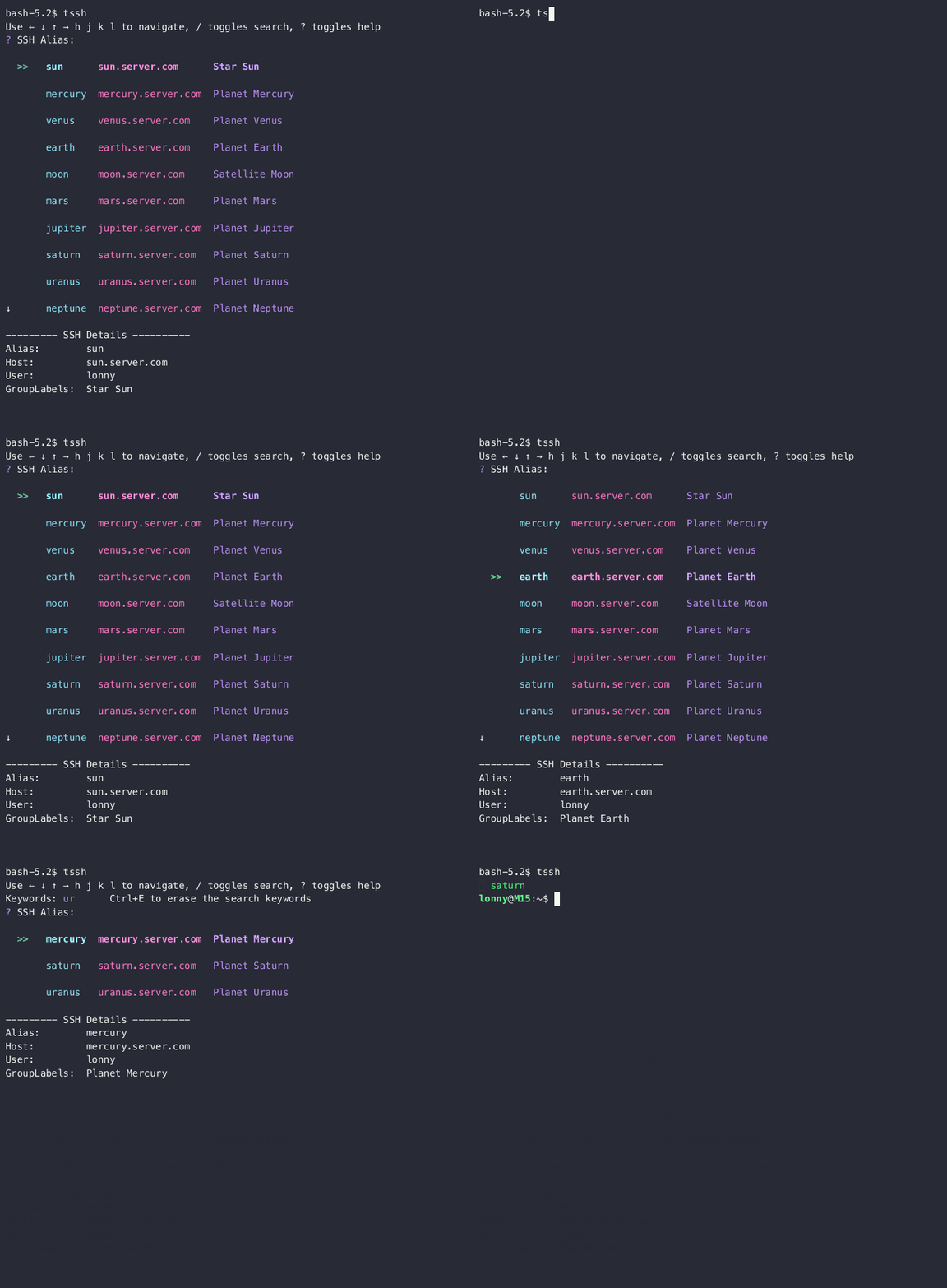
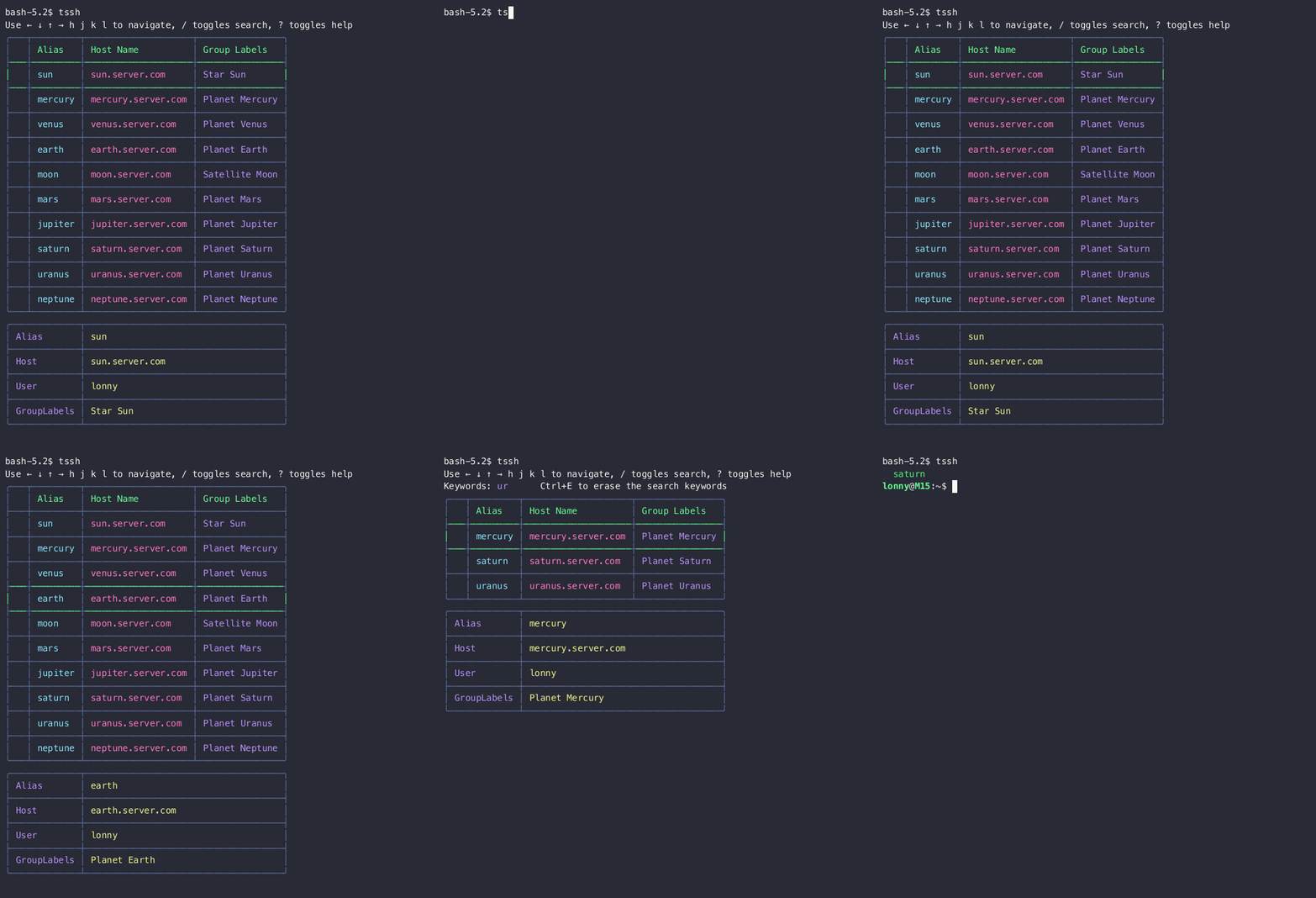

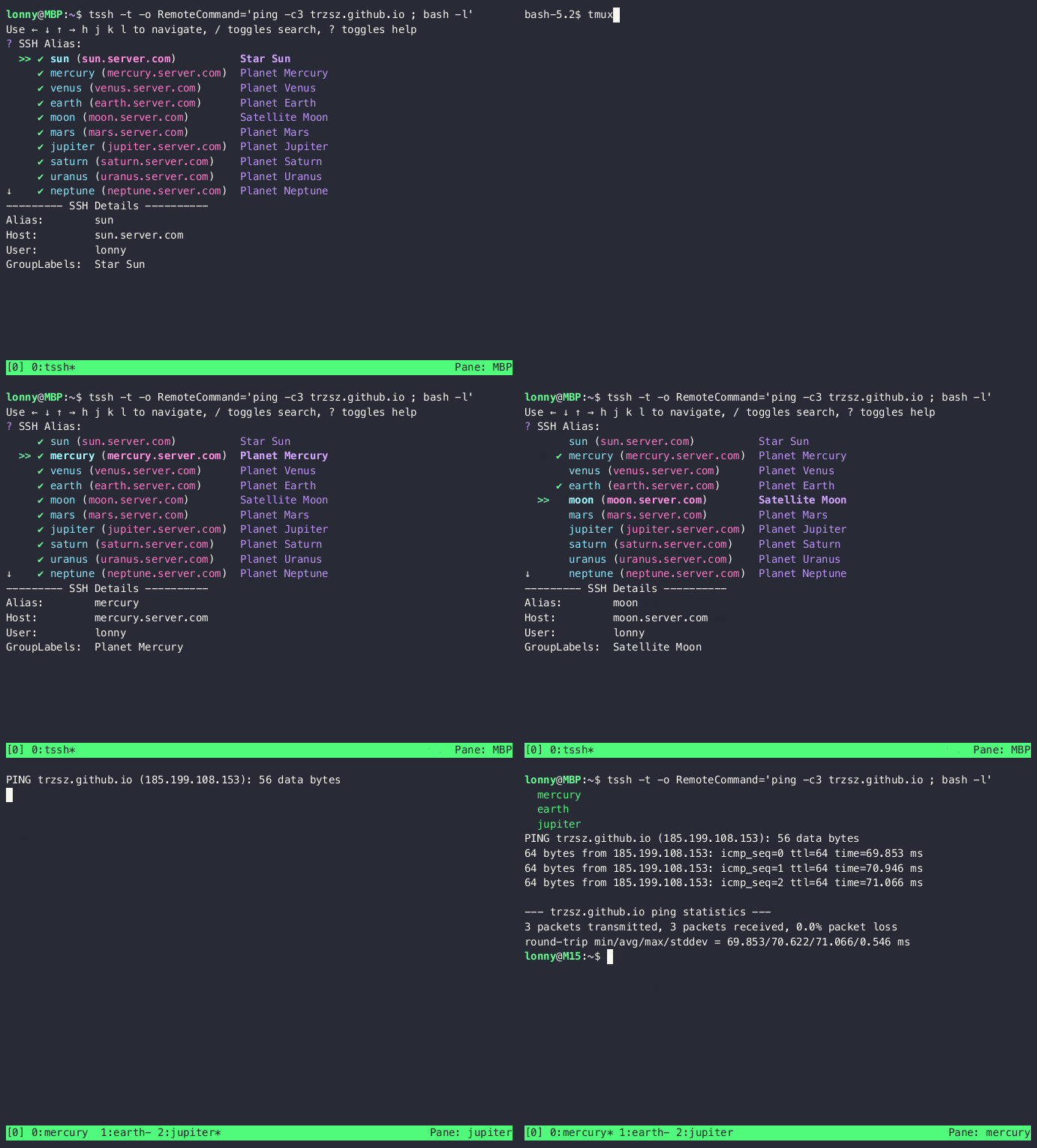
Feel free to email the author lonnywong@qq.com, or create an issue. Welcome to join the QQ group: 318578930.
❤️ Sponsor trzsz ❤️, buy the author a drink 🍺 ? Thank you for your support!