
Generate barcodes using iOS Core Image filters.
Currently supports:
- Aztec
- QR
- Run
npm install react-native-barcode --save - Open your project in XCode, right click on
Librariesand click `Add Files to "Your Project Name" (Screenshot). - Add
libLFAztecCode.atoBuild Phases -> Link Binary With Libraries(Screenshot). - Click on
LFAztecCode.xcodeprojinLibrariesand go theBuild Phasestab. Double click the text to the right ofHeader Search Pathsand verify that it has$(SRCROOT)../../../react-native/React- if it isn't, then add it. This is so XCode is able to find the headers that theLFAztecCodesource files are referring to by pointing to the header files installed within thereact-nativenode_modulesdirectory. (Screenshot). - Compile and enjoy!
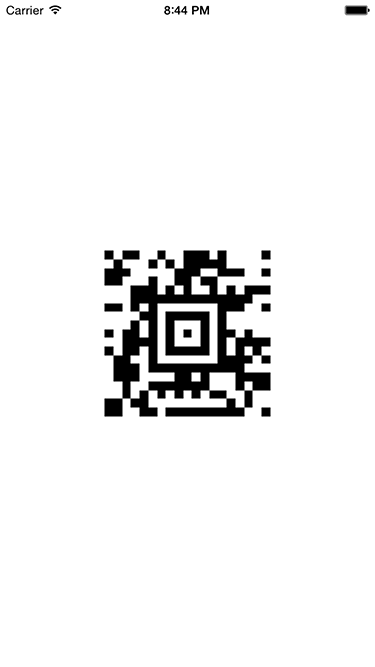
varAztecCode=require('react-native-barcode').AztecCode;classAztecCodeExampleextendsReact.Component{render(){return(<AztecCodecontent="React Native Rocks!"style={styles.code}/>);}}varstyles=StyleSheet.create({code: {height: 200,width: 200,},});Use for a QR code.
Right now there is only support for the inputMessage property of the filter, which is renamed to the prop "content"
##TODO
- Add support for more props
- Add more barcode types
- Scale the image off the main thread?