




Single Sign-On for Your Self-Hosted Universe
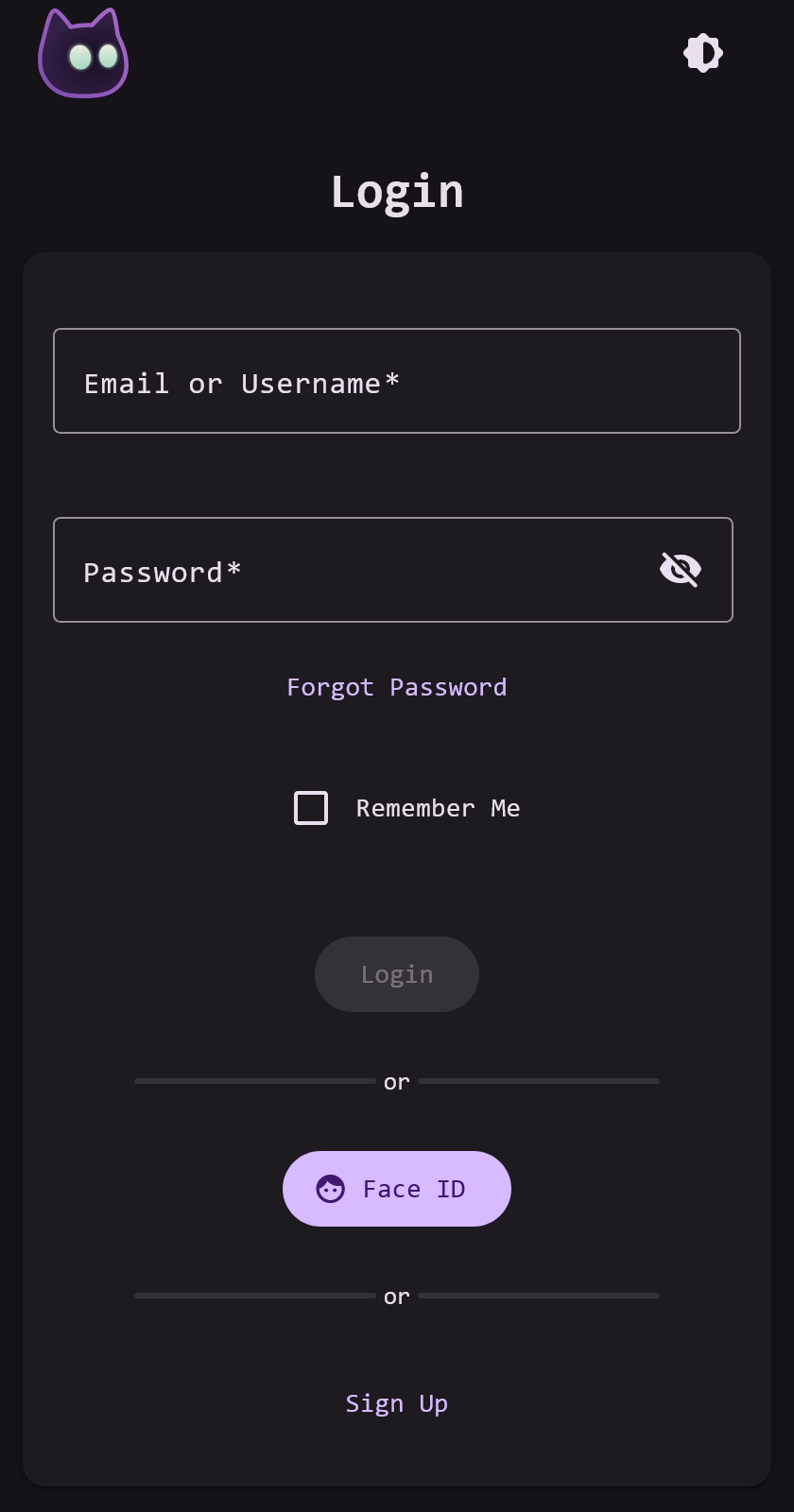
VoidAuth is an open-source SSO authentication and user management provider that stands guard in front of your self-hosted applications. It is easy-to-use for admins and end-users, supports nice-to-have features like passkeys, user invitation, self-registration, email support, and more!
Features:
- 🌐 OpenID Connect (OIDC) Provider
- 🔄 Proxy ForwardAuth
- 📖 LDAP Directory Server
- 👤 User and Groups Management
- 📨 User Self-Registration and Invitations
- 🎨 Customizable (Logo, Title, Theme Color, Email Templates)
- 🔑 Multi-factor Authentication, Passkeys, and Passkey-Only Accounts
- 📧 Secure Password Reset with Email Verification
- 🔒 Encryption-At-Rest with Postgres or SQLite Database
Administrators can access the Admin Panel in the sidebar menu, where they can manage users and settings.

Getting started with VoidAuth is straightforward, the recommended approach is to add VoidAuth to a compose.yml file:
services:
# ---------------------------------# Your reverse-proxy service here:# caddy, traefik, nginx, etc.# ---------------------------------voidauth: image: voidauth/voidauth:latestrestart: unless-stoppedvolumes:
- ./voidauth/config:/app/configenvironment:
# Required environment variables# More environment variable options can be found # on the Getting Started page.APP_URL: # required, ex. https://auth.example.comSTORAGE_KEY: # requiredDB_PASSWORD: # required, same as voidauth-db POSTGRES_PASSWORDDB_HOST: voidauth-db # requireddepends_on:
voidauth-db:
condition: service_healthyvoidauth-db:
image: postgres:18restart: unless-stoppedenvironment:
POSTGRES_PASSWORD: # required, same as voidauth DB_PASSWORDvolumes:
- db:/var/lib/postgresql/18/dockerhealthcheck:
test: "pg_isready -U postgres -h localhost"volumes:
db:
After creating/updating the compose.yml file and filling in the required environment variables, run docker compose up -d and visit your APP_URL to get started.
Important
After VoidAuth starts for the first time, find a password reset link for the initial admin account in the logs: docker compose logs voidauth. Use this account and change the default username or create a separate user for yourself.
Tip
Users are created by administrators on the Invitations page by creating a new Invitation, then sending the invitation link.
Please see the Getting Started page for setup details and configuration options.
Issues, Suggestions, and Feature Requests should be added as Issues of the appropriate type. For Help and Support, Q&A, or anything else; open a Discussion. This project is actively monitored, I will likely respond quickly.
Documentation, especially app setup guides, are largely community driven and so contribution is highly encouraged. If you have VoidAuth OIDC setup with an app that is not already listed in the OIDC App Guides then please consider contributing a guide. When writing documentation follow the existing style of the page and when finished open a Pull Request for review.
Please read the CONTRIBUTING.md to see setup guide. Collaboration in an issue or discussion before opening a Pull Request will improve chances of merging, but is not required.
VoidAuth has not been audited and uses 3rd party packages for much of its functionality, use at your own risk.
This project would not be possible without the incredible work of others. For a full list of dependencies, see the package.json and frontend/package.json files.


