
Simple to learn, easy to use, fully-featured UI library for Python


PyDOM is a Python library that allows you to create web pages using a declarative syntax.
PyDOM provides a set of components that represent HTML elements and can be composed to create complex web pages.
This is a quick start guide to get you up and running with PyDOM. The guide will show you how to setup PyDOM and integrate it with FastAPI.
First, install the PyDOM package.
pip install pydomPyDOM provides a default page component that is the minimal structure for a web page.
The page can be customized by extending the default page component and overriding the head and the body methods.
More information about the default page component can be found here.
# app_page.pyfrompydomimportLink, PageclassAppPage(Page):
defhead(self):
return (
*super().head(),
Script(
src="https://cdn.tailwindcss.com/",
)
)Lastly, create the FastAPI app and add an endpoint that will render the page when the user accesses the root route.
# main.pyfromfastapiimportFastAPIfromfastapi.responsesimportHTMLResponsefrompydomimportrender, Div, Pfromapp_pageimportAppPageapp=FastAPI()
@app.get("/", response_class=HTMLResponse)asyncdefread_root():
returnrender(
AppPage(
Div(classes="text-center p-4 rounded")(
Div(classes="text-4xl")(
"Hello, World!"
),
P(classes="text-lg text-gray-600")(
"Welcome to PyDOM"
),
)
)
)
if__name__=="__main__":
importuvicornuvicorn.run(app, host="localhost", port=8000)
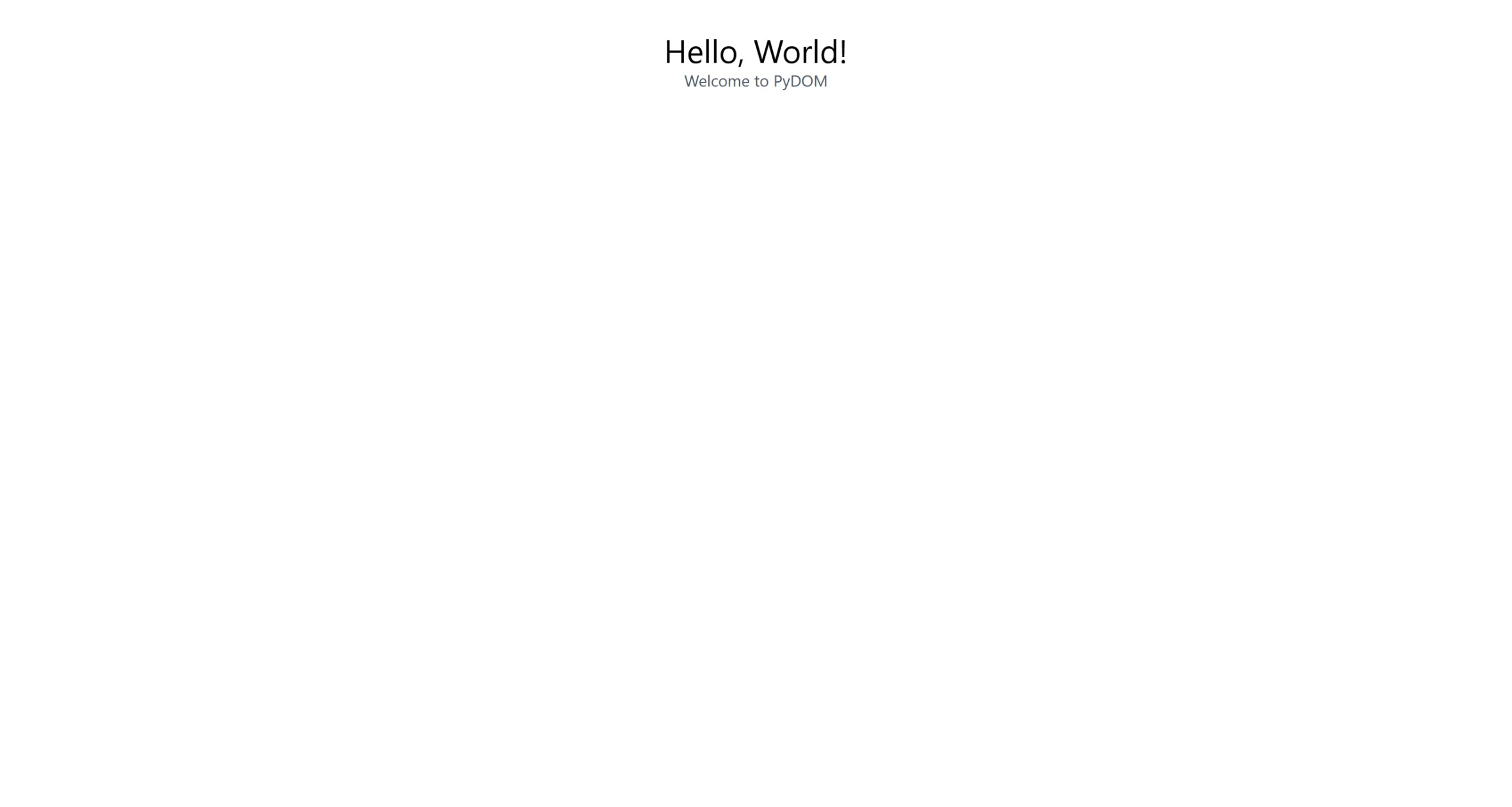
That's it! Now you can run the app and access it at http://localhost:8000/.
It should display a page like this:
The full documentation can be found at our documentation site.