






This Flutter package provides a Pie Chart Widget with cool animation.
More discussions on Discord: https://discord.gg/7byeCn7MGF
Live Demo: https://apgapg.github.io/pie_chart/

In the dependencies: section of your pubspec.yaml, add the following line:

dependencies:
pie_chart: <latest version>import'package:pie_chart/pie_chart.dart';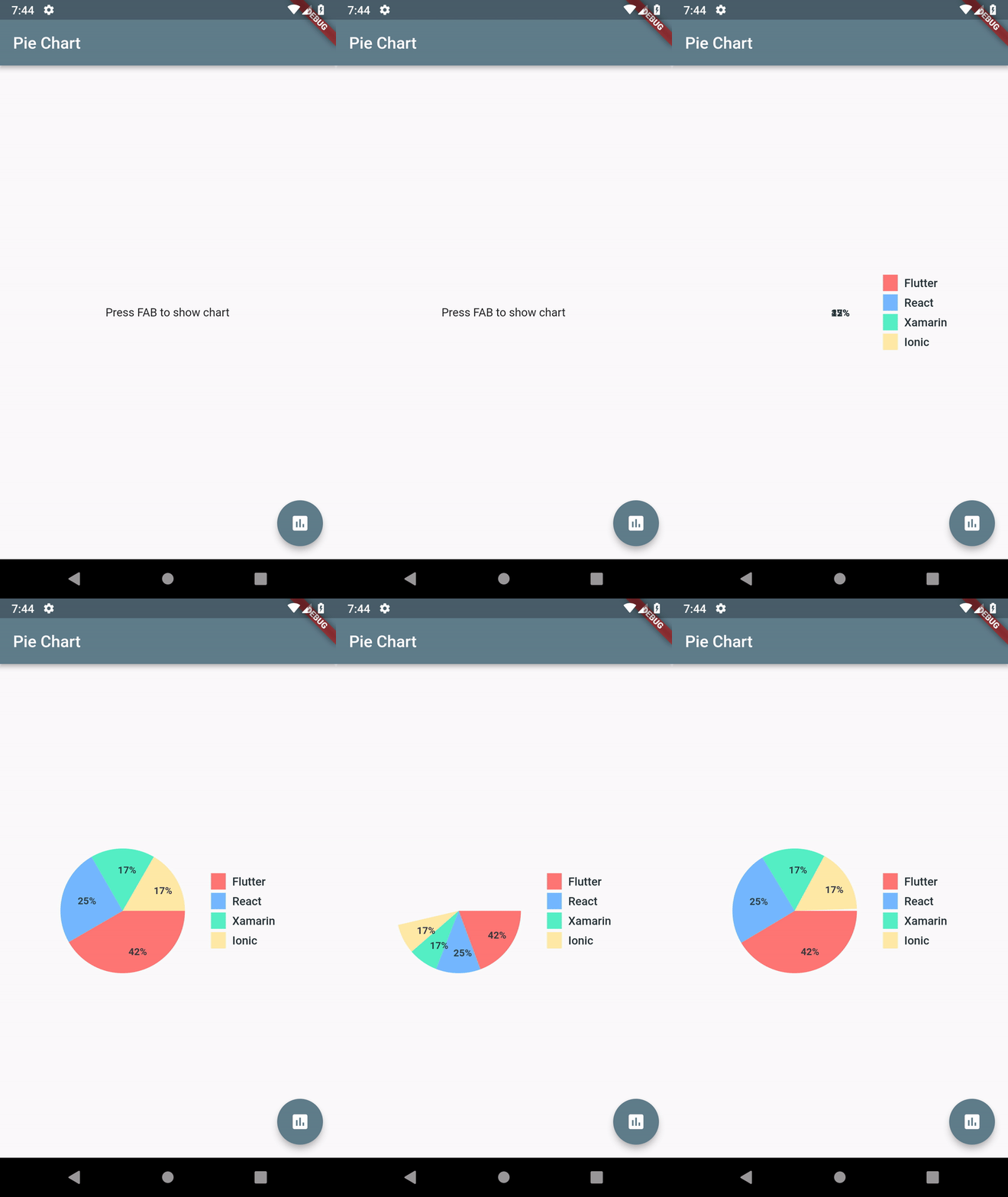
Map<String, double> dataMap = {
"Flutter":5,
"React":3,
"Xamarin":2,
"Ionic":2,
};PieChart(dataMap: dataMap) PieChart(
dataMap: dataMap,
animationDuration:Duration(milliseconds:800),
chartLegendSpacing:32,
chartRadius:MediaQuery.of(context).size.width /3.2,
colorList: colorList,
initialAngleInDegree:0,
chartType:ChartType.ring,
ringStrokeWidth:32,
centerText:"HYBRID",
legendOptions:LegendOptions(
showLegendsInRow:false,
legendPosition:LegendPosition.right,
showLegends:true,
legendShape:_BoxShape.circle,
legendTextStyle:TextStyle(
fontWeight:FontWeight.bold,
),
),
chartValuesOptions:ChartValuesOptions(
showChartValueBackground:true,
showChartValues:true,
showChartValuesInPercentage:false,
showChartValuesOutside:false,
decimalPlaces:1,
),
// gradientList: ---To add gradient colors---// emptyColorGradient: ---Empty Color gradient---
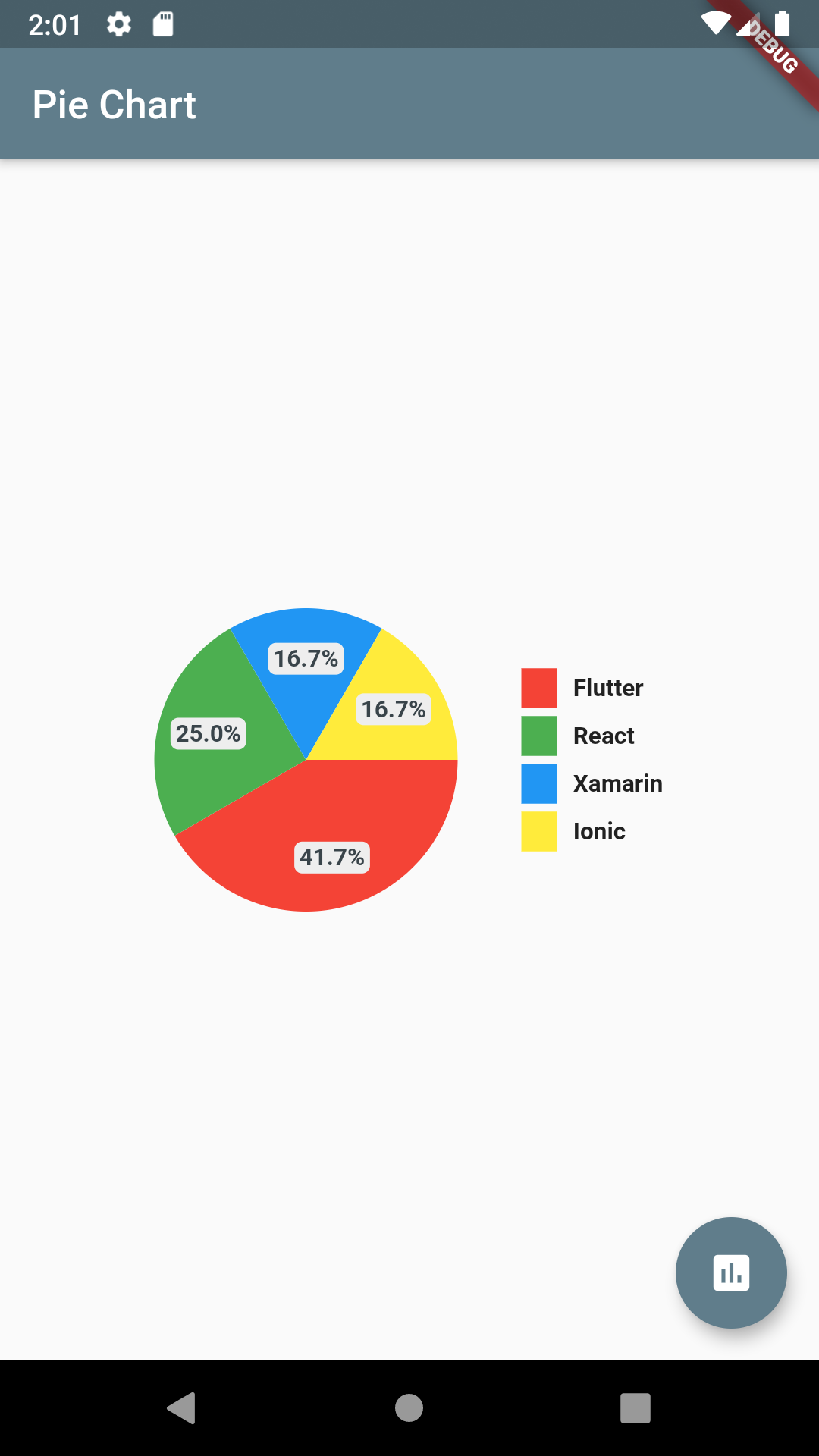
)chartValuesOptions:ChartValuesOptions(
decimalPlaces:1,
),
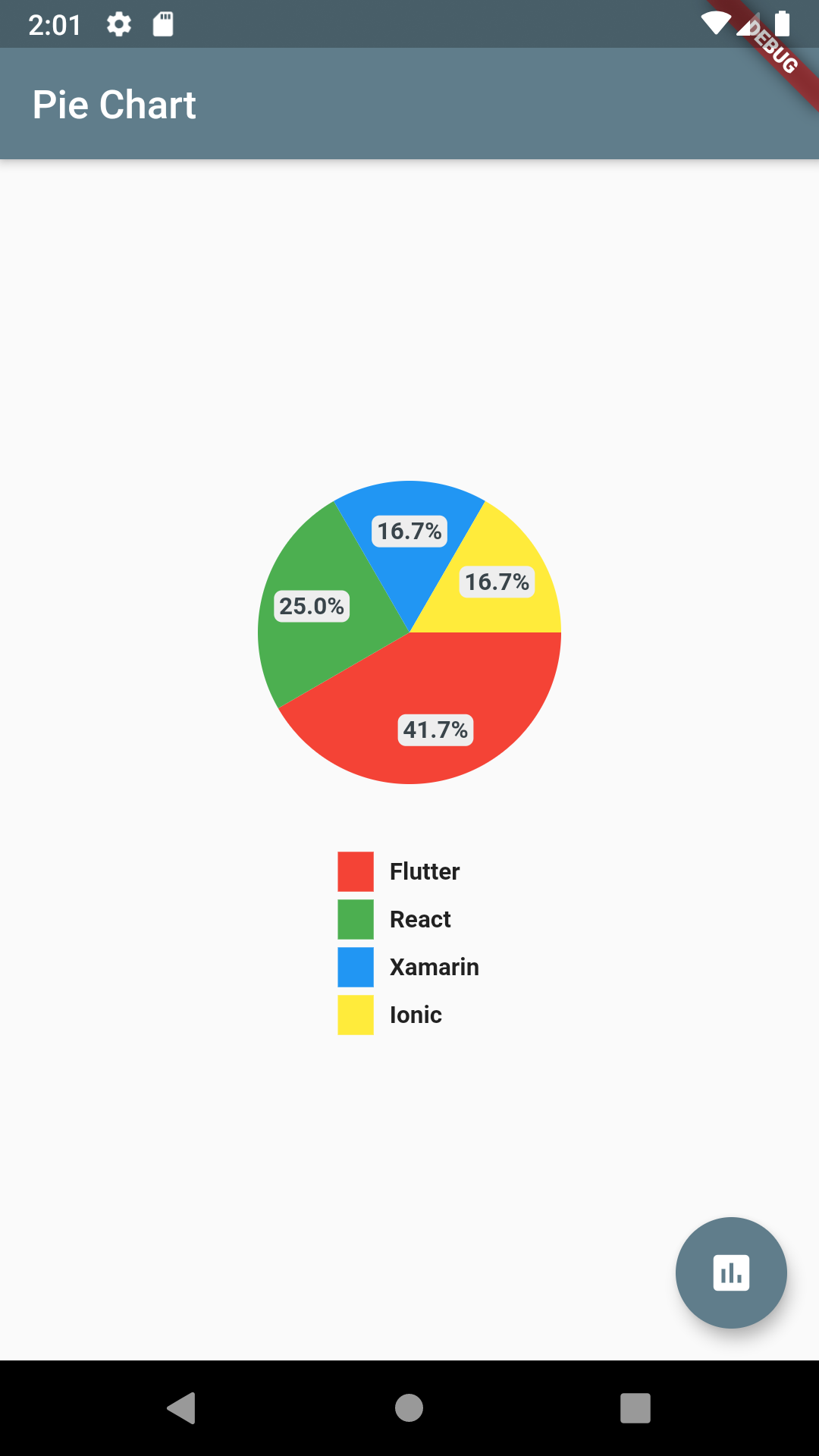
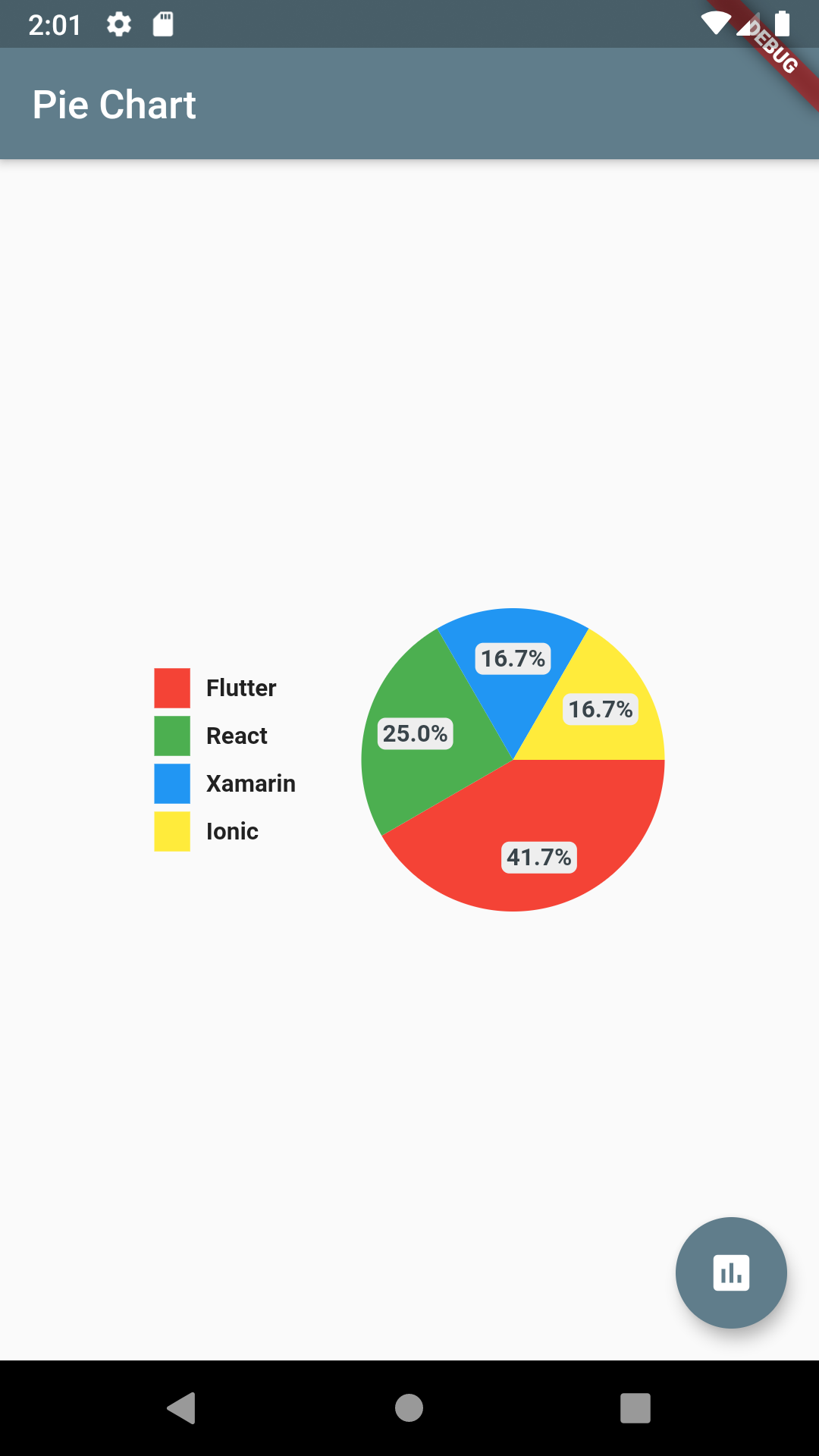
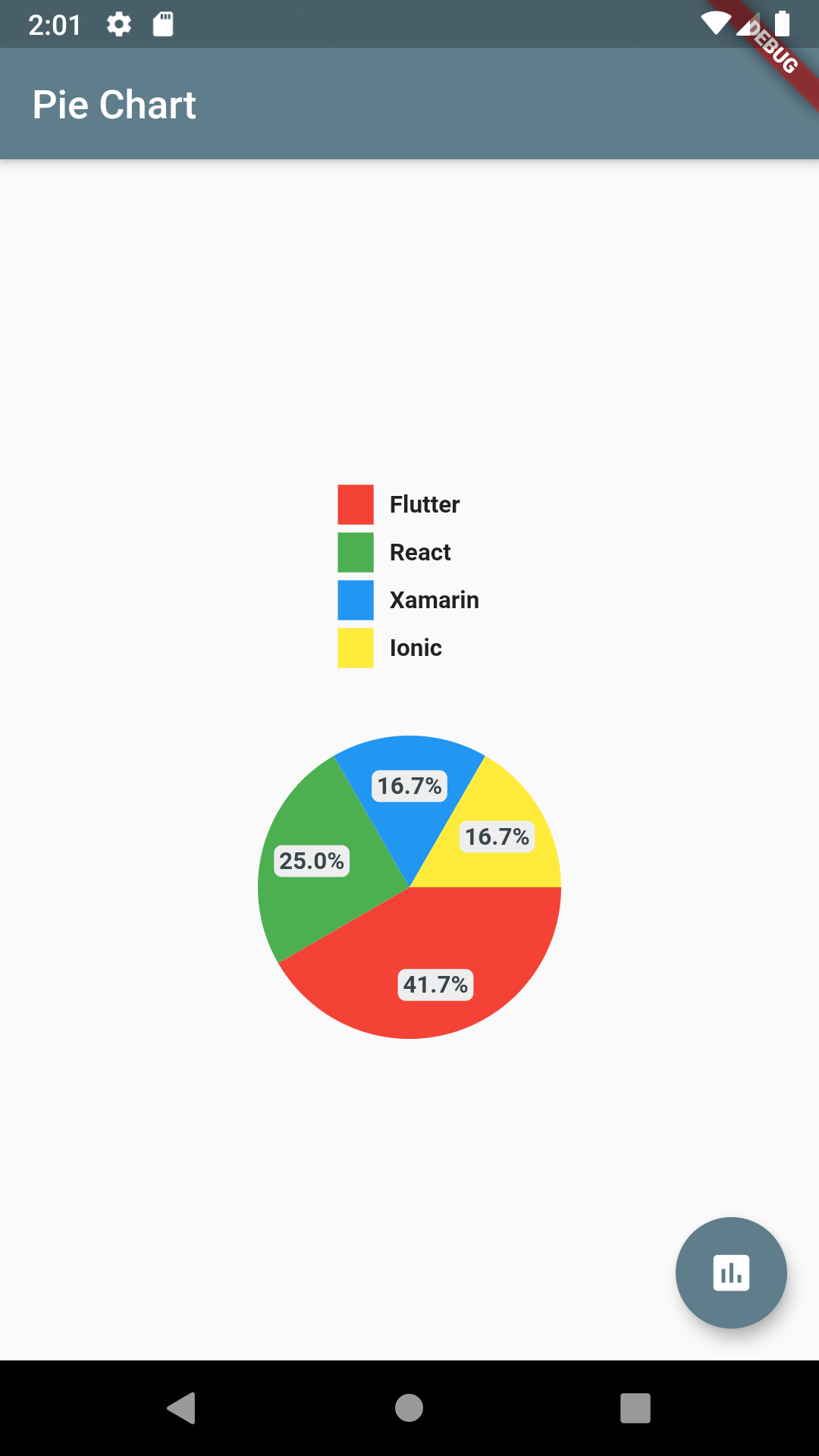
chartType:ChartType.ring,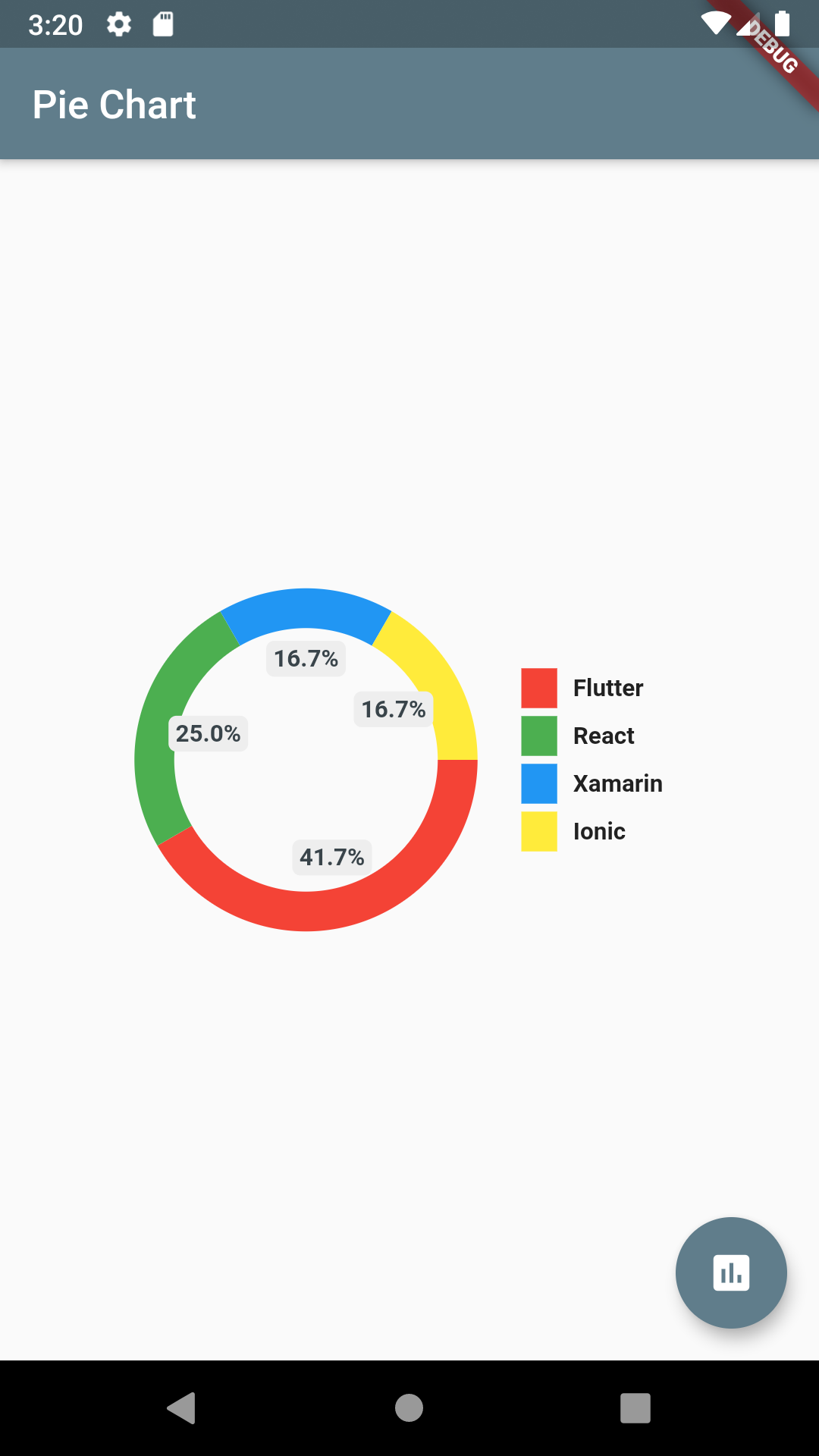
chartType:ChartType.ring,
showChartValuesOutside:true,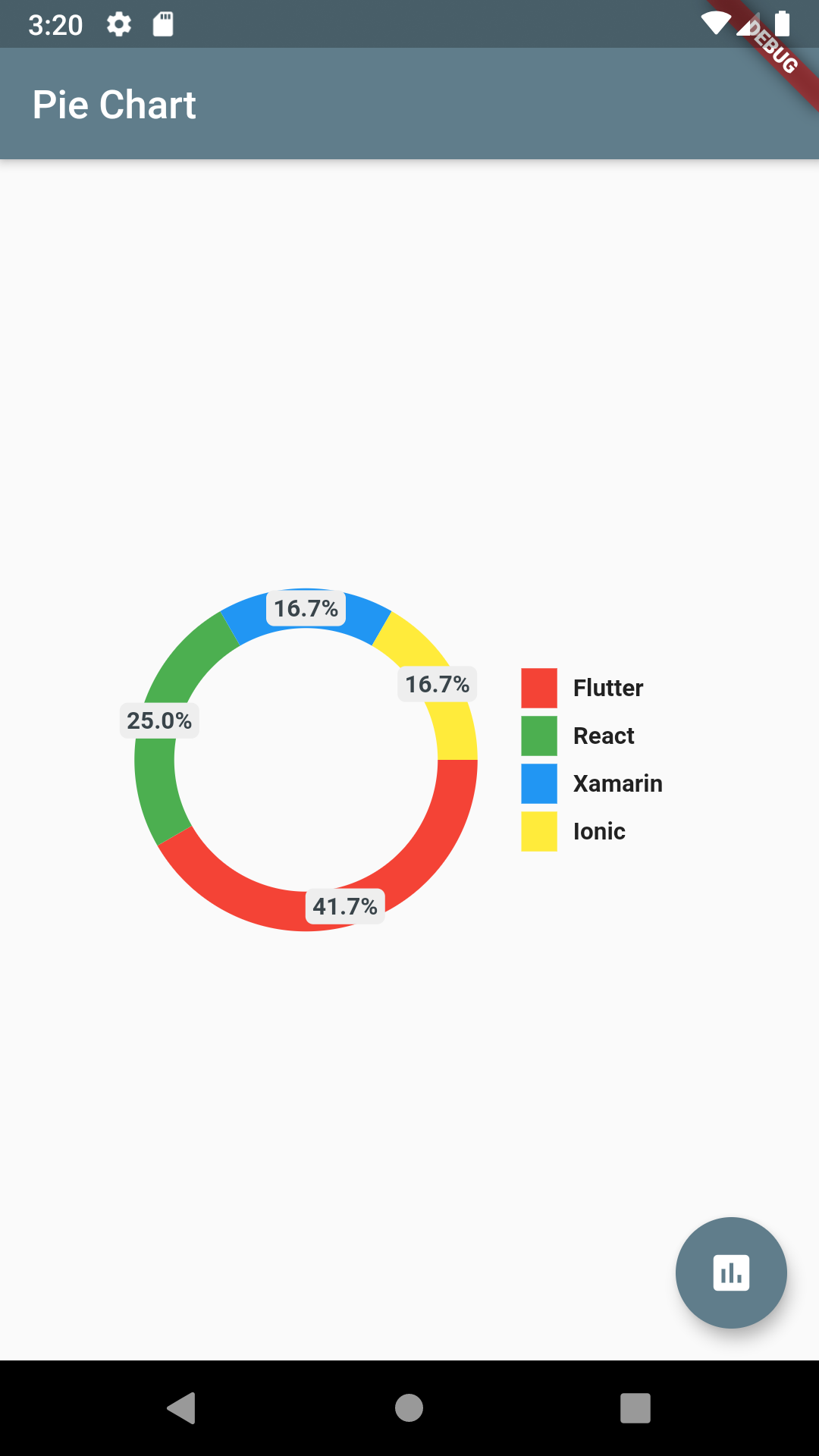
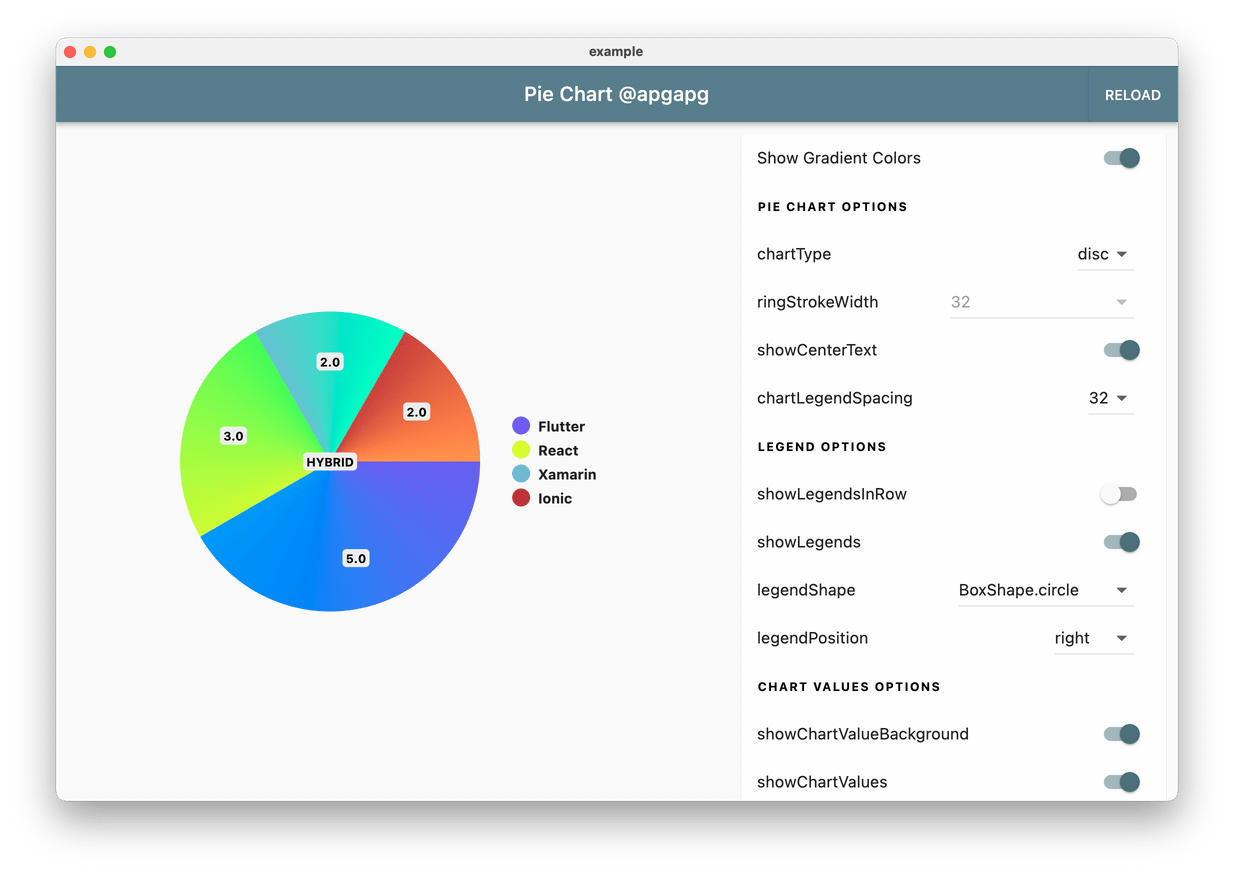
Pie Chart supports gradient as colors. Just pass gradientList instead of colorList to add gradient to chart colors.
final gradientList =<List<Color>>[
[
Color.fromRGBO(223, 250, 92, 1),
Color.fromRGBO(129, 250, 112, 1),
],
[
Color.fromRGBO(129, 182, 205, 1),
Color.fromRGBO(91, 253, 199, 1),
],
[
Color.fromRGBO(175, 63, 62, 1.0),
Color.fromRGBO(254, 154, 92, 1),
]
];
// Pass gradient to PieChart
gradientList: gradientList,
emptyColorGradient: [
Color(0xff6c5ce7),
Colors.blue,
],
Add a base pie-chart color via:
baseChartColor:Colors.greyFull code:
classHomePage2extendsStatelessWidget {
HomePage2({Key? key}) :super(key: key);
final dataMap =<String, double>{
"Flutter":5,
};
final colorList =<Color>[
Colors.greenAccent,
];
@overrideWidgetbuild(BuildContext context) {
returnScaffold(
appBar:AppBar(
title:Text("Pie Chart 1"),
),
body:Container(
padding:EdgeInsets.symmetric(horizontal:16),
child:PieChart(
dataMap: dataMap,
chartType:ChartType.ring,
baseChartColor:Colors.grey[300]!,
colorList: colorList,
),
),
);
}
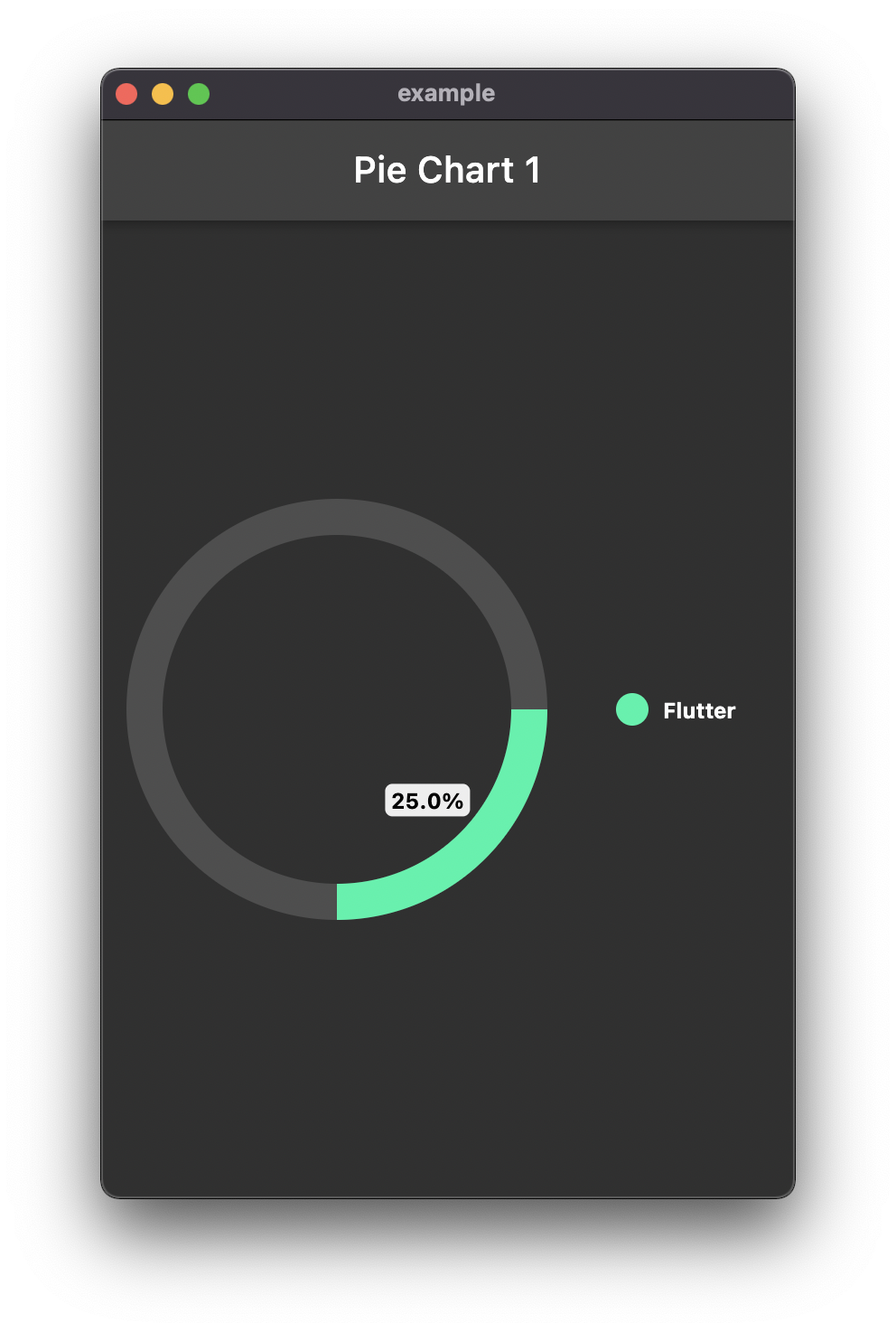
}To show chart arcs based on your total value, add totalValue option.
classHomePage2extendsStatelessWidget {
HomePage2({Key? key}) :super(key: key);
final dataMap =<String, double>{
"Flutter":5,
};
final colorList =<Color>[
Colors.greenAccent,
];
@overrideWidgetbuild(BuildContext context) {
returnScaffold(
appBar:AppBar(
title:Text("Pie Chart 1"),
),
body:Container(
padding:EdgeInsets.symmetric(horizontal:16),
child:PieChart(
dataMap: dataMap,
chartType:ChartType.ring,
baseChartColor:Colors.grey[50]!.withOpacity(0.15),
colorList: colorList,
chartValuesOptions:ChartValuesOptions(
showChartValuesInPercentage:true,
),
totalValue:20,
),
),
);
}
}
Creates a new widget placed at pie chart center
centerWidget:Container(color:Colors.red, child:constText("Center"))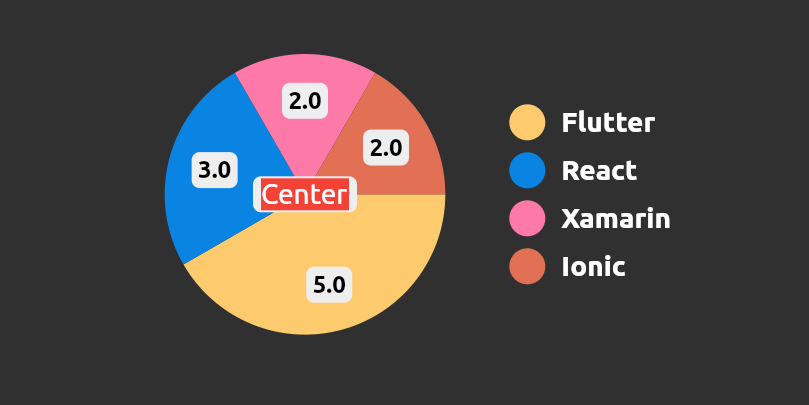
- json_table
Create Flutter Json Table from json map directly.
- avatar_glow
Flutter Avatar Glow Widget with glowing animation.
- search_widget
Flutter Search Widget for selecting an option from list.
- animating_location_pin
Flutter Animating Location Pin Widget providing Animating Location Pin Widget which can be used while fetching device location.


- flutter_profile
Showcase My Portfolio: Ayush P Gupta on Playstore.
- flutter_sankalan
Flutter App which allows reading/uploading short stories.


- Fork it
- Create your feature branch (git checkout -b my-new-feature)
- Commit your changes (git commit -m 'Add some feature')
- Push to the branch (git push origin my-new-feature)
- Create new Pull Request