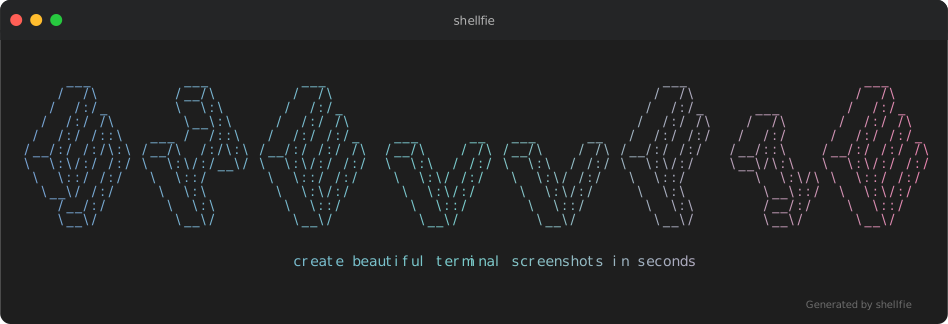
Take a shell selfie.
Your terminal output deserves better than a blurry screenshot.
importshellfie,{themes}from"shellfie";import{writeFileSync}from"node:fs";constscript=`#!/bin/bashecho "Hello World!"`;constsvg=shellfie(script,{template: "macos",theme: themes.draculaPro,title: "Syntax highlighting",watermark: "\x1b[38;5;242mGenerated by shellfie\x1b[0m",});writeFileSync("highlight.svg",svg);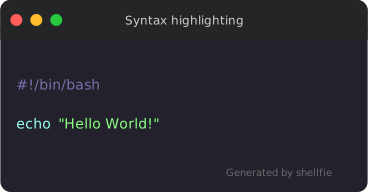
| Feature | shellfie | carbon-now-cli | svg-term | termtosvg |
|---|---|---|---|---|
| Zero dependencies | ✅ | ❌ | ❌ | ❌ |
| No native bindings | ✅ | ❌ | ❌ | ❌ |
| No headless browser | ✅ | ❌ | ✅ | ✅ |
| Full ANSI support | ✅ | ✅ | ✅ | ✅ |
| 24-bit true color | ✅ | ✅ | ❌ | ✅ |
| Runs in browser | ✅ | ❌ | ❌ | ❌ |
| Synchronous API | ✅ | ❌ | ❌ | ❌ |
| Built-in Syntax hightligher | ✅ | ❌ | ❌ | ❌ |
✅ Infinitely scalable — pixel-perfect at any zoom level, retina-ready by default.
✅ Selectable text — copy code directly from the image.
✅ Embeddable everywhere — high quality embedding in READMEs, docs, blogs, everywhere.
✅ Tiny files — 2-10KB vs blurry 500KB+ PNGs.
✅ No rendering pipeline — runs anywhere JavaScript runs.
npm install shellfieimportshellfiefrom"shellfie";constsvg=shellfie(terminalOutput,{template: "macos",title: "npm test",});<scripttype="module">importshellfiefrom"https://esm.sh/shellfie";constsvg=shellfie("\x1b[32m$ npm test\x1b[0m\nAll tests passed!",{template: "macos",title: "terminal",});document.body.innerHTML=svg;</script>| macOS | Windows | Minimal |
|---|---|---|
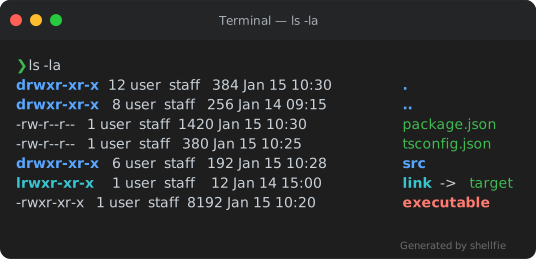 | 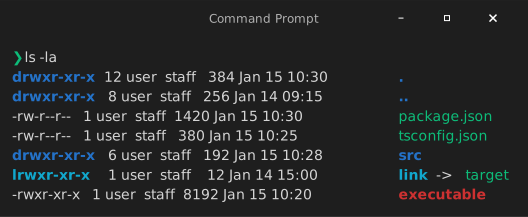 | 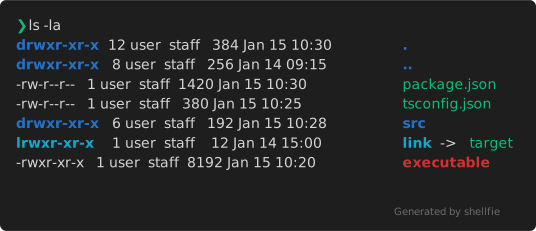 |
shellfie(output,{template: "macos"});// defaultshellfie(output,{template: "windows"});shellfie(output,{template: "minimal"});Create your own templates with createTemplate:
importshellfie,{createTemplate}from"shellfie";constmyTemplate=createTemplate("my-template",{titleBar: true,titleBarHeight: 40,borderRadius: 10,controls: true,controlsPosition: "left",controlStyle: {close: "#ff5f56",minimize: "#ffbd2e",maximize: "#27c93f",radius: 6,spacing: 20,size: 12,},padding: 16,shadow: true,border: false,borderColor: "#333333",borderWidth: 0,header: {backgroundColor: "rgb(36, 37, 38)",border: false,},});shellfie(output,{template: myTemplate});Templates can include default header and footer configurations. User options always override template defaults:
// Template has header.backgroundColor set, but user can override itshellfie(output,{template: myTemplate,header: {backgroundColor: "#000000"},// overrides template default});shellfie(input,{template?: "macos",// 'macos' | 'windows' | 'minimal' | Templatetitle?: "my-terminal",// window titlewidth?: 80,// SVG width in pixels (auto-detected if not set)height?: 400,// SVG height in pixels (auto-detected if not set)padding?: 16,// number | [v, h] | [top, right, bottom, left]controls?: true,// show window control buttonscontrolsPosition?: "left",// 'left' (macOS) or 'right' (Windows)fontSize?: 14,// font size in pixelslineHeight?: 1.4,// line height multiplierfontFamily?: "'SF Mono', Monaco, monospace",// font stackcustomGlyphs?: true,// pixel-perfect box drawing charactersembedFont?: true,// embed default font as base64 (async only)customFont?: {// use your own fontdata: base64FontData,// base64-encoded font dataformat: "woff2",// 'woff2' | 'woff' | 'ttf'},theme?: customTheme,// custom color theme or see themes belowlanguage?: "typescript",// syntax highlighting: 'auto' | language | falsewatermark?: "Generated by shellfie",// string or WatermarkConfig (see Watermarks below)header?: {// header configurationbackgroundColor?: "#2d2d2d",// title bar background colorheight?: 40,// title bar height in pixelsborder?: true,// show bottom borderborderColor?: "#1a1a1a",// border colorborderWidth?: 1,// border width in pixels},footer?: {// footer configurationbackgroundColor?: "#2d2d2d",// footer background colorheight?: 30,// footer height in pixelsborder?: true,// show top borderborderColor?: "#1a1a1a",// border colorborderWidth?: 1,// border width in pixels},background?: "#1a1a2e",// outer background (see Background section below)});Add a background container around the terminal with solid colors or gradients:
// Simple hex colorshellfie(output,{background: "#1a1a2e",});// Gradient string with directionshellfie(output,{background: "gradient(hotpink, cyan:diagonal)",});// Full configuration with padding and border radiusshellfie(output,{background: {color: "gradient(#ff0000, #0000ff:vertical)",padding: 50,borderRadius: 20,},});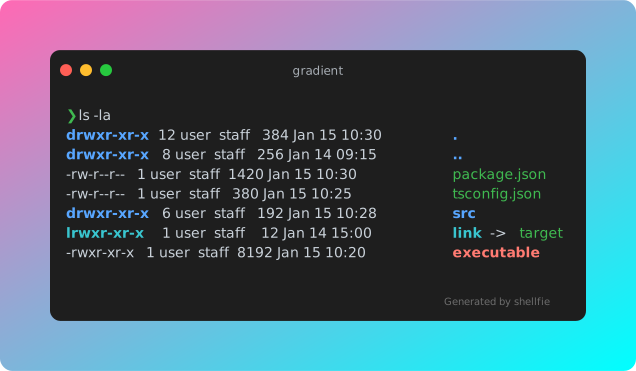
| Option | Type | Default | Description |
|---|---|---|---|
color | string | Gradient | - | Hex color or gradient string |
padding | number | 20 | Space between terminal and background edge |
borderRadius | number | 12 | Border radius of background container |
Gradients use the format gradient(color1, color2:direction:reverse):
"gradient(#ff0000, #0000ff)"// horizontal (default)"gradient(hotpink, cyan:vertical)"// vertical"gradient(#ff6b6b, #4ecdc4:diagonal)"// diagonal (top-left to bottom-right)"gradient(pink, purple:horizontal:reverse)"// reversed direction| Direction | Description |
|---|---|
horizontal | Left to right (default) |
vertical | Top to bottom |
diagonal | Top-left to bottom-right |
Add :reverse to reverse the gradient direction.
Add a watermark to the bottom-right corner of your SVG:
// Simple string (supports ANSI codes)shellfie(output,{watermark: "\x1b[90mGenerated by shellfie\x1b[0m",});// Full configurationshellfie(output,{watermark: {content: "powered by shellfie",style: {padding: 16,// number | [v, h] | [top, right, bottom, left]margin: [0,8],opacity: 0.8,},},});| Option | Type | Description |
|---|---|---|
content | string | Text (with ANSI) or SVG markup |
type | 'text' | 'markup' | Auto-detected: markup if starts with SVG element |
style | WatermarkStyle | CSS-like positioning and appearance |
Supports CSS shorthand notation for padding and margin:
style: {padding: 16,// all sidespadding: [8,16],// [vertical, horizontal]padding: [8,16,8,16],// [top, right, bottom, left]paddingTop: 8,// individual sidesmargin: 0,marginRight: 8,}Additional SVG-compatible style properties are passed through:
style: {opacity: 0.5,filter: "blur(1px)",transform: "rotate(-5deg)",}Note: Standard CSS properties like
borderdon't work in SVG. Use SVG-specific properties (stroke,stroke-width) or markup watermarks for complex styling.
For advanced watermarks, use raw SVG markup:
shellfie(output,{watermark: {content: ` <a href="https://github.com/tool3/shellfie"> <rect width="100" height="20" rx="3" fill="#333"/> <text x="50" y="14" text-anchor="middle" fill="#fff">shellfie</text> </a> `,// type auto-detected as 'markup' since content starts with '<a'},});The markup is wrapped in a <g> element positioned at the bottom-right, with font-family, font-size, and fill inherited from the theme.
For portable SVGs that render identically everywhere:
import{shellfieAsync}from"shellfie";constsvg=awaitshellfieAsync(input,{embedFont: true});The font gets base64-encoded directly into the SVG. No external requests, no CORS issues, no "why does this look different on their machine" debugging sessions.
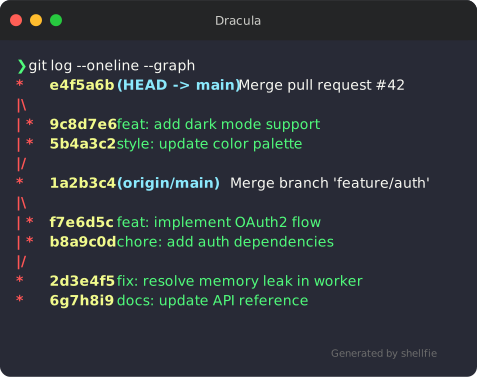
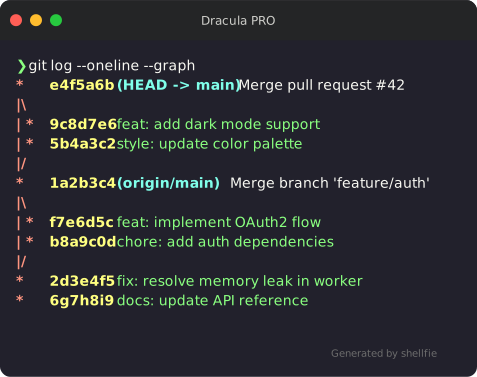
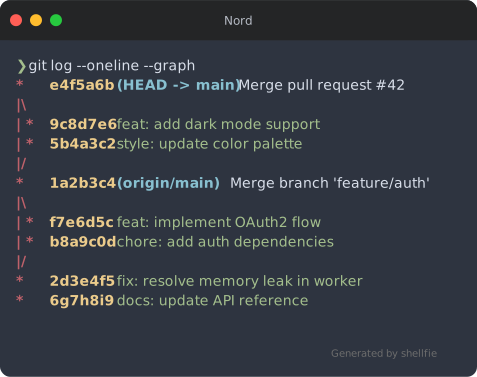
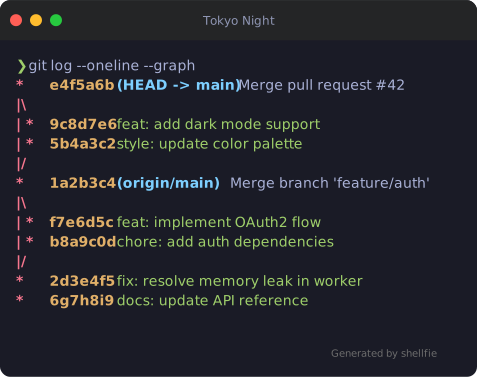
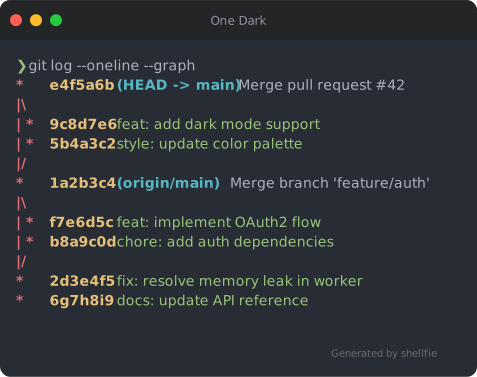
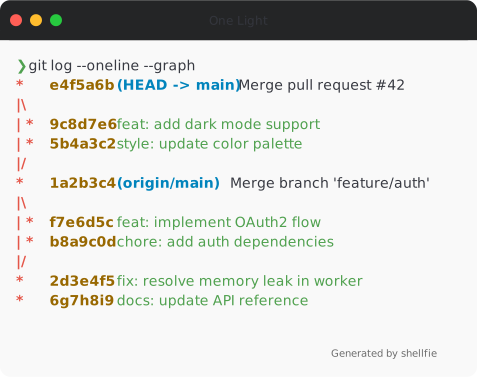
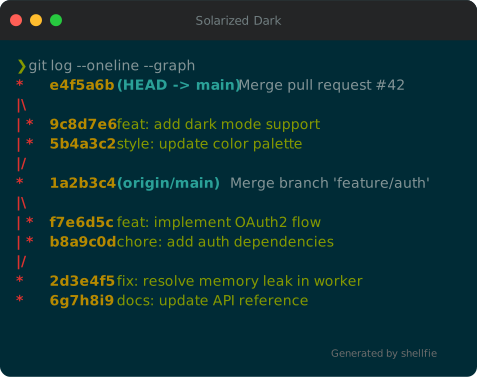
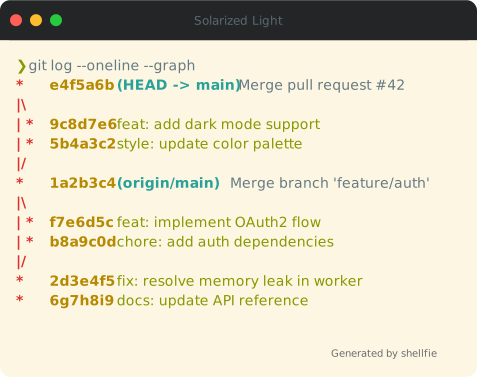
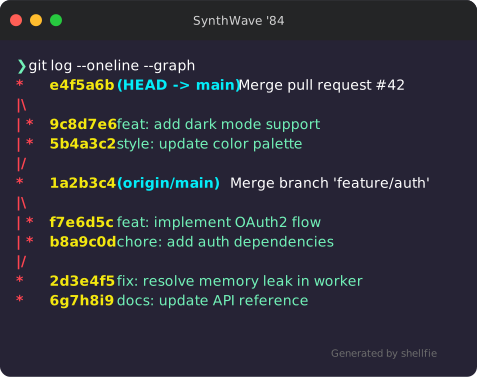
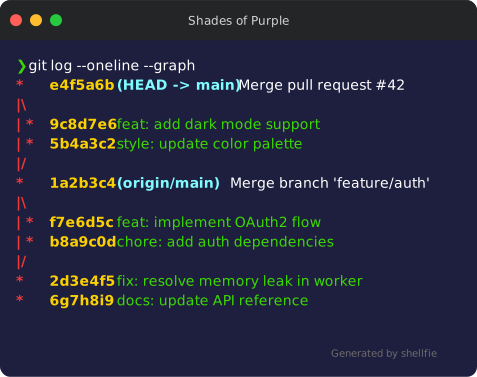
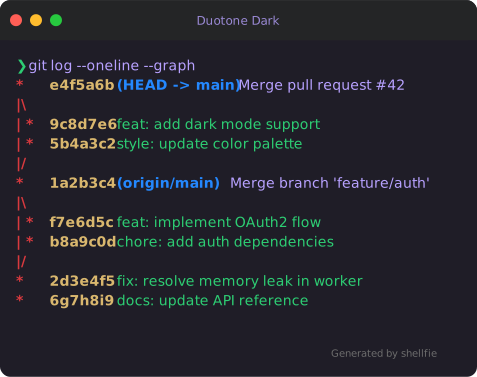
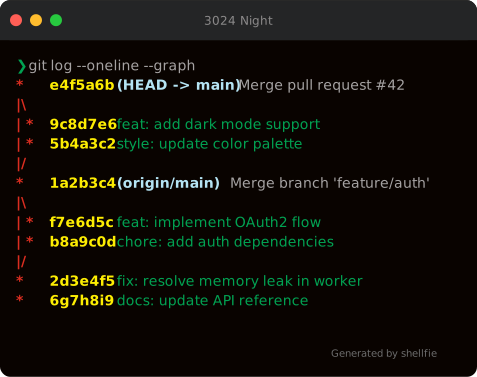
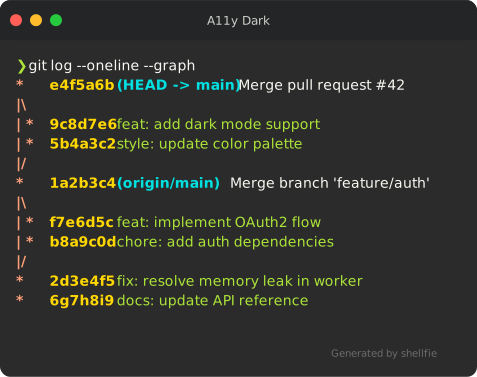
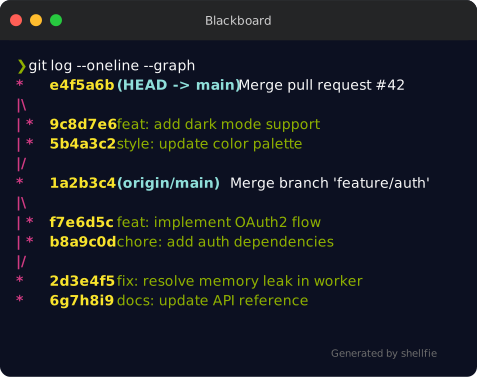
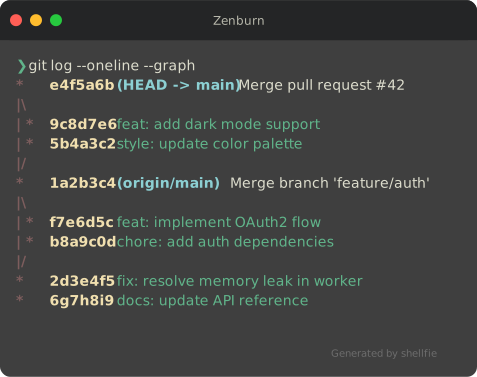
shellfie comes with 35 built-in themes:
importshellfie,{dracula,nord,tokyoNight}from"shellfie";shellfie(output,{theme: dracula});| Dracula | Dracula PRO | Nord |
|---|---|---|
 |  |  |
| Tokyo Night | One Dark | One Light |
|---|---|---|
 |  |  |
| Monokai | Catppuccin Mocha | Material |
|---|---|---|
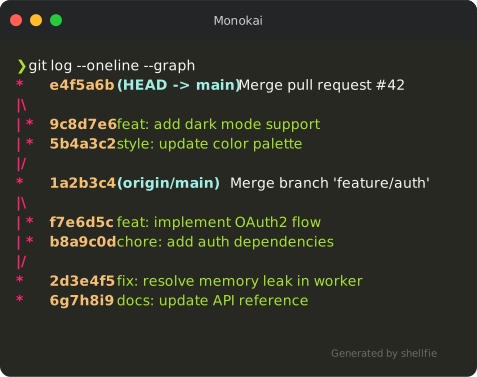 | 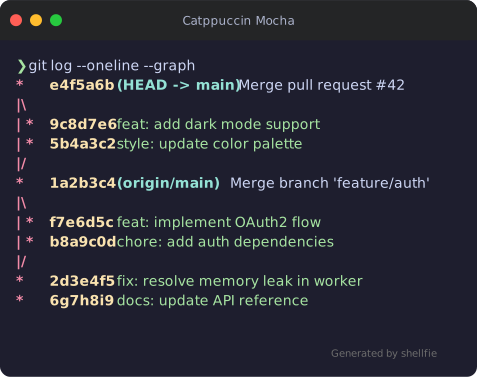 | 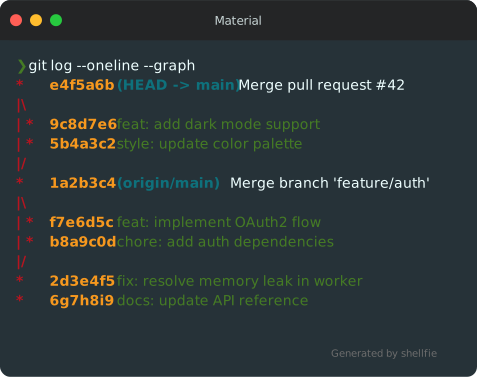 |
| GitHub Dark | GitHub Light | VS Code |
|---|---|---|
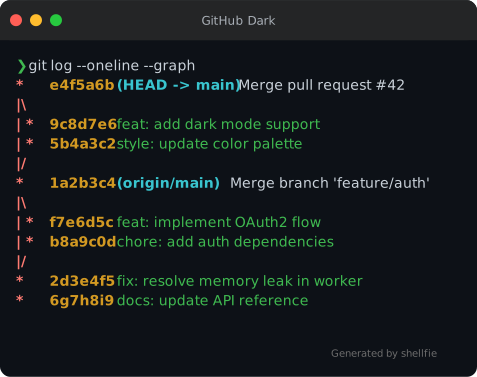 | 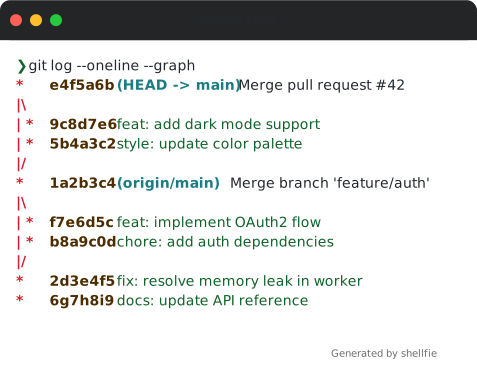 | 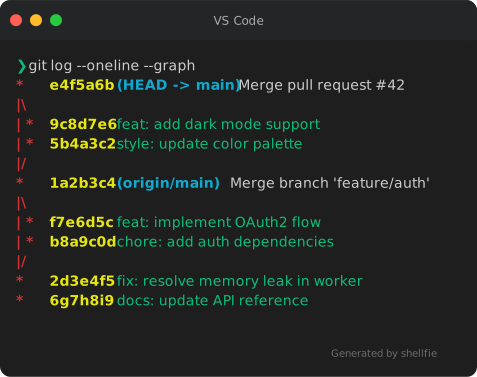 |
| Gruvbox Dark | Gruvbox Light | Solarized Dark |
|---|---|---|
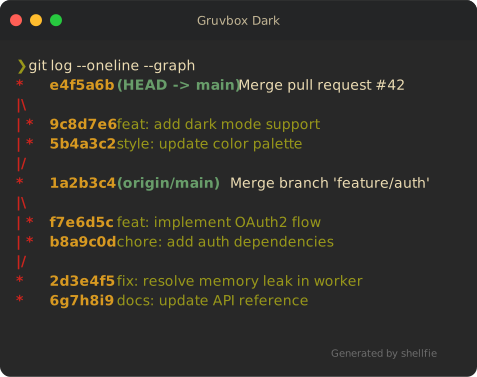 | 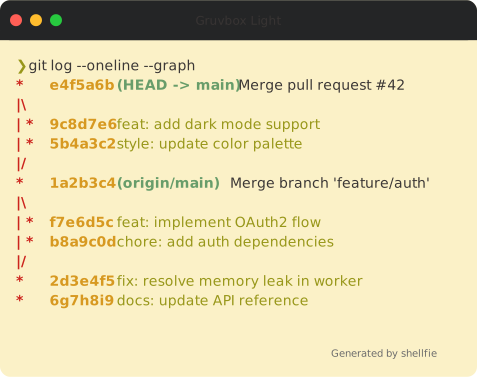 |  |
| Solarized Light | SynthWave '84 | Shades of Purple |
|---|---|---|
 |  |  |
| Cobalt | Oceanic Next | Lucario |
|---|---|---|
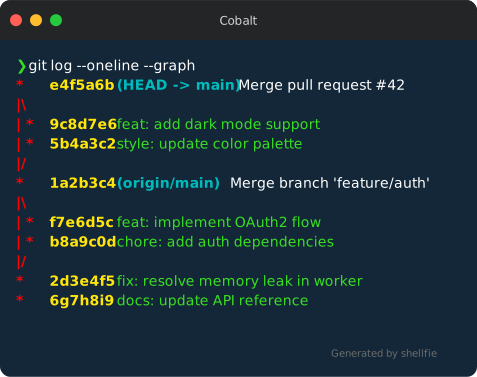 | 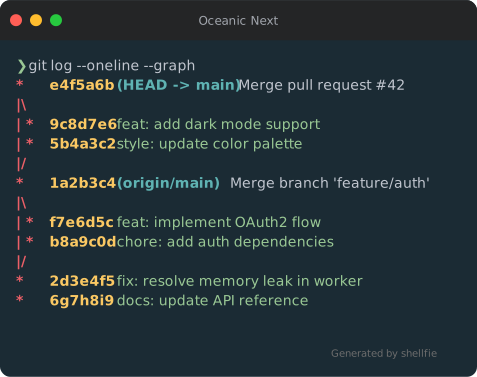 | 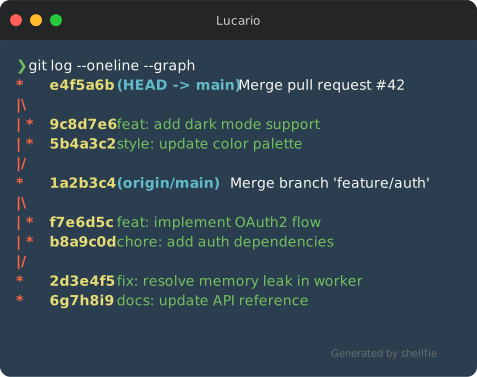 |
| Panda Syntax | Hopscotch | Paraiso Dark |
|---|---|---|
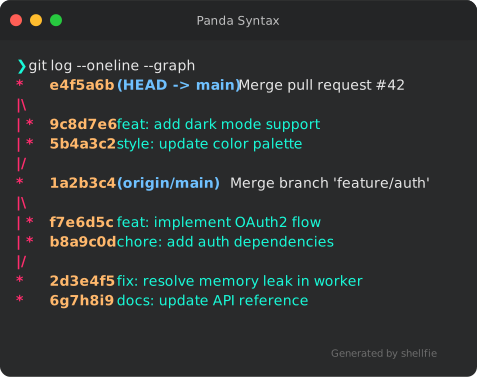 | 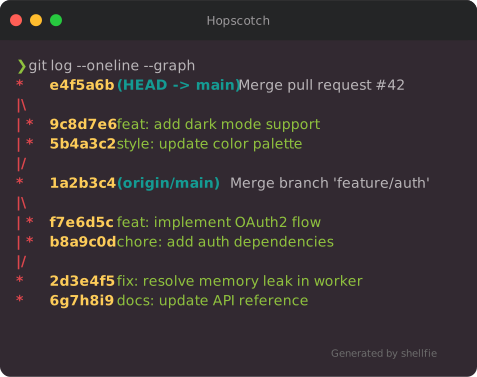 | 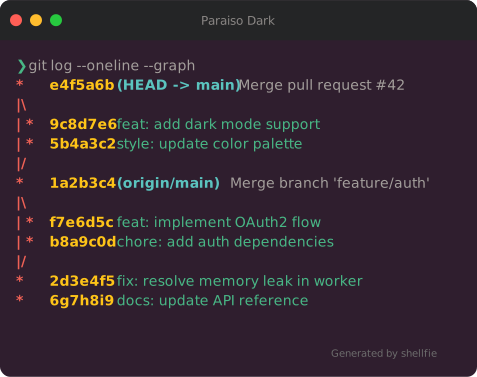 |
| Base16 Dark | Base16 Light | Duotone Dark |
|---|---|---|
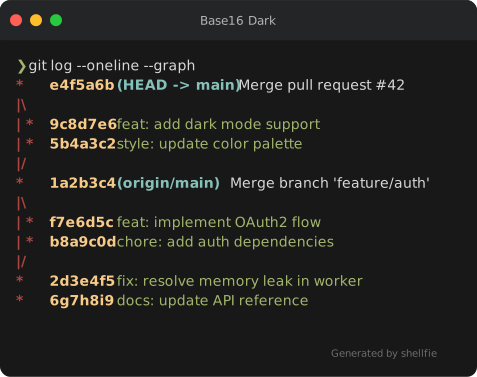 | 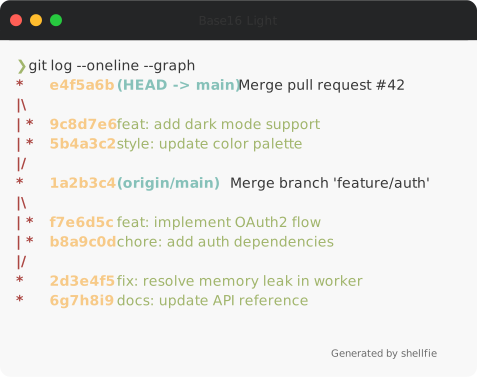 |  |
| 3024 Night | A11y Dark | Blackboard |
|---|---|---|
 |  |  |
| Seti | Twilight | Verminal |
|---|---|---|
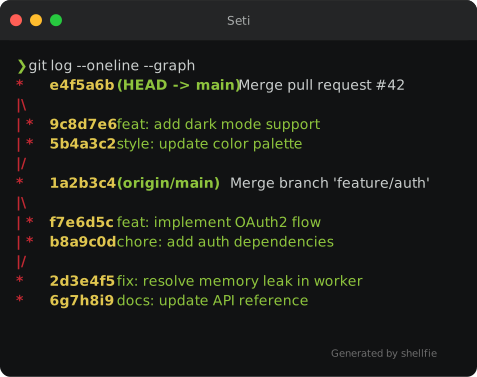 | 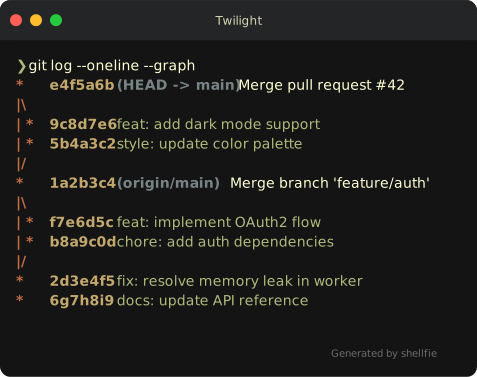 | 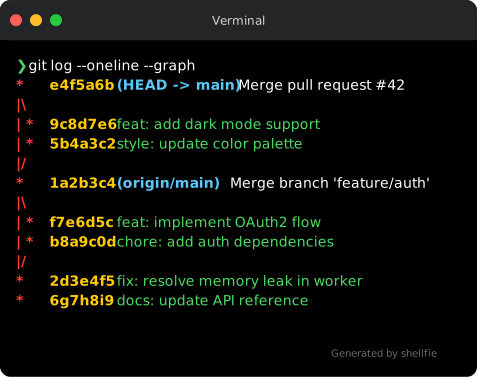 |
| Yeti | Zenburn |
|---|---|
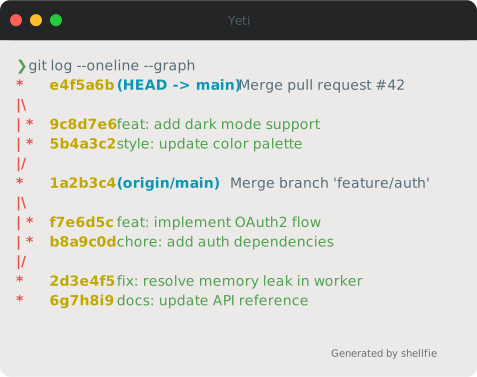 |  |
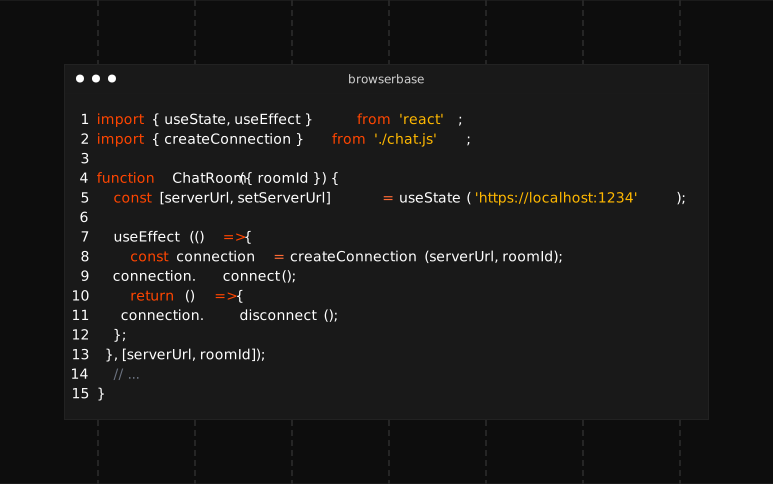
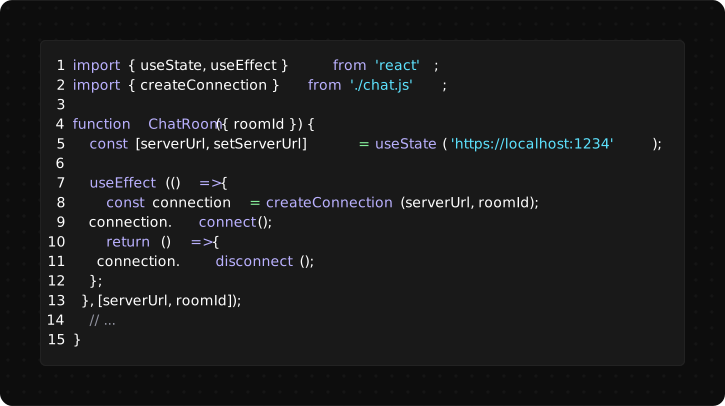
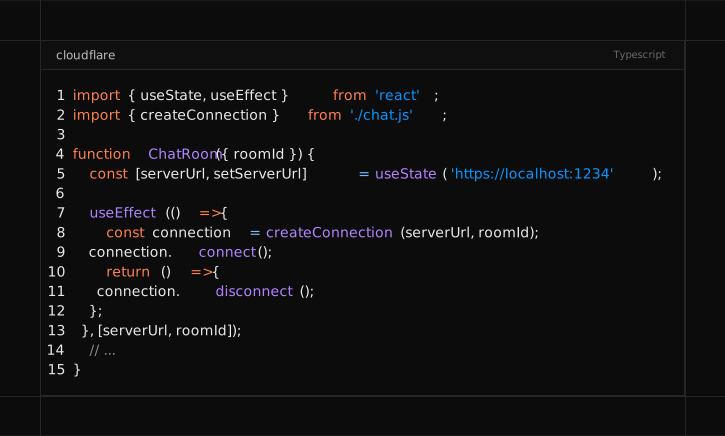
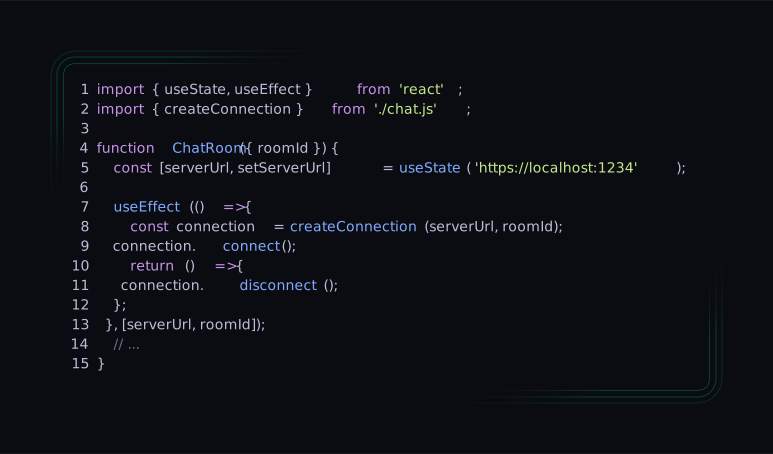
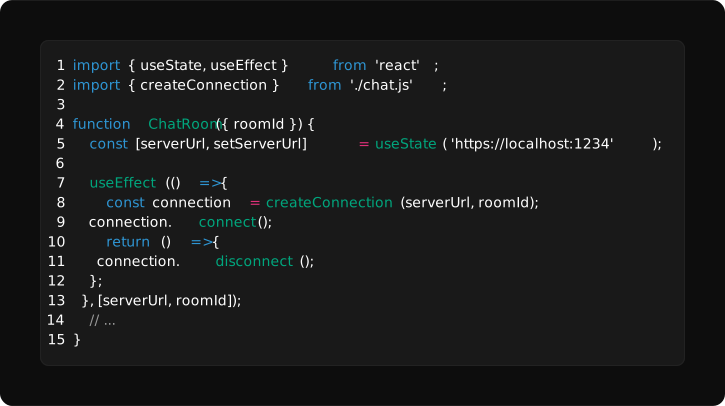
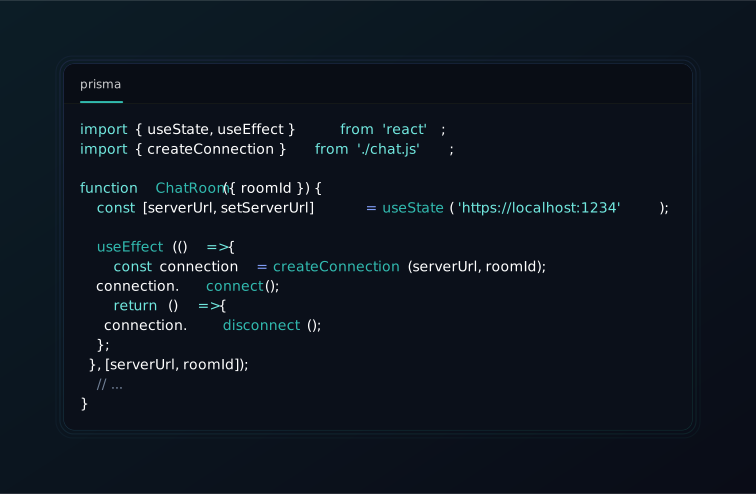
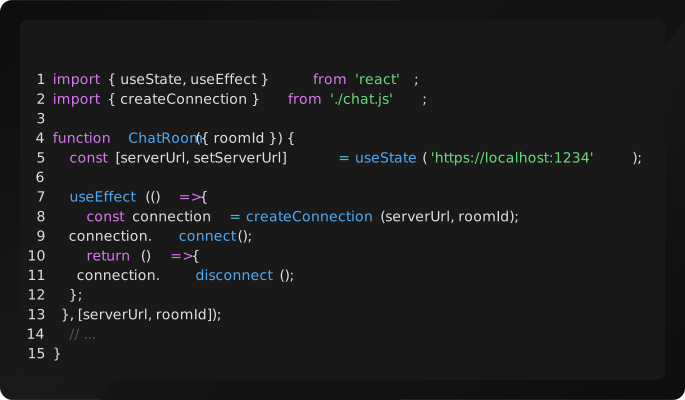
importshellfie,{createTheme}from"shellfie";consttheme=createTheme({name: "ocean",background: "#0a2540",foreground: "#e6f1ff",red: "#ff6b6b",green: "#69db7c",// ... all 16 ANSI colors});shellfie(output,{ theme });shellfie comes with 15 built-in presets:
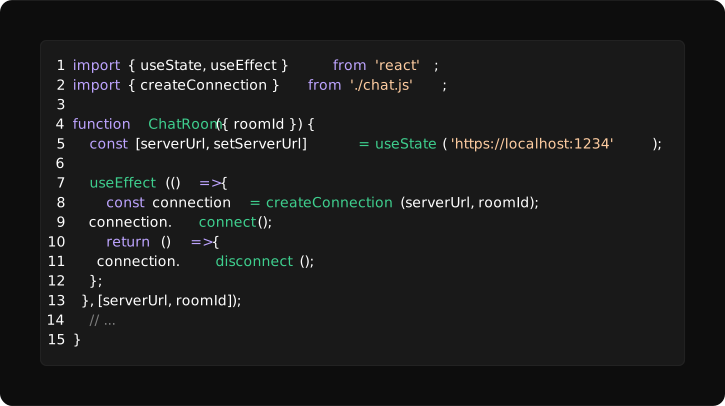
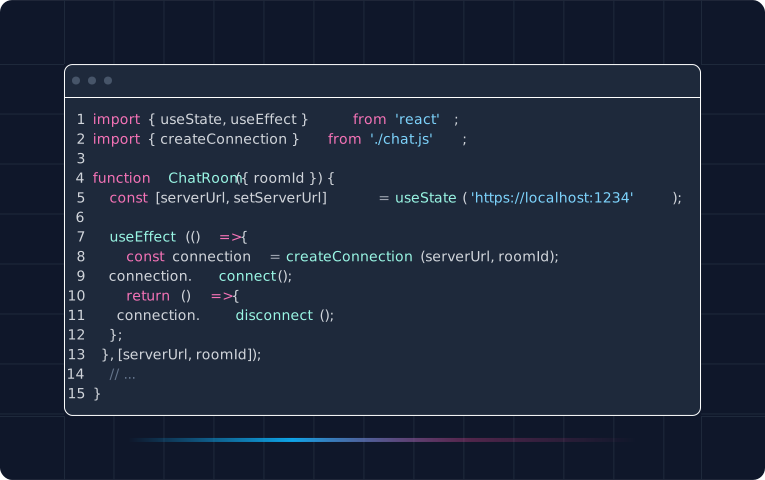
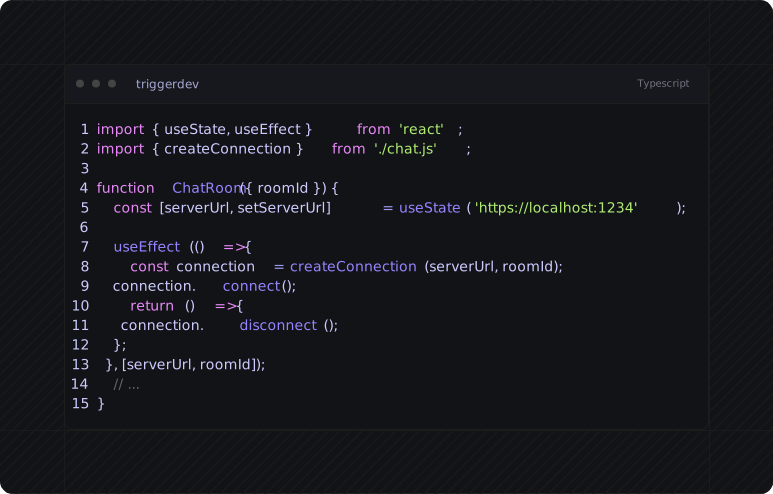
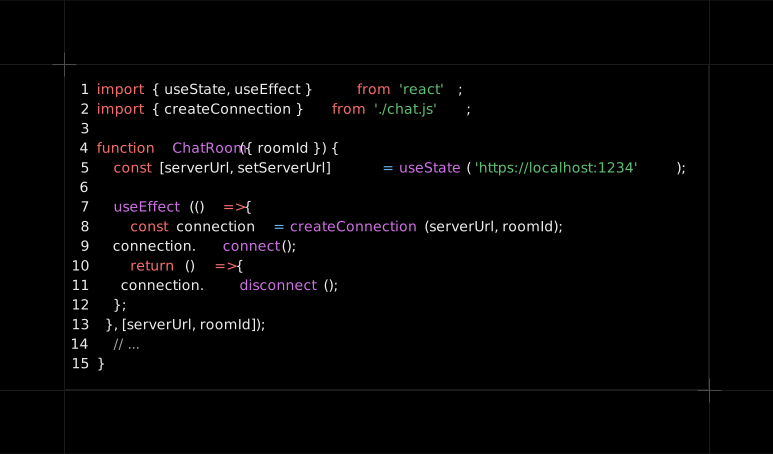
importshellfiefrom"shellfie";shellfie(output,{preset: 'vercel'});| Browserbase | Clerk | Cloudflare |
|---|---|---|
 |  |  |
| ElevenLabs | Firecrawl | Gemini |
|---|---|---|
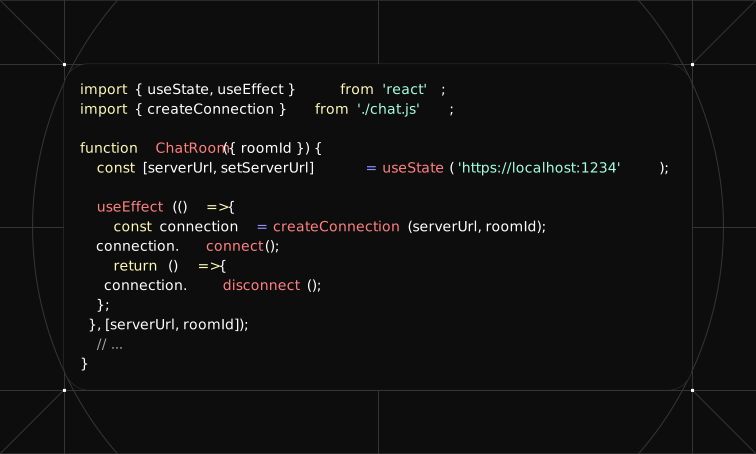 | 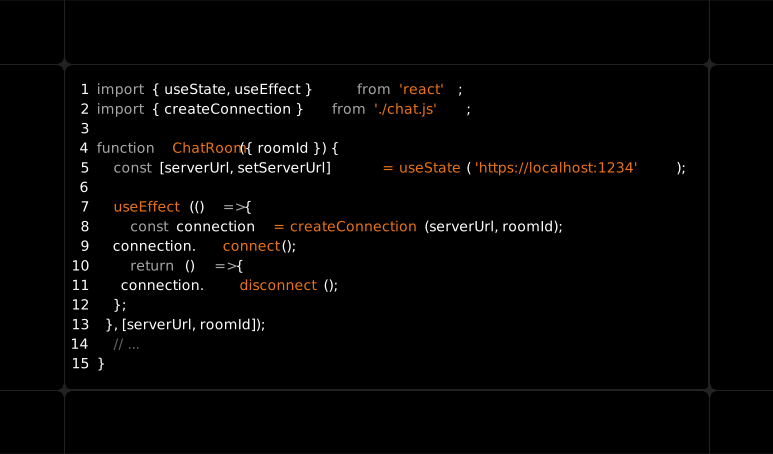 | 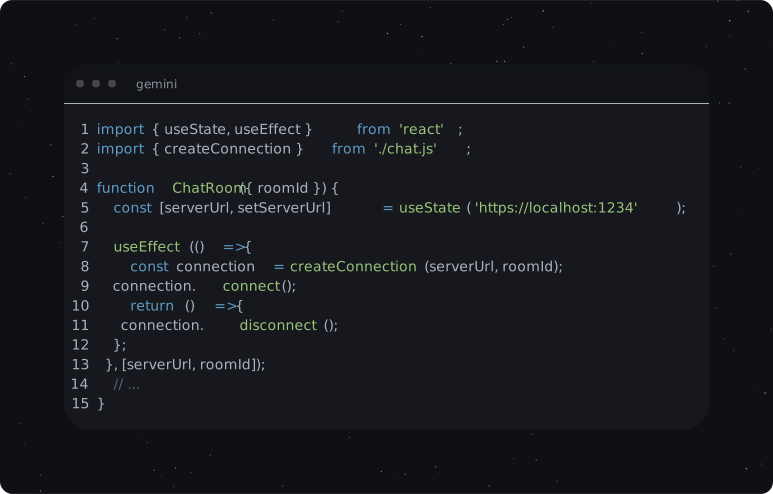 |
| Mintlify | Nuxt | OpenAI |
|---|---|---|
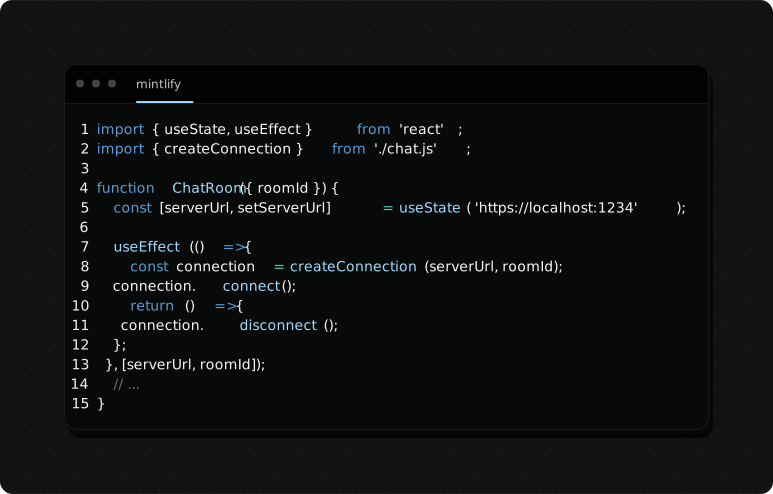 |  |  |
| Prisma | Resend | Supabase |
|---|---|---|
 |  |  |
| Tailwind | Trigger.dev | Vercel |
|---|---|---|
 |  |  |
importgradientfrom"gradient-string";importshellfiefrom"shellfie";constsvg=shellfie(gradient.rainbow("Hello World"),{template: "macos",title: "gradient string",});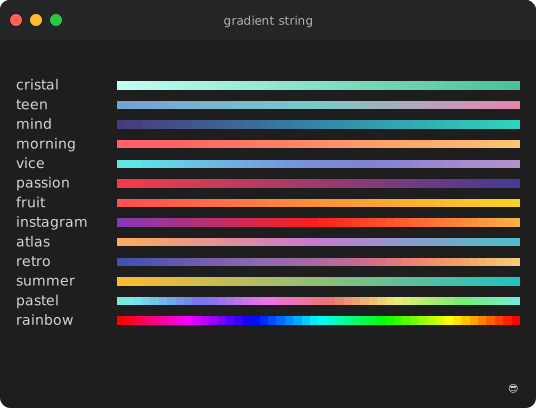
importChartsciifrom"chartscii";importshellfiefrom"shellfie";constchart=newChartscii(data,{barSize: 2,fill: "▒",colorLabels: true,orientation: "vertical",valueLabels: true,});constsvg=shellfie(chart.create(),{template: "macos",title: "Chartscii",padding: 50,});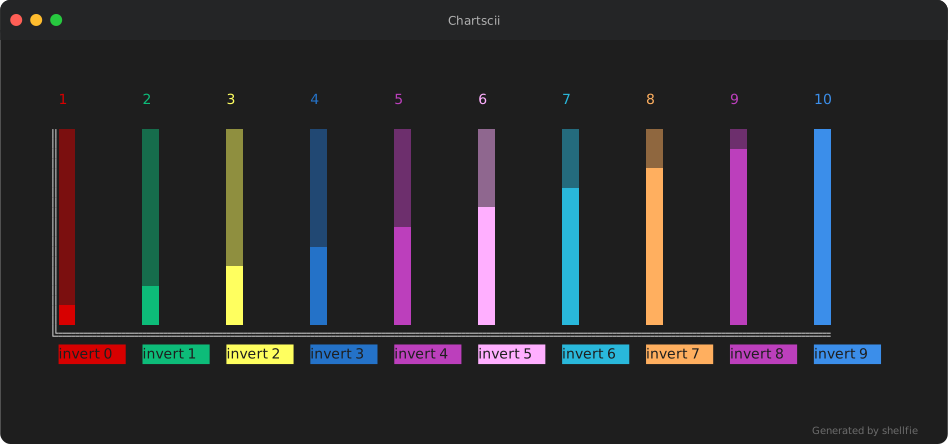
shellfie(execSync("git diff --color=always").toString());shellfie(execSync("npm test 2>&1").toString());shellfie(execSync("ls -la --color=always").toString());import{parse,render,stripAnsi,getMaxWidth}from"shellfie";constlines=parse("\x1b[31mred\x1b[0m text");constsvg=render(lines,options);stripAnsi("\x1b[31mred\x1b[0m");// 'red'getMaxWidth(lines);// 80- See shellfie-cli for shellfie on command line.
- See shellfied for the shellfie on web.
- See dvd for shellfie on drugs !
MIT