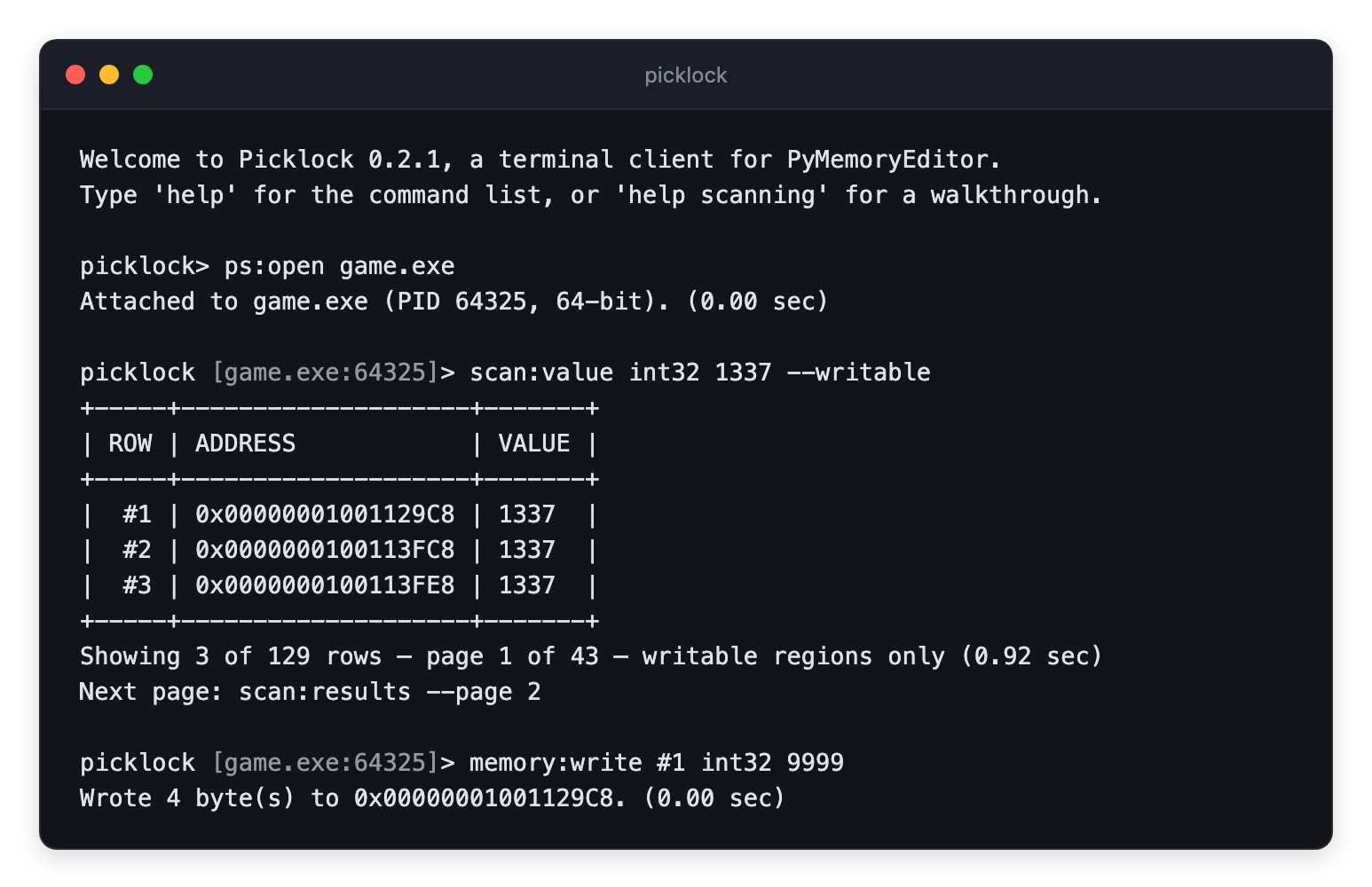
Read, write and scan the memory of a running process from any terminal.
Pure Python. It installs on a bare server as easily as on a desktop.


A terminal client for reading, writing and scanning process memory, on Windows, Linux and macOS.
pip install picklock
picklock
It uses PyMemoryEditor as its only dependency, so it can be used easily anywhere.
Full documentation lives at picklock.readthedocs.io — the scan cycle, address expressions, pointer chains, scripting, platform permissions, and every command's arguments.
| Quick start | Attach to a process, find a value, change it. |
| Scanning | The first-scan/refine cycle, AOB and regex scans. |
| Addresses | module+offset, dereferences, and #N scan rows. |
| Reading and writing | Value types, typed reads and writes, hex views and watches. |
| Pointers | Pointer scans, and the workflow that makes a path survive a restart. |
| Scripting | Non-interactive use, exit codes, JSON export. |
| Command reference | Every command and flag, generated from the code. |
| Permissions | What each OS wants before it lets you attach. |
| Troubleshooting | Scans that find nothing, chains that stop working. |
Use help to list Picklock's commands, and help <command> to get more details about one command.
Pull requests, bug reports and feature ideas are very welcome. Read CONTRIBUTING.md for the development setup, test layout and the small set of platform-specific quirks to be aware of.
Every read, write, scan and pointer walk is performed by PyMemoryEditor, the cross-platform memory library Picklock is built on. If you find Picklock useful, check out that one too — it is what makes any of this work on three operating systems at once.
Released under the MIT License — free for personal and commercial use.